
 Profile
 Dashboard
 Logout
Table of contents
Key takeaways
- A recording of a real team member shows visitors who they can contact. Test its effect on enquiries rather than assuming it outperforms an AI avatar.
- Real human video converts better than AI avatars because visitors can spot the difference, and that difference costs you money.
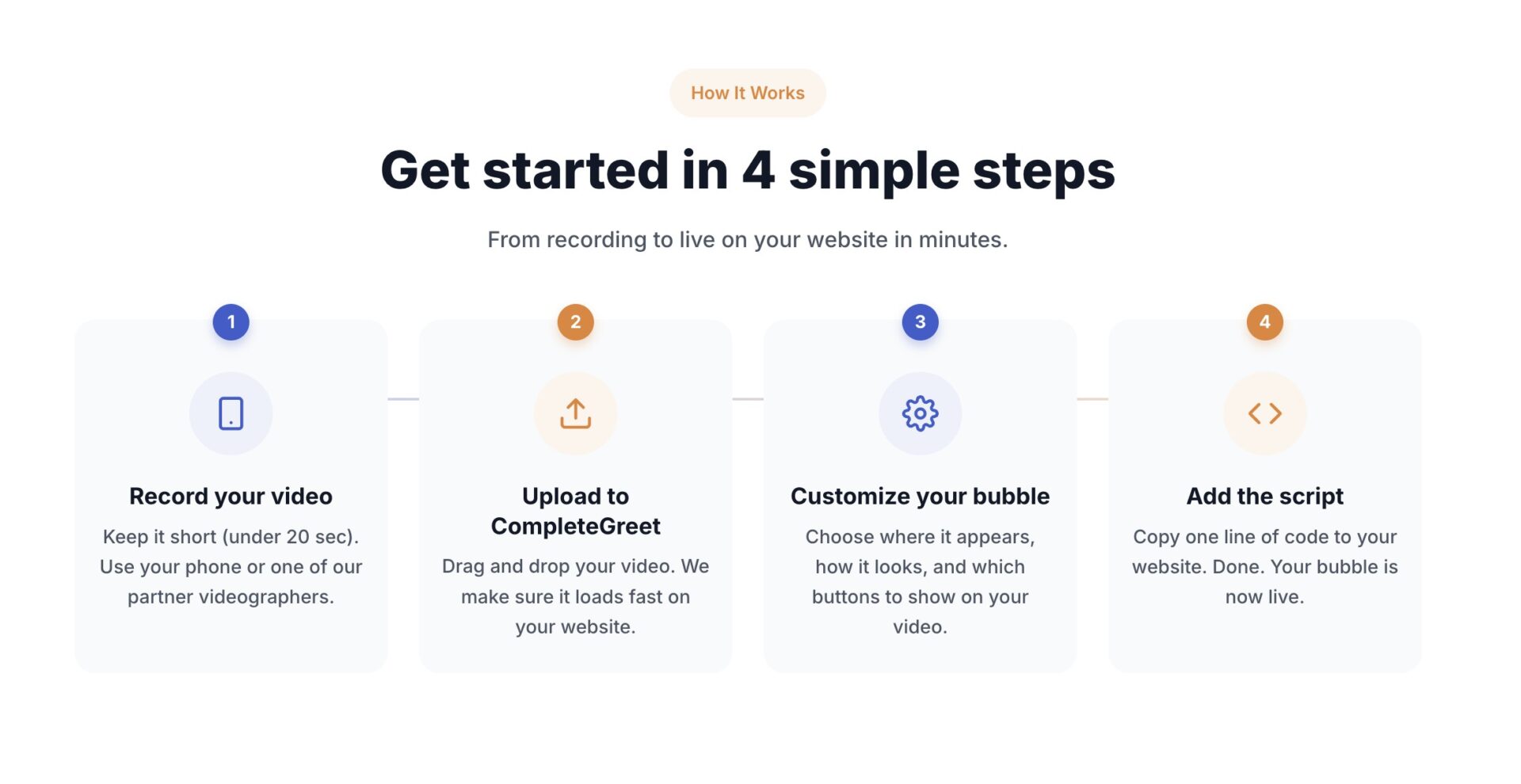
- Record a 30 to 60 second welcome video on your phone, upload it to CompleteGreet, copy one line of code into your website header, and the bubble appears instantly.
What does the data show about ai avatars vs real human video on your website?
A real recording and an AI avatar serve different purposes. The available CompleteGreet customer examples do not establish a controlled comparison between them.
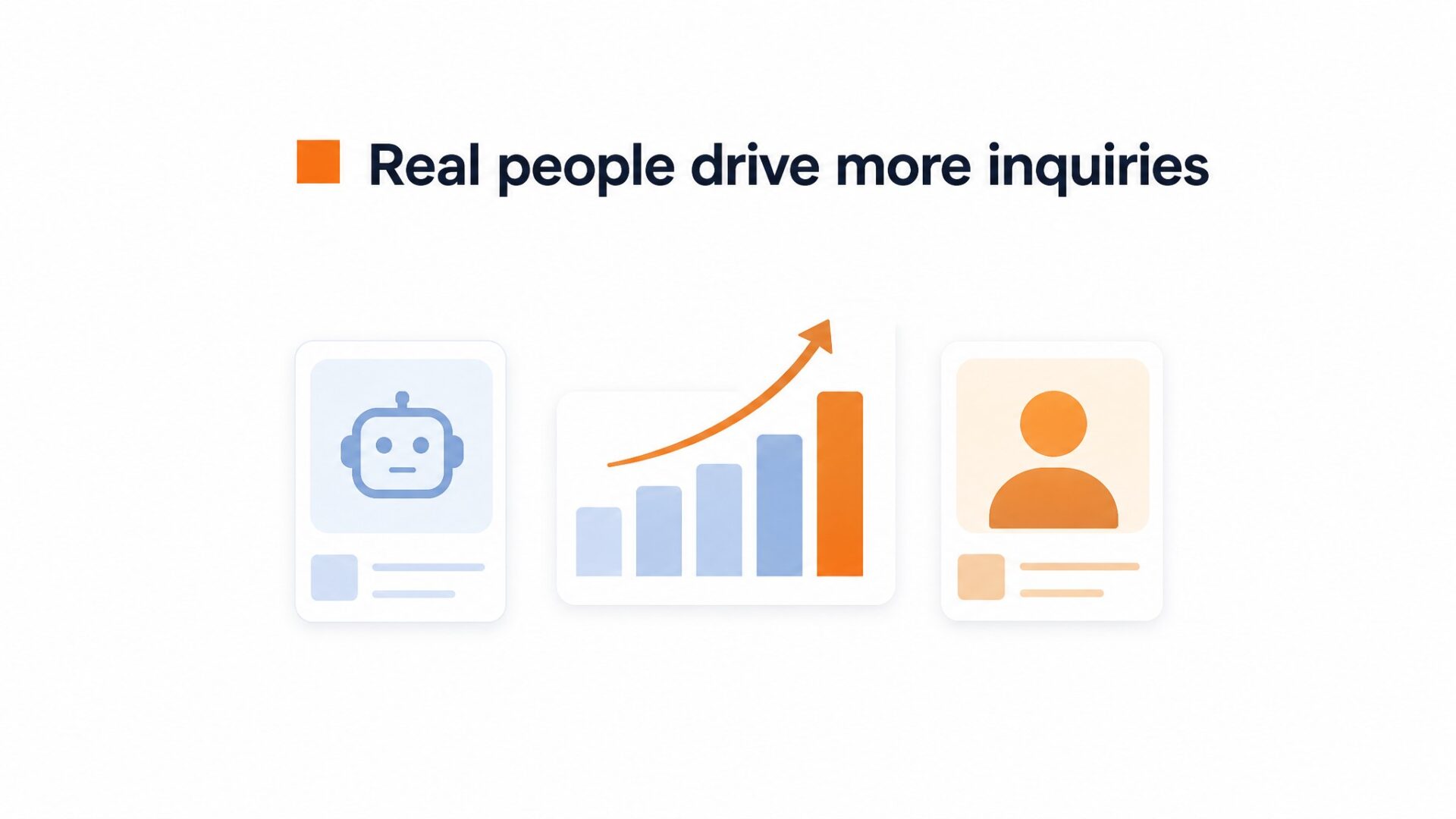
Compare the same message, placement and call to action when testing a real recording against an avatar. Count completed enquiries or bookings, not just video plays.
AI avatars look polished but visitors spot the uncanny valley quickly.
Real video carries subtle signals that algorithms cannot replicate: micro expressions, natural lighting shifts, and the slight imperfections of an actual human speaking to camera. These cues signal accountability. A visitor who sees your face knows someone stands behind the promise. An avatar signals automation, which can trigger skepticism about support quality or refund policies.
The available case material does not substantiate the clinic story, its unchanged page speed or a three-week booking result. A useful test would keep the message, placement and audience comparable while changing the presenter.
Why does ai avatars vs real human video on your website matter for your bottom line?
Real human video converts better than AI avatars because visitors can spot the difference, and that difference costs you money.
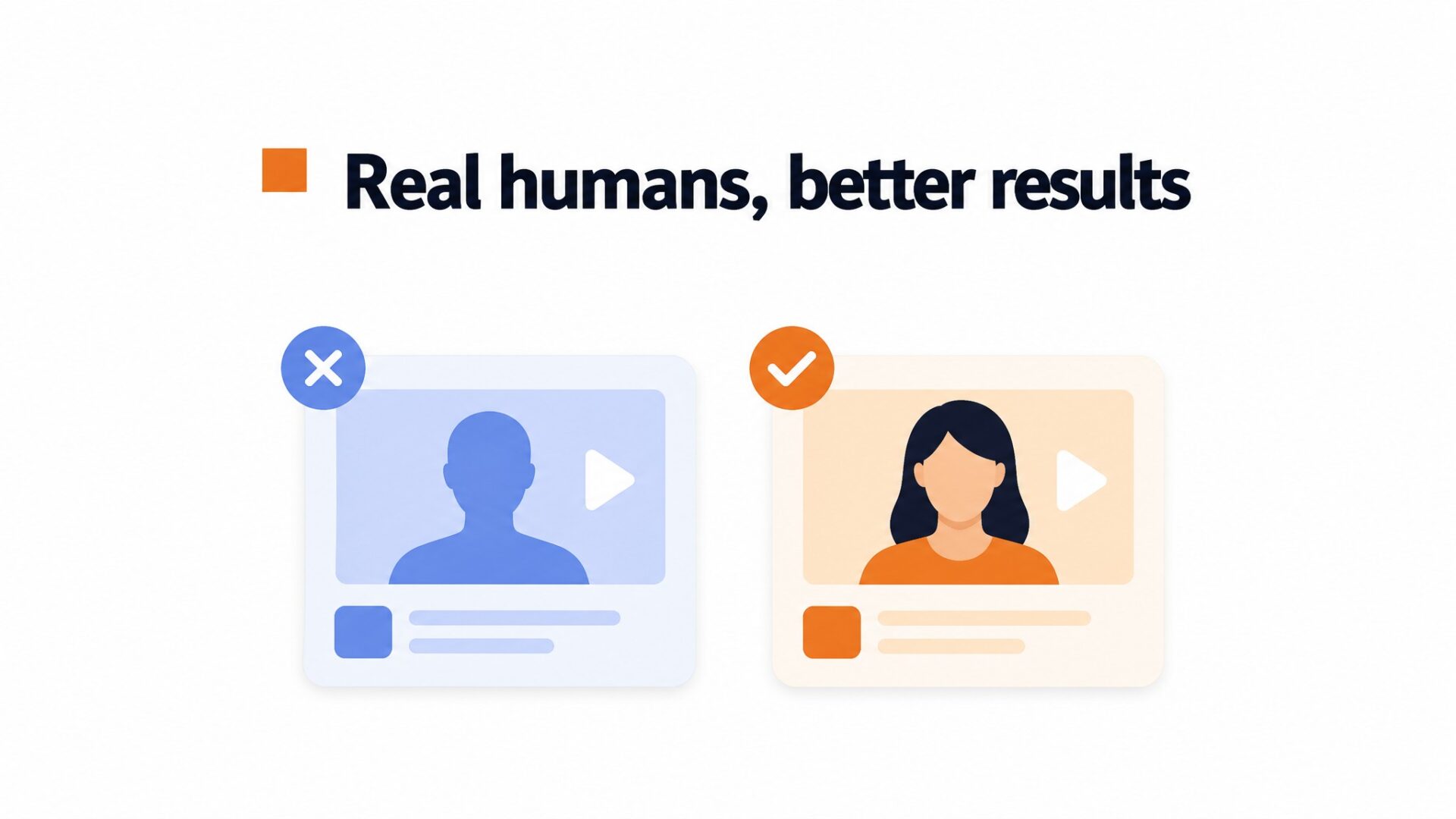
AI avatars look almost right but miss the micro expressions that signal authenticity. A human eye notices the slightly off timing, the synthetic skin texture, or the voice that sounds rehearsed even when the script is not. Visitors who suspect they are watching a generated face trust the message less, and that distrust carries straight to your conversion rate.
CompleteGreet’s customer examples show uses of video greetings, but they do not establish a reliable conversion uplift or the effect of switching from an avatar to a real person.
AI avatars save production time but cost you the trust premium.
For a hypothetical calculation, assume 10,000 monthly visitors and a 2% conversion rate: that gives 200 conversions. A 17% relative lift would add 34 conversions. With traffic and average order value unchanged, that would add $3,400 in revenue at a $100 order value, or $17,000 at $500. The 17% is an assumed scenario, not a measured or expected CompleteGreet result; revenue is not profit.
A real product explanation can show size, fit and function. To assess returns, compare refund rates and reasons for the affected products. The available evidence does not substantiate the merchant story or a return-rate reduction.
AI avatars work for background explainer content where the information matters more than the messenger. But for trust building, pricing page reassurance, and purchase decisions, real human video pays for itself. The setup takes the same time. The widget loads the same way. The only variable is whether the face on screen is someone your customer could actually meet.
How to set up your first video greeting in under 5 minutes
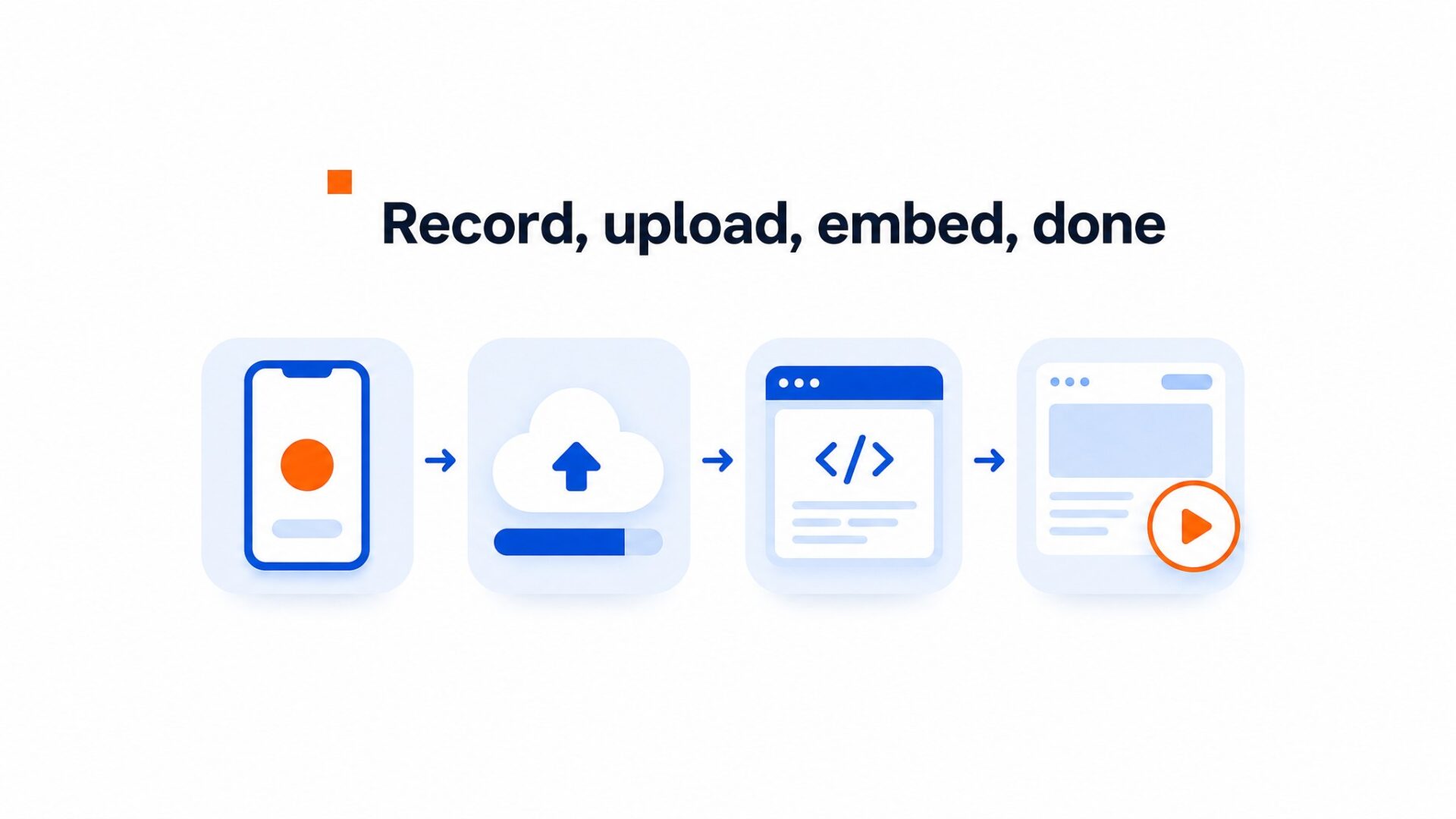
Record a 30 to 60 second welcome video on your phone, upload it to CompleteGreet, copy one line of code into your website header, and the bubble appears instantly. That is the entire process from start to finish. Most teams spend more time debating whether to start than actually doing it.
The fastest path to live
Do not overthink the script. Open with your name and role, state what you help visitors with, and end with one clear action. Something like “Hi, I am Sarah from support. If you have questions about sizing, click the button below and I will call you back within the hour.” Scripts longer than 60 seconds get skipped. Visitors want clarity, not your company history.
Upload happens through the dashboard or by importing directly from Instagram or Facebook. CompleteGreet compresses the file automatically, so a 50MB original becomes a 2MB web version that loads fast on mobile. The script snippet works on Shopify, WordPress, Wix, Squarespace, Webflow, WooCommerce, and plain HTML sites.
Where to place your first bubble
Placement matters more than production quality.
Start on your pricing or contact page where purchase hesitation is highest. The bubble sits in the bottom right corner by default, which keeps it visible without blocking navigation or checkout buttons. Set it to trigger after 3 seconds of page load on desktop and 5 seconds on mobile. This gives visitors time to scan the page before the greeting appears.
Avoid putting bubbles on every single page at first. One strategic placement beats five scattered ones. Teams that start with a single high intent page see better engagement rates than those who blanket the entire site immediately.
What to measure in week one
Track play rate, clicks on your call to action, and completed forms or bookings. Use eligible visitors as the denominator and compare equivalent groups before attributing a change to the video.
Use play rate and completed actions to investigate the experience. Low plays can reflect placement, visibility or audience interest; low clicks can reflect the offer or next step. Test one explanation instead of diagnosing the cause from a universal threshold.
Pricing and getting started
CompleteGreet BUILD is $29 per month when billed yearly, or $36 month to month, for 5,000 unique visitors per month, 1 website, and 2 bubbles or videos. You can compare plans if you need more visitor capacity or multiple sites. The 30 day free trial requires no credit card, so you can test the full feature set before committing.
Your result depends on the audience, message and placement. Decide what counts as a successful enquiry or booking before starting the test.
Common questions
Do AI avatars build as much trust as real human video on websites?
Real video lets visitors see the person behind the business. The available customer examples do not prove that it converts better than AI avatars. Compare the formats on your own audience using the same message and completed-action metric.
How much does CompleteGreet cost for adding video greetings?
CompleteGreet BUILD is $29 per month when billed yearly, or $36 month to month, for 5,000 unique visitors per month, 1 website, and 2 bubbles or videos. All plans include a 30 day free trial with no credit card required. The pricing stays flat regardless of how many times visitors replay the greeting or interact with the widget.
How long does it take to set up a video widget?
Most businesses get their first greeting live in under 5 minutes. The process involves uploading a video, choosing which pages it appears on, and copying a single embed code into the website header. Shopify, WordPress, Wix, Squarespace, Webflow, and WooCommerce all have native integrations that skip the code paste entirely. Custom HTML, React, and Vue implementations work with the same script tag.
What should I say in my first website video greeting?
Keep it under 30 seconds and name the visitor’s pain directly. Open with who you are, acknowledge what brought them to that page, and give one clear next step like booking a call or replying to the video. Record in natural light with a phone rather than scripting perfection. Audio quality matters more than video resolution because visitors will listen even when they cannot watch.
Will adding video slow down my website loading speed?
Properly implemented video bubbles load asynchronously so they do not block your main page content. Async loading keeps page speed scores clean. The widget script typically adds under 50 kilobytes to initial page weight and only fetches the video file after the page has rendered. Video files are served from a CDN to minimize latency regardless of visitor location.
Can I use AI avatars for some pages and real video for others?
CompleteGreet supports mixing both approaches across different pages or even different visitor segments. Some teams use AI avatars for high volume FAQ pages while reserving real video for pricing pages where purchase anxiety peaks. The platform lets you set URL specific rules so the right greeting appears on the right page automatically. The setup for each bubble takes the same 5 minutes regardless of content type.
Which website platforms support video bubble widgets?
CompleteGreet works natively with Shopify, WordPress, Wix, Squarespace, Webflow, and WooCommerce through dedicated app integrations. Custom HTML sites use a single script tag placed in the header. React and Vue implementations follow the same pattern with framework specific documentation available. The widget displays correctly on mobile and desktop without additional configuration.



