
 Profile
 Dashboard
 Logout
Table of contents
Key takeaways
- The best background for a founder video is either a solid neutral wall or a clean office space that keeps the viewer focused on your face, not your bookshelf.
- A distracting background can pull attention away from your message before the viewer has a chance to hear it.
- Most teams overthink the production and never ship.
How to Choose the Right Background for Your Founder Video
The best background for a founder video is usually a solid neutral wall or a clean office space that keeps the viewer focused on your face, not your bookshelf. The background does not close the sale, but a calm setting makes it easier to pay attention to your message.
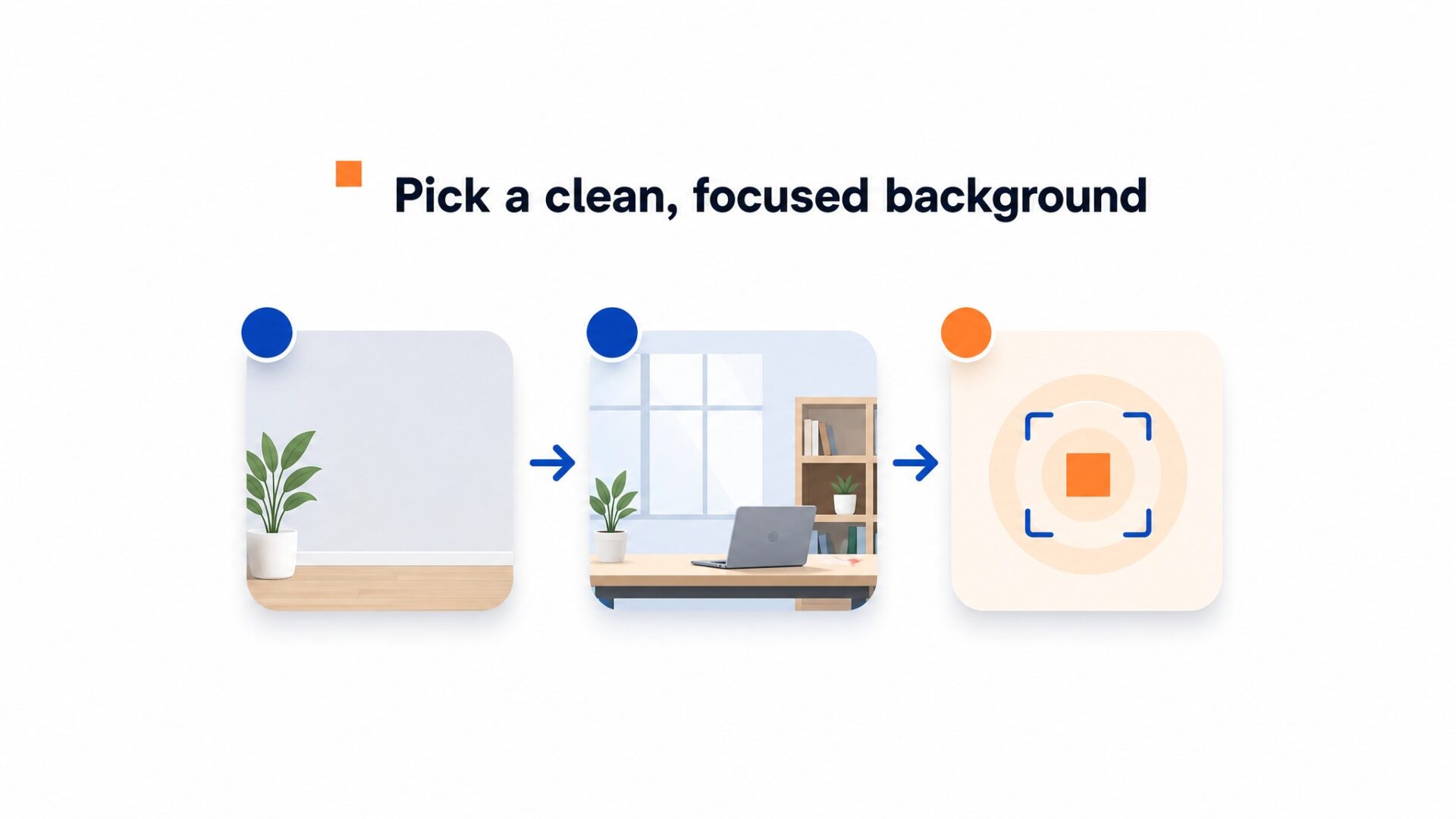
A cluttered background pulls attention away from the speaker.
Avoid open shelving, busy patterns, or anything that competes for attention. Solid colors such as soft gray, navy, or warm beige often work well because they keep the focus on the speaker. White walls can also work, but check the exposure so the wall and your face do not look too bright.
Avoid recording with a bright window behind you.
A bright window behind you can leave your face too dark while the camera exposes for the background. If your desk faces a window, try turning so the light reaches your face from the front or side. Record a short test because the best position depends on the room, the time of day, and your camera.
A cleaner setting and softer light can make the video easier to watch even when the script stays the same. Treat the background as part of the message, not as decoration.
Three traits separate good backgrounds from bad ones. First, they are static: no people walking behind you, no ceiling fans, no flickering screens. Second, they are relevant: a kitchen works for a food founder, a desk works for a SaaS founder, a workshop works for a craft business. Third, they are consistent: use the same spot for every video so returning visitors recognize the setting.
If you have no good options, use an inexpensive fabric backdrop or clear one wall completely. A blank wall is often easier to watch than a cluttered room. Test your setup by recording 10 seconds and watching it on your phone. If your eyes drift to anything other than the speaker’s face, simplify the background.
Why does how to choose the right background for your founder video matter for your bottom line?
A distracting background can make it harder for visitors to focus on the offer. It is worth fixing, but the background alone does not prove whether a video will convert.
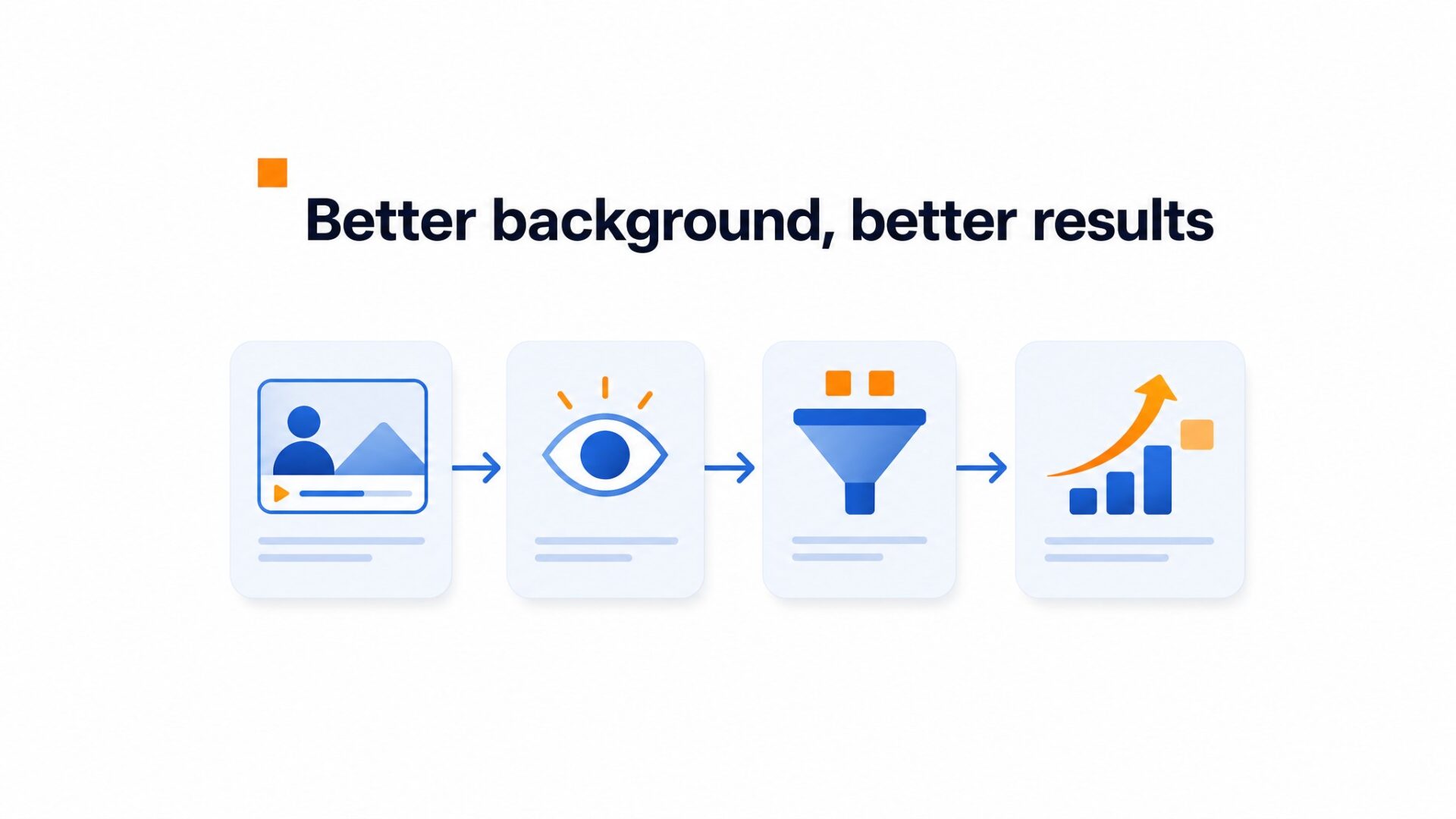
CompleteGreet’s published case studies report results for the whole video greeting setup, not for background changes alone. A controlled test is the only reliable way to isolate the effect of a new background on your own site.
Removing a messy bookshelf, window glare, or an unrelated object gives the viewer fewer things to process while you speak.
Check the result in your own analytics instead of assuming a cleaner background will produce a specific lift.
Compare the same video and offer before and after the background change whenever possible.
The background is still a practical part of the setup. Give it the same quick review you give the script, framing, and audio before publishing.
How to set up your first video greeting in under 5 minutes
Most teams overthink the production and never ship. The fastest deployments start with a smartphone video, a single sentence script, and the default bubble placement in the bottom right corner.
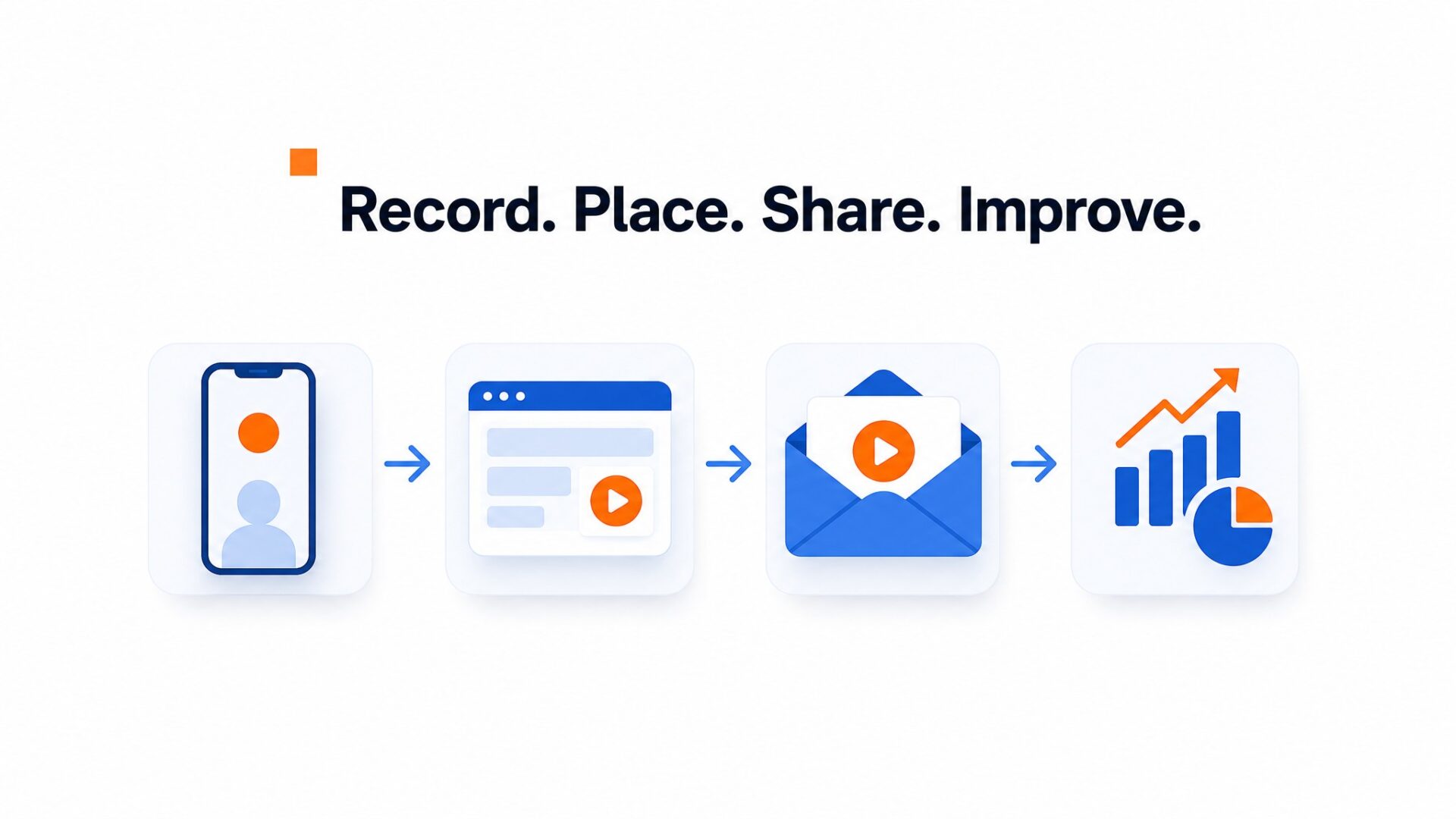
What to say in 30 seconds
Aim for 30 to 60 seconds and keep the video focused on one action. Introduce yourself by name, state what the visitor is looking at, and tell them what to do next. For example: Hi, I am Sarah. You are on our pricing page. If you need a custom quote, tap the button below and I will call you back today. That’s it. No long introduction or logo sequence.
Upload the file and let CompleteGreet handle video hosting and delivery. Preview the finished page on both mobile and desktop before sharing it.
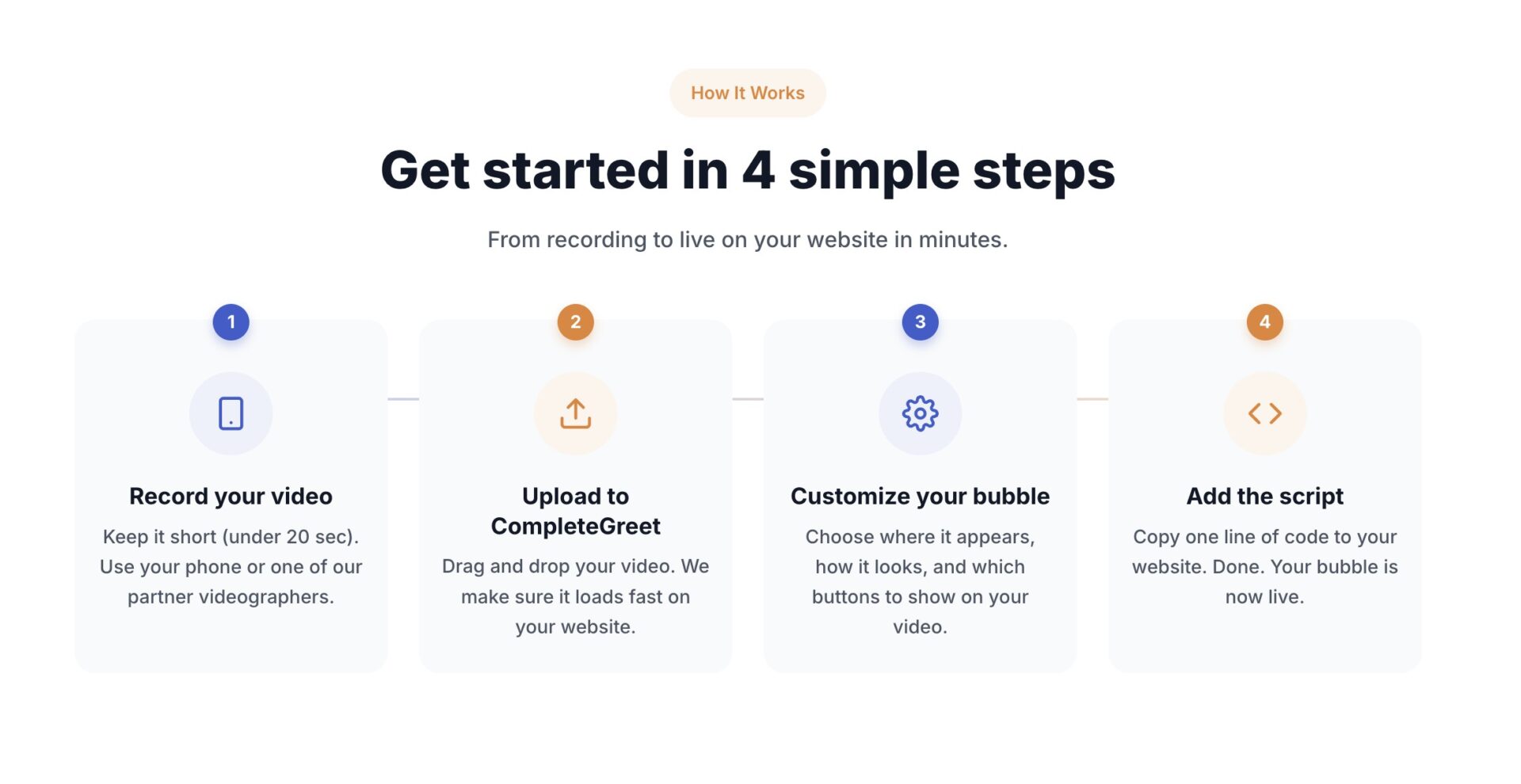
Where to place the bubble
Bottom right is a common starting point for a video bubble, but the right placement depends on the page. Preview it on mobile and desktop, then check that it does not overlap navigation, checkout buttons, cookie banners, or live chat.
On mobile, choose a thumbnail size that is easy to tap without covering important controls. Test a small screen as well as your own phone.
CompleteGreet supports delay and scroll based triggers. Start with a modest delay or a meaningful scroll point, then test the timing on the real page so the greeting appears without interrupting the visitor.
How to measure results
Measure two numbers. Check your view rate and your action rate. View rate is plays divided by page loads. Action rate is clicks on the embedded button divided by plays.
Use your own view and action rates to judge the greeting. See CompleteGreet customer results for examples of full video greeting implementations, but do not treat those results as a promise for a background change.
If the view rate is low, review the thumbnail, placement, page timing, and the relevance of the greeting before changing the script.
CompleteGreet BUILD is $29 per month when billed yearly, or $36 month to month, for 5,000 unique visitors per month, 1 website, and 2 bubbles or videos. That’s enough to test one greeting on your homepage and a second on your pricing page.
Give the greeting enough traffic before you judge it. A single day can reflect an unusual traffic mix, so review several days and compare similar periods when possible.
The background is one of the first things a viewer notices in a founder video.
A tidy setting supports the message. A busy or poorly lit setting can pull attention away from it.
Leave some space between yourself and the wall when the room allows it. Check that your face is clearly lit and that a bright window behind you does not leave you in shadow.
Neutral tones such as soft gray or beige are easy to work with in many rooms. A white wall is also usable when the camera exposure keeps both the wall and your face clear.
A tidy office, workshop, or textured wall can add useful context without stealing attention. Remove moving elements, strong reflections, and clutter that pulls the eye away from the speaker.
Testing background options does not require expensive equipment. Record 10 to 15 second clips in a few locations and compare them on the phone or computer your visitors are likely to use. Keep the setting that makes the speaker easiest to see and hear.
CompleteGreet handles video hosting and delivery. Google’s web performance guidance recommends avoiding unnecessary video downloads and loading video only when it is needed. Check the live page on mobile because a background that looks calm on a large screen can feel busy on a small one.
Common questions
What background works best for a founder video on a website?
A clean, uncluttered background is usually easier to watch than an elaborate set. Solid walls, bookshelves with breathing room, or a tidy office corner can all work. Busy patterns, bright windows behind you, and strong reflections may distract from the message. The goal is to look approachable and real, not like a news broadcast.
Should I use a green screen or film in my actual office for a founder video?
An actual office or workspace is usually the simpler option. Green screens need careful lighting and clean editing to look convincing. A real setting can also show useful context about you and the business, as long as it stays tidy and does not compete with your message.
Can I record a professional founder video with just my phone?
Yes. Current phones can record video that works well in a website widget. Place the phone near eye level, leave some space between you and the wall, and record in a quiet room. Test the lighting and audio before recording the final take.
How do I light my background so it does not look amateur?
Try facing a large window for soft natural light, and avoid placing a bright window behind you. If natural light is not available, test a lamp slightly above eye level and soften or bounce the light if it looks harsh. Check a short recording before you settle on the position.
How long should a founder video greeting be?
Start with 30 to 60 seconds. State who you are, what the visitor should do next, and why it helps them. If you need more time, split the message into separate steps instead of crowding several ideas into one greeting.
How much does it cost to add a founder video widget to a website?
CompleteGreet BUILD is $29 per month when billed yearly, or $36 month to month, for 5,000 unique visitors per month, 1 website, and 2 bubbles or videos. That covers most small business landing pages without overage fees. A 30 day free trial with no credit card required lets you test the setup before committing.
What should I wear to avoid clashing with my video background?
Avoid colors that match your wall exactly and test busy patterns before recording. Mid tone solids such as navy, grey, burgundy, or forest green can work against many office backgrounds. Very bright or very dark clothing may lose detail depending on the lighting, so check a short test clip first.



