
 Profile
 Dashboard
 Logout
Table of contents
Key takeaways
- CompleteGreet’s published case studies show positive engagement and conversion results, but they are not controlled product launch benchmarks.
- Shoppable video can place product information and an add to cart action next to the video while interest is high.
- Start with one format, one product, and one clear action, then use the dashboard to compare clicks, cart actions, and attributed purchases.
What the current data can and cannot tell you
CompleteGreet’s cases page publishes results from several video implementations, but it does not present them as product launch or shoppable video benchmarks.
The published results are useful examples, but they need the right context.
CompleteGreet’s cases page lists Merchshark with 70% higher customer engagement and a 17% higher conversion rate. These are separate implementations, not one pre launch experiment.
Those results show what CompleteGreet has published across different businesses. They don’t prove that a launch campaign will produce the same lift.
A launch page should make the next action obvious. With CompleteGreet shoppable video, product cards, pricing, and add to cart actions can sit next to the video, so visitors do not have to search for the product again.
CompleteGreet does not publish a launch specific benchmark for the number of products to show.
For a first test, one featured product gives you a cleaner comparison than mixing several offers into the same campaign.
The 17% figure on CompleteGreet’s cases page belongs to Merchshark’s full video implementation. It should not be attributed to a countdown timer, a waitlist, or a pre order campaign.
Video can support the period before, during, and after a launch. The useful question is which page and action the campaign needs.
Why use shoppable video before a product launch?
Before launch, shoppable video can show the product, price, and next action in one place. If checkout is not open yet, the same campaign can point viewers to a waitlist or early access page.
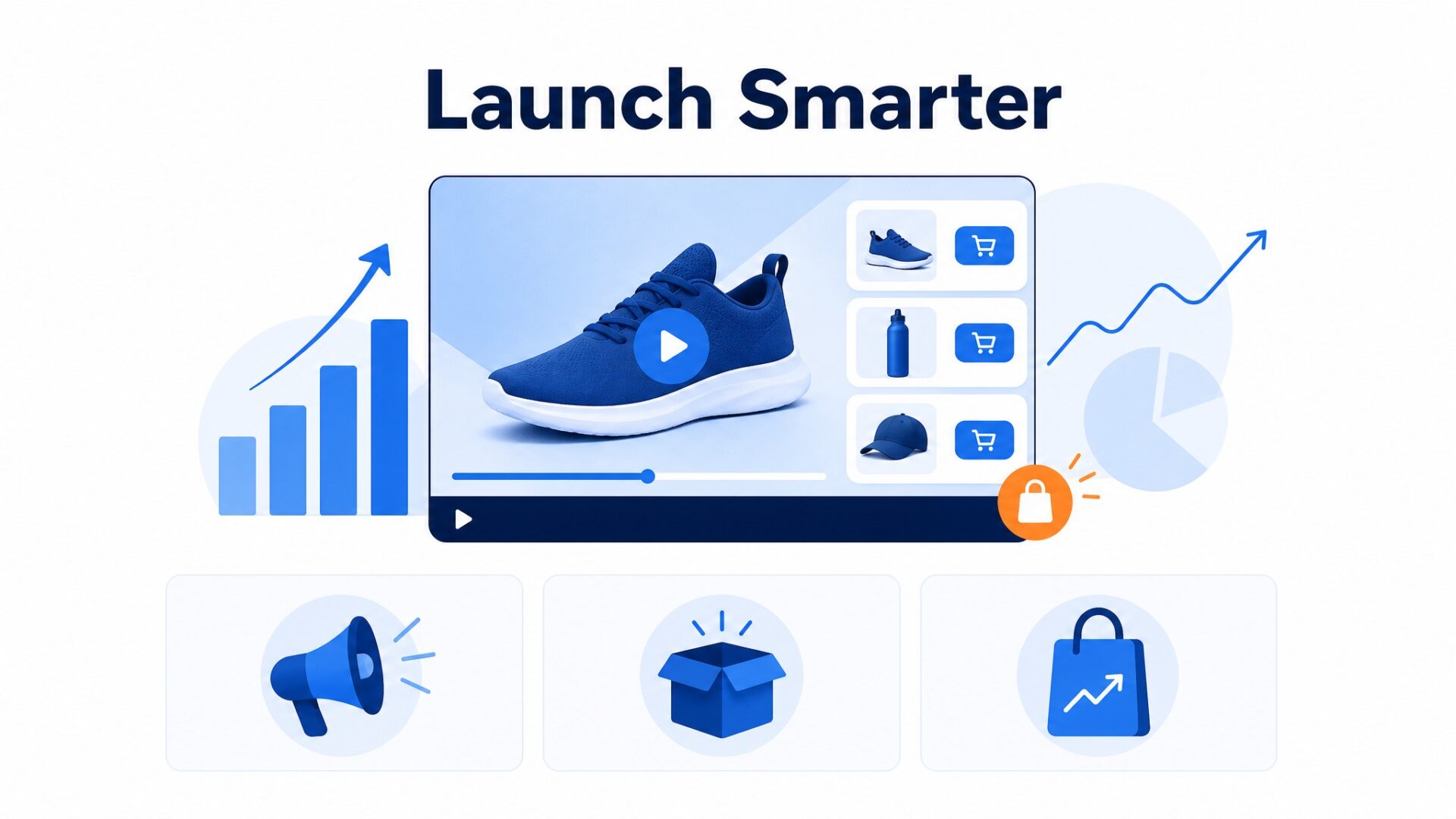
CompleteGreet’s current shoppable product is built for Shopify and WooCommerce. It supports product cards and add to cart actions through Carousel, Floating Bubble, and Popup formats. The dashboard tracks clicks, cart actions, and attributed purchases.
There is no published CompleteGreet benchmark that isolates shoppable video on pre launch pages, so use the live dashboard results from your own campaign.
For an early access page, decide whether the main action is joining a waitlist or buying. If the product is available, connect the video to the product and add to cart flow. If it is not available, use a clear waitlist action instead of implying that visitors can already check out.
A homepage can introduce the launch, but a dedicated launch page gives the video one job.
CompleteGreet currently offers Popup, Carousel, and Floating Bubble formats. Popup can focus attention on a launch, Carousel works on browsing pages, and Floating Bubble keeps the video available as people move through the store. Treat those as starting points and measure your own results.
How to set up your first launch video
CompleteGreet lets you publish a shoppable campaign for Shopify or WooCommerce. Choose a video, connect a product, select a format, and use the campaign embed or store integration for placement.
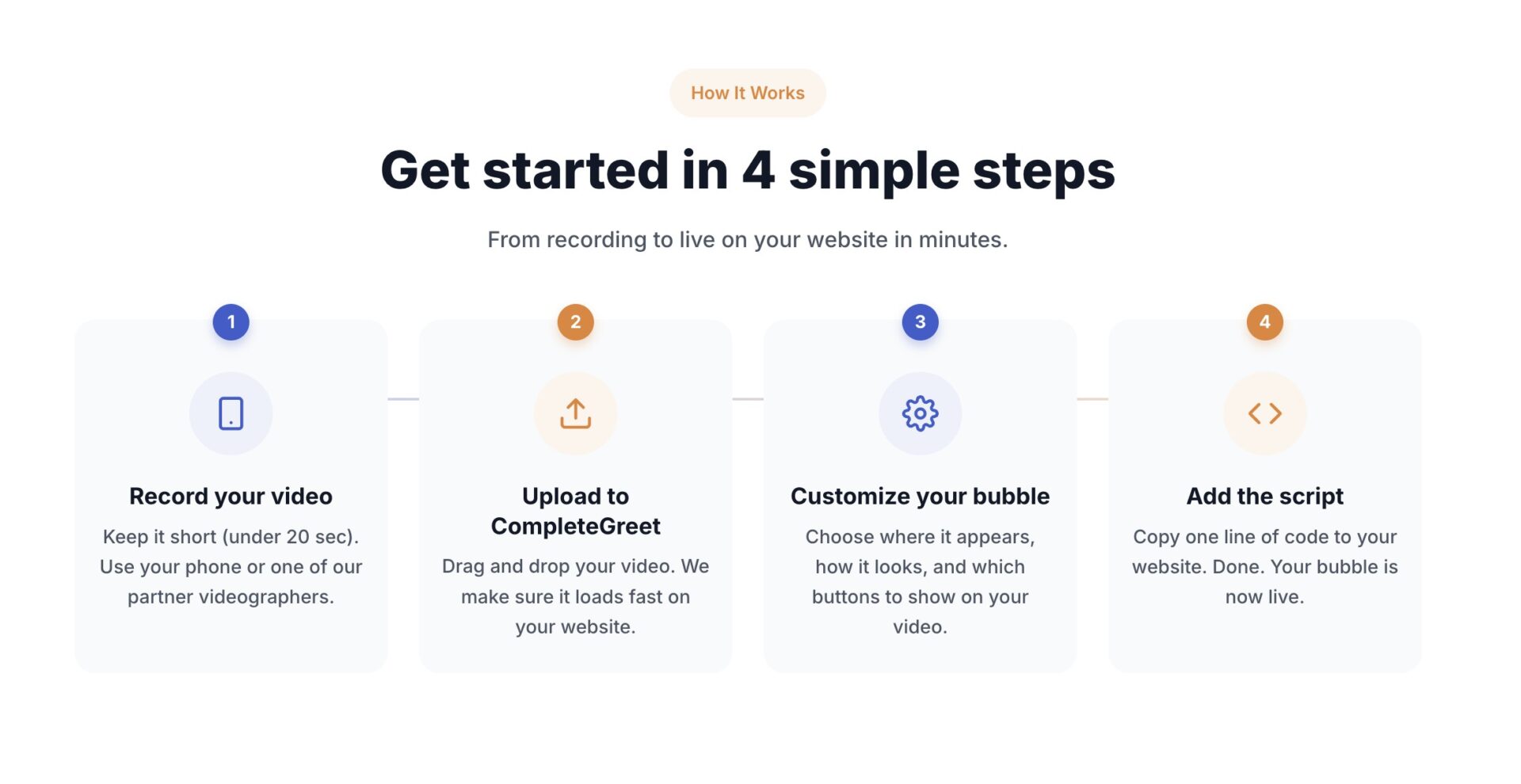
Record on your phone if you like. Keep the framing clear, show the product early, and cut any introduction that does not help the visitor understand the launch.
State your name, show what is launching, and give viewers one clear next action.
Match the format to the page. Carousel works where people browse several clips, Floating Bubble keeps a video available as they move through the store, and Popup can focus attention on a launch campaign. See ecommerce use cases for examples.
Test one placement first so you can compare the result before adding the campaign to another page.
Add one clear action. If the product is available, connect it to the add to cart flow. If it is not, point to a waitlist or early access page. Nielsen Norman Group recommends giving users control over video and making the opening concise.
After the campaign has enough traffic to compare, review views, clicks, add to cart actions, and attributed purchases. Do not treat CompleteGreet’s case study percentages as a forecast for your launch.
If results are flat, test the opening, format, page, and call to action one at a time.
CompleteGreet shoppable analytics records views according to the format and also tracks clicks, add to cart actions, and attributed purchases. There is no single three second play rule across every format.
If views are low, check whether the format appears on the right page and whether the opening is clear. If clicks are low, change generic button text such as Learn More to something specific such as Join the Waitlist or See the Collection.
CompleteGreet BUILD is $29 per month when billed yearly, or $36 month to month, for 5,000 unique visitors per month, 1 website, and 2 bubbles or videos. The plan also includes basic click and view tracking. CompleteGreet offers a 30 day free trial, and no credit card is required.
Don’t overthink the first version. A clear phone recording with decent lighting is enough to start. Review the results before spending on a polished production.
A pre launch campaign has a simple job: explain what is coming and give the visitor a useful next step.
If sales are open, connect the product and add to cart action. If they are not, use a waitlist or early access action that matches what the visitor can do now.
CompleteGreet does not publish a launch specific average for shoppable video performance. The figures on its cases page belong to separate businesses using broader video implementations.
Build the campaign around one primary result, such as waitlist signups, product clicks, cart actions, or attributed purchases. That makes the outcome easier to understand.
Do not multiply a case study result into a launch forecast. Use your current page as the baseline and compare the same metric after the video is live.
A practical setup is simple. Record a concise product explanation, mention the launch date only if it is fixed, add one clear action, choose the format that matches the page, and target the campaign to the relevant URL.
CompleteGreet BUILD costs $29 per month when billed yearly, or $36 month to month. It covers 5,000 unique visitors per month, 1 website, and 2 bubbles or videos.
Use the video to answer the questions that static launch copy leaves open, then give the visitor a clear route to the next step.
The 30 day free trial does not require a credit card, so you can test the setup before choosing a paid plan.
Common questions
How much does CompleteGreet cost for a single product launch site?
CompleteGreet BUILD is $29 per month when billed yearly, or $36 month to month, for 5,000 unique visitors per month, 1 website, and 2 bubbles or videos. A 30 day free trial with no credit card required lets you test the setup before paying.
How long does it take to add a shoppable video widget to a product launch page?
Setup time depends on the video and store connection. CompleteGreet shoppable video currently supports Shopify and WooCommerce. Choose a clip, connect a product, select a format, and publish the campaign through the store integration or embed.
What kind of engagement lift can you expect from adding video to a pre launch page?
CompleteGreet’s published cases are separate examples, not one launch benchmark. The cases page lists Merchshark with 70% higher customer engagement and a 17% higher conversion rate, while a hair salon case is listed with 42% more calls or bookings and 33% more time on site. Your launch result will depend on the product, traffic, page, and offer.
Does CompleteGreet work with Shopify and WordPress for product launch pages?
CompleteGreet shoppable video is currently built for Shopify and WooCommerce. The general video bubble supports a broader range of websites, but that should not be confused with the current shoppable store integrations.
Can you use CompleteGreet for shoppable videos, or is it only for greeting messages?
CompleteGreet supports both normal video bubbles and shoppable video. Shoppable campaigns connect products, prices, and add to cart actions to the video, while the store still handles checkout.
What analytics does CompleteGreet provide for a pre launch video campaign?
The pricing page lists basic click and view tracking. Shoppable campaign analytics also tracks product clicks, add to cart actions, and attributed purchases in the dashboard.
Is there a free trial to test CompleteGreet before a product launch goes live?
CompleteGreet offers a 30 day free trial with no credit card required. You can use that period to build the campaign, place it on the relevant launch page, and review the first click and cart data before choosing a paid plan.



