
 Profile
 Dashboard
 Logout
Table of contents
Key takeaways
- Visitors can form a first impression of a website in about 50 milliseconds, long before they read a full headline.
- The trust signals visitors actually look for are reviews with dates, a real address or phone number, and visible security badges on checkout pages.
- Video can put a human face in front of your visitor within seconds, and people process faces very quickly.
What makes a website feel trustworthy in the first few seconds?
Visitors can form a first impression of a website in about 50 milliseconds, long before they read a full headline. Research on immediate website impressions supports the idea that the first visual read happens fast. Layout, color consistency, and visual hierarchy all shape that first reaction.
A Danish hair salon called Frisor Sadon learned this firsthand. After adding a simple video greeting to their homepage, they saw 42% more bookings and visitors stayed 33% longer on average. The video did not change their service or prices. It just made the site feel human before anyone scrolled.
Three things drive that first impression.
Visual consistency matters early. Mismatched fonts, clashing colors, or crowded layouts can make the page feel neglected. Clean spacing and predictable navigation patterns do the opposite. They suggest someone organized runs the operation.
Faces change the feel of a page.
When a visitor sees an actual person early, the page feels less anonymous. This is why video website trust effects can be strong on landing pages. A static photo helps, but a brief greeting video signals real accountability. Someone stands behind this business.
Prototypicality plays a hidden role too. Sites that look like what visitors expect for that category feel safer. A law firm with playful graphics triggers doubt. A creative agency with sterile corporate design does the same. Match the visual language to the industry norm, then add one personal element that breaks the pattern slightly.
Many teams obsess over copy and miss the visual pre scan entirely.
Eye tracking research generally shows that visitors scan logos, navigation, headlines, and hero areas early. That first scan shapes whether the rest of the page feels worth reading.
Face processing research often points to the N170 response, which appears around 170 milliseconds after a face is shown. You do not need a studio setup to benefit from that. A real, well lit greeting from the business owner usually feels more specific than generic stock footage because it shows an accountable person.
Placement still matters. Put the personal proof close to the decision point: near the hero, the pricing section, the booking form, or the contact page. If the visitor has to hunt for proof that real people are behind the site, doubt has more room to grow.
Load speed acts as a hidden trust signal. A slow first screen makes a site feel neglected, even if the design is good. Keep the first visible content light, then let heavier video assets load after the page is usable.
Which trust signals matter most on a website?
The trust signals visitors actually look for are reviews with dates, a real address or phone number, and visible security badges on checkout pages. These elements answer three questions: have others succeeded here, can I reach a human if something breaks, and will my data stay safe.
Third party validation usually beats self promotion. A testimonials page with full names and photos feels stronger than anonymous quotes, and showing aggregate star ratings near pricing can reduce doubt right when purchase anxiety peaks. How video increases website conversions data shows that pairing these reviews with a short greeting video lifts inquiry rates by 42% in service businesses.
Contact transparency matters more than most teams assume.
A hair salon in Denmark added a simple video greeting showing the owner and their actual street address, then measured 42% more bookings and a 33% increase in time on site. Visitors who saw the face and location spent an extra 90 seconds browsing services before calling. That is the difference between a lead and a bounce.
Security indicators carry weight even for non commerce sites. The padlock icon and HTTPS in the URL bar signal that basic care has been taken, and displaying accepted payment logos near forms reduces abandonment even on free trial signups. Most visitors will not check your certificate, but they notice when it is missing.
Freshness signals tell visitors the business is active. Copyright dates in the footer should match the current year, and blog posts dated two years ago create doubt unless they are clearly evergreen resources. Even small freshness signals help. A current homepage photo, a recent review, or an updated case result tells visitors the business is still active.
Video fills gaps where other signals are thin. A SaaS company without hundreds of reviews can still show the founder explaining the product in 30 seconds, which can build more confidence than a static About page. The key is placement: a video widget saas teams use on pricing pages addresses objections before visitors hit the contact form, and the effect can be especially useful for visitors arriving from paid ads who have not yet formed any brand impression.
An interactive trust score calculator for websites. Count how many of these six trust signals you have to identify your trust gap level.
Quick Trust Score Calculator
Check the signals your website has to identify your trust gap
Trust Gap Classification
Real Results from Adding Video Greetings
Soccerplay.dk
Danish sports store saw 48% more inquiries and 26% longer time on site
Frisor Sadon
Danish hair salon measured 42% more bookings and 33% increase in time on site
Find din ppo.dk
Danish info platform reported 44% more inquiries and 28% longer sessions
See the static HTML data above for the full breakdown.
How does video help build trust faster than static text?
Video can put a human face in front of your visitor within seconds, and people process faces very quickly.

Text has a harder time doing this on its own.
Face processing research shows that people respond to faces very quickly. When a visitor sees an actual person speaking on your site, they can read cues like eye contact, vocal tone, facial expression, and movement. Static text offers less of that context. A video greeting creates accountability. The visitor knows someone real stands behind the business.
This is why personal branding with video often feels more specific than generic stock photography. A real business owner explaining their service in 30 seconds can show competence and approachability faster than another block of marketing copy. The visitor sees how the person moves, hears how they speak, and instinctively decides whether this is someone they want to work with.
Frisor Sadon, a Danish hair salon, measured 42% more bookings and a 33% increase in time on site after adding a video greeting from the salon owner. The video was not professionally produced. It was shot on a phone in natural light. The owner simply introduced herself and welcomed visitors to book. That casual authenticity outperformed their previous high, polish photography and text descriptions combined.
Soccerplay.dk, a sports gear ecommerce store, saw a 48% increase in inquiries after adding a video greeting. Their product pages already had detailed descriptions and specifications. The video added something those descriptions could not: proof that real people ran the store and stood behind the products. Visitors who watched the greeting spent 26% more time on the site, suggesting the video reduced their need to hunt for reassurance elsewhere.
The mechanism is straightforward. Video answers implicit questions that static text can leave open: Is this business still active? Do real people work here? Would I feel comfortable calling them if something goes wrong? A 30 second greeting can resolve those questions faster than another FAQ section.
Where should you place trust building video on your website?
Place trust building video where purchase anxiety peaks and decisions happen.
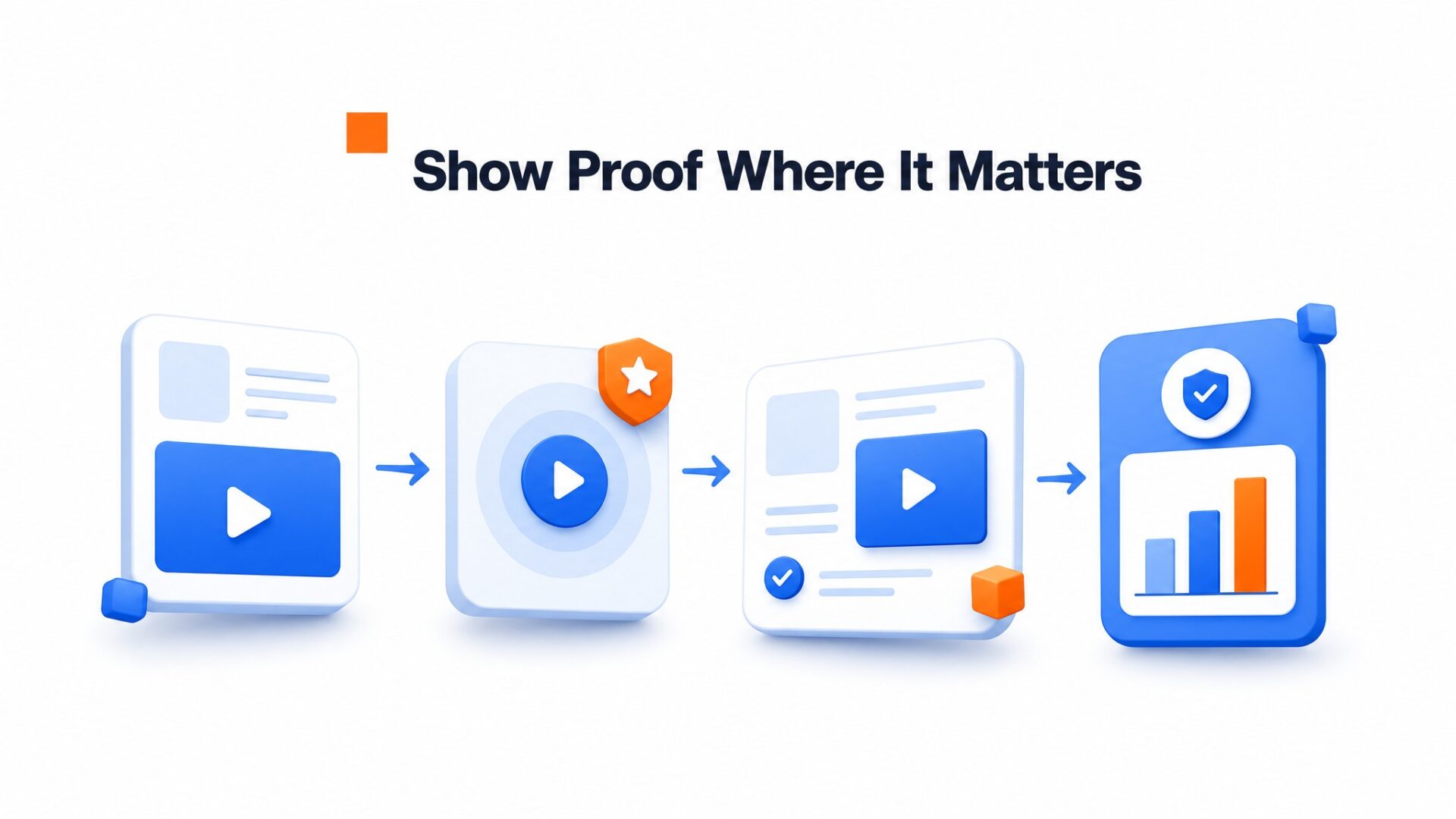
Landing pages and homepages are the obvious starting points, but they are not always the highest impact locations. Frisor Sadon, a Danish hair salon, placed its greeting video on the booking page rather than the homepage. They measured 42% more bookings and a 33% increase in time on site because the video addressed the specific hesitation of committing to an appointment.
Pricing pages can work well with video.
Visitors on pricing pages are evaluating whether the value matches the cost. A short greeting from the founder explaining who the product serves and why the price is structured the way it is removes the guesswork. Many teams skip this placement and lose high intent visitors who were ready to buy but needed one final reassurance.
Checkout pages need a different approach.
Place a reassurance video here that answers “What happens after I pay?” and “How do I get help if something goes wrong?” Keep it under 15 seconds. The goal is to reduce cart abandonment, not to pitch harder.
About page and contact page placement
The About page is where visitors go to verify there are real people behind the business. A video greeting from the team here has higher completion rates than text bios because it answers the unspoken question: “Who would I be working with?”
Contact pages can also benefit from video. When a visitor sees the face of the person who will read their message, the form stops feeling like a black hole. Measure roi video widgets by tracking form completions before and after adding video to this page specifically.
Most widget tools let you set position offsets by device type, and a quick adjustment prevents the frustration of a covered checkout button.
Start with one high traffic, high intent page. Track conversions for two weeks. Then expand to secondary pages once you have baseline data showing the lift.
Website trust is not a vague quality. It breaks down into specific signals visitors process before deciding whether to stay or leave.
The following framework scores these signals into bands and shows where video can help a site move from weak to stronger credibility.
Seven signals are worth checking: verified contact details, a clear headline that matches visitor intent, professional imagery without stock clichés, recent timestamps on content, genuine customer proof, visible security credentials, and page speed.
Scores divide into three simple bands. Low scores suggest critical trust gaps where visitors may leave quickly.
The middle range shows mid level trust where visitors may browse but hesitate to act. Higher scores reflect stronger alignment.
Video functions as a rapid escalation tool for sites in the bottom two bands. When Find din ppo.dk added a personal greeting, inquiries rose 44% without changing any other site element. The platform handles the technical deployment while the business owner supplies the authentic face and voice that static pages cannot replicate.
Sites in the weak or mid range often benefit most from adding video to high intent pages like pricing and contact forms. The 30 second video greeting format respects visitor attention while delivering the human proof that text blocks cannot convey.
Trust gaps rarely fix themselves through design tweaks alone. The gap between moderate and strong credibility often requires a more human layer.
Across six CompleteGreet implementations, personal video greetings averaged roughly a 53% increase in inquiries. CompleteGreet starts at $29/month when billed yearly, or $36 month to month, leaving the business owner to focus on recording the message rather than building the widget from scratch.
Common questions
How much does CompleteGreet cost for a small business website?
CompleteGreet starts at $29/month when billed yearly, or $36 month to month, for 5,000 unique visitors with a 30 day free trial that requires no credit card. The pricing scales by monthly unique visitors, not by video plays or minutes, so a service business getting 3,000 monthly visitors pays the same flat rate regardless of how many times visitors replay the greeting.
How long does it take to add a video greeting to a Shopify store?
Most Shopify stores get CompleteGreet live in under 10 minutes. Install the app from the Shopify App Store, create your video widget in the dashboard, copy the embed code, and paste it into your theme header. The video bubble appears immediately on your live storefront. The same single embed code process works across WordPress, Wix, Squarespace, Webflow, WooCommerce, and custom HTML sites.
What kind of results can I expect from adding a video widget to my website?
Measured results vary by industry, but Danish implementations show clear patterns. Soccerplay.dk, a sports gear store, saw a 48% increase in inquiries and 26% longer time on site. Frisor Sadon, a hair salon, measured 42% more bookings and 33% more time on site. Find din ppo.dk, an information platform, recorded 44% more inquiries and 28% longer visits. These effects are strongest on pricing and contact pages where purchase anxiety peaks.
Where is the best place to put a trust building video on my homepage?
Place your video greeting above the fold where visitors can see it without scrolling. The bottom right corner works best for most layouts because it does not block navigation or primary calls to action. Avoid placing video bubbles over checkout buttons or form fields. On mobile, position the widget so it stays visible but does not cover text visitors need to read.
Does CompleteGreet work on WordPress and Wix?
Yes, CompleteGreet supports WordPress, Wix, Shopify, Squarespace, Webflow, WooCommerce, React, Vue, and any custom HTML site. The setup process is identical across platforms: paste a single JavaScript embed code into your site header or an HTML block. WordPress users can add the code via a header script plugin or theme custom code settings. Wix users paste the code into the Custom Code section of their site dashboard.
Can I use one CompleteGreet account on multiple websites?
Standard CompleteGreet plans include one website per account. If you run multiple sites, you need separate plans for each or an Enterprise plan for unlimited websites. This is a deliberate tradeoff: CompleteGreet is built for focused trust building on individual sites rather than managing dozens of properties from one dashboard. Enterprise accounts get a personal success advisor and custom onboarding as part of the package.
How do I measure if my website video is actually building trust?
Track four metrics: time on page, scroll depth, form completion rate, and inquiry volume. A trustworthy video keeps visitors on the page longer and encourages them to read more content. Set up before and after measurements for at least two weeks to account for traffic fluctuations. CompleteGreet includes basic click and view tracking in all plans, though you should pair this with Google Analytics for full conversion data.
What makes a video greeting more trustworthy than just text?
Faces are processed quickly, and a real person on video can signal accountability: there is an actual human behind the business who stands by the offer. Text can explain intent. Video can show it. The effect is strongest when the person in the video looks directly at the camera and speaks clearly about what the visitor should do next.
Do I need professional equipment to record a website greeting video?
No. A modern smartphone and natural window light produce better results than expensive cameras in poor lighting. Audio quality matters more than video resolution, so record in a quiet room or use a basic lapel mic. Keep the background clean and uncluttered. The most important factor is authenticity, not production value. Visitors trust a genuine greeting more than a polished but obviously scripted corporate video.



