
 Profile
 Dashboard
 Logout
Table of contents
What matters
- Online shoppers can’t feel the fabric, check the fit, or judge how a garment moves.
- A video widget is a small floating bubble that opens a larger video greeting when a shopper taps it.
- Product pages are often the first place to test a fashion video.
Why do fashion ecommerce websites struggle with trust?
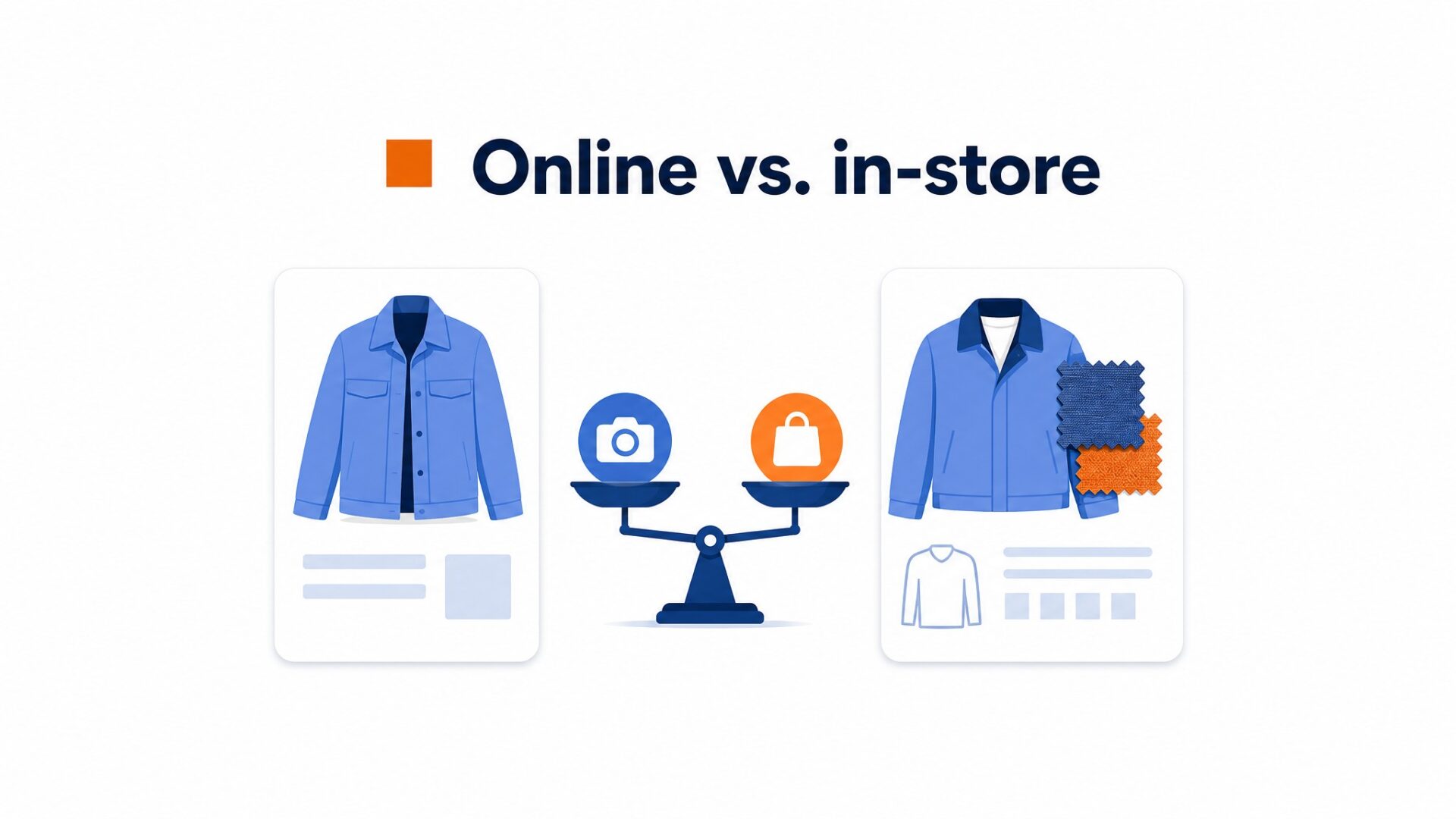
Fashion is a high risk purchase and nobody is there to answer the doubt. A shopper can feel the fabric, check the fit, and judge the quality of a jacket in a store. Online they get a photo and a size chart, and that gap is where trust falls apart.
Baymard Institute’s current roundup puts the average online shopping cart abandonment rate at 70.22 percent across 50 studies. It isn’t fashion specific. In Baymard’s 2025 survey, extra costs were the most common avoidable reason, while 13 percent cited an unsatisfactory returns policy.
Most fashion stores answer that doubt with more photos and a longer description. That is the wrong instinct.
A product page doesn’t get long to answer a shopper’s questions. Still images show color and shape, while a short video can also show how the fabric drapes and moves on a real body.
This is not a small brand problem either. The same trust gap hits established labels with polished catalogs because the risk is about the purchase, not the brand. A first time visitor may still wonder whether the color shown on screen matches what arrives.
Nielsen Norman Group’s eye tracking research found that people often scan web pages in an F shaped pattern. Exhaustive word by word reading is rare during initial research, so important product and trust information should be easy to scan.
There is a second layer most teams miss. A fashion shopper may be deciding between two similar products on different sites. The choice can come down to which store feels safer to buy from, not only the garment.
That is why trust deserves deliberate attention. Video can’t replace good photography, sizing, or returns information, but it can answer questions those elements leave open.
How do video widgets work for fashion ecommerce brands?
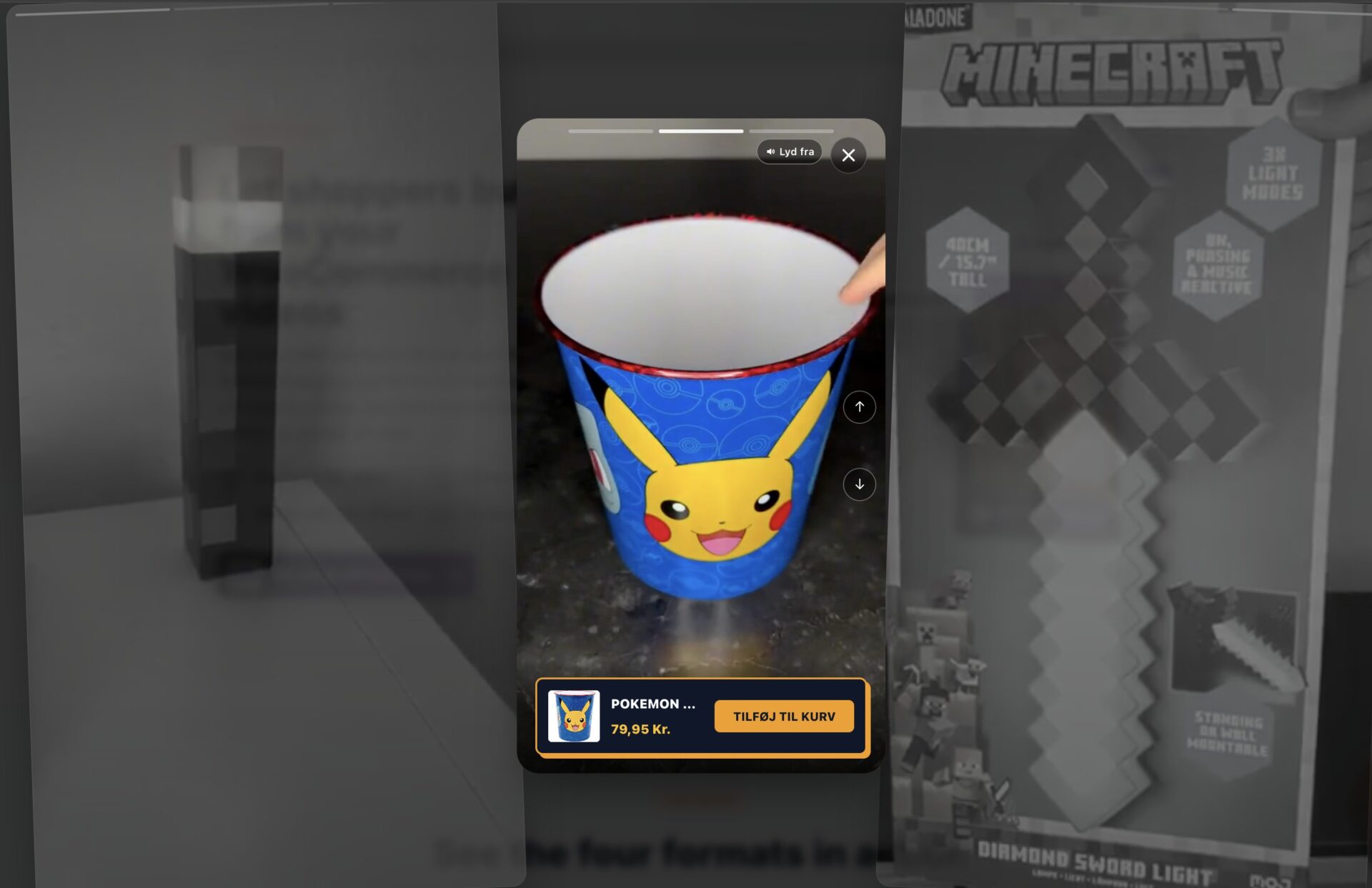
A video widget is a small floating bubble that opens a larger video greeting when a shopper taps it. For fashion, the value is simple. Still photos can’t show how a fabric drapes, how a hem moves, or how a jacket sits on real shoulders. A short clip can.
The bubble works best where hesitation peaks. Product pages are the obvious spot, since that’s where a shopper decides whether the item will look right on them. The homepage is another option, where a quick brand intro can set the tone before anyone scrolls.
Keep the greeting focused. Show one fit, fabric, or styling point and end with a clear next step. Thirty seconds is a useful starting point, then use view and click data to adjust.
The button text should tell shoppers what they will get. “See the real fit”, “watch this dress move”, “ask about sizing”, and “view the styling video” are clearer than a generic “watch now” label.
A corner bubble can be useful across product pages because it stays available while a shopper compares sizes or colors. A static embed can still make sense when the video belongs beside one specific product detail.
Don’t force the video to do everything. Use it to answer one question per placement, then give the shopper a clear action. A sizing video that ends with a link to the size guide is more useful than a brand film that ends nowhere.
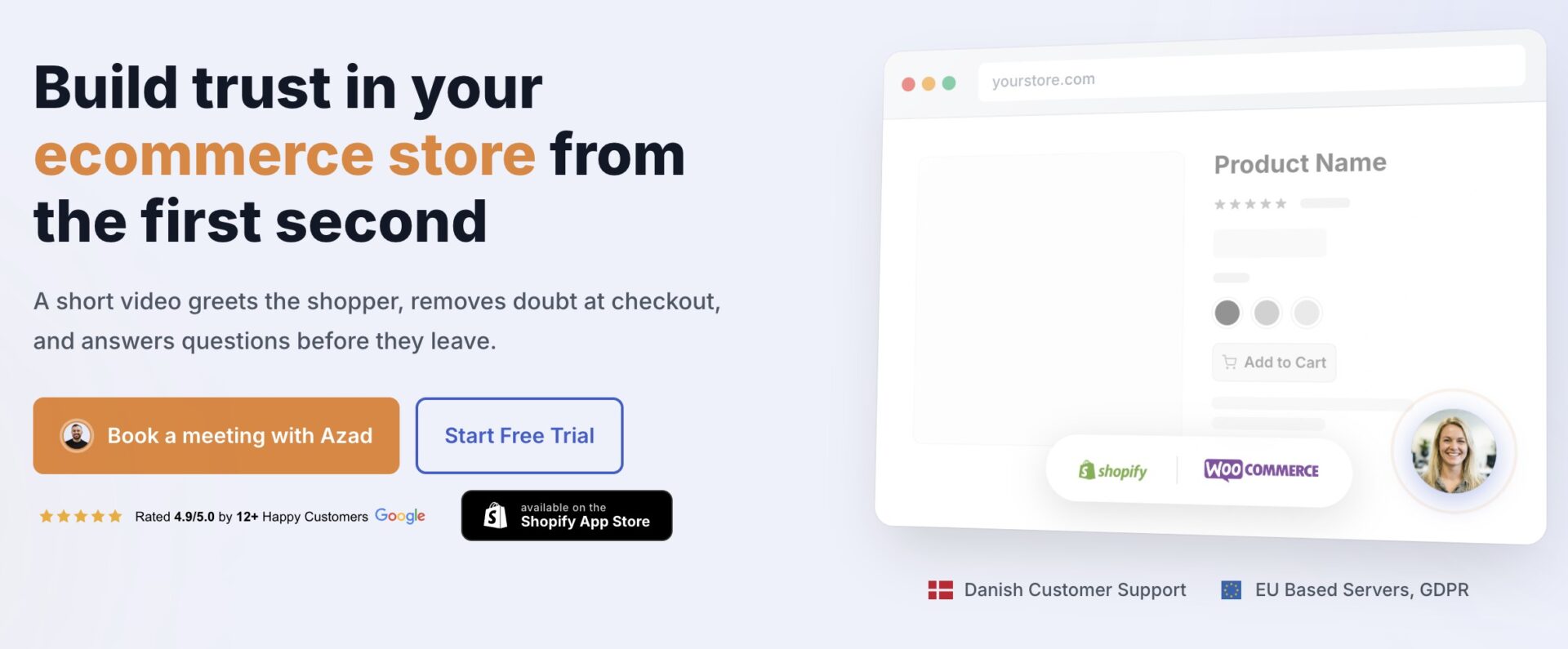
CompleteGreet’s ecommerce use cases show where video can sit on a store. The bubble stays out of the way until a shopper chooses to open it.
Where should you place video on a fashion ecommerce website?
Product pages are the first place I would test fashion video. A short clip can show how a dress drapes on the model and how the fabric moves, details a static image may not capture.
Product pages and checkout
Put the video near the size and fit information, not buried at the bottom of the page. Shoppers scroll to the size guide when they are close to buying, and that is exactly when a fit video matters most.
Checkout can be another useful placement. A short reassurance video can explain return terms or delivery timing, but it should support the written details rather than replace them.
Baymard’s 2025 survey found that 13 percent of respondents who abandoned for an avoidable reason cited an unsatisfactory returns policy. Explain return costs and timeframes plainly in both text and video.
Homepage, category, and about pages
Homepage video is worth one spot, no more.
A single hero clip that shows the season’s collection in motion sets the tone. But resist stacking video across every hero, carousel, and banner. On a fashion store the product is the hero, so the homepage video should lead people toward the collection, not try to sell a single item.
Collection and category pages can carry a short brand story about fabric sourcing or the design process. That gives shoppers context before they open a product. CompleteGreet’s ecommerce use cases include homepage, product, and checkout examples.
The about page is useful when shoppers are researching the brand’s ethics, sizing approach, or sourcing. A founder video can answer those questions before someone contacts support.
The right placement depends on the question the video answers. On product pages, fit content can sit near the size guide and add to cart button. At checkout, delivery or returns information can sit near the shipping notes.
Choose the placement around a shopper’s question, not simply where a video fits the layout.
What results have similar businesses measured?
CompleteGreet’s published cases currently cover ecommerce stores, a salon, and an information platform, but no fashion specific case. Treat them as examples, not a forecast for a fashion store.
The Merchshark case lists 70 percent customer engagement and a 17 percent conversion rate increase. Shopsmukkere lists 43 percent customer engagement and a 19 percent conversion lift.
Soccerplay lists 48 percent customer engagement and a 26 percent increase in time on site. Greengoing lists 70 percent customer engagement and a 21 percent increase in time on site.
Frisør Sadon lists 42 percent more calls or bookings and a 33 percent increase in time on site. These are published customer results, not controlled experiments.
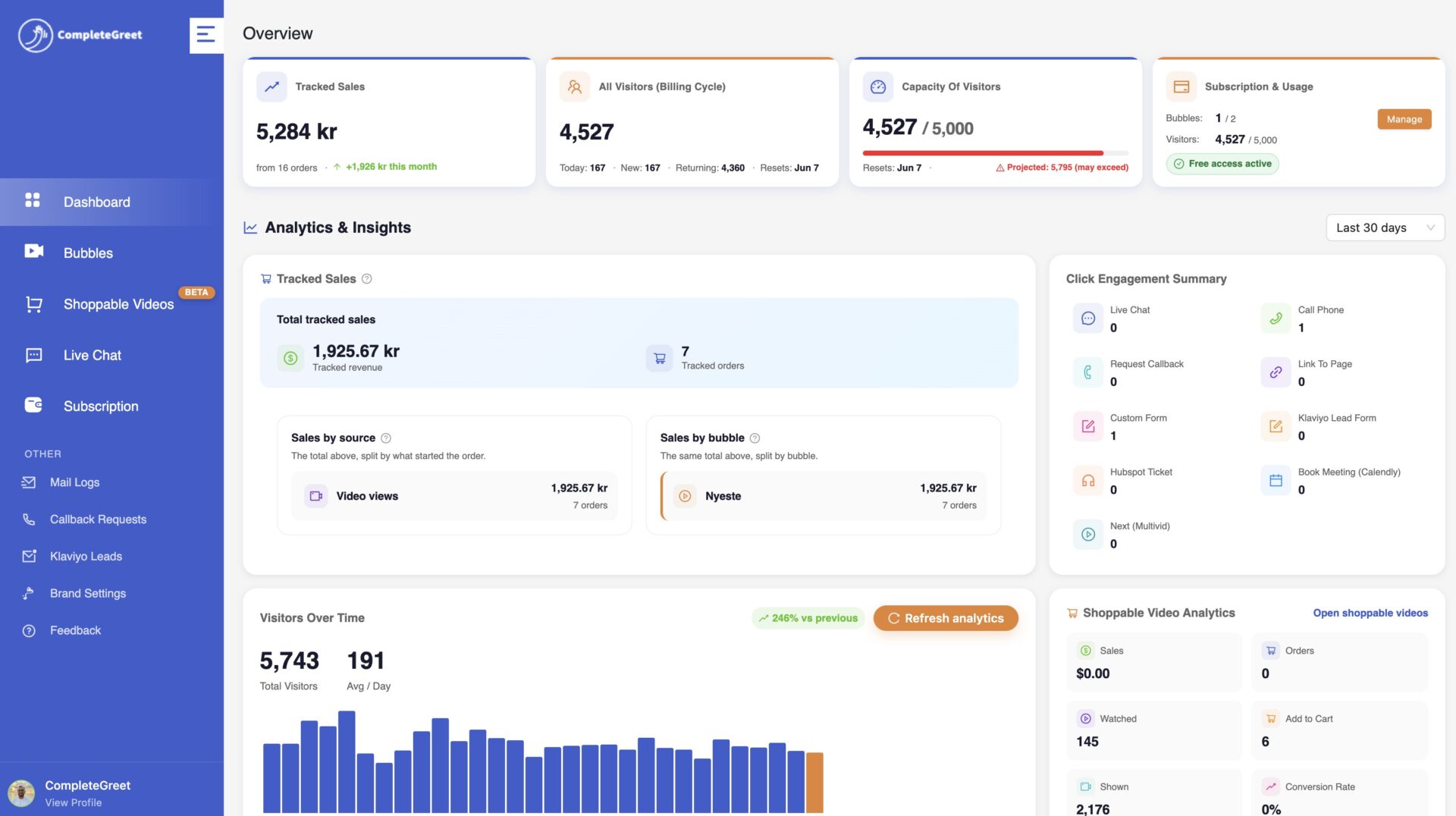
These cases use different metrics, so they shouldn’t be averaged into one benchmark. For a fashion store, track product page clicks, add to cart rate, conversion, and returns separately.
Set a baseline before you install. Record your current inquiry rate and time on site for a week, then compare after 30 days. Watch the play rate in the dashboard, not just the raw view count. A bubble that gets played by a solid share of visitors is earning its place.
See real customer results to review the published figures and business types.
The data below uses CompleteGreet’s current public pricing and case pages. The case figures cover several business types, not six fashion stores.
These figures are meant to help with budgeting and expectation setting. They are not a guarantee, but they offer a practical baseline for a typical fashion store.
CompleteGreet pricing for fashion ecommerce brands
CompleteGreet BUILD is $29 per month when billed yearly, or $36 month to month, for 5,000 unique visitors per month, 1 website, and 2 bubbles or videos. That entry plan fits a fashion store with modest traffic.
GROWTH is $59 per month with yearly billing or $74 month to month. EXPAND is $99 with yearly billing or $124 month to month. The site also offers a separate 30 day free trial with no credit card required.
How to read the published results
The published cases use different measures, including customer engagement, time on site, conversion rate, and calls or bookings. They don’t support one combined inquiry average.
The ecommerce examples include a 17 percent conversion rate increase for Merchshark and a 19 percent conversion lift for Shopsmukkere. A salon case lists 42 percent more calls or bookings. These are published customer results, not controlled experiments.
Video widgets add JavaScript, so measure page speed before and after installation. Google’s Web Vitals guidance recommends an LCP of 2.5 seconds or less at the 75th percentile of page loads on mobile and desktop.
A fashion store with up to 5,000 monthly unique visitors can start with BUILD at the current yearly billed price of $29 per month. The published case results are not a forecast for an individual store.
For a first time visitor, place a video bubble on product pages and measure the change in time on site after two weeks. The 30 day free trial covers that test without a credit card.
Common questions
Will a video widget slow down my fashion store’s product pages?
Any third party script can affect performance, so test before and after installation. CompleteGreet loads its widget script asynchronously and can show bubbles on selected URLs, but that doesn’t guarantee a particular page speed score.
How much does a video widget cost for a fashion ecommerce brand?
CompleteGreet BUILD is $29 per month with yearly billing, or $36 month to month, for 5,000 unique visitors per month, 1 website, and 2 bubbles or videos. Plans are based on unique visitor capacity rather than video play count.
Where should a fashion brand place its video greeting?
Start with the product page and size guide. The product page video can show fabric drape and movement that still photos cannot. A size guide video can also demonstrate how to measure before ordering.
Does video on product pages actually reduce returns?
It can help shoppers judge fit, stretch, color, and movement before ordering, which may reduce expectation gaps. It doesn’t guarantee fewer returns, so compare return reasons and rates before and after adding video.
Can I install a video widget on Shopify or WooCommerce?
Yes. CompleteGreet supports Shopify, WordPress, WooCommerce, Wix, Webflow, Squarespace, and custom HTML sites. Shopify has a dedicated app, while the other listed platforms use a small header script. Setup time depends on the store and platform.
How is video widget pricing calculated, by views or by visitors?
CompleteGreet plans are based on unique visitors per month, not video plays. Replaying a greeting doesn’t turn one visitor into several visitors, so the billing measure is easier to predict than a play based model.
What results have similar fashion businesses measured?
CompleteGreet’s current case page lists ecommerce examples with 17 and 19 percent conversion increases. Other published cases use engagement, time on site, or calls and bookings. None of the current cases is identified as a fashion store, so use your own baseline rather than a combined average.



