Profile
 Dashboard
 Logout
Table of contents
Key takeaways
- Most fitness websites look like they were built from the same template: stock photos of smiling people who clearly don’t train at that gym, generic testimonials without names or photos, and equipment shots that tell visitors nothing about the actual experience.
- Video widgets place a small video bubble in the corner of your website that plays a pre recorded greeting when visitors click or scroll.
- Four pages matter most for fitness sites: the homepage, services page, pricing page, and booking page.
Why do Fitness Studios and Personal Trainers websites struggle with trust?
Most fitness websites look like they were built from the same template: stock photos of smiling people who clearly don’t train at that gym, generic testimonials without names or photos, and equipment shots that tell visitors nothing about the actual experience.
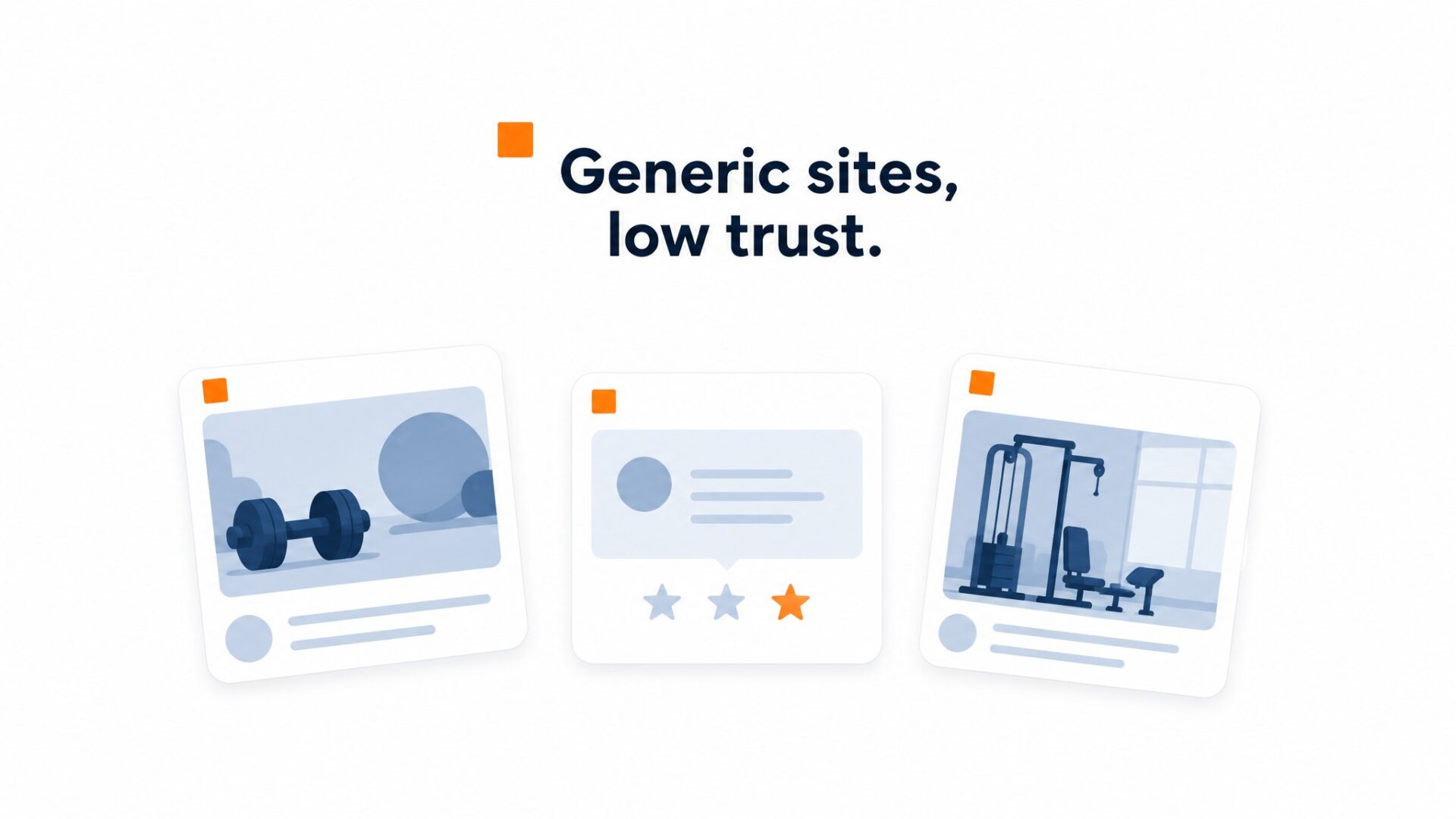
The problem is intimacy.
Training is personal. Clients trust you with their bodies, their time, and often their self esteem. A static website with a paragraph about “our mission” and a contact form does not bridge that gap. Visitors cannot tell if you are the right coach or just another generic studio with a monthly special.
Local competition is fierce.
Someone searching for personal training in your city sees ten similar websites with the same promises. CrossFit boxes, yoga studios, and independent trainers all blend together. Without something that shows your actual personality, your teaching style, or your facility’s energy, visitors default to the cheapest option or no decision at all.
Before and after photos help, but they raise skepticism too. Visitors wonder if the results are real, if the person in the photo actually trained with you, or if it is a stock image from a supplier. Text bios do not solve this either. A paragraph about “10 years of experience” is easy to write and impossible to verify.
The core issue is that fitness services are high trust and high commitment. A visitor might spend $200 to $500 per month for months or years. That decision requires confidence you cannot build with generic copy and a photo of a treadmill.
How do video widgets work for Fitness Studios and Personal Trainers?
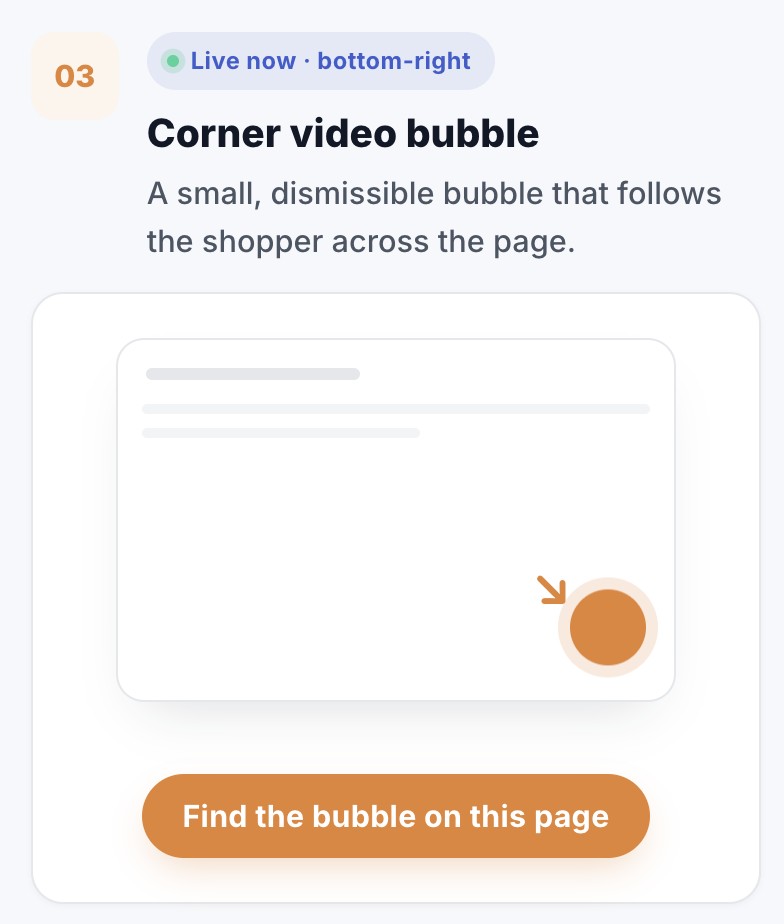
Video widgets place a small video bubble in the corner of your website that plays a pre recorded greeting when visitors click or scroll. The bubble stays visible as visitors browse, so you can greet them on pricing pages, class schedules, and trainer bios without interrupting their flow.

Three placements generate the most inquiries for fitness businesses.
On your pricing page, a 30 second clip explaining membership tiers or package differences reduces hesitation before visitors hit the booking button. A trainer explaining “what is included” in each tier outperforms text lists because potential members can see your energy and facility in motion.
Your class schedule page is where intent peaks. Visitors who find a time slot they like are seconds away from booking. A bubble that opens with “Found a class? Let me answer any questions before you reserve” captures that moment and turns browsers into confirmed attendees.
About pages and trainer profiles work differently than pricing. Visitors here are evaluating whether they trust your team. A short video introducing yourself or your head trainer builds familiarity faster than headshots and bios. Most studios see longer session times on these pages when a video bubble is active.
The CTA buttons inside your widget matter more than most teams realize. Generic “Contact Us” buttons underperform in fitness. Buttons like “Book a Free Consultation,” “Reserve My Spot,” and “Claim My First Session Free” match the visitor’s immediate goal and push them toward action.
Calendar integrations are where most setups stumble. If you are using Calendly, Acuity, or another booking tool, you need to check that the widget’s z index does not block your calendar overlay. The video bubble should stay behind the booking modal, not cover it. This is a 30 second adjustment in your dashboard settings, but skipping it frustrates visitors who cannot click your time slots.
Mobile behavior requires its own check. On phones, your bubble should sit in the bottom right corner where thumbs can reach it, and it should never cover your sticky “Book Now” button. If your mobile menu or booking CTA gets hidden, you will lose conversions you never knew existed.
Video length for fitness greetings should stay under 60 seconds. Attention spans drop sharply after 45 seconds, and you want visitors to finish your clip while still on the page. Record in a well lit corner of your actual studio, not against a plain wall. Background activity, equipment, and natural lighting signal authenticity in a way stock footage never can.
One technical detail saves headaches: compress your video before uploading. Raw phone footage often exceeds 50MB, which slows page load times. CompleteGreet automatically compresses uploads, but starting with a smaller file helps. Aim for 5 to 10MB max before you hit the upload button.
Where should you place video on a Fitness Studios and Personal Trainers website?
Four pages matter most for fitness sites: the homepage, services page, pricing page, and booking page. Most teams get the first two right. They skip the last two and lose the highest intent visitors.
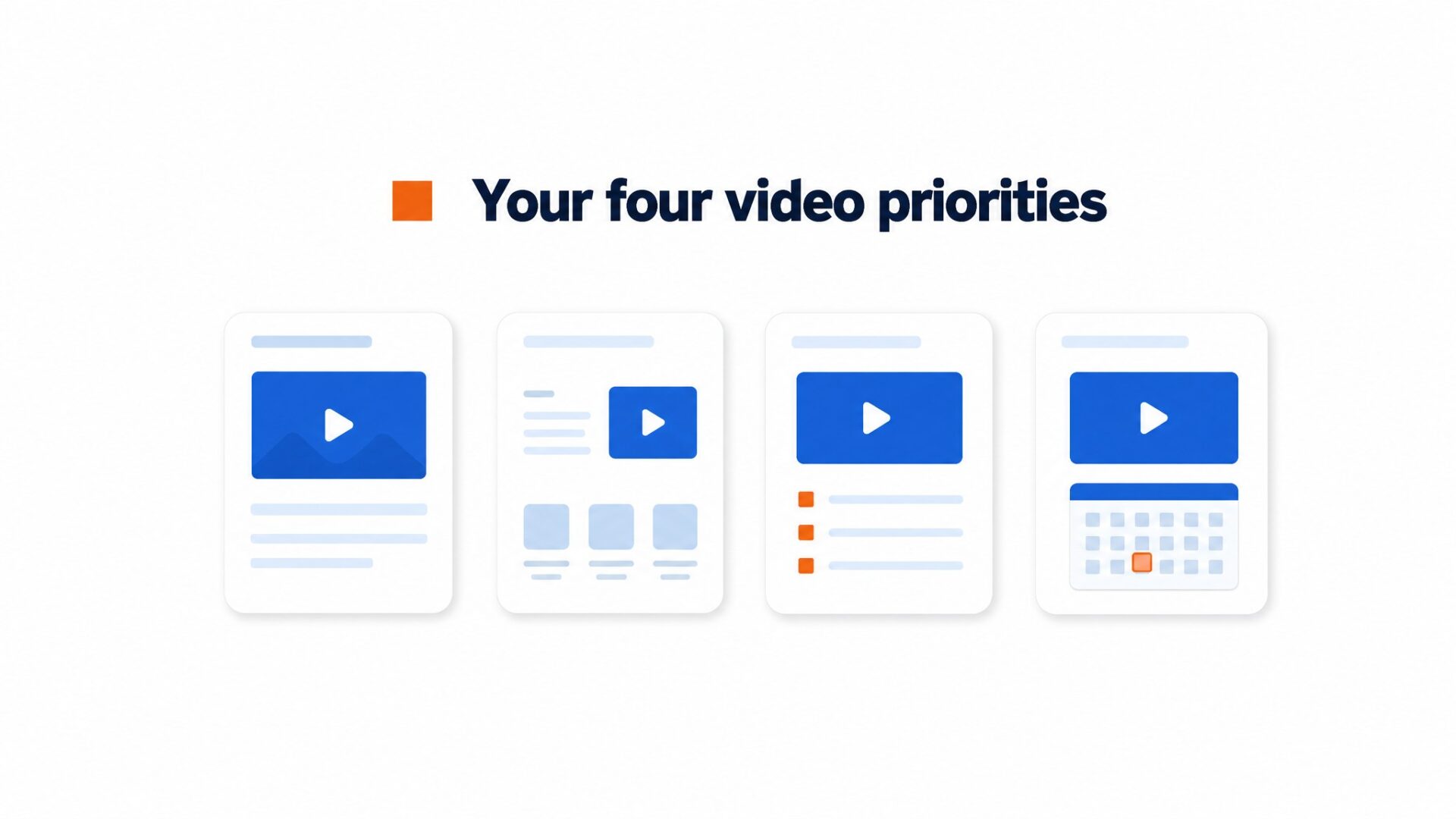
Homepage and about page
First impressions form here. A 20 to 30 second clip of the head trainer welcoming visitors and showing the floor does more than stock photos ever will. Keep it low on mobile. It should not block navigation. Set it to autoplay muted. If the visitor scrolls within three seconds, the bubble should not follow them down the page. That behavior annoys people.
Services and class descriptions
A visitor reading about HIIT or Pilates is already interested. A short clip of an actual class in progress answers the real questions. How big is the group? How hard is the workout? What is the energy like? Text cannot communicate sweat and community. Place the bubble so it appears after the visitor has been on the page for 8 to 12 seconds, not immediately. Immediate popups feel like interruptions.
Pricing and membership plans
Trust matters most here. Visitors are doing math and looking for a catch. A video from the owner explaining membership tiers, cancellation policy, and what is included can remove ambiguity. That hesitation costs conversions. Across CompleteGreet case examples, customer engagement and booking metrics improved when video was added to high intent pages. Pricing pages are high intent because visitors are already comparing cost and commitment. One local service business measured a 42% booking increase after adding a video greeting.
Contact and booking flows
Hesitation lives on the booking page. A personal trainer explaining what happens in the first session, what to bring, and how to prepare can cut missed appointments and cancellations. Preparation removes fear. Add a direct booking button inside the widget so the visitor never leaves the page. If the form is on a separate page, more people leave before finishing.
Most teams skip the pricing and booking pages because they worry about distraction. The opposite is true. Visitors on those pages are already sold on the idea of training. They just need a nudge past the final hesitation.
What results have similar businesses measured?
Across CompleteGreet’s public case examples, customer engagement and booking metrics improved by 17% to 70%, depending on the business and page. One local service business measured a 42% booking increase after adding a video greeting.
Time on site climbed between 21% and 33% in the public case examples that list that metric.
Fitness studios can see this effect most clearly on class pages and trainer profiles. Visitors who watch a 30 second introduction are more likely to stay, read schedules, check pricing, and view instructor credentials. One implementation recorded a 17% conversion rate lift after adding a video greeting to the site.
You can usually see the early direction within a few weeks if your booking software tracks trial or intro class bookings before and after the widget install. The 42% booking figure comes from a local service business, so use it as a benchmark rather than a promise for every studio.
That business used a video bubble with a direct Calendly integration.
Not every business hits the top end of that range. Results depend on video quality, placement, and whether the call to action matches what the visitor actually wants. A generic welcome video on the homepage helps less than a trainer introduction on the “Meet Team” page with a booking button attached. See customer examples from similar industries to benchmark your own expectations.
Fitness studios and personal trainers operate on thin margins where every software cost must map directly to new client acquisition. Understanding the pricing structure and visitor limits of video widget platforms prevents overage surprises during high traffic periods like January or September enrollment rushes.
The data below breaks down CompleteGreet BUILD plan costs and gives you a simple formula for calculating your effective price per qualified visitor.
CompleteGreet BUILD costs $29 per month when billed yearly, or $36 month to month, for 5,000 unique visitors monthly. This equals roughly 0.6 cents per visitor on the yearly plan assuming you hit the limit.
To estimate your actual cost per lead, divide your monthly platform fee by the number of inquiries the widget generates. If the platform drives a 50 percent inquiry increase and you normally receive 40 leads monthly, you would pay $29 for approximately 20 additional prospects.
Validate your plan size against your traffic history.
A studio paying $29 monthly needs just one new client every three months to break even on the platform cost assuming a $100 session package. If the widget brings even a few extra qualified leads, the subscription can be easy to justify. The exact payback depends on your close rate and package price.
Start with the BUILD plan and monitor your unique visitor count during your next promotional push. If you consistently exceed 5,000 visitors, upgrade to GROWTH before the next billing period to avoid service interruptions.
Common questions
How much does CompleteGreet cost for a fitness studio with around 3,000 monthly website visitors?
CompleteGreet BUILD is $29 per month when billed yearly, or $36 month to month, for 5,000 unique visitors per month, 1 website, and 2 bubbles or videos. A studio getting 3,000 monthly visitors stays comfortably within that limit. The plan includes basic click and view tracking plus a dedicated onboarding session. Most small studios never need to upgrade from BUILD unless they run multiple locations or want more than 2 video greetings.
How long does it take to add a video widget to a fitness website on WordPress or Squarespace?
Active setup time runs 5 to 10 minutes on most platforms. CompleteGreet provides a simple embed code that drops into WordPress, Squarespace, Wix, Webflow, Shopify, and custom HTML sites. The platform includes a dedicated onboarding session if you need help. Most trainers copy the code, paste it into their header, and see the bubble appear immediately. No developer required.
What kind of results have fitness businesses actually measured with video widgets?
Across CompleteGreet’s public case examples, customer engagement, time on site, and conversion related metrics improved by 17% to 70%, depending on the business and page. One local service business measured a 42% booking increase. Results vary by traffic quality and video content, so treat the numbers as benchmarks, not guarantees. Video greetings work best on pricing and booking pages where visitors hesitate.
Do video widgets slow down fitness studio websites or hurt page speed scores?
CompleteGreet loads video assets after the main page content renders, so the bubble is built to avoid blocking the first page view. Mobile users get the same lightweight experience. If page speed is a concern, placement matters more than the widget itself. Heavy images and unoptimized booking plugins usually cause more slowdown than a properly loaded video bubble.
Should personal trainers use video widgets on mobile or just desktop?
Mobile matters because many potential clients check fitness sites from their phones. The bubble sits unobtrusively in a corner and expands when tapped. Trainers often record vertical videos that fill the screen naturally on phones. CompleteGreet detects device type and serves appropriate formats. A 30 second greeting from the trainer works on both devices. For many fitness sites, mobile is a large share of potential client traffic, so ignoring mobile means missing serious inquiries.
What should a fitness trainer say in a 30 second website video greeting?
Name, specialty, and one clear next step. Something like: Hi, I am Sarah, I train busy professionals in downtown Chicago, and the button below books your free consultation. Skip the full bio. Visitors want to know you are real and approachable, not read your resume. Record in natural light near a window. Audio quality matters more than 4K resolution. A $30 lapel mic usually beats a $500 camera.
Does CompleteGreet charge extra if website visitors watch my video multiple times?
CompleteGreet bills by unique visitors, not by video plays or minutes watched. One person can replay your greeting 20 times and still count as a single visitor. This matters for fitness sites where prospects revisit pricing pages and share links with partners. The BUILD plan includes 5,000 unique visitors monthly. Competitors often charge per minute of video response, which adds up fast with replay traffic. The flat rate model keeps costs predictable for studios on tight budgets.