
 Profile
 Dashboard
 Logout
Table of contents
Key takeaways
- Use shoppable video to demonstrate related products together and give shoppers a relevant product link. Measure additional purchases rather than assuming an enquiry uplift.
- Shoppable video turns passive browsers into active buyers by removing the friction between seeing a product and adding it to cart.
- Start with a 30-second video shot on your phone.
What does the data show about cross sell and upsell with shoppable video?
Shoppable video can show how related products work together. The available customer examples do not establish an increase in basket size or prove an upsell effect.
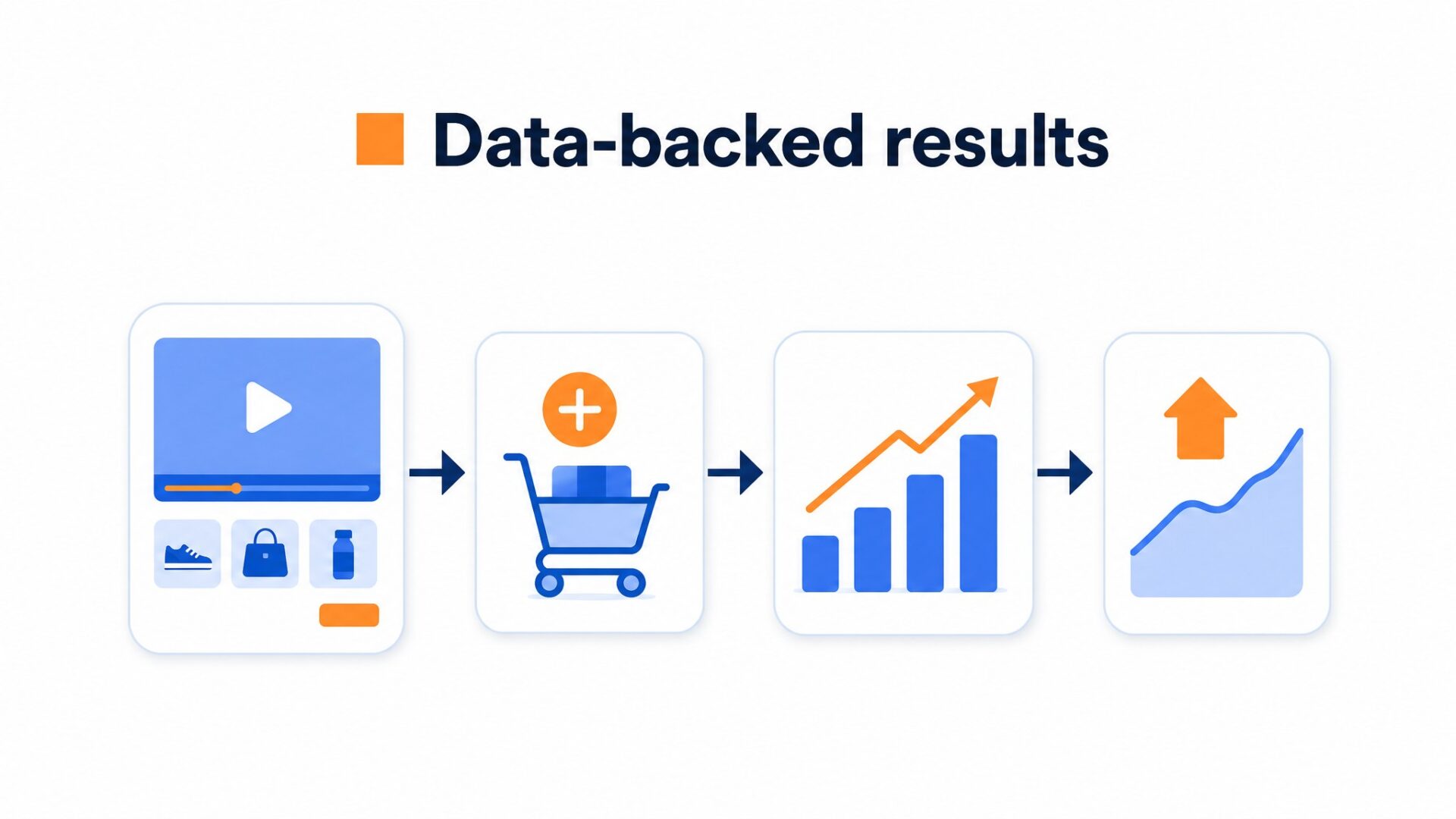
A product-card click is a useful interaction, but it is not a purchase. Track whether the shopper completes an order and buys the related item before concluding that the video creates cross-sales.
Measure product clicks, completed purchases and basket value. A longer session alone does not show that a shopper bought an additional item.
A styling video can show earrings, a belt and a bag together, with links to the relevant products. This is a practical use of shoppable video. Check which items are purchased together before concluding that the video creates cross-sales.
Shoppable video changes the math.
It bundles education and merchandising into one asset. Instead of asking a visitor to read a description, scroll to related products, and imagine how items work together, the video shows the combination in action. The viewer sees both versions together. They see the add on in use.
Skincare brands show a cleanser followed by a tagged serum. SaaS companies demo a feature and tag the plan that unlocks it. Fitness stores show a yoga mat and tag the matching block and strap.
To test cross-selling, compare the share of orders containing the complementary product. For upselling, compare the share choosing the higher tier. Neither result can be inferred from enquiry counts.
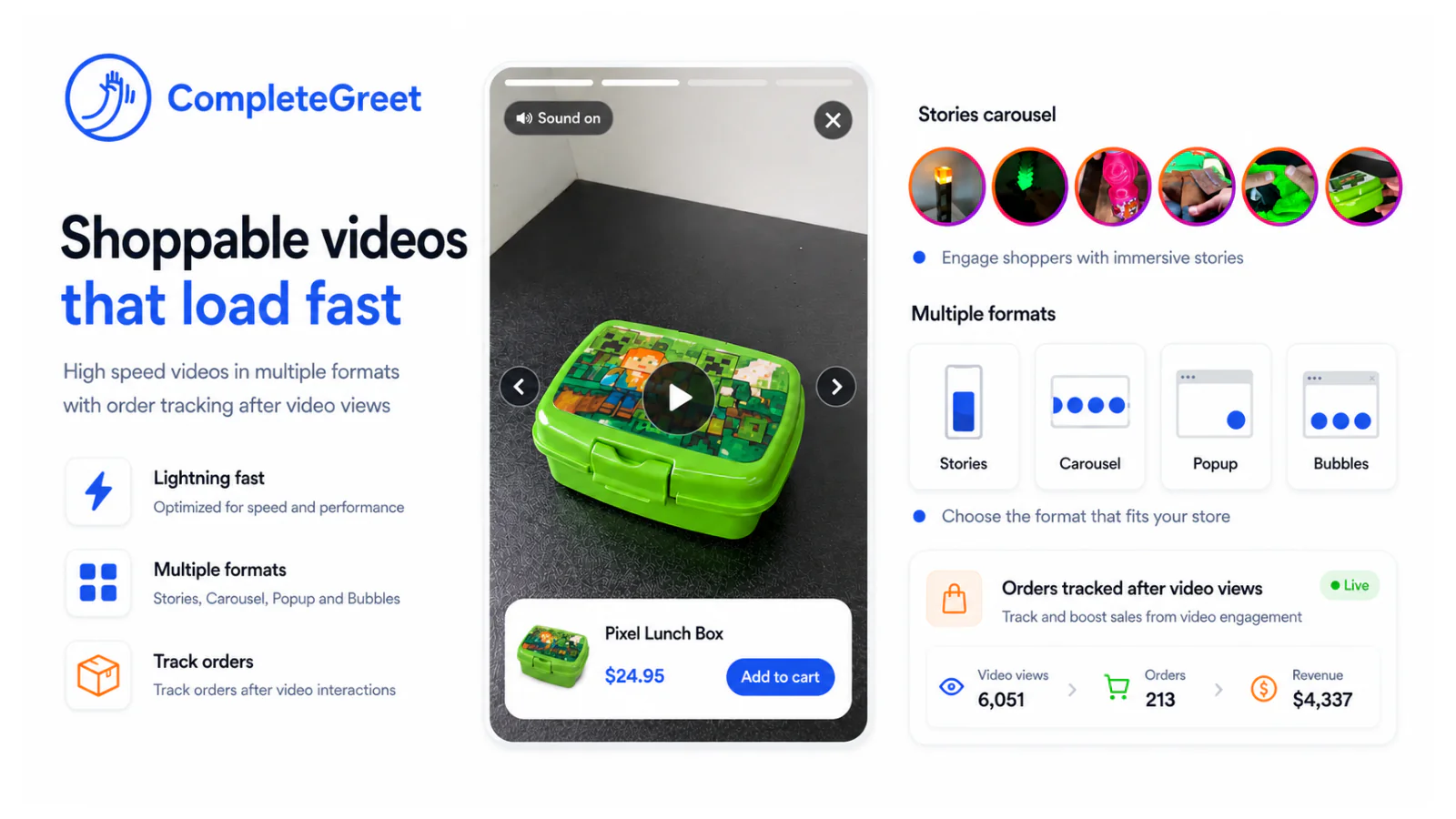
Moving a customer from a basic plan to a premium tier works the same way as adding accessories to a core purchase. The brand shows the value in motion. The viewer acts without leaving the frame. That is the difference between a static product page and a guided selling experience.
Why does cross sell and upsell with shoppable video matter for your bottom line?
Shoppable video offers a route from a demonstration to product details or the cart. Track completed purchases separately from video interactions; clicking a product is not the same as buying it.
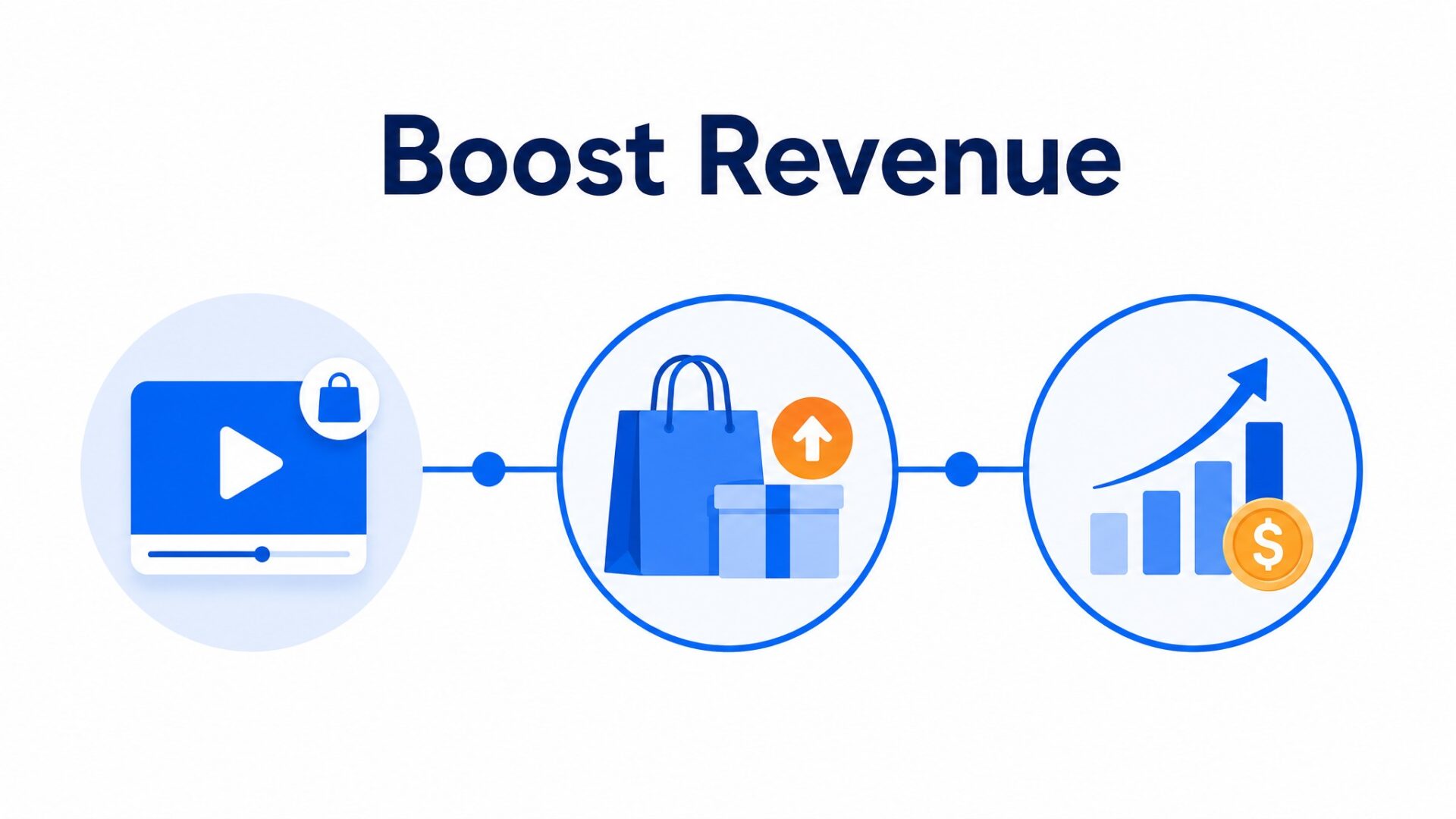
The cross sell effect compounds quickly.
Test a relevant complementary product in the video, then compare basket contents and margin with an equivalent group. The available examples do not establish a sales lift from this technique.
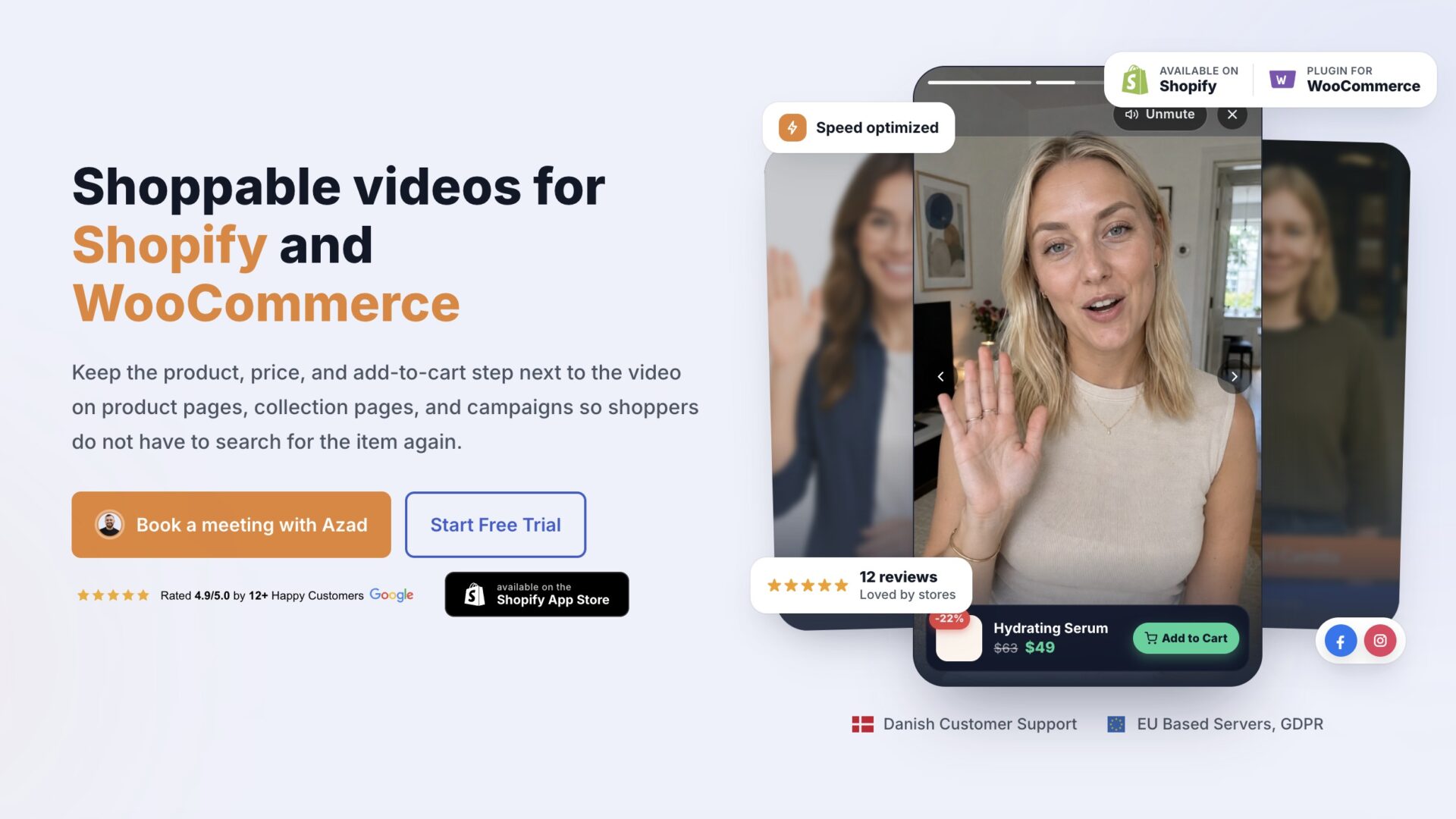
Traditional cross sell relies on text blocks and static images that most visitors scroll past. Shoppable video puts the add to cart action right where attention is highest. A viewer watching a skincare routine can click the serum mid playback. Someone browsing a tool review can add the accessory kit without leaving the video. Each click is a micro conversion that stacks into revenue.
Time on site matters for a second reason.
Video can introduce products beyond the landing-page item. Track their clicks and completed purchases rather than assuming that longer viewing means a larger basket.
Make the next product action clear, then measure whether it changes completed purchases. The available customer examples do not establish that this produces more sales from the same traffic.
For a service business, a calendar link can provide a next step after an explanation. Count completed bookings and distinguish them from clicks on the calendar.
The bottom line impact is cumulative. Higher inquiry rates plus longer sessions plus embedded purchase actions equals more revenue per visitor without increasing ad spend. For stores running on thin margins, that shift in unit economics can be the difference between breakeven and growth.
How to set up your first video greeting in under 5 minutes
Start with a 30-second video shot on your phone. Do not script it. Look at the camera, say your name, one thing you help customers with, and what they should do next.
For ecommerce, that means showing your face and pointing to a product that pairs well with what the shopper is viewing. For service businesses, it means greeting the visitor by the problem they are solving.
Upload the video to your dashboard. Most platforms compress it automatically, but check the file size stays under 5MB. Larger files load slow and hurt your PageSpeed score.
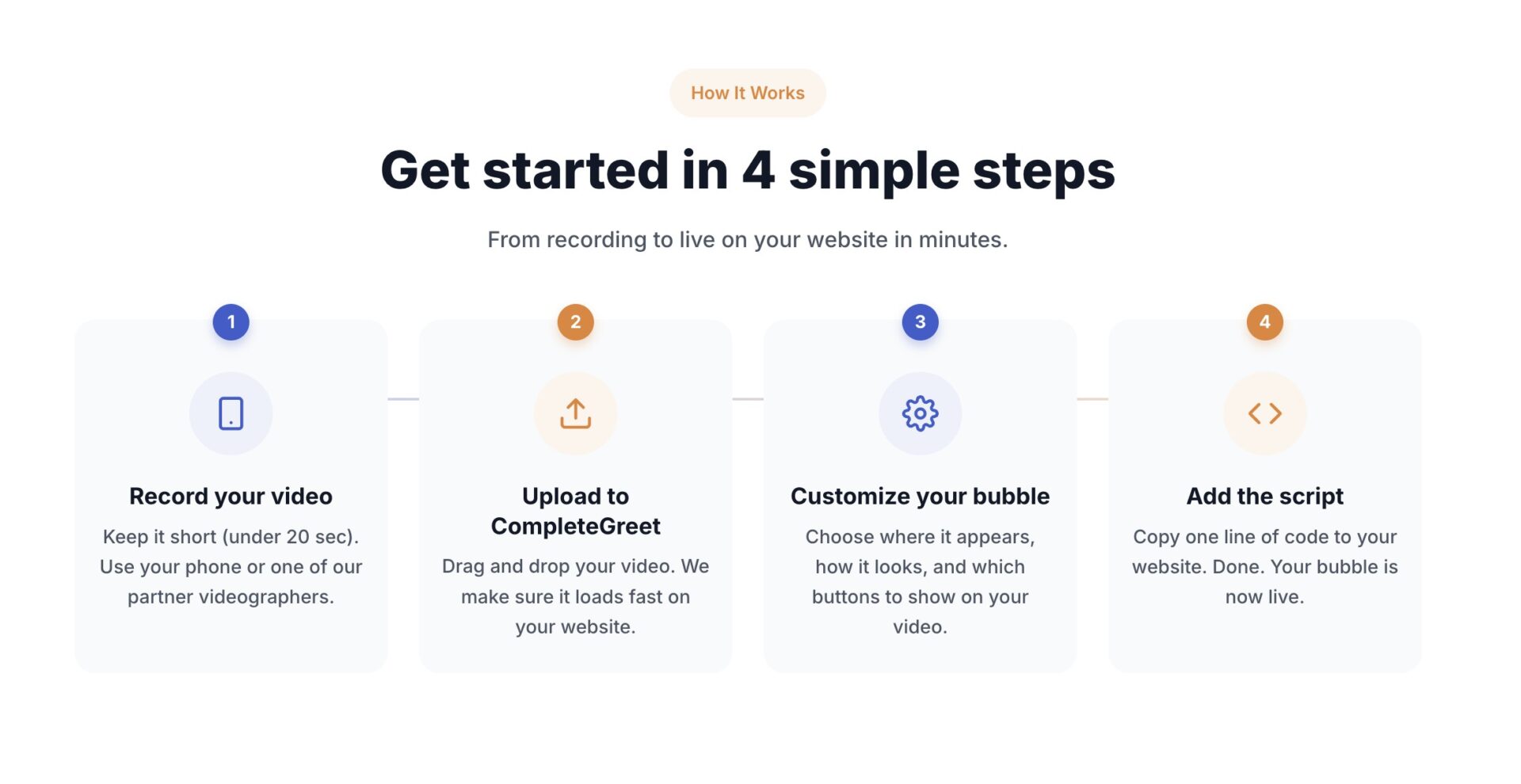
Place the bubble on pages where visitors make decisions. Product pages, pricing pages, and checkout flows beat homepage placement every time. The bubble should appear in the bottom corner, offset 20 pixels from the edges so it does not overlap your mobile navigation hamburger menu.
One setup quirk that trips people up: mobile Safari renders the bottom bar differently than Chrome. Test on an actual iPhone, not just the browser inspector. If the bubble sits too low, bump the offset up by 20 pixels in your dashboard.
CompleteGreet BUILD is $29 per month when billed yearly, or $36 month to month, for 5,000 unique visitors per month, 1 website, and 2 bubbles or videos. That is enough to test one product page and one checkout greeting. You cansee shoppable video use casesfor layout ideas before you record.
Track video opens, completed views, product clicks and completed purchases. Review the recording and visitor path when results are weak; no universal play or completion threshold identifies the cause. Choose the test length from traffic and the change you need to detect.
Check whether the video answers a purchase question and whether visitors complete the intended action. There is no verified typical uplift or fixed time to results in the available examples.
Do not obsess over production quality. A shaky handheld video from the founder beats a polished agency clip. Visitors want to know a real person stands behind the store. That is the whole point.
Check your analytics weekly for the first month. If a page with a greeting converts higher than the version without, expand to more pages. If it does not, change the message or move the bubble before you blame the tool.
Most teams spend 45 minutes perfecting a 30-second video. That is 40 minutes wasted. Record it, upload it, and ship it. You can always reshoot once you see what visitors actually click.
Shoppable video transforms passive viewers into active buyers by embedding product links directly into video content. This format reduces friction between discovery and purchase, particularly when used to suggest complementary items or premium upgrades.
The following data breaks down measurable performance changes across live implementations.
Measurement Notes
The available examples do not substantiate controlled upsell tests or a bounce-rate reduction. Define cross-sell, upsell and completed-purchase events before evaluating the implementation.
Pricing Economics
The BUILD tier costs $29 per month when billed yearly and covers 5,000 unique visitors with 2 video bubbles. Stores exceeding this traffic should evaluate the GROWTH plan at $59 per month when billed yearly for 10,000 visitors and 5 bubbles.
Deployment Sequence
Identify two high traffic product pages where cross sell opportunities are natural, then record a 30 second video demonstrating the complementary item in use. Upload the file to CompleteGreet and configure the trigger to appear after 5 seconds of page engagement to capture attention without interrupting the browsing flow.
A useful upsell test should show additional contribution to profit after returns, discounts and the cost of the video. Enquiry growth alone cannot justify the investment.
Check current subscription and production costs. Calculate payback using measured additional profit; a single sale may or may not cover those costs.
Common questions
What is a shoppable video and how does it help with cross selling?
A shoppable video lets viewers click products shown in the video to add them to cart or learn more. It works for cross selling because the video shows related items while the viewer is already engaged. A customer watching a product demo can instantly see matching accessories and buy them without leaving the page.
How much does it cost to add shoppable video to a small online store?
CompleteGreet BUILD is $29 per month when billed yearly, or $36 month to month, for 5,000 unique visitors per month, 1 website, and 2 bubbles or videos. That covers most small stores. Overage fees do not apply since billing stops at the unique visitor limit.
How long does it take to set up a shoppable video greeting?
You can go live in under 5 minutes on most platforms. Record a short clip, upload it, add product links, and paste the embed code into your site header. Shopify, WordPress, Wix, Squarespace, Webflow, WooCommerce, and custom HTML sites are all supported without extra plugins.
What should I say in a cross sell video to get people to buy more?
Mention one specific related product and explain why it pairs with what the viewer already wants. Keep it under 30 seconds. Show the item in your hand or on screen rather than describing it vaguely. A concrete visual drives more clicks than a generic recommendation.
Do video greetings actually increase sales or just engagement?
Measure both conversion rate and basket value. More purchases, larger orders and more enquiries are separate outcomes; the available customer examples do not prove that shoppable video increases all three.
Can I use shoppable video if my store gets fewer than 1,000 visitors a month?
Yes, and the ROI often shows faster on low traffic sites because every visitor matters more. CompleteGreet BUILD includes 5,000 unique visitors per month, so a 1,000 visitor store stays well within the limit. The flat rate means costs stay predictable even as traffic grows.
Where can I install a shoppable video widget on my site?
The widget installs on Shopify, WordPress, Wix, Squarespace, Webflow, WooCommerce, custom HTML, React, and Vue. CompleteGreet provides embed code that loads async so page speed scores stay clean. Most stores paste it into the theme header one time and the bubble appears across every page.



