
 Profile
 Dashboard
 Logout
Table of contents
Key takeaways
- Direct add to cart can suit familiar, straightforward products.
- Video can show how a product fits, works, or changes across options.
- Compare each shopping step separately, not just the final purchase rate.
When direct add to cart beats a product page link
Direct add to cart can suit familiar, straightforward products. A product page link gives shoppers room to review details and choose options.
Simple choices need fewer stops.
In a shoppable video, a button can add the product or selected variant to the cart without opening its product page. That saves a step. A product page link opens the product template, where shoppers can review media and details before choosing a variant and adding it.
There is no universal performance winner.
The better path depends on what the shopper needs to decide. A video can use one fixed variant or let shoppers choose before adding it. Shopify can add a variant to the cart without redirecting to the cart page. The video control still has to pass the intended variant.
For products with sizes or colors, check that the selection shown in the video matches the variant being added. A button that skips that choice can send shoppers the wrong item.
How video can reduce shopping friction without hiding details
Video can show how a product fits, works, or changes across options. Keep specifications and choices visible. It can’t answer every question.
A short clip can show how a jacket drapes, how a chair looks beside a person, or where a device’s controls sit. That helps shoppers picture it in use. But video doesn’t replace measurements, materials, compatibility notes, or clear option names. Uncertainty about any of those can send a shopper back to search or out of the cart.
A clip isn’t a substitute for the size chart.
Keep the variant selector and written specifications beside the video. Keep them visible without a play button. On mobile, test what happens after a shopper taps the product action. The option picker should stay in view. Make sure the selected size or color is clear before the item enters the cart.
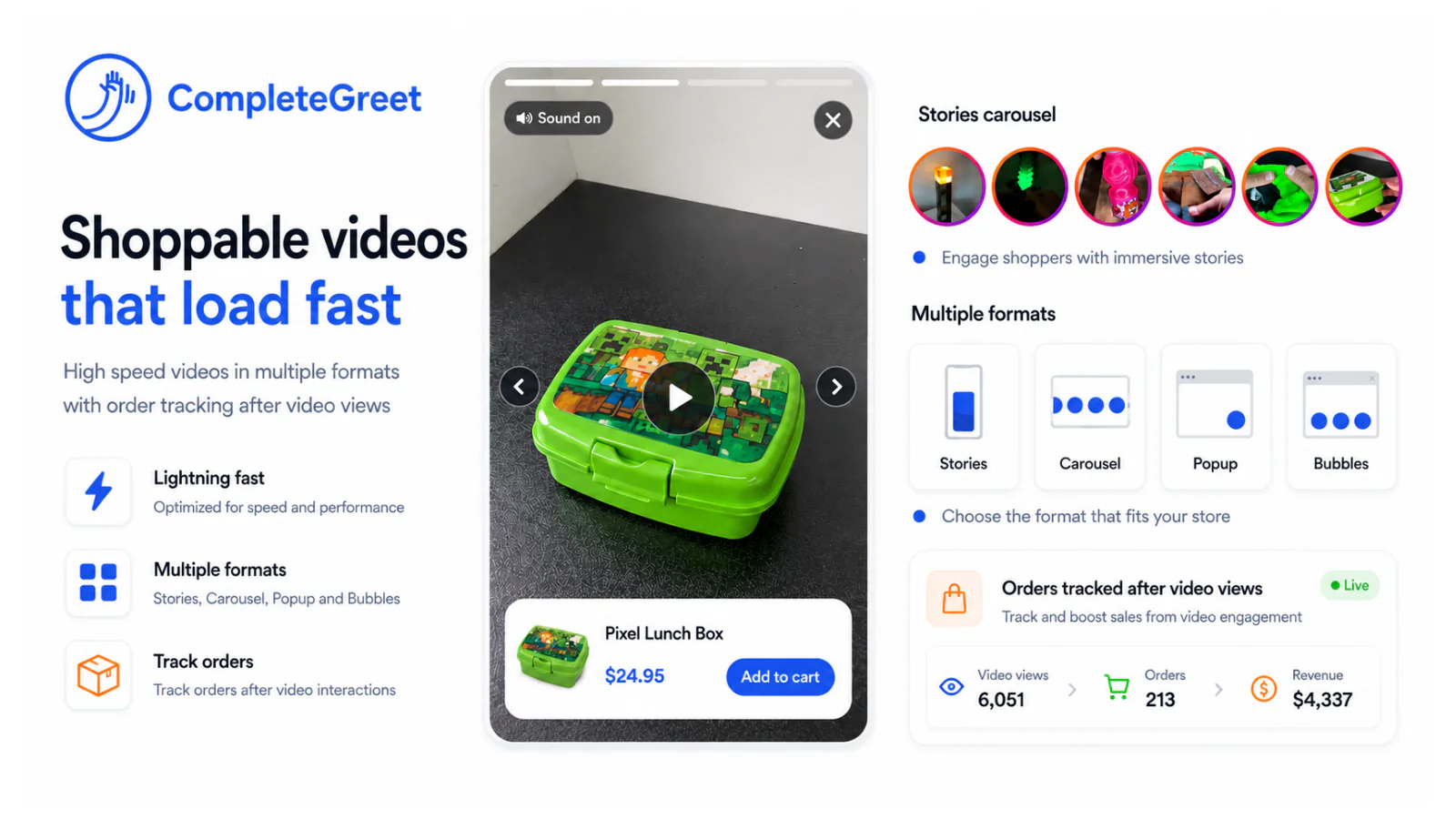
Video may make a product easier to assess; it can’t fix unclear shipping costs, a confusing return policy, or a checkout that fails. Keep those details easy to find. Treat the video as one part of the product page, not a replacement for it.
What to measure in a fair comparison
Compare each shopping step separately, not just the final purchase rate. Track video to cart rate, product page click through, variant selection completion, checkout initiation, and purchase conversion as separate events. That split shows where shoppers drop off.
For video to cart rate and product page click through, use eligible video viewers as the base. Keep the denominator clear. Count completed variant selections among shoppers who opened the selector, and record whether checkout initiation is measured from cart additions or exposed viewers.
Match the product, audience, traffic source, and page placement across versions, changing only the shopping path where possible. Otherwise, the comparison gets muddy. Report results by device too.
Results vary by product, audience, and implementation. Another store’s benchmark may not predict yours. Use your own data. On mobile, a selector can open below the video, so a tap alone does not mean a shopper finished choosing.
How to set up and test your first shoppable video
Start with one product shoppers can understand from a short demonstration. Add a video with a clear action such as “Choose a size” or “Add to cart.” Keep the button label literal.
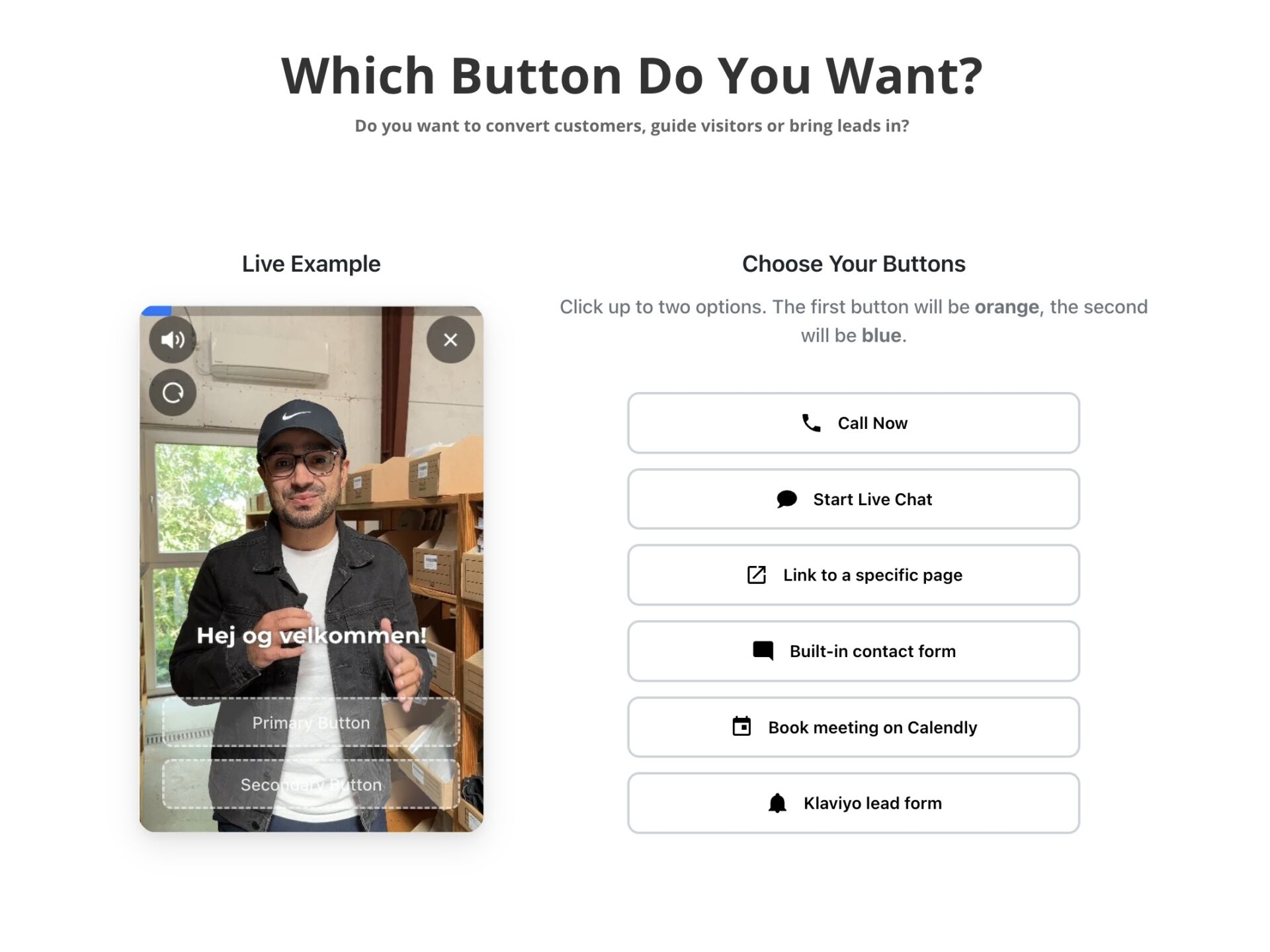
Use a fixed variant only when the video shows that exact option. The product should have no meaningful choice to make. Otherwise, let shoppers select a size, color, or other variant before adding it.
A wrong variant can cost you the sale.
Test the full flow on mobile and desktop, including the cart drawer, quantity, price, and checkout. On mobile, check that the drawer doesn’t cover controls shoppers still need. On desktop, verify the selected variant remains correct when the cart opens.
Shopify’s Cart API can add product variants without redirecting shoppers to the cart page. Other platforms differ. Each platform has its own cart behavior and product identifiers, so the implementation needs to match the store platform rather than copy Shopify code into another site.
Quick FAQ
Which product should go first? Pick one with a simple benefit that’s easy to show on camera.
Should every video add directly to cart? No. Link to the product page when shoppers need more detail before choosing.
Does every product need a variant selector? No. Show one only when the shopper has a real option to choose.
Can the same cart code work on every platform? No. Check the platform’s cart method and test it in the actual theme.
Compare the results over time, not just on launch day. Product, audience, and placement all affect what shoppers do.
The right path depends on how much information shoppers need before adding an item. Compare both paths over the same period, keeping the product, audience, traffic source, and offer consistent where possible.
For each path, divide completed purchases by the visitors who saw it. Track video to cart rate, product page click through, variant selection completion, checkout initiation, and purchase conversion separately. A high add to cart rate alone doesn’t show whether shoppers finish checkout.
Direct add to cart can suit familiar products with one clear option. With CompleteGreet, use a product page link when shoppers need to review details and choose a variant before adding the item.
Test the cart and checkout flow on mobile and desktop before comparing results. Use direct add to cart only when the product and selected option are unambiguous, and confirm that the cart shows the correct item. Otherwise, link the video to the product page and compare the five measures over a consistent test period.
Common questions
Should a shoppable video add a product directly to the cart or link to its product page?
Direct add to cart works best when the product and choice are already clear; a product page link is safer when shoppers need details or options. The direct action skips a page visit, while the product page gives people room to review specifications, compare images, and choose a size or color. Neither path wins for every product, so compare them with your own store data.
How should a shoppable video handle product variants like size or color?
Let shoppers choose a variant before adding it unless the video clearly features one fixed option. A video that adds the wrong size or color creates a frustrating cart surprise. Interactive controls can show variant choices in the video, while a product page link can send shoppers to the product form to select an option there.
How can I test whether direct add to cart works better than a product page link?
Track video to cart rate, product page click through, variant selection completion, checkout initiation, and purchase conversion separately. Keep the product, audience, and video placement consistent while testing each action, then compare results over enough visits to avoid reading too much into a small sample. There is no reliable universal benchmark for which route converts better.
Does direct add to cart increase sales compared with sending shoppers to a product page?
There is no guaranteed sales lift from skipping the product page. Direct add to cart can remove a step for familiar products, but it can also leave shoppers without details or a chance to choose options. The result depends on the product, audience, and implementation, so compare purchase conversion alongside cart additions rather than treating more cart activity as proof of more sales.
Can CompleteGreet add products to a Shopify cart from a video greeting?
Our standard video bubbles are mainly for greetings, support, or lead capture. For shopping, CompleteGreet also offers shoppable videos for Shopify and WooCommerce, with linked products and cart actions. Use that shoppable setup for product purchases, and test that the intended product and variant reach the cart correctly.