 Profile
 Dashboard
 Logout
Table of contents
Key takeaways
- HeyGen lists Creator, Pro, and Business subscriptions.
- HeyGen credits cover video generation, translation, avatars, AI assets, B roll, and other supported tools.
- Choose a standard subscription for recurring video work, API credits for software driven generation that comes and goes, or the mobile option if a weekly commitment suits you better.
What does HeyGen pricing include right now?
HeyGen lists Creator, Pro, and Business subscriptions. Each plan comes with a monthly credit allowance, and the displayed rate depends on the billing choice.

Creator costs $29 per month, or $24 per month when billed annually, and includes 600 credits each month. Annual billing totals $288 upfront. The lower monthly figure is an equivalent rate, not a monthly charge.
Pro starts at $49 per month with 1,000 credits. Higher Pro tiers include larger monthly allowances, up to 100,000 credits. The highest listed tier costs $4,300 per month, with the exact amount depending on the credit tier selected.
Business costs $149 per month for the first seat and includes 1,500 credits each month. Each additional seat adds $20 per month. Check each plan’s annual price separately rather than assuming it gets the same discount as Creator.
Credits are a usage allowance, not a fixed amount of finished video. The amount they cover varies by generation feature and model, so two accounts with the same balance can produce different amounts.
Prices and plan details can change. Check HeyGen’s live pricing page and the checkout screen before subscribing, especially for annual billing, credit limits, and the added seat charge.
How do HeyGen credits affect your real cost?
HeyGen credits cover video generation, translation, avatars, AI assets, B roll, and other supported tools. The real cost depends on what uses the balance. Some tasks charge by the minute; others use a fixed amount per generation.
Model choice changes how much video the same balance buys.
Model rates, rollover, and top ups
For web subscriptions, HeyGen lists standard rates of 4 credits per minute for Avatar III Video Look, 31 for Avatar IV Video Look, and 48 for Avatar V. Rates can vary by account and region, so confirm the cost shown before generating. A balance of 480 credits would cover 120 minutes at the Avatar III rate, about 15.5 minutes at Avatar IV, or 10 minutes at Avatar V. Those figures compare listed rates; they don’t promise that every workflow uses only those credits.
Translation and other supported features can draw from the same balance. Budgeting from a single video rate can leave less for the next task. Check the selected feature and model before generating; the credit estimate in the creation flow is more useful than dividing the balance by one rate.
For subscriptions purchased on the web, unused monthly credits roll over for one additional month, while annual plan credits accumulate through renewal. Subscriptions purchased through Apple or Google do not offer credit rollover.
Business users can buy more credits at $0.05 each, in blocks of 100. Check the selected model before spending a block on a short production run.
Which HeyGen option fits your workflow?
Choose a standard subscription for recurring video work, API credits for software driven generation that comes and goes, or the mobile option if a weekly commitment suits you better. Match the billing pattern to the work.
Standard plans bundle credits into a monthly or annual subscription, so they suit teams with a steady creation schedule. For subscriptions purchased on the web, unused credits roll over for one additional month on monthly plans, while annual plan credits accumulate through renewal. Annual billing gives uneven workloads more room, though spending remains tied to a subscription.
The API uses separate pay as you go credits and doesn’t require a Creator, Pro, or Business subscription. It can suit a product team testing generation inside an app or a developer with sporadic usage. Check the usage rate before setting a budget; API usage is billed against a separate prepaid balance at API rates, not the subscription model rates above.
For a short burst of work on a phone, the mobile app has a weekly option at $10 for 150 credits. That can fit a one off project, but weekly billing adds up fast if the work becomes routine.
Choose based on the billing you can forecast, not the smallest number shown on the plan page.
How to estimate your bill before you subscribe
Map each planned video task to its model and credit rate, then check rollover, seats, and the total shown at checkout.
List the features you’ll use, such as video generation, translation, avatars, AI assets, or B roll. Add the model beside each video task. Small choices matter.
For a quick forecast, multiply planned video minutes by the model’s rate. At the standard web rates, ten minutes with Avatar III Video Look uses 40 credits, Avatar IV Video Look uses 310, and Avatar V uses 480. Add fixed generation charges separately, since not every feature bills by the minute.
Start with a normal month, not your busiest launch week. Then check the high end: more videos, a different model, or another seat can change the bill. For subscriptions purchased on the web, monthly credits roll over for one extra month and annual credits accumulate until renewal. Business users should include any extra seats and credit blocks they expect to need.
Cost questions
Multiply each planned video’s duration by its model rate, then add fixed charges for other features to estimate credit use.
For subscriptions purchased on the web, monthly credits roll over for one additional month and annual credits accumulate through renewal. Apple and Google subscriptions do not offer rollover.
Business users can buy additional credits in blocks of 100 at $0.05 per credit.
At checkout, confirm the current plan price, billing period, included credits, seat count, and any selected add ons. Pricing and credit rates can change, so budget against the checkout total.
HeyGen credits don’t translate into a fixed amount of finished video because generation rates differ by model and feature. The examples below show how to estimate model usage from a credit balance.
Estimate video minutes from credits
Divide the available credits by the model’s rate per minute. The standard web rates are 4 credits per minute for Avatar III Video Look, 31 for Avatar IV Video Look, and 48 for Avatar V.
At those rates, a 600 credit balance would cover about 150 minutes with Avatar III Video Look, 19 minutes with Avatar IV Video Look, or 12 minutes with Avatar V, before other features use credits.
These are estimates, not guaranteed output amounts.
Unused credits on monthly subscriptions purchased on the web roll over for one additional month. Business users can buy extra credits in blocks of 100 at $0.05 per credit.
Check the model rate and any feature charges before treating a credit balance as a video allowance. For a quick estimate, divide your available credits by 4, 31, or 48, depending on the Avatar model.
Common questions
How much does HeyGen cost for Creator, Pro, and Business?
HeyGen lists Creator at $29 per month, or $24 per month with annual billing, and it includes 600 credits each month. Pro starts at $49 per month with 1,000 credits and can scale to 100,000 credits; Business is $149 per month for the first seat, with 1,500 credits, plus $20 per additional seat. Checkout prices can change, so confirm the current terms before subscribing.
How do HeyGen credit costs change between video models?
The model can change how much video a credit balance produces. The standard web rates are 4 credits per minute for Avatar III Video Look, 31 for Avatar IV Video Look, and 48 for Avatar V. Your account’s displayed rate may differ. Credits can also pay for translation, avatars, AI assets, B roll, and other supported features. Some tasks cost credits per minute, while others use a fixed amount per generation.
Do unused HeyGen credits roll over to the next month?
Yes for subscriptions purchased on the web: unused monthly credits roll over for one additional month, and annual plan credits accumulate through renewal. Subscriptions purchased through Apple or Google do not offer rollover. Business users can buy extra credits at $0.05 each, in blocks of 100, if the included allowance does not cover their usage.
Does HeyGen API require a Creator or Pro subscription?
No, HeyGen API uses standalone pay as you go credits and does not require a Creator, Pro, or Business subscription. That can suit workflows where video generation runs through an app or integration and usage varies. Check API credit costs separately from subscription allowances, since the API uses its own pay as you go billing.
Does HeyGen have a weekly plan for its mobile app?
Yes, HeyGen’s mobile app offers a $10 weekly option with 150 credits. Its monthly and annual Creator options match web pricing and allowances, but subscriptions purchased through Apple or Google do not offer credit rollover. Compare the weekly cost with expected use before choosing it.
Is HeyGen pricing a good fit if I only need a video greeting on my website?
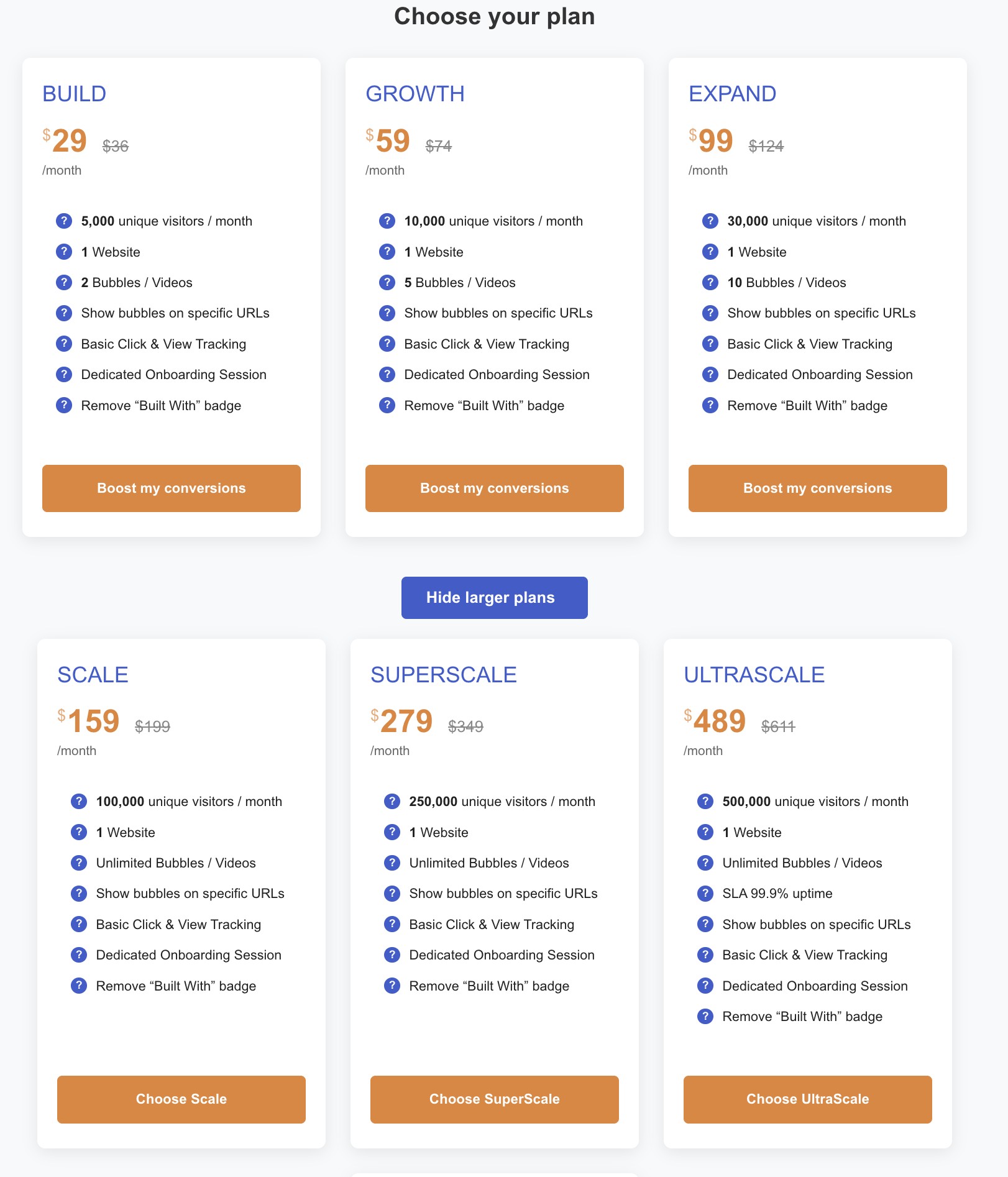
For a website greeting, CompleteGreet charges by unique visitors rather than HeyGen generation credits. Its BUILD plan is $29 per month when billed yearly, or $36 month to month, for 5,000 unique visitors per month, 1 website, and 2 bubbles or videos. Our plan covers displaying a greeting on your website, while HeyGen’s credits cover creating video. Budget for those different jobs separately.