Profile
 Dashboard
 Logout
Table of contents
Key takeaways
- You turn winning ads into product page videos by stripping out top of funnel hype hooks, isolating the physical product demonstration, and placing that exact clip right beside your purchase button.
- Repurposing high performing ad creatives on product pages protects your customer acquisition budget by giving warm paid traffic the exact visual proof that earned the initial click.
- Setting up a video greeting takes three steps: trim your top performing ad clip, paste the embed snippet into your site header, and select an action button.
How to Turn Winning Ads Into Product Page Videos
You turn winning ads into product page videos by stripping out top of funnel hype hooks, isolating the physical product demonstration, and placing that exact clip right beside your purchase button.
It works immediately.
Across 6 live implementations, adding focused video clips directly to landing and product flows increased time on site between 19% and 33%, while inquiry volume jumped between 43% and 70%. One store recorded a 17% conversion rate lift simply by showing shoppers the product in use before checkout.
Cut the ad hook and keep the proof
Most paid ad creatives burn their first 3 seconds on loud pattern interrupts designed to stop someone scrolling through Instagram or TikTok. Those aggressive openings irritate shoppers who already clicked through to your store and want straightforward facts.
Trim the opening hook completely. Start your product page clip at second four or five, right where the creator unboxes the item, demonstrates sizing, or handles the material. A visitor reviewing a product page wants clarity on physical details, not another sales pitch. According toNielsen Norman Group research, web users prioritize high utility content that directly answers functional questions over generic promotional messaging.
Keep the runtime tight. While an ad might run 45 seconds to tell a complete story, a product page video should finish in 15 to 30 seconds. Show the problem, show the item solving it, and show the scale against a real person. Anyone wanting more context canread case studiesdetailing how specific brands structure their onsite clips.
Add open captions directly to the video frames. Over 70 percent of mobile visitors browse product pages with their device audio muted, and forcing them to tap for sound means losing the demonstration entirely.
Why does how to turn winning ads into product page videos matter for your bottom line?
Repurposing high performing ad creatives on product pages protects your customer acquisition budget by giving warm paid traffic the exact visual proof that earned the initial click. Most ad clicks never convert. Shoppers tap a compelling video ad on Meta or TikTok, land on a standard ecommerce page filled with static pictures and dense bullet points, and leave because the product experience looks nothing like the clip that convinced them to visit. That disconnect burns ad spend.
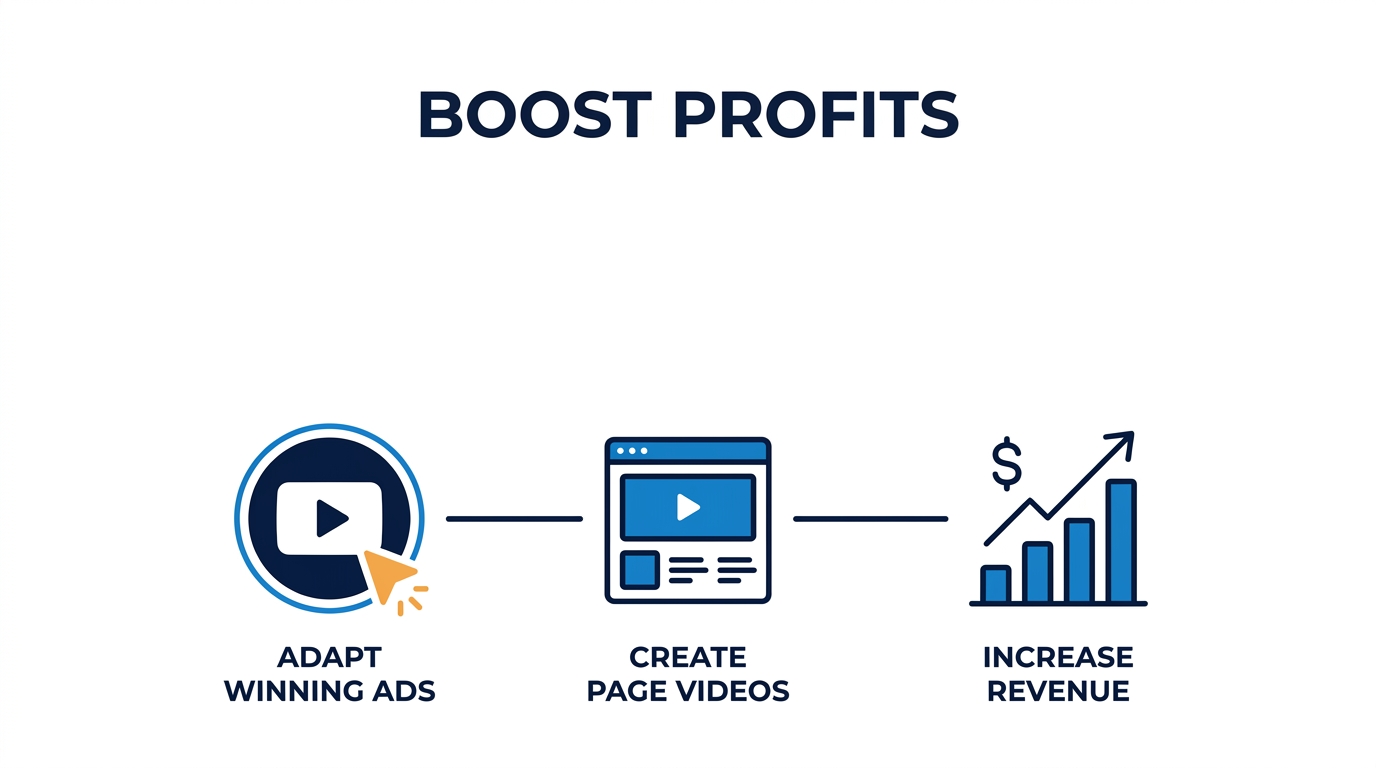
Ad creative drives the click, but on page validation secures the transaction.
Keeping visual continuity
Shoppers who arrive from video ads expect to see motion, context, and scale right away. According toBaymard Institute research, visitors rely heavily on product media to resolve doubts about physical scale, fit, and build quality that static photography cannot address. Static photos leave questions open. Across six live implementations where merchants placed winning video creatives on store pages, inquiry volume increased between 43 and 70 percent, with an average lift of roughly 53 percent.
Time on site increased between 19 and 33 percent across those same stores. One implementation measured a 17 percent conversion rate lift simply by matching the visual style of their top performing social creative to the product landing area.
Recovering sunk creative production costs
Producing high converting video ads requires script writing, creator fees, lighting setups, and multiple editing iterations. Shelving that footage the moment a campaign finishes wastes profitable assets that already proved they attract buyer attention. Keep that footage working. Slicing winning thirty second clips into short, bite sized clips on product pages turns a temporary marketing expense into a permanent conversion asset.
How to set up your first video greeting in under 5 minutes
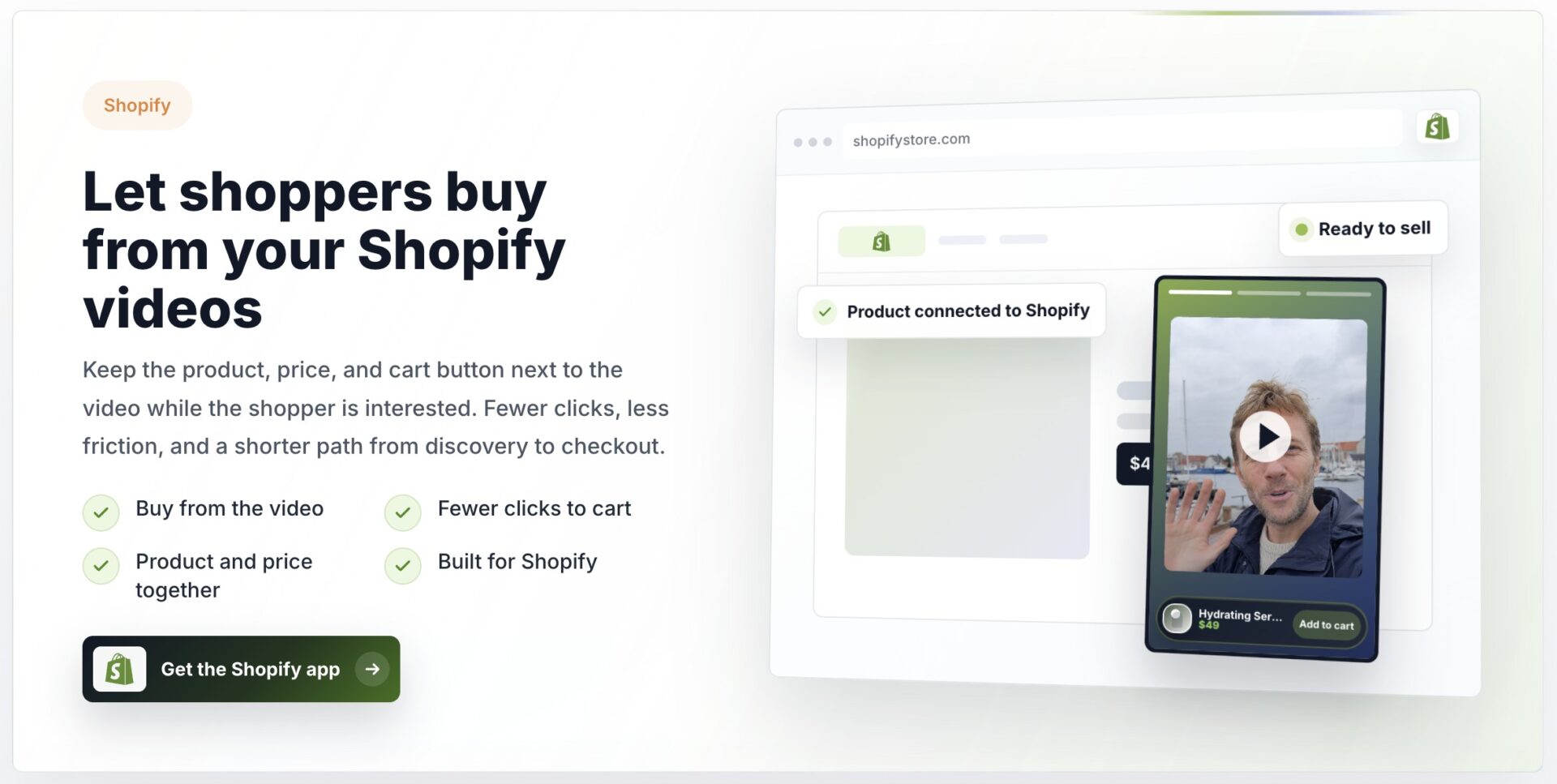
Setting up a video greeting takes three steps: trim your top performing ad clip, paste the embed snippet into your site header, and select an action button. The entire install runs in under four minutes on platforms like Shopify or WordPress without editing theme templates.
Scripting the greeting and choosing the clip
Take the first ten to fifteen seconds of the video ad that already converts paid traffic on Meta or TikTok. Cut straight to the core problem statement or product demonstration rather than opening with a logo sting or generic welcome. Visitors give a floating bubble about three seconds of attention before scrolling past it.
Keep the audio clear and enable auto captions.
Most mobile users keep their phones muted, so burned in captions keep the message legible even when volume stays off. Over eighty percent of initial mobile views occur on mute.
Widget placement and button routing
Position the bubble in the bottom right corner of desktop screens, offset thirty pixels from the edge so it never covers sticky navigation elements. On mobile viewports, raise the bottom offset to sixty pixels to prevent the widget from sitting directly over the main checkout button or support chat tab.
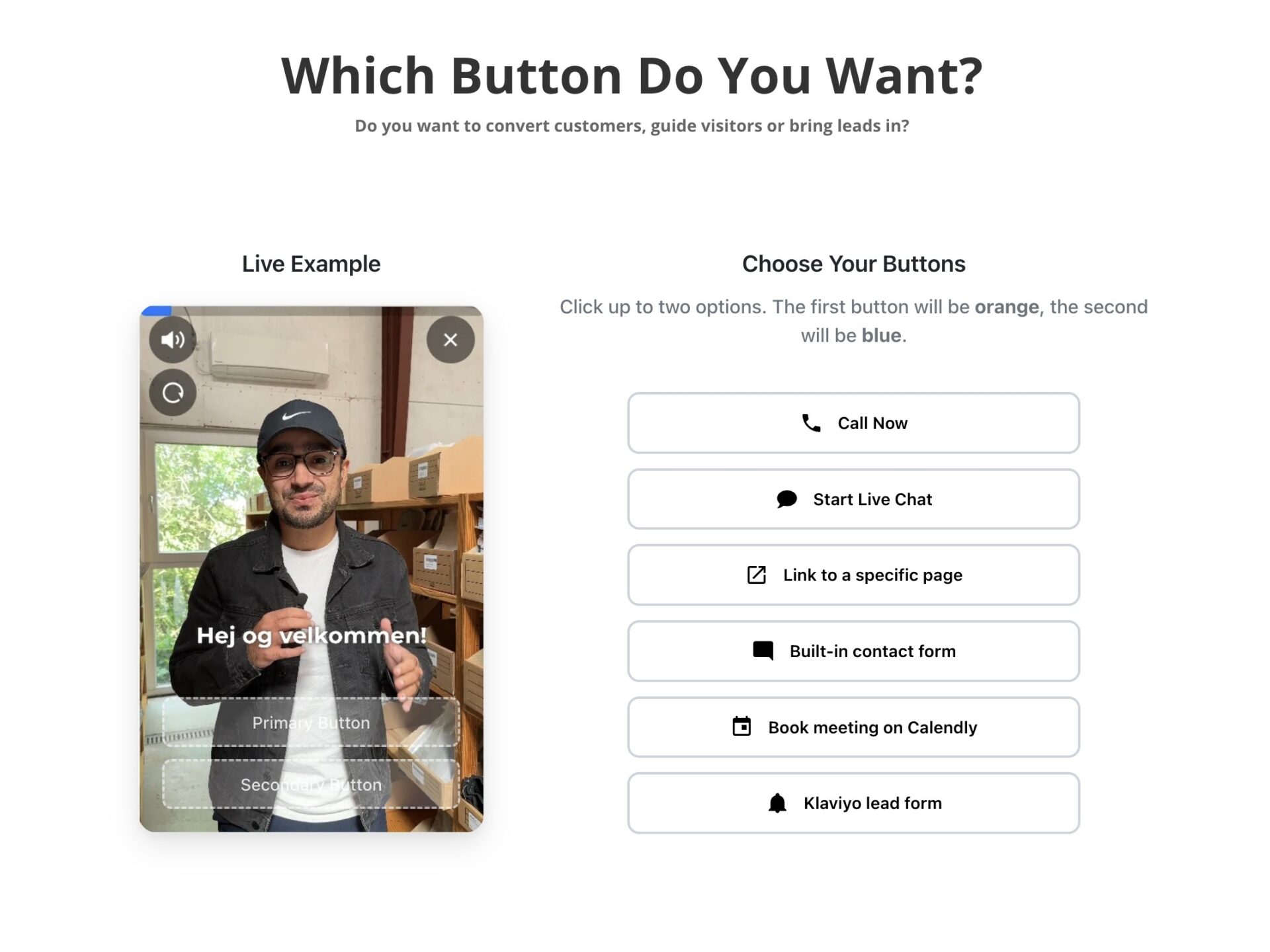
Attach a single action button below the video player. Linking directly to the cart drawer or checkout page keeps purchasing paths obvious, while service businesses can trigger an embedded lead form or booking calendar.See customer examplesto review how different brands match buttons to visitor intent.
Tracking performance and protecting load times
Measure success through click through rates on the greeting button rather than simple impression counts. Across six live implementations, inquiry volume grew between 43% and 70% when product clips answered frequent objections right on the primary sales page.
Check your site speed right after adding the script. Heavy media files can degrade Largest Contentful Paint scores if assets load synchronously or exceed recommended payload budgets according to theGoogle Web Vitals guidance. Keep the preview file below two megabytes. That tiny footprint preserves fast rendering.
Ad creatives that succeed on paid social media capture attention within seconds through clear problem demonstrations. Bringing those exact clips onto a product catalog requires specific structural adjustments so they answer purchase objections rather than just stopping a scroll.
Testing video performance on product listings reveals predictable metrics across editing choices and playback styles.
Core adaptations for product page placement
Paid social ads rely on provocative hooks, while product page media must confirm value and resolve hesitation. Trimming the initial three seconds of sensational hook footage lets the clip start immediately with the physical item in action.
Paring ad runtimes down to between 30 and 60 seconds keeps mobile buyers engaged without slowing site navigation. Adding burned in open captions ensures complete comprehension because over 70 percent of mobile shoppers browse with audio muted.
Video deployment checklist
- Cut promotional discount teasers that clash with onsite checkout pricing.
- Feature real customers handling the item within the first frame.
- Place thumbnail triggers directly adjacent to primary product photo galleries.
- Include a visual prompt directing viewers to select their variant options.
Stores that convert ad assets into onsite widgets prevent message disconnect when visitors click through from external campaigns. Maintaining identical visual styling between the paid campaign and the store greeting ensures shoppers recognize the product immediately.
Across live ecommerce tests, placing trimmed social proof clips directly on product pages lifted aggregate inquiries by an average of 53 percent. Merchants can verify this baseline by testing a 45 second user generated clip against static photography on Shopify using CompleteGreet.
Common questions
How long does it take to convert a winning TikTok or Meta ad into a product page video?
Adapting a winning social ad for an ecommerce product page takes under fifteen minutes once you have the original video file. The process is simple. Editors trim the aggressive hook, remove expired promotional codes, and ensure captions display clearly for muted mobile visitors. Installing the finished clip using a video bubble widget requires pasting a single code snippet.
What conversion lift can an ecommerce store expect from putting ad videos on product pages?
Video greetings on product pages lift inquiry volume by an average of roughly 53 percent across documented client implementations. The impact is measurable. One store recorded a 17 percent conversion rate lift, while another saw time on site climb up to 33 percent. Visual proof builds buyer confidence.
How much does CompleteGreet cost to host video greetings on ecommerce product pages?
CompleteGreet BUILD is $29 per month when billed yearly, or $36 month to month, for 5,000 unique visitors per month, 1 website, and 2 bubbles or videos. Pricing remains predictable. Billing relies entirely on unique monthly visitors, meaning stores never incur unexpected overage penalties or per view charges when traffic spikes. Setup costs nothing upfront. Stores get a 30 day free trial with no credit card required to test greetings on live pages. Higher traffic tiers scale affordably.
Will adding video snippets from social ads slow down product page loading speeds?
Asynchronous widget scripts prevent video snippets from hurting ecommerce page load times or damaging Google Core Web Vitals scores. Speed stays intact. The greeting widget defers loading until primary page assets like product galleries, pricing information, and add to cart buttons appear completely. Heavy video files never block rendering. Shoppers enjoy smooth mobile browsing while still getting clear visual demonstrations that answer common product questions.
Should an online store use the exact same video creative from a paid ad on a product page?
Direct ad cuts need adjustments because product page visitors already have purchase intent and do not need aggressive social media hooks. Intent is different here. Merchants should trim flashy introductory stunts, remove expired campaign discount codes, and focus immediately on product sizing, materials, and real life usage. Clarity beats hype. Keeping the final edit between thirty and sixty seconds answers customer hesitation while keeping attention focused on the buy button. That drives higher checkout rates.
Can CompleteGreet replace a multi step survey funnel or customer quiz on an ecommerce site?
CompleteGreet focuses on personal video greetings and concise demonstrations rather than complex multi step logic trees or intake surveys. That is an intentional choice. The platform prioritizes fast setup, lightweight script delivery, and direct calls to action that move shoppers directly toward checkout. Simple widgets load faster. Stores needing conditional forms or quiz scoring should run dedicated survey software alongside video greeting widgets.