 Profile
 Dashboard
 Logout
Table of contents
Key takeaways
- Use four beats: introduce the speaker, name the visitor’s main problem, explain what the company does, and give one clear next step.
- A welcome video helps visitors understand who is speaking, what the business can help with, and where to go next.
- Keep a homepage welcome video under one minute.
What should you say in a website welcome video?
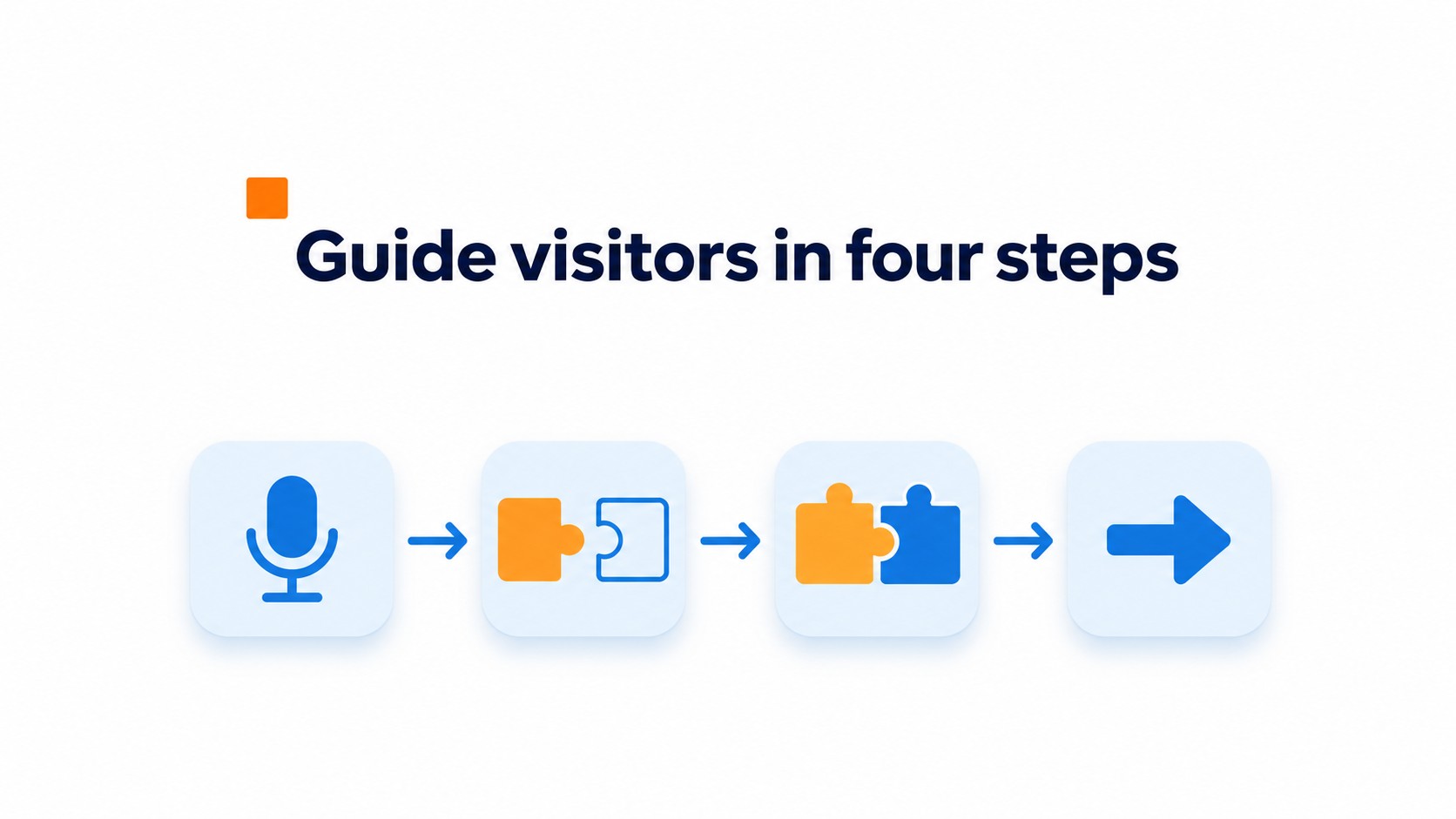
Use four beats: introduce the speaker, name the visitor’s main problem, explain what the company does, and give one clear next step. Keep each beat concrete.
Give visitors context before making a pitch.
For example: “Hi, Maya here from Northside Bookkeeping. Spending too much of your week sorting receipts and chasing invoices? Northside handles monthly bookkeeping for small design firms. Use the calendar below to book a short fit call.”
Write the way you’d explain the service to a customer across a desk. Use the words customers use for the problem, not internal terms like “workflow optimization.” Read the script aloud once. If a sentence feels awkward, shorten it; a pause between the problem and the explanation sounds more natural than a rushed, memorized pitch.
Skip claims like “the best service in town” unless you can back them up. A clear description and a useful next step beat a string of superlatives.
How can a welcome video help your website visitors?
A welcome video helps visitors understand who is speaking, what the business can help with, and where to go next. Keep the message specific. On a service page, name that service instead of reciting the company history.
A personal greeting can make an unfamiliar business feel less abstract. Trust still depends on relevance and delivery.
Small recording details matter. Record near a window and turn off the overhead fan; its hum is hard to remove without making speech sound thin.
Give visitors one direction. Say the next step out loud, then use the same wording on the nearby button. If the video says “book an appointment,” a button labeled “Explore” makes the visitor translate the instruction.
How do you make the video easy to find and use?
Keep a homepage welcome video under one minute. Place it near the headline or where visitors need an introduction, without hiding the headline or main page action behind a large player.
Give the viewer one clear call to action, such as booking a visit or viewing the service page mentioned in the video. A second choice can split attention.
Add accurate captions and a written transcript beside or below the player. Both let visitors follow the message without sound. Review automatic captions for product names and technical terms; one misheard term can make the offer unclear.
For search discovery, use a standard embed on a crawlable page. Add a descriptive title and description, plus a stable thumbnail URL. Keep that URL unchanged when updating the video. Google lists the video name, thumbnail URL, and upload date as required properties for VideoObject structured data. The page still needs useful text around the video.
How to add your welcome video with CompleteGreet
Prepare, record, add, and test the greeting in CompleteGreet. Check the visitor’s next step before publishing.
Start with three short prompts: who you are, what visitors may need, and what they should do next. Record near a window or soft lamp, with the camera at eye level and notifications silenced. Clear audio matters more than a fancy background.
Record the clip, then upload it to CompleteGreet, choose the greeting bubble, and set where it appears on your site. Setup time depends on your platform and whether your video is ready. Add captions and check names and product terms; automatic captions can mishear both.
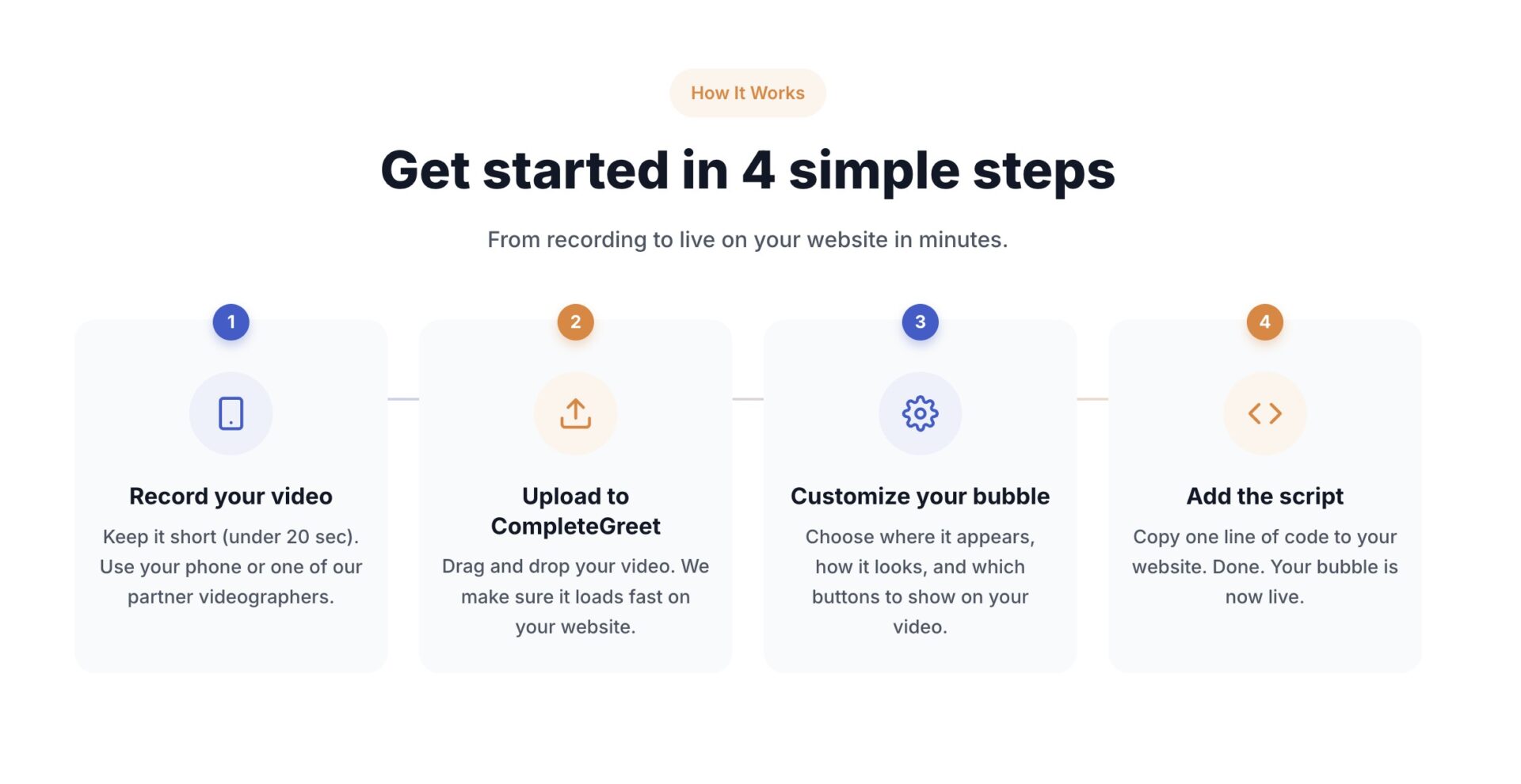
Test the greeting on a phone and computer before it goes live. Check that playback starts when tapped, captions are readable, and the close control works. Follow the visitor’s path, too: the button or link should lead to the relevant booking, product, or contact page.
Quick answers
How long should it be? Keep a homepage greeting under a minute. Trim pauses before trimming useful detail.
What belongs in the script? Introduce the speaker, name the visitor’s problem, explain what the company does, and give one next step.
Should it autoplay? No. Let visitors choose to play, and make the play control easy to spot.
A welcome video works best when its message follows a clear sequence. Use the structure and sample below to keep the greeting focused on what visitors need to know.
A four part message formula
- Introduce yourself and your role.
- Name the visitor’s likely need.
- Explain how the business can help.
- Offer one clear next step.
Sample script
“Hi, I’m Maya, a coach at Northside Studio. If you’re looking for a practical way to build strength, the small group sessions offer expert guidance at your pace. Choose a session time below, and the team will help you get started.”
Keep the greeting conversational and specific. Replace the example’s name, audience need, service, and next step with details that fit the page.
Captions and a transcript give visitors another way to follow the message. For accessibility details, consult W3C accessibility guidance.
A short script is easier to deliver naturally than a paragraph written for a brochure. Read it aloud once, then cut any sentence that doesn’t help visitors understand the offer or take the next step.
Common questions
How long should a welcome video on a website be?
Keep a homepage welcome video under one minute and give it one clear next step. A short video has room for an introduction, the visitor’s main problem, and what the business does without turning the greeting into a company history. If the explanation needs more time, link to a longer video instead of making every visitor sit through it.
What should I say in a welcome video for my website?
Introduce yourself, name the visitor’s main problem, explain what the company does, then give one clear next step. For example: “Hi, I’m Maya. If scheduling staff is taking too much of your week, this service helps small clinics manage appointments. Choose a time below to see how it works.” Use everyday language and speak to one visitor, not a crowd.
Should a website welcome video autoplay with sound?
Avoid autoplay with sound because a visitor’s browser may block it, and sudden audio can disrupt someone browsing in a quiet place. Muted autoplay is usually allowed, but visitors should still have visible playback controls and a clear way to turn sound on. The message should make sense without audio, especially on a first visit.
Do welcome videos need captions, transcripts, and video SEO metadata?
Yes. Accurate captions and a written transcript help make the message accessible and give visitors a way to follow it without sound; review auto captions for names and technical terms. For discoverability, Google recommends a crawlable page, stable thumbnail, descriptive metadata, and VideoObject structured data with details such as the video name, thumbnail, and upload date.
How do I add a welcome video to my website with CompleteGreet?
Prepare the greeting and its next step, record it, then add it to a CompleteGreet video bubble and place the bubble on the relevant page. Setup time depends on your platform and whether your video is ready. Before publishing, test playback on desktop and mobile, confirm captions are accurate, and check that the next step is easy to find.