
 Profile
 Dashboard
 Logout
Table of contents
Quick comparison
- No single shoppable video format converts best on every page.
- Carousels support browsing, popups focus attention, reels suit vertical discovery, sticky players remain visible, and inline video adds context.
- Choose the format around the page goal, then test it on mobile and track the actions that matter.
How do carousel, popup, reel, sticky, and inline video formats differ?
There is no single format that converts best on every page. The useful comparison is how each format behaves, how much attention it asks for, and whether it helps the shopper take the next step.
Carousels work well on product and collection pages where shoppers want to compare several clips without leaving the page. The horizontal swipe pattern is familiar, but a carousel only works when the opening tile is strong enough to invite the next swipe. It also needs more usable video than a single player.
Popups interrupt by design.
A full screen popup can focus attention on a launch, offer, or featured product. It can also get in the way when it appears too early or covers the content someone came to read. Google recommends avoiding intrusive interstitials that obscure the page, so use a clear close control and a trigger that fits the visitor’s intent.
Reels and story formats use vertical video and swipe navigation that feel familiar on a phone. They suit product discovery and short demonstrations, but the opening clip still has to earn attention. This format also needs a steady supply of relevant vertical video to stay useful.
Sticky players stay pinned while the visitor scrolls. They are useful for tutorials and demonstrations that should remain available beside specifications or reviews. On smaller screens, test that the player does not cover navigation, product details, or call to action buttons. A compact state can help when screen space is tight.
Inline videos sit exactly where you place them in the page flow. They do not float, pop, or follow. That makes them a natural fit beside product details, comparisons, and educational copy. The viewer still has to choose to press play, so the thumbnail, surrounding text, and placement do more of the work.
A practical mix is inline video for context, sticky video for an ongoing demonstration, carousels for comparison, popups for focused campaigns, and reels for mobile discovery. The right choice depends on the page and the action you want after the video.
How should you match the format to the page?
Start with the job of the page. A collection page helps people browse, a product page answers buying questions, and a campaign page focuses attention on one offer. The video format should support that job.
Use a carousel when shoppers need to compare products, variants, or several demonstrations. Keep the first tile clear enough that people understand what the rest of the row contains.
Use a popup when one message deserves focused attention, such as a product launch or a short campaign. Give visitors an obvious way to close it and avoid covering the page before they have had time to understand where they are.
A reel can work well for mobile discovery when you have several short vertical clips. Sticky video is better when a demonstration should remain available while someone reads, and inline video is the calmer choice when the clip belongs beside a specific product detail.
CompleteGreet’s current public shoppable video experience supports Shopify and WooCommerce. Its public format guide shows Carousel, Floating Bubble, and Popup, with product cards, pricing, add to cart actions, and purchase tracking inside the experience.
Use one clear call to action that matches the page, such as viewing the product or adding it to the cart. Several unrelated buttons make the next step harder to understand.
Measure the format with the actions that matter on that page. Video views can show interest, but product clicks, add to cart activity, and purchases tell you whether the format helped someone move forward.
How should you test a shoppable video format?
Start with one page and one clear goal. A collection page might need more product exploration, while a product page might need more add to cart activity.
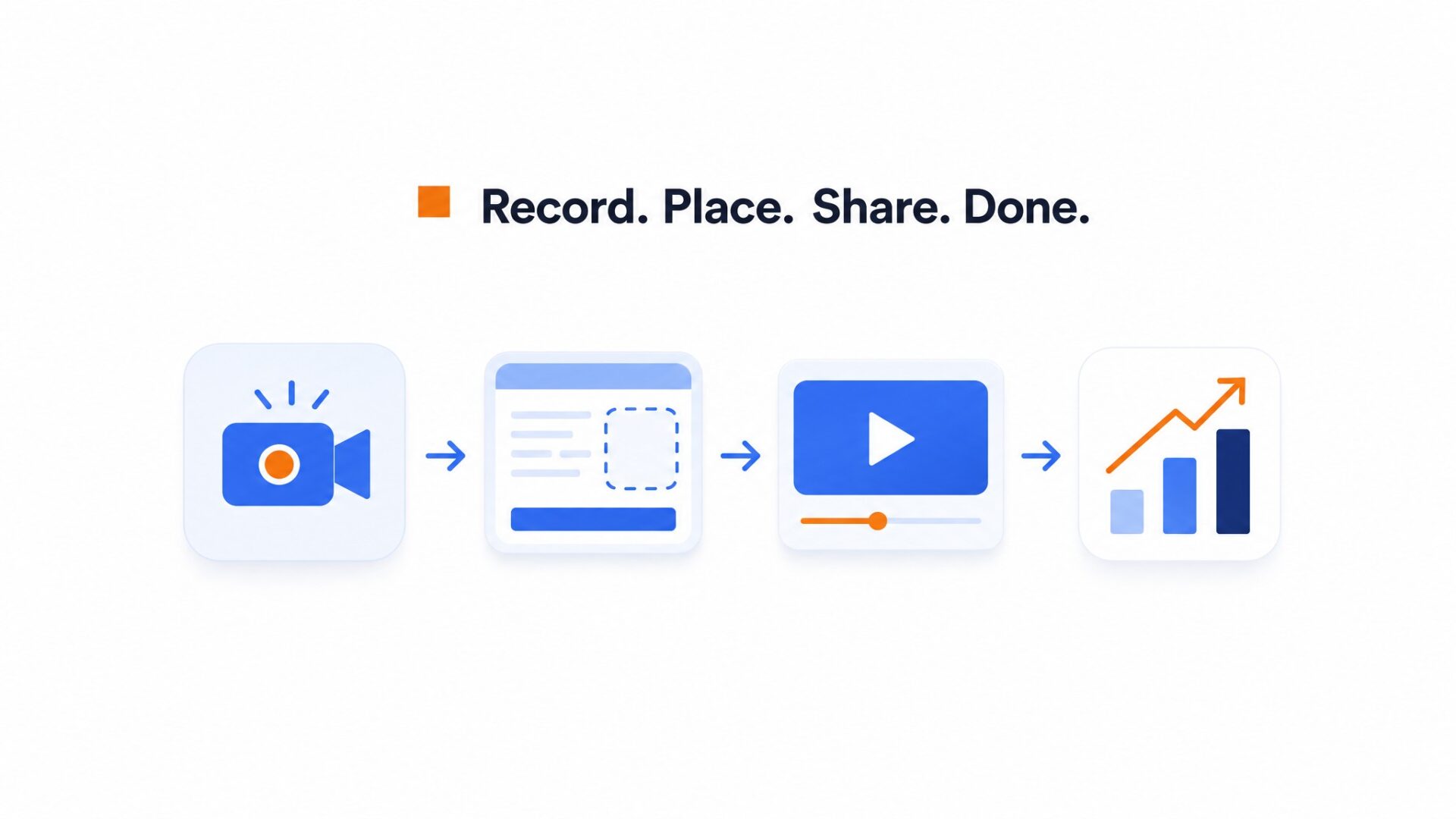
Use a short product clip that shows the item clearly and gives the shopper a reason to keep watching. Connect the exact product or products shown in the video so the path from interest to cart stays clear.
Choose the first format around the page. Carousel suits browsing, Floating Bubble keeps the video available while someone moves around the store, and Popup gives a campaign more focus.
Upload the video, connect the product, and check the product name, image, price, and call to action before publishing.
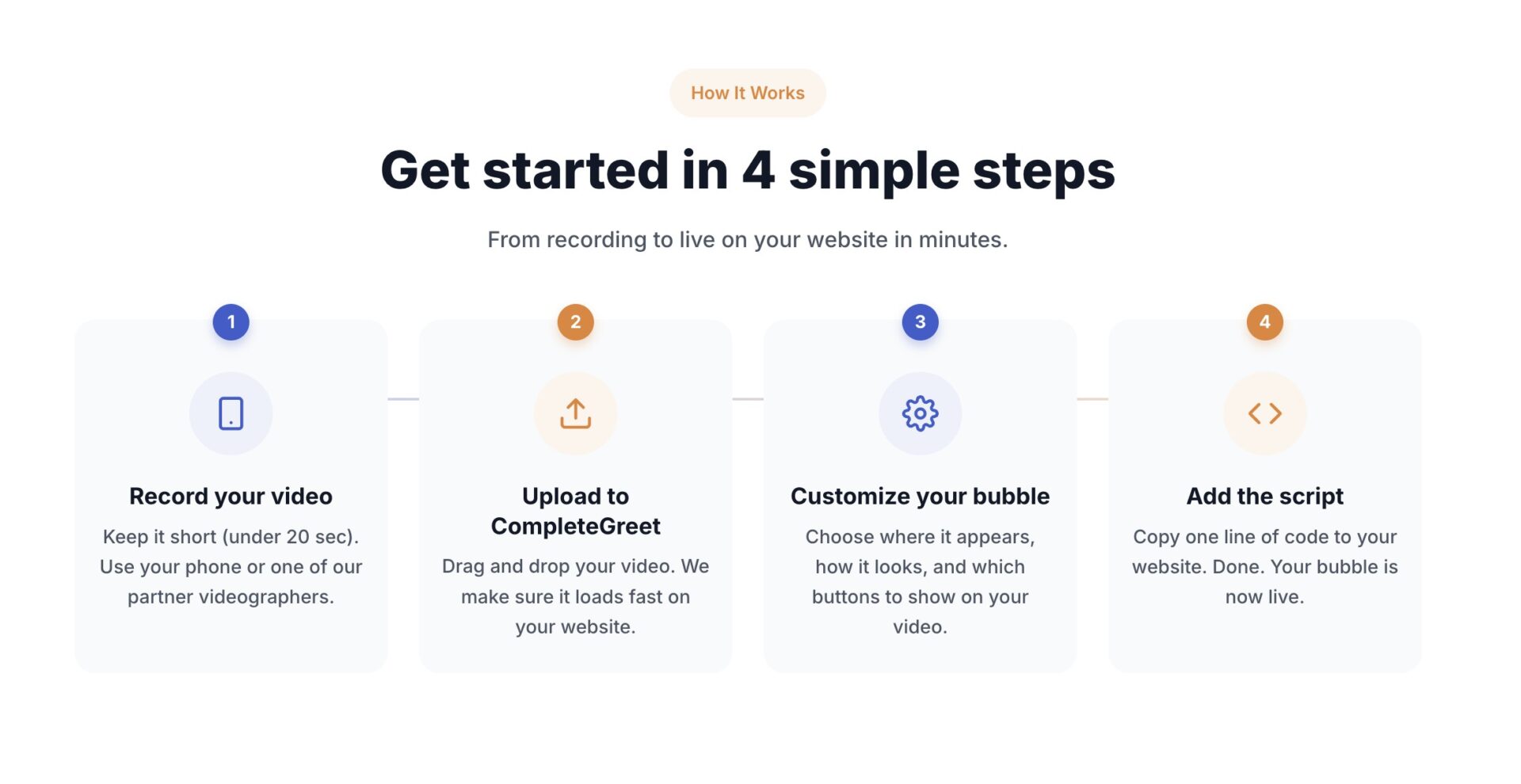
Test the live result on both a phone and a larger screen. Make sure the player does not cover navigation, product options, the cart button, or required page content.
Check the format on a real product or collection page before using it across the store. See CompleteGreet use cases for more placement ideas.
Keep the call to action specific. If the clip is about one product, a direct product or cart action is clearer than several unrelated choices.
Track views, product clicks, add to cart activity, and purchases. Compare those actions with the page’s earlier performance, then adjust the video, thumbnail, trigger, or format one change at a time.
CompleteGreet BUILD is $29 per month when billed yearly, or $36 month to month, for 5,000 unique visitors per month, 1 website, and 2 bubbles or videos. The 30 day free trial does not require a credit card and includes a dedicated onboarding session.
Merchants can present shoppable video as a carousel, popup, reel, sticky player, inline embed, or floating bubble. Each format asks for a different amount of attention and uses a different amount of screen space.
The comparison should cover page fit, mobile usability, content needs, and the route from the video to the product or cart.
Carousel performance
Carousels display several product videos in a sliding interface. They support browsing, but the video files still need careful loading. Web.dev’s video guidance recommends controlling preload behavior so a page does not download more video data than needed.
Popup tradeoffs
Popups bring one video to the front. That can suit a focused campaign, but the overlay should be easy to close and should not hide the page before the visitor can understand the content.
Reel and social formats
Reels use vertical clips and swipe navigation. They feel natural on mobile and work well for discovery, but they need enough relevant content to make the sequence worth browsing.
Sticky player tradeoffs
Sticky players keep video near the edge of the viewport while someone scrolls. They preserve access to the clip, but the layout needs extra care on smaller screens so product details and controls remain visible.
Inline video integration
Inline video sits inside the page content. It works well beside a product description or demonstration because the surrounding copy provides context, though the clip scrolls out of view with the rest of the page.
CompleteGreet shoppable formats
CompleteGreet’s current public shoppable video page shows Carousel, Floating Bubble, and Popup for Shopify and WooCommerce. The product, price, and add to cart action can stay beside the video, with click, cart, and purchase tracking available in the same system.
The floating bubble remains available while the shopper browses and expands when opened.
Carousel supports browsing on product and collection pages, while Popup gives a launch or campaign a more focused presentation.
BUILD covers 5,000 unique visitors per month, 1 website, and 2 bubbles or videos. The 30 day free trial requires no credit card and includes a dedicated onboarding session.
Common questions
Which shoppable video format converts best: carousel, popup, reel, sticky, or inline?
No single format converts best on every site. Carousel is useful for browsing several products, inline video supports a specific product explanation, Popup can focus attention on a campaign, Reel suits mobile discovery, and Sticky keeps a demonstration available while someone scrolls. Test the format against the goal of the page.
How much does CompleteGreet cost for a small ecommerce site?
CompleteGreet BUILD is $29 per month when billed yearly, or $36 month to month, for 5,000 unique visitors per month, 1 website, and 2 bubbles or videos. GROWTH is $59 per month when billed yearly, or $74 month to month, for 10,000 unique visitors and 5 bubbles or videos.
How long does it take to set up a video widget on Shopify, WordPress, or Wix?
A basic CompleteGreet widget can use the dedicated Shopify app or a simple script on WordPress, WooCommerce, Wix, Squarespace, Webflow, and other HTML sites. Shoppable video setup also includes connecting the product and checking the product card. The exact setup time depends on the platform and the number of videos.
What is the difference between sticky and inline video formats?
Sticky videos stay fixed to the screen edge as visitors scroll, keeping the content visible throughout the session. Inline videos sit within the page content and scroll out of view like any other element. Sticky works better for persistent call to action and greetings. Inline suits product demonstrations that should appear next to specific descriptions or buy buttons.
What conversion rate lift can you expect from adding video widgets?
There is no reliable universal lift for a video widget or a specific format. Results depend on the page, offer, video, placement, traffic, and next step. Compare views, product clicks, add to cart activity, and purchases with the page’s earlier performance instead of treating another site’s result as a promise.
Does CompleteGreet work with ecommerce platforms like Shopify and WooCommerce?
CompleteGreet’s general video widget supports Shopify, WooCommerce, WordPress, Wix, Squarespace, Webflow, and other HTML sites. The current public shoppable video experience is built for Shopify and WooCommerce, with a dedicated Shopify app and a WordPress plugin path.
What is the best video format for mobile shoppers?
There is no single best mobile format. Reels feel familiar for vertical discovery, inline video keeps the clip beside the product information, and a compact bottom anchored player can keep video available without taking over the screen. Test tap targets, close controls, navigation, product options, and the cart button on a real phone.
How many unique visitors does CompleteGreet support per month?
CompleteGreet BUILD covers 5,000 unique visitors per month, GROWTH covers 10,000, EXPAND covers 30,000, SCALE covers 100,000, SUPERSCALE covers 250,000, and ULTRASCALE covers 500,000. The public plans are tiered by monthly unique visitors rather than video plays or minutes watched.



