Profile
 Dashboard
 Logout
Table of contents
Key takeaways
- Richer product visuals can help shoppers evaluate items on collection pages. Measure the effect of video on your own store rather than assuming a fixed sales lift.
- Shoppable video can answer product questions during catalog browsing and keep the next step close to the video.
- To set up a shoppable video, upload a clip, link your catalog items, choose a format, and follow the installation steps for your store platform.
What does the data show about shoppable video for collection pages?
Research supports giving shoppers more visual information on collection pages, but it does not establish a fixed sales lift from adding video. The effect on purchases needs to be measured on your own store.
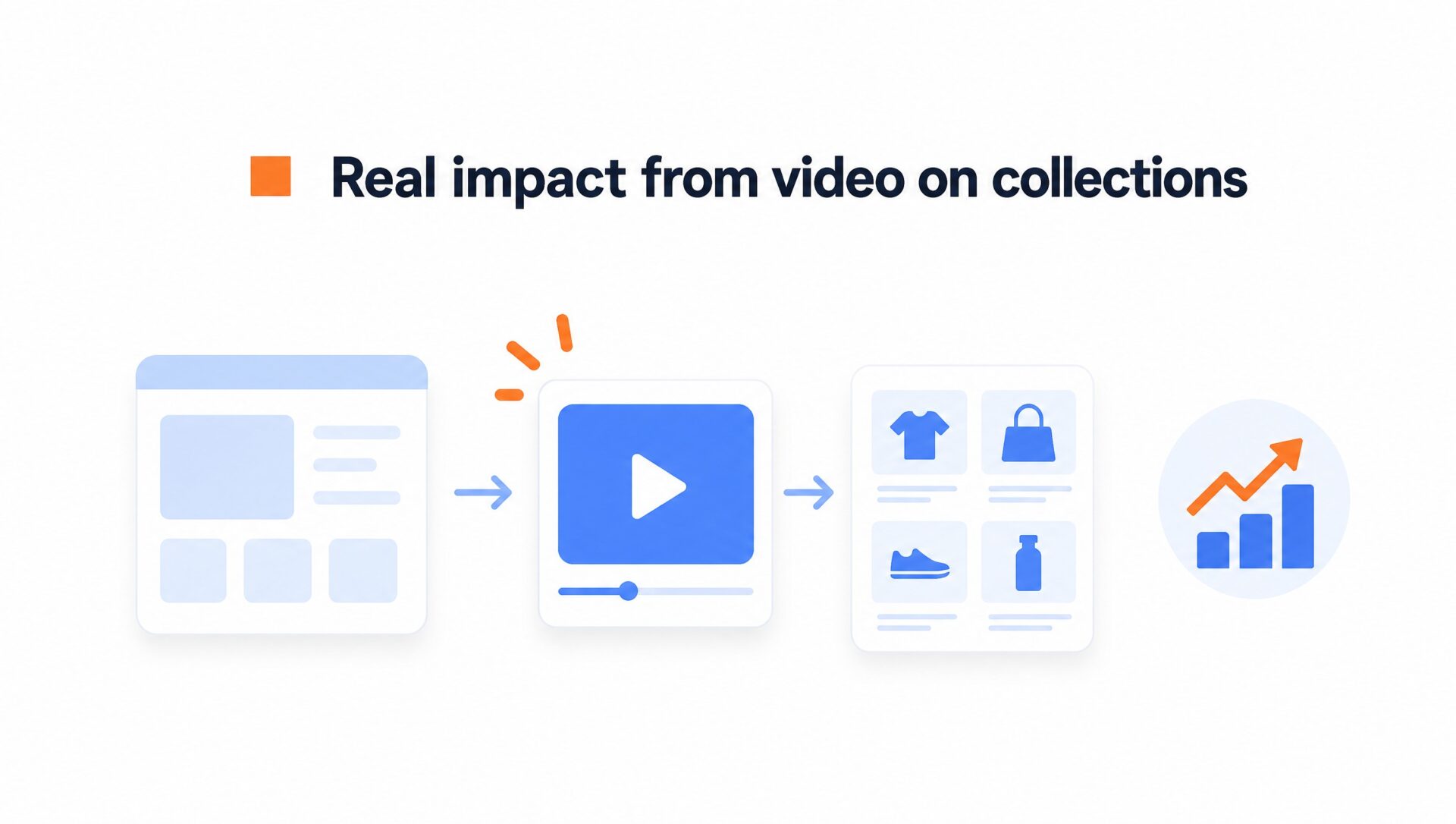
Dwell time is one metric to watch.
When buyers see an actual person explaining fit, materials, or how to choose between three similar items, they get context that a static thumbnail may miss. Check whether that helps them find a suitable product, rather than treating longer browsing time alone as a success.
Where video adds context to static product cards
Shoppers comparing near identical product tiles may need more information about how items differ in real conditions. Video can offer that context before someone clicks into an individual product page.
Our live shoppable video examples show the available formats. For collection browsing, try a carousel or a compact bubble that leaves the product grid and filters accessible.
Some mobile layouts use sticky filter bars. If your widget overlaps them, shoppers may open a video when trying to sort or filter products. Set the bottom offset to clear the actual controls in your theme, then test it with the filter drawer open and closed.
Why does shoppable video for collection pages matter for your bottom line?
Shoppable video can answer product questions while shoppers browse. Baymard Institute research found that too few product thumbnails can leave shoppers without enough visual information to assess an item. Some participants dismissed suitable products or opened product pages to see more images. This supports providing richer visuals, but does not prove a specific conversion lift from video.
Static thumbnail grids hide how products move.
When buyers can tap a video card to preview items, see sizing context, and add a linked product to their cart, they have fewer steps to find that item again. Compare product clicks, cart actions, and purchases with your collection page baseline to see whether the format helps.
Help buyers assess products before ordering
If you pay to bring shoppers to collection pages, give them enough information to compare products. A video showing complementary items is one approach to test. Check average order value and purchases rather than assuming that more viewing time means more sales.
Clear demonstrations can help set expectations.
Seeing fabric drape on a model or watching an accessory in use can show details that still photos miss. Our shoppable video use cases show ways to connect those demonstrations with products. Track pre purchase questions and returns separately to learn what shoppers still need to know.
How to set up your first shoppable video
To set up your first shoppable video, upload a clip, link your catalog items, and choose a format. Follow the installation steps for your store platform. You can record on your phone near a window; professional studio gear is optional.
Keep the script under 30 seconds.
State who you are, highlight the category problem you solve, and point buyers directly toward two or three popular items in the grid below. Nielsen Norman Group research found that users often scan web pages rather than reading every word. Be direct.
Where to place the widget and how to track results
Try the bottom right corner on desktop. On mobile, adjust the spacing to clear navigation menus, filter buttons, and search drawers. A fixed margin will not suit every theme. For examples of the available formats, you can learn about shoppable videos on our product page.
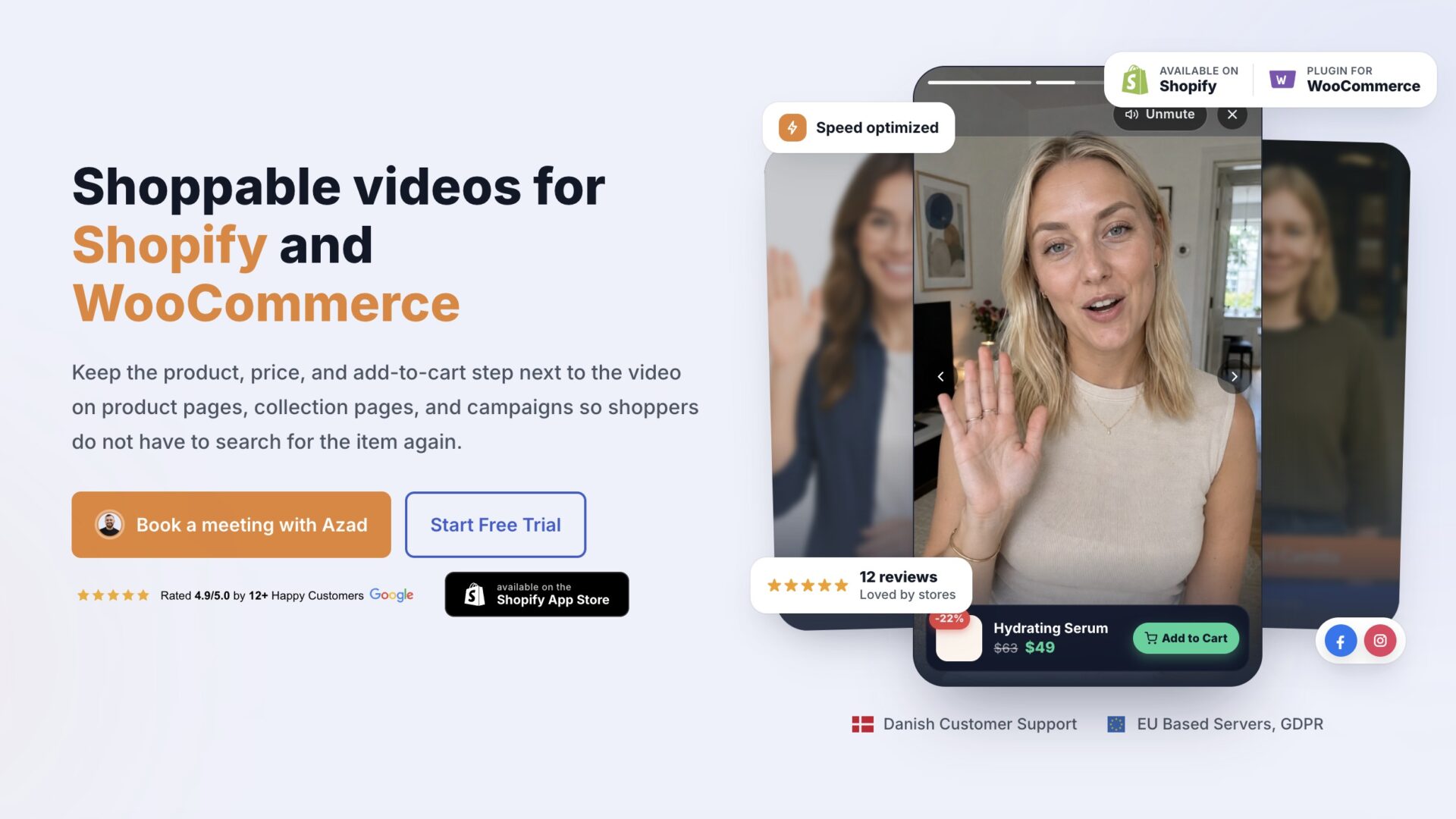
Track product clicks, cart actions, and attributed purchases in CompleteGreet. Use your store analytics to compare collection page engagement and sales. Watching a clip alone does not show that it caused a purchase.
Test trigger timing if your chosen format supports it. Compare immediate display with a short delay, keeping the placement and clip the same. Use your own play and dismissal data to decide what works for your shoppers.
Always verify mobile audio behavior prior to launching.
Safari allows autoplay without a user gesture for video that is muted or has no audio track, subject to its playback rules. Add captions or text overlays so the message makes sense without sound, and test playback on the devices your shoppers use.
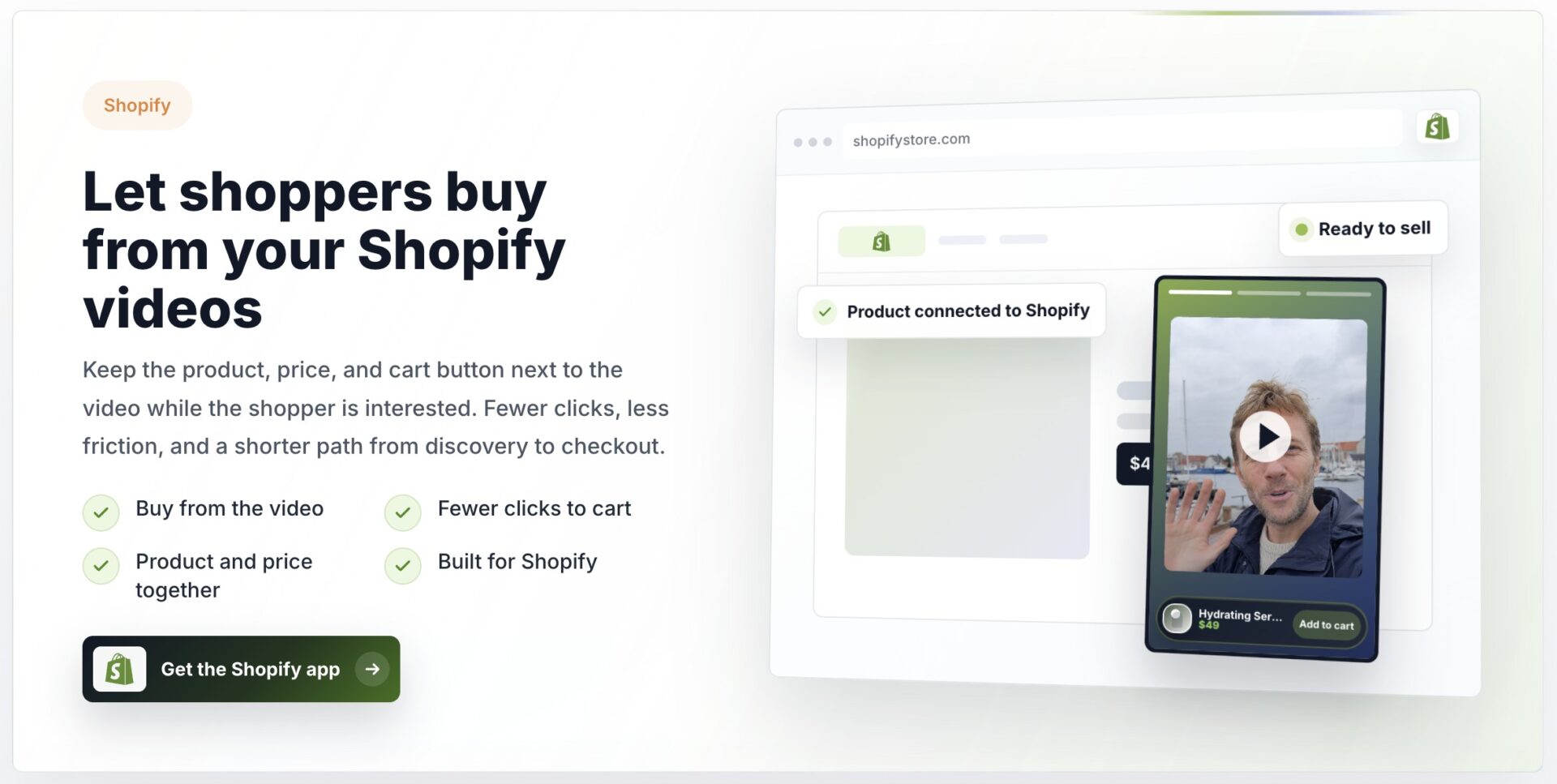
Pay attention to the difference between opening a product page and offering cart actions inside the video. A product link takes shoppers away from the collection view. An integrated product drawer can keep product details and an add to cart button alongside the video.
Use your own collection page baseline to evaluate video performance. Compare similar periods or run a controlled test, accounting for changes in traffic, promotions, and product availability.
Useful measures include collection page engagement, product detail page clicks, cart actions, and purchases. These are metrics to monitor, not promised improvements.
Review these measures together after installing the widget. A longer session could mean useful exploration or difficulty finding the right item.
Combine analytics with shopper feedback to understand whether the clip helps them choose.
Setup criteria for collection pages
Match featured items to the collection shoppers are viewing. Use Google Web Vitals guidance to measure loading, interactivity, and visual stability before and after adding video. Reading the guidance alone does not verify your site performance.
Check launcher positioning at different mobile widths, including with sticky navigation and filter menus visible. Leave enough clearance for those controls rather than relying on a universal pixel offset.
CompleteGreet compresses uploaded videos and loads its widget after the site has loaded. Still, measure your own collection pages after installation to check the effect on loading and interaction.
CompleteGreet BUILD is $29 per month when billed yearly, or $36 month to month, for 5,000 unique visitors per month, 1 website, and 2 bubbles or videos. Our free trial lasts 30 days. Start with one collection page and compare product clicks, cart actions, and purchases with your baseline.
Common questions
What does a shoppable video add to a collection page?
It connects the video with products, prices, and cart actions so shoppers can explore an item while watching. CompleteGreet supports Shopify and WooCommerce.
How do I get started?
Upload or import a video in CompleteGreet, link the featured products, choose a format, and follow the installation steps for your store. Check the collection page on mobile before publishing.