
 Profile
 Dashboard
 Logout
Table of contents
Key takeaways
- A checkout video should answer a specific purchase question without interrupting payment. Test checkout completion; the available Merchshark example does not substantiate a conversion lift.
- Cart abandonment happens most when shoppers hit friction right before paying.
- You do not need production equipment or a scriptwriter.
What does the data show about video on checkout?
The available Merchshark case material does not substantiate a checkout-conversion increase. Enquiries and video engagement cannot be treated as completed purchases.
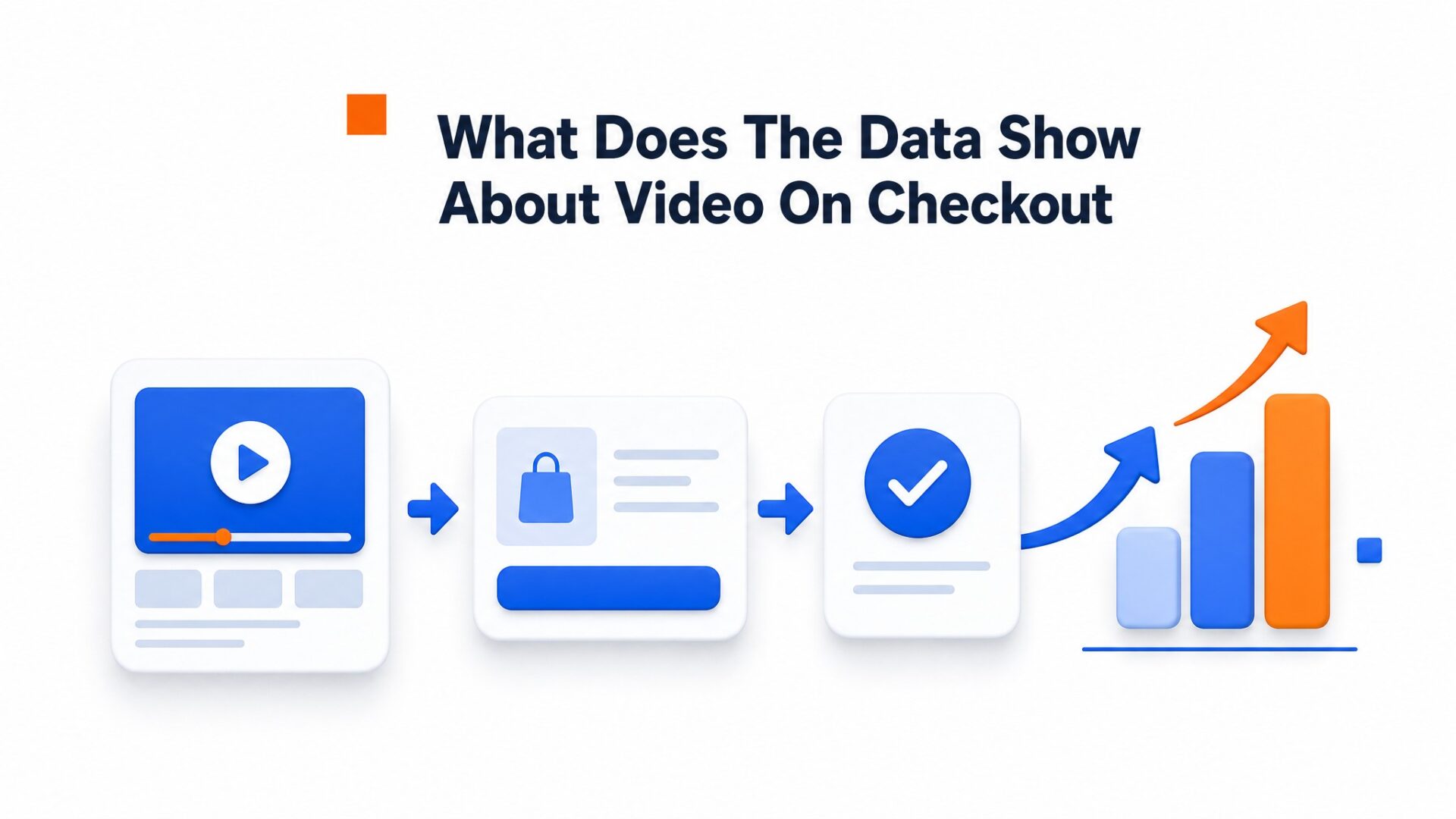
Seventeen percent higher conversion means something different on a checkout page than on a homepage.
At checkout, visitors may still have questions about payment, delivery or the seller. Baymard Institute research identifies trust concerns among checkout-abandonment reasons. A video can support an explanation, but it does not replace clear payment and return information.
Merchshark appears among CompleteGreet’s website examples. The available evidence does not establish the claimed checkout placement, production cost, installation time or lasting conversion increase.
Most teams obsess over checkout button colors and form field order. Those matter. But the trust gap is harder to fix with UI tweaks alone.
What causes cart abandonment and can video reduce it?
Cart abandonment happens most when shoppers hit friction right before paying. Video greetings remove the trust barrier that kills many of those sales.
Extra shipping costs, forced account creation, and security doubts end most checkout attempts before the card ever gets charged.
Video greetings attack the trust problem directly.
Shoppers worry their credit card details will disappear into some anonymous system. A 30 second clip of a founder or support lead saying hello and mentioning the company’s physical location turns abstract anxiety into a recognizable human face. This is why merchants who build trust on website checkout pages see different results than those relying on static security badges alone.
The effect is strongest when the video addresses specific objections.
Record something simple like “Shipping takes 2 to 3 days and costs $5 flat” or “You can check out as a guest, no account needed.” Place the bubble on the cart or checkout page, not the homepage. One ecommerce team moved their greeting from the landing page to the checkout flow and watched form completion jump without changing a single line of payment code.
Mobile abandoners are harder to win back. The video thumbnail should load instantly and start muted so it does not interrupt thumb, scrolling. If the widget delays the page load by even a second, you trade one friction point for another.
Hypothetical Cart Recovery Calculation
These scenarios illustrate the arithmetic of cart recovery. They do not predict the effect of adding video.
The Formula
Monthly Recovered Revenue = Abandoned Carts × Average Order Value × Recovery Rate
Assumed recovery rate
17%
Hypothetical share of abandoned carts recovered; not a relative conversion lift
Example Recovery Scenarios
Small Store
100 abandoned carts × $50 AOV
$850
per month
Medium Store
500 abandoned carts × $75 AOV
$6,375
per month
Large Store
2,000 abandoned carts × $100 AOV
$34,000
per month
Key Takeaways
- ✓ Count completed purchases separately from video interactions
- ✓ Revenue is not profit; account for margin and costs
- ✓ Measure recovery rather than assuming it
- ✓ Payback depends on measured additional profit and costs
Measurement goal: completed purchases divided by eligible checkout sessions. The available Merchshark example is not a verified checkout-conversion benchmark.
See the static HTML data above for the full breakdown.
How to set up your first video greeting in under 5 minutes
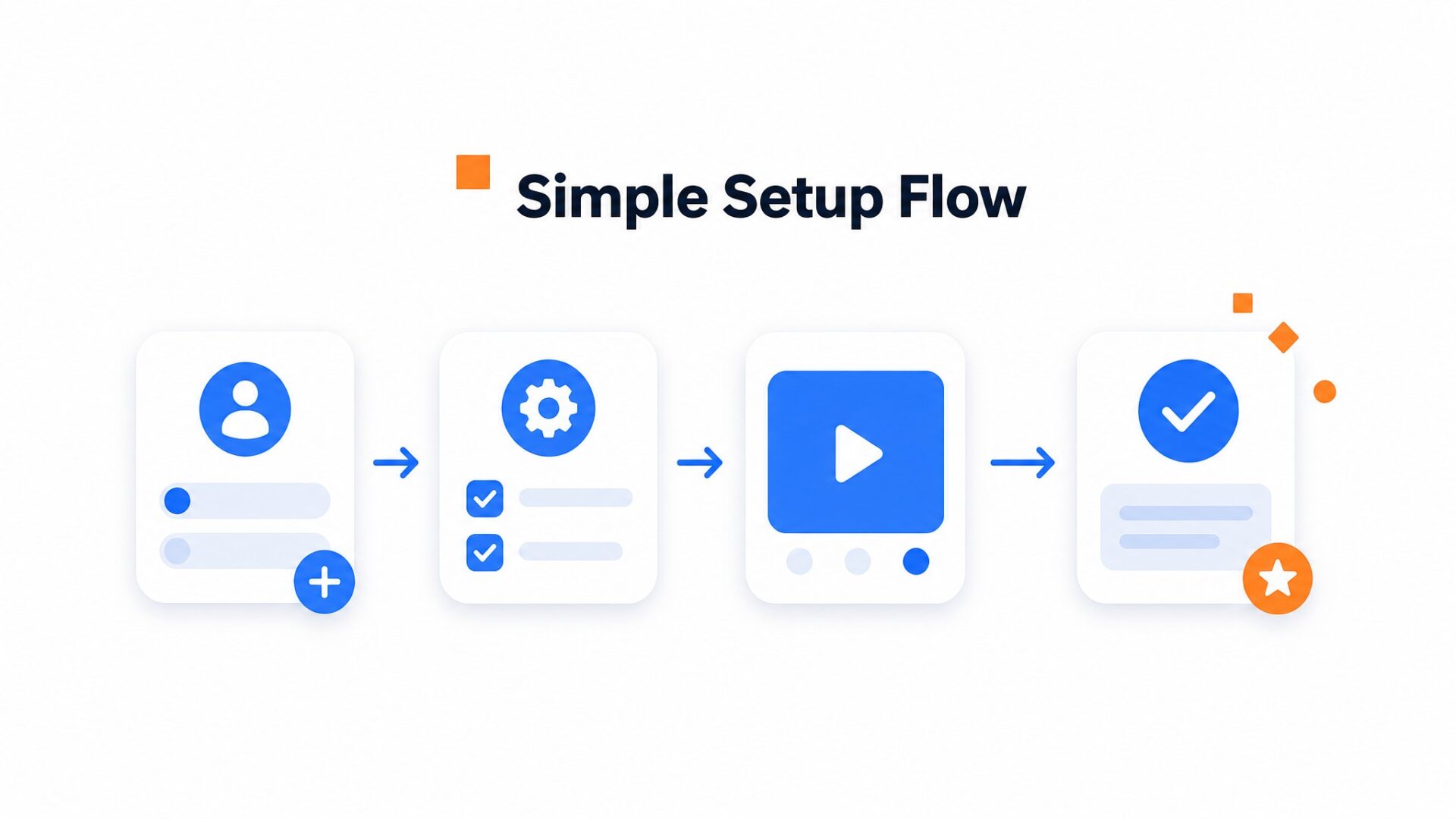
You do not need production equipment or a scriptwriter. A smartphone, natural light near a window, and 60 seconds of honesty are enough to get started.
What to say in your first greeting
Most first, timers overthink this. The goal is not perfection. The goal is presence.
Try this: “Hey, I am [name] from [store]. I know checkout can feel risky. Hit reply if something is blocking you, and I will get back to you fast.”
That is it.
Authentic beats polished every time. Nielsen Norman Group research shows that users trust real human presence more than slick production.
Where to place the bubble on checkout
Position matters more than most teams realize. The bottom right corner works on desktop because it avoids the checkout button and footer links. On mobile, shift it to the bottom center or bottom left so it does not cover the payment fields. Test on your actual checkout flow, not just your homepage.
Installation and mobile checks
Grab your embed code from the dashboard and paste it into your site header or use the Shopify, WordPress, or Wix plugin. Most teams skip the mobile check and regret it.
Load your checkout on a phone.
The bubble should resize without forcing full screen video. The close X needs to land where a thumb can reach it without scrolling.
Measuring your results
Track checkout completion and completed purchases, alongside video interactions. Use your own baseline or an equivalent control group rather than the unsubstantiated Merchshark uplift as a benchmark.
Video greetings build trust on website pages where skepticism peaks. If you are not seeing lift after two weeks, try moving the bubble or re, recording with a more direct opening line. Small tweaks compound fast.
Cart abandonment represents one of the largest leaks in ecommerce revenue, with shoppers leaving behind filled carts at every stage of the checkout flow. Video greetings intercept this exit intent by placing a human face directly on the transaction page.
The following framework calculates potential recovery revenue without needing complex analytics setups.
Recovered revenue estimates rely on three inputs: the monthly volume of abandoned carts, the average order value of those carts, and the expected recovery rate attributed to video intervention. Most merchants see recovery rates between ten and twenty percent when the greeting triggers at the moment of hesitation.
The formula follows a simple structure: multiply abandoned carts by recovery rate, then multiply that result by average order value. For example, a store losing one hundred carts monthly at eighty dollars each could recover eight hundred dollars in revenue with a ten percent recovery rate.
Test placement on the actual checkout and representative mobile devices. Keep the order summary, payment fields and primary button usable. The available evidence does not establish that a particular placement outperforms production quality.
According to web.dev guidance on Core Web Vitals, video assets must load without delaying the Largest Contentful Paint metric, ensuring the checkout remains fast even with the widget active.
Stores implementing video on checkout typically see the strongest results when they personalize the greeting with the specific product category visible in the cart. Generic messages perform substantially worse than references to the actual items waiting in the cart.
Testing confirms that keeping the video under fifteen seconds maintains engagement without introducing friction. CompleteGreet handles the technical compression automatically, ensuring the file size stays under 2 megabytes even for high, resolution recordings.
Common questions
Does video on checkout actually reduce cart abandonment?
A video may answer a purchase question, but the available evidence does not establish that it raises checkout conversion. Test it on your own site while keeping payment controls clear and usable.
Where should I place the video widget on my checkout page?
Place it in the lower right corner of the screen so it floats above the form without blocking fields. This keeps it visible during the entire checkout process without interfering with the payment flow. The widget should appear on every checkout step, not just the first page.
How much does CompleteGreet cost for checkout video?
CompleteGreet starts at $29/month when billed yearly for 5,000 unique visitors with no overage fees. The price stays flat regardless of how many times shoppers replay the greeting or which pages they visit. high traffic stores can compare plans on the pricing page to find the right tier.
What should I say in a checkout page video greeting?
Keep it under 30 seconds and mention three things: your name, the security of the checkout process, and how to reach you if something goes wrong. Shoppers at checkout are already committed, so avoid sales pitches. A simple “Hi, I am Sarah and I handle all orders personally” builds more trust than a discount code.
Will a video widget slow down my checkout page speed?
No. CompleteGreet loads asynchronously, which means the checkout page renders fully before the video widget appears. Page speed scores stay clean because the widget does not block critical render paths. Most stores see no measurable change in load time after installation.
How do I know if my checkout video is working?
Track completed purchases per eligible checkout session. Use an equivalent comparison group where possible and account for traffic, offer and seasonal changes. A high abandonment rate alone does not predict the benefit of video.
Does CompleteGreet work with Shopify and WooCommerce?
Yes. CompleteGreet installs on Shopify, WooCommerce, WordPress, Wix, Squarespace, Webflow, and custom HTML sites. The setup takes under five minutes on most platforms. Installation requires pasting a single code snippet or using the native app if available.



