
 Profile
 Dashboard
 Logout
Table of contents
Key takeaways
- Match the video to the page or audience only where you can deliver the targeting reliably, then test completed actions.
- Generic video greetings convert at baseline rates.
- Start with a 15 second clip filmed on your phone.
What does the data show about video personalization showing different videos to different visitors?
Different visitors may need different explanations. The available customer examples do not substantiate an average uplift from personalized greetings.
Track completed enquiries or bookings within each eligible audience. Longer sessions and more views do not establish that personalization improved conversion.
The pattern is consistent across industries. Ecommerce sites using product, category videos see different results than service businesses using geo, targeted messages, but both outperform static video loops. A generic welcome video is better than none. A targeted greeting that acknowledges what the visitor actually came for is measurably better still.
Assess enquiry quality, completed customers and acquisition cost separately. Session duration alone does not establish a ranking improvement or a profitable campaign.
See real customer results from businesses running these implementations.
Why does video personalization showing different videos to different visitors matter for your bottom line?
Generic video greetings convert at baseline rates. Targeted messages that match the visitor’s intent convert measurably higher.
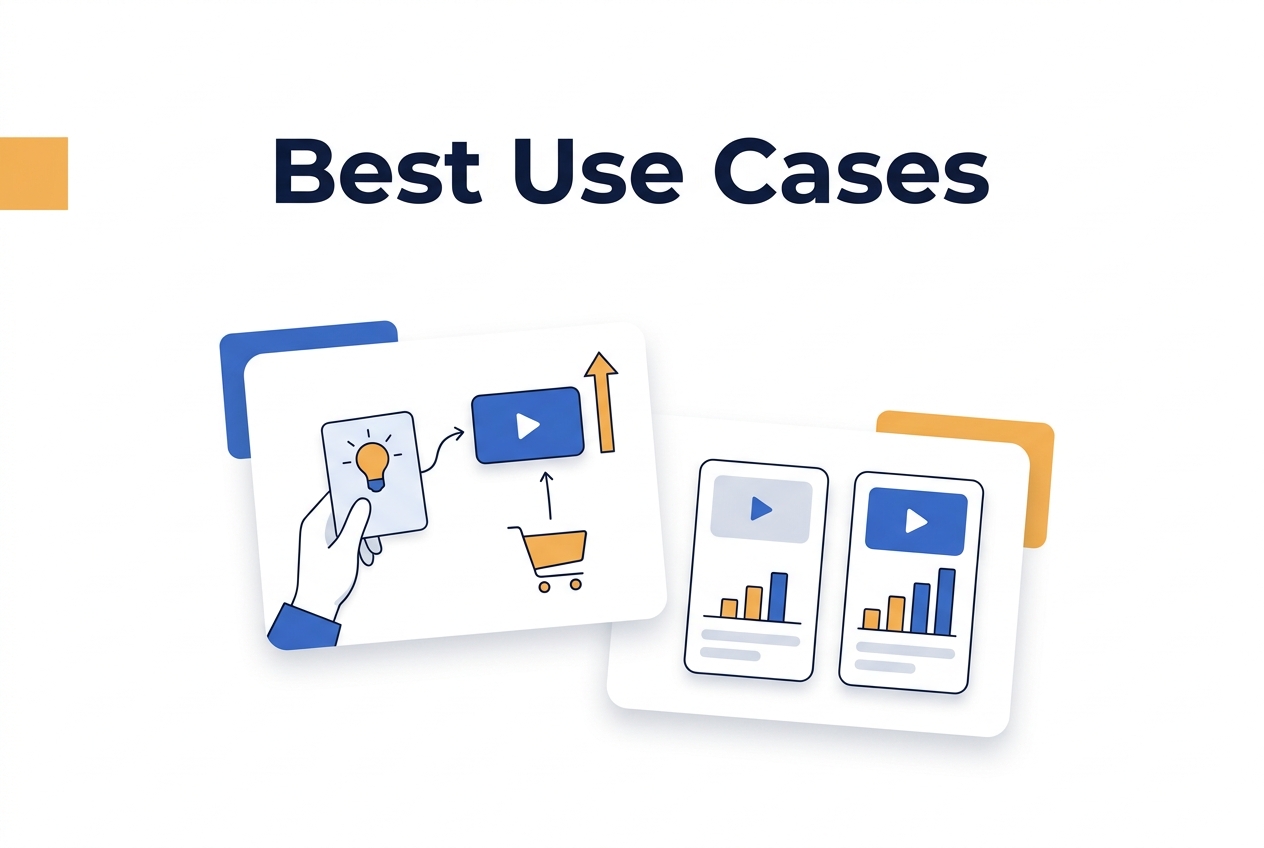
A possible test is an introductory message for new visitors and a relevant next step for returning visitors, if your targeting setup supports it. This is a test idea, not a documented customer result or setup-time promise.
A conversion-rate change affects revenue only alongside traffic, order value and other business factors. Measure those inputs instead of assuming a fixed revenue gain.
You could test different messages for mobile, desktop or a known referral source if your setup supports those conditions. Keep the offer comparable and measure each group’s completed actions. No customer outcome for this three-version scenario is established here.
Matching the message to traffic source removes hesitation.
The available examples do not establish a controlled comparison of tailored and generic greetings. Test the message against an equivalent group with the same conversion goal.
Longer sessions correlate with higher purchase intent.
For a hypothetical example, moving from 2% to 2.3% purchase conversion produces 15% more purchases at the same traffic level. Those rates are assumptions, not an expected personalization result. Order value and margin also matter when assessing the benefit.
How to set up your first video greeting in under 5 minutes
Start with a 15 second clip filmed on your phone. Introduce yourself by name, mention what your company does in one sentence, and invite the visitor to click the bubble if they have questions. Most teams over, script this and end up sounding robotic.
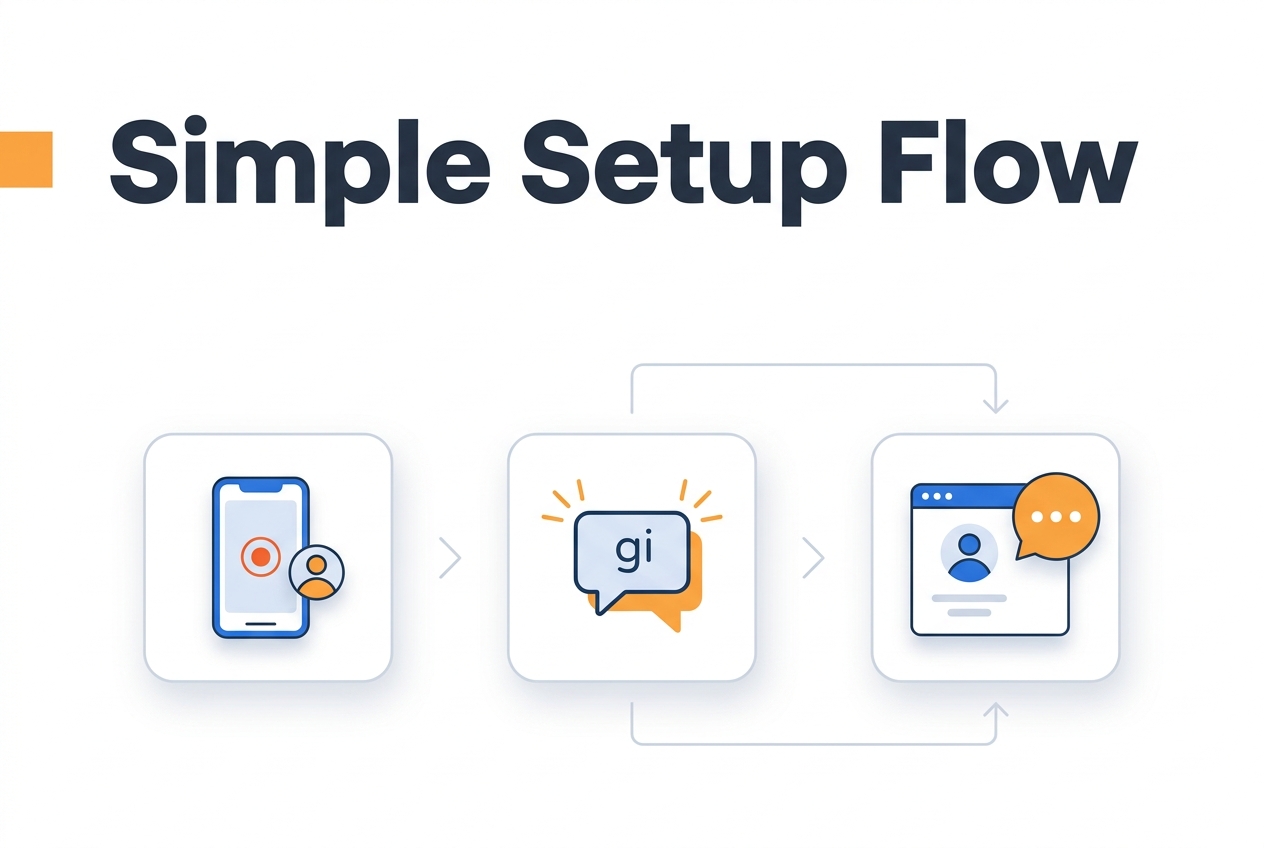
Upload the file to your dashboard and set the display rules. Choose which pages show the widget and how many seconds after page load it appears. The default is 3 seconds, which works fine for most sites.
Placement matters more than most people expect.
Keep the bubble in the bottom right corner on desktop and bottom left on mobile to avoid covering navigation menus. Test on an actual phone, not just the browser inspector. A bubble that looks fine on a 27 inch monitor often blocks the checkout button on an iPhone SE.
What to track in the first 30 days
Watch eligible widget impressions, plays and completed forms. Review customer website examples for implementations, not booking-uplift benchmarks.
Change your thumbnail weekly.
The still image that appears before someone clicks matters almost as much as the video itself. Faces get more clicks than logos. Smiling faces get more clicks than neutral ones. Most platforms let you upload a custom thumbnail or auto, grab a frame from your clip.
Run the test for at least two weeks before drawing conclusions. Traffic patterns vary by day of week, and a single viral social post can skew your numbers if you check too early.
Video personalization delivers different video greetings based on visitor behavior, traffic source, or device type. This approach moves beyond one, size, fits, all messaging to match specific audience segments with relevant content.
The following guidance describes how to plan a personalization test. The available examples do not establish expected outcomes from segmentation or distinct video assets.
Segmentation logic typically relies on three data points: referral URL, returning visitor status, and time on site. A new visitor arriving from a paid search ad might see a product, focused greeting, while a returning visitor receives a loyalty message. The platform checks these conditions in under 100 milliseconds before serving the appropriate MP4 or WebM file.
File size budgets matter more with multiple video variants.
Each unique greeting adds to the total page weight unless lazy, loading scripts delay fetch until after initial paint. Aim for sub 500KB compressed files per variant to maintain fast load times per Google Web Vitals guidance.
Privacy compliance requires explicit consent mechanisms when personalization uses tracking data. European data protection standards mandate clear opt, in flows before cookies identify returning visitors. Implement a two, step process: first collect consent, then trigger personalized video logic.
Segmentation formulas for ROI projections
For a hypothetical segment calculation, 10,000 monthly visitors with 40% in the segment gives 4,000 eligible visitors. If its enquiry rate moved from 2% to 2.2%, enquiries would rise from 80 to 88, or eight more per month. These assumed rates are not a forecast or a measured CompleteGreet result.
Set up requires three components: the base tracking script, conditional logic rules, and a video asset library. Upload 2 to 3 variants per primary landing page and tag each file with segment identifiers that match the conditional rules. Test each path using incognito browsers and VPN locations to verify correct variant delivery.
Record the audience definition, period, visitor counts and completed actions for each test. The available examples do not substantiate aggregate performance across personalized deployments.
Check which targeting conditions your implementation supports before promising a personalized route. Estimate additional leads from measured conversion rates and eligible visitors, not from the unverified average uplift.
Common questions
How does CompleteGreet show different videos to different visitors on a small business website?
CompleteGreet uses page level rules to trigger different greeting videos based on where a visitor lands or what they have done before. A visitor arriving from a Google ad might see a welcome video that mentions the specific offer they clicked, while someone returning to the pricing page sees a different greeting addressing common objections. The rules run in real time without slowing down the page, and setup happens through a simple dashboard where you assign videos to specific URLs or visitor states.
How long does it take to set up personalized video greetings on a Shopify store?
Most Shopify stores have personalized video greetings running in under 5 minutes. The process involves installing the CompleteGreet app from the Shopify App Store, recording or uploading your greeting videos, and setting rules for which video shows on which page. No code editing is required. One store owner reported having three different personalized greetings live before their coffee got cold, with each greeting targeting a different product category page.
What kind of conversion lift can I expect from adding personalized video greetings to my landing pages?
There is no verified typical personalization uplift in the available customer examples. Compare equivalent groups and report completed actions with visitor counts; enquiry growth, bookings and time on site are separate measures.
How much does CompleteGreet cost for a website getting around 5,000 unique visitors per month?
CompleteGreet starts at $29/month when billed yearly for 5,000 unique visitors with no overage fees regardless of how many times visitors play the greeting. The flat rate covers unlimited video uploads, all personalization rules, and full platform support. Unlike tools that charge per video play or by total minutes watched, the pricing stays predictable as traffic grows. A business paying $29 per month with annual billing at 5,000 visitors pays the same even if those visitors watch the greeting 50,000 times collectively.
Can I use CompleteGreet on a WordPress site if I do not know how to code?
Yes, CompleteGreet works on WordPress through a simple plugin that requires no coding. Install the plugin from the WordPress directory, connect your account, and use the visual dashboard to place your video widget and set personalization rules. The plugin handles all the technical placement automatically. Most WordPress users have their first greeting live within minutes of installation, and the plugin updates itself in the background when new versions release.
What should I say in a personalized video greeting for first time visitors versus returning customers?
first time visitor greetings should introduce who you are, what problem you solve, and what the visitor should do next in under 30 seconds. Returning customer greetings can skip the introduction and get straight to new updates, special offers, or direct questions about their needs. A SaaS company might welcome new visitors with a 20 second greeting explaining their core benefit, while showing returning users a greeting that asks what feature they want to explore next. The key difference is context: new visitors need orientation, return visitors need progression.
Does CompleteGreet work with custom websites built in React or Vue?
CompleteGreet supports custom websites built in React, Vue, Angular, and plain HTML through a lightweight JavaScript snippet. The script loads asynchronously so it does not block your page rendering, and it integrates with single, page applications that use client, side routing. Developers can use the provided API to trigger greetings programmatically based on custom logic. The same personalization rules available on Shopify and WordPress work identically on custom builds, with documentation covering framework, specific implementation details.



