
 Profile
 Dashboard
 Logout

Table of contents
Key takeaways
- Car dealership websites lose trust when basic questions go unanswered: Is this vehicle available?
- A video bubble on a vehicle detail or model page lets a shopper ask about one car and choose a next step without leaving the page.
- Start with vehicle detail pages, then add video to model, finance, and appointment pages where buyers need a next step.
Why do car dealership websites struggle with trust?
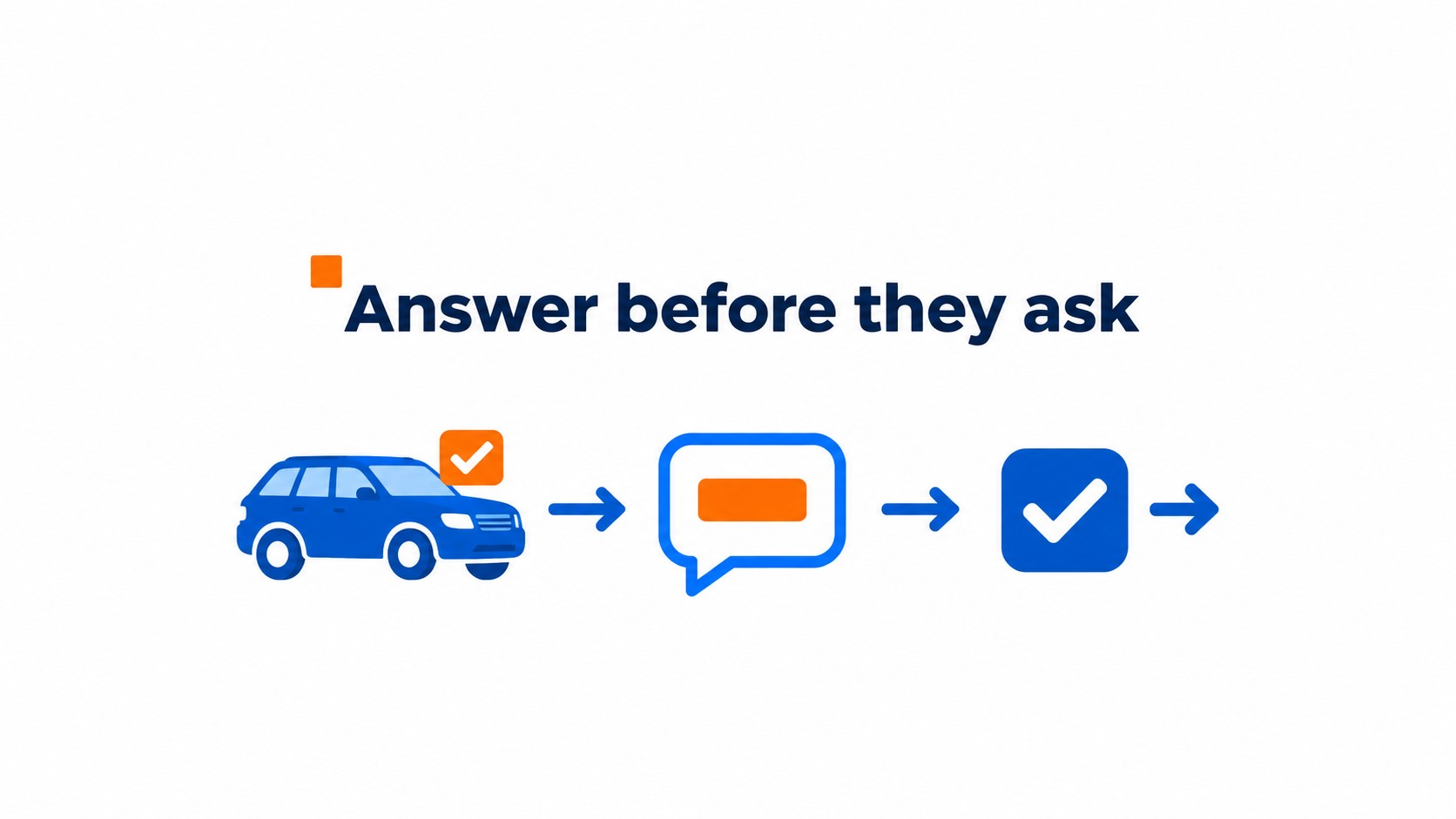
Car dealership websites lose trust when basic questions go unanswered: Is this vehicle available? What happens after an inquiry? Will anyone respond? Someone comparing a used SUV needs a clear next step and a way to ask about that car, not a generic sales form. Silence feels like a warning.
A common setup miss is letting a video widget collect interest without adding the vehicle stock number or model to the lead record. The salesperson then has to ask which car the shopper meant. That first reply feels disconnected from the page the shopper just viewed.
Keep the handoff specific. Ask which vehicle the shopper wants to discuss, what they need next, and whether they have a trade in or finance question. Send those details with the inquiry to the right sales employee. Then test a submission from a mobile vehicle page to make sure the stock number comes through.
Trust is easy to lose when inventory pages, forms, and follow up work like separate systems.
How do video widgets work for car dealerships?
A video bubble on a vehicle detail or model page lets a shopper ask about one car and choose a next step without leaving the page. The prompt should fit the page.
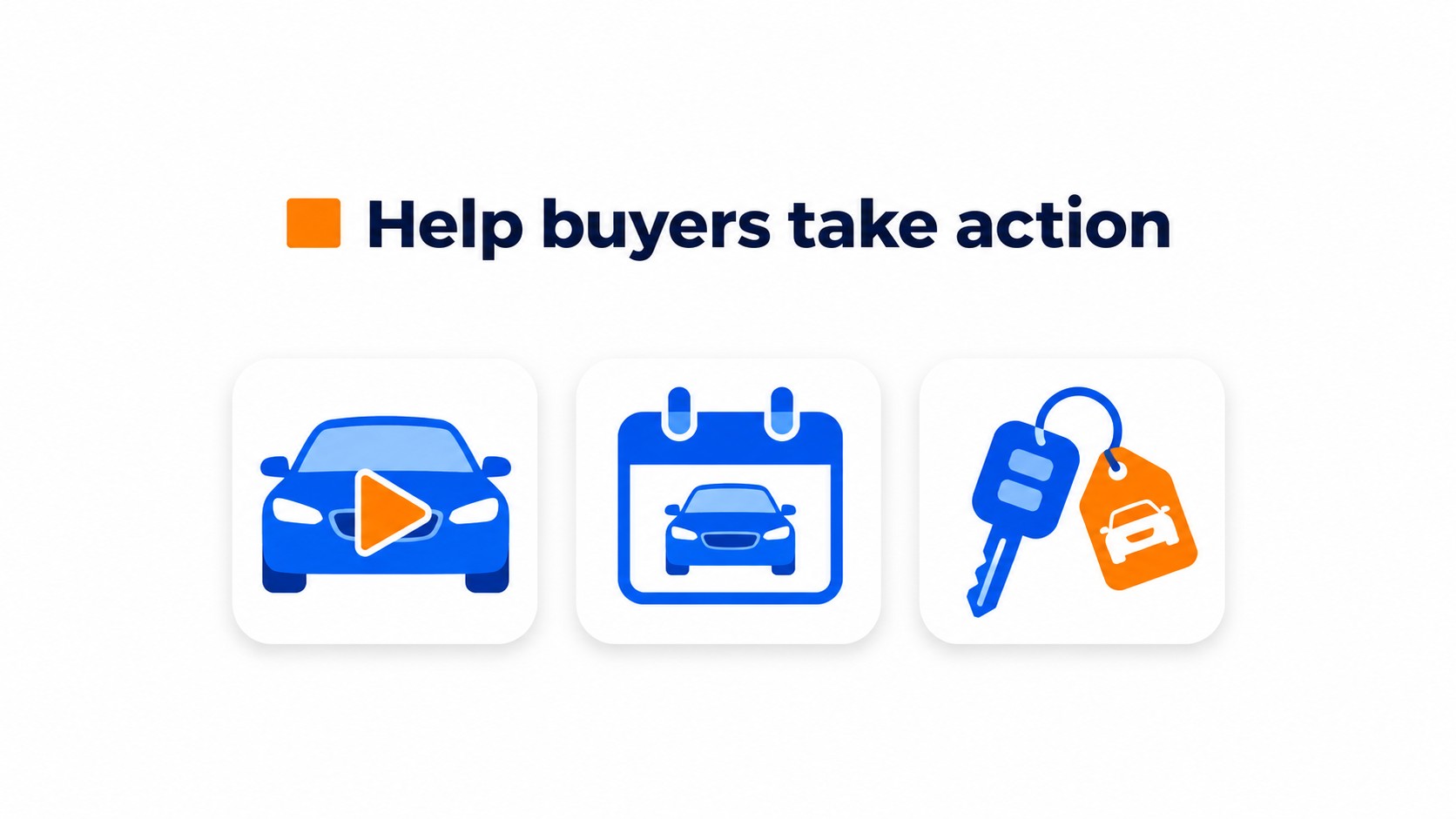
On an individual listing, try “Book a test drive” or “Check availability.” On a model page, “Ask about pricing” may fit better. Match the button to what the shopper is viewing.
“Contact us” is too vague. It makes the shopper do the work.
Ask for contact details, then capture the vehicle, buying timing, trade in or finance interest, and requested next step. That gives sales a useful handoff. Include the stock number or exact page URL, too. “Interested in a sedan” is not enough when the shopper viewed a specific listing.
Set up a supported integration or a manual handoff to the dealership CRM or assigned employee, then check that the vehicle and requested action stay attached. Test the form on a phone. Inventory pages are crowded, so make sure the bubble does not cover photo controls or sticky buttons and that the form fits on the screen.
Where should you place video on a car dealership website?
Start with vehicle detail pages, then add video to model, finance, and appointment pages where buyers need a next step. On a vehicle page, offer options such as checking availability, booking a test drive, or asking about a trade in. Keep the choices visible so sales staff can tell what the buyer wants.
Model pages call for a different prompt. A shopper comparing trims may want a quick answer about features or stock across locations, not a generic greeting from the dealership.
Finance and trade in pages attract buyers with specific questions. Ask what they need help with, then collect the vehicle they are considering and the best way to reach them. Keep the form short on a phone.
CompleteGreet can show bubbles on specific URLs, letting a vehicle greeting appear on inventory pages without showing across the whole site. Test the rule on a live vehicle listing, not only the model page. Dealerships may use different templates for each.
What results have similar businesses measured?
We do not have verified measurement data to support a dealership inquiry uplift figure for CompleteGreet.
Track inquiries, bookings, and completed test drives separately. More time on site does not by itself show that buyers are better qualified.
Results from other industries would not establish a dealership benchmark.
For a useful comparison, record the baseline before adding a widget, then compare the same page and traffic source over a fixed period. Keep the test narrow. Mixing model pages with generic contact pages makes a lift hard to interpret.
Check the CRM record as well. Each inquiry should include the right vehicle and requested next step, such as a test drive or pricing question. A total lead count will not show that a test drive request went to the wrong salesperson.
Car shoppers compare vehicles and dealerships across multiple websites before reaching out. The survey figures below describe that research. The lead check can help you assess your own widget submissions.
The 2025 Cox Automotive Car Buyer Journey Study found that 75% of US car buyers used third party websites, while 59% used dealership websites. Shoppers visited an average of 4.6 websites during their research.
Response ready lead rate = widget submissions containing a customer, vehicle, buying intent, trade in or finance need, and requested next step divided by all widget submissions, multiplied by 100.
This measure checks whether the widget captures information staff can act on, rather than just counting messages. Confirm that each submission reaches the correct CRM record and assigned employee.
Compare this rate with appointment requests and completed test drives to see which submissions progress beyond initial interest. Test one mobile vehicle page submission and confirm all five qualification details appear in the CRM.
Common questions
What information should a car dealership video widget collect to qualify a buyer?
Ask for the shopper’s contact details, the vehicle they’re interested in, buying intent, trade in or financing needs, and the next step they want, such as a test drive or availability check. Route the submission to the right CRM record or employee. A lead that omits the vehicle or requested action can leave sales staff guessing.
Where should a video widget go on a car dealership website?
Put it on vehicle detail pages and model pages, where shoppers are comparing cars and deciding whether to ask about price, financing, availability, or a test drive. Check the widget on mobile inventory pages too. Measure page speed, form completion, and abandonment alongside other tools on the page, including chat and finance widgets.
Do vehicle videos help car shoppers decide to visit a dealership?
A vehicle video can show a shopper the car before a visit, but watching it does not by itself qualify a lead. Pair the video with a clear next step so interested shoppers can ask about that specific car.
What results have businesses measured after adding video widgets?
We do not have verified measurement data to support a numerical uplift claim for CompleteGreet. For your dealership, compare valid inquiries, appointments, and completed test drives with a baseline from the same pages and traffic sources.
How much does CompleteGreet cost for a car dealership website?
CompleteGreet BUILD is $29 per month when billed yearly, or $36 month to month, for 5,000 unique visitors per month, 1 website, and 2 bubbles or videos. The visitor limit is based on unique visitors rather than video plays. Dealerships with more than one website should check the plan details before choosing.