 Profile
 Dashboard
 Logout
Table of contents
Key takeaways
- Law firms and financial services companies need to explain who will handle sensitive legal or financial matters.
- A video widget appears as a small bubble in the corner of your site. Click it to open a short recorded message from your team.
- Put your videos on pages where visitors are actively sizing you up, not the ones where they’re casually browsing.
Why do law firms and financial services websites struggle with trust?
Law firms and financial services companies need to explain their expertise and how they handle sensitive matters. When someone lands on your website, there’s real money on the line. Maybe legal exposure. Maybe deeply personal financial data. They need to know you’re competent, sure, but more than that, they need to feel like a real human being is going to handle their situation with care. A generic contact form and some stock photography? That’s not going to cut it.
A clean layout and a list of credentials may not explain how your firm works with clients. Introduce the team and describe what a consultation involves.
People want proof there’s a real person behind the website before they’ll hand over their details.
Nielsen Norman Group research on web credibility highlights clear information, current content and useful images of real service providers. Showing who does the work can support credibility. That research does not establish a conversion increase from video widgets for legal or financial firms.
Professional service firms can build trust on website pages with clear biographies and relevant qualifications. A short video can complement that information by letting visitors hear how an attorney or advisor explains the service.
How do video widgets work for law firms and financial services?
So picture this: a small circular bubble sits in the corner of your website. When a visitor clicks it, it opens a short recorded message. Your attorney or advisor appears on screen, introduces themselves by name, and speaks directly to the visitor about whatever brought them there. Below the video, an action button can lead to a form, live chat or meeting booking.
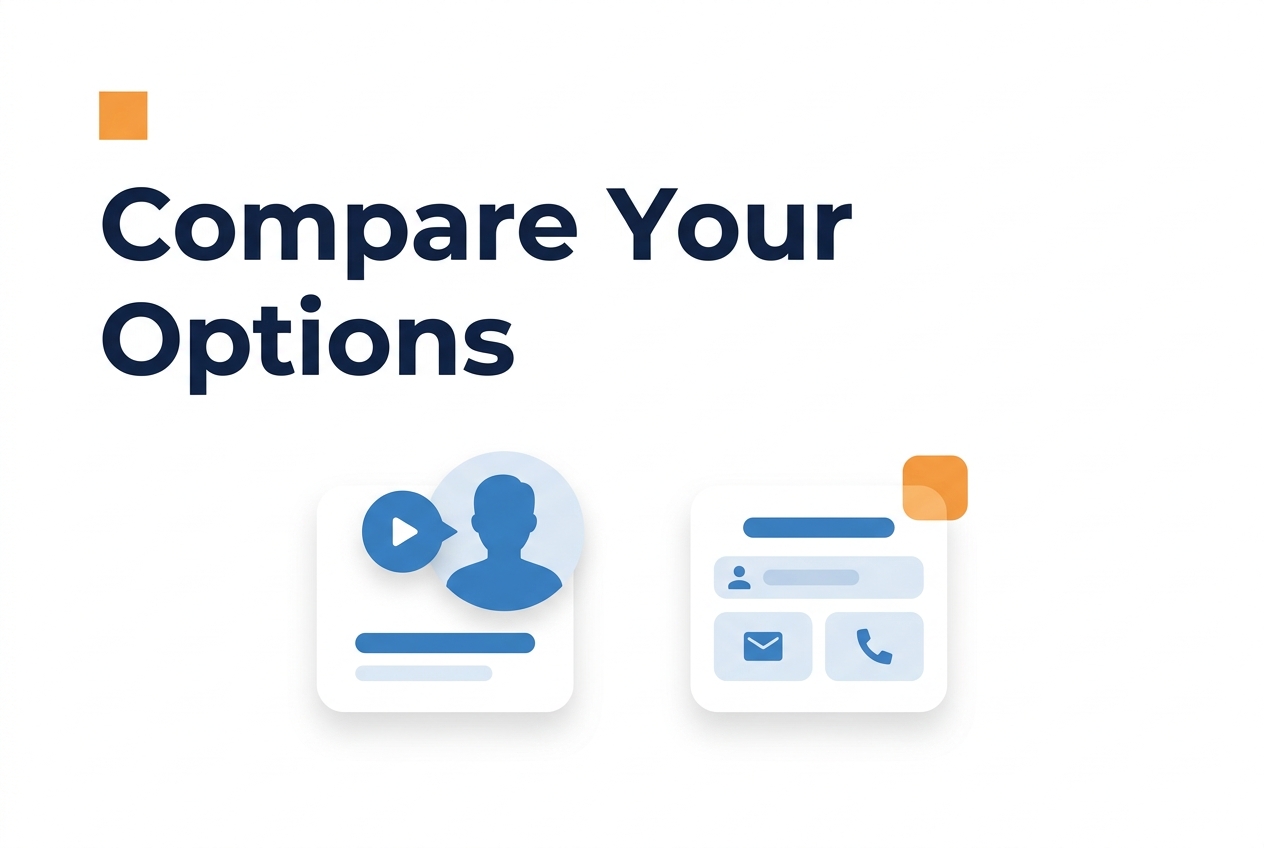
Your homepage is the obvious first spot, that’s where initial impressions are made.
Attorney bio pages and practice area pages are also places to test. A visitor researching estate planning or tax strategy may want to know who will handle their case. A short clip can introduce the partner and their approach to complex trusts. Use the perfect video bubble message guide to plan the recording, then measure completed enquiries rather than assuming longer visits or more contact clicks.
Service pages are another big one, because let’s face it, financial and legal services are intangible. You can’t hold them. A video that explains exactly how your firm handles IRS audits or drafts commercial litigation contracts makes the whole thing feel real and concrete. And then there’s the contact page. If someone’s scrolled all the way there, they’re close to reaching out. A personal invitation from the intake coordinator can explain who will receive the enquiry and what happens next.
Your CTA patterns should match where the visitor is in their decision process. For homepage videos, keep it soft, something like “Learn more about our process” or “Meet the team.” On bio and service pages, you can push a bit harder: “Schedule your free consultation” or “Book a 15 minute call.” Contact page videos? Go direct: “Start your case review” or “Send us your documents.”
A partner greeting can explain the service and consultation process. The available customer examples do not substantiate an estate-planning or financial-advisory conversion result.
You can record a video on a smartphone with natural office lighting and upload it through the dashboard. Rehearse your script, check the sound and test the greeting on mobile before publication. The time needed depends on the recording, installation and checks for your site.
To be clear, video widgets aren’t replacing your contact form or phone number. They’re a bridge, something that connects the gap between anonymous browsing and actually reaching out. Seeing the attorney explain the next step may help a potential client decide whether to get in touch.
Video Widget Impact on Professional Services
Ways to introduce your team and measure completed enquiries and bookings
Measurement guide for a professional-services video: track qualified enquiries and completed consultation bookings separately from plays and viewing time. No industry uplift benchmark is established here.
See the static HTML data above for the full breakdown.
Where should you place video on a law firms and financial services website?
Start with pages where visitors need an explanation of your service or team. Test the homepage and relevant deeper pages, then compare qualified enquiries and completed bookings.
Practice area and service pages
These pages can attract visitors considering a specific service, such as estate planning or commercial lending. A video here answers the question they won’t type into the contact form: “Who’s actually going to handle my case?” This is where you build trust on website visits from people who are actively comparing you with two or three other firms.
Make the greeting specific to that practice area. A generic “welcome to our site” feels like an afterthought, and visitors can tell.
Team and attorney profile pages
Let’s be real: profile pages are where prospects go to decide if they can actually stand working with you.
A short video can complement a headshot and biography by letting visitors hear how you explain things. Test whether it helps your audience take the next step.
Contact and consultation booking pages
Use the greeting to explain who reads the form and what happens after submission. Track completed forms separately from starts and contact-button clicks. A controlled comparison can help assess whether the greeting changes completion rates.
Pricing and fee structure pages
A video can explain fee information and what a consultation includes. Keep the explanation consistent with your written terms, so visitors can check the details without watching.
Match the message to the page and assess each placement using completed enquiries and bookings. Views and clicks alone do not show whether visitors become qualified contacts.
What results have similar businesses measured?
The available examples do not substantiate a study of six professional-service firms or an average enquiry increase. Measure results for your own practice and audience.
Time on site is a supporting measure. A longer session does not establish that a visitor understood the service or became a qualified lead.
Count completed consultation bookings and qualified enquiries separately. The customer examples do not establish a typical conversion increase.
For your own test, record the period, data source and eligible visitors in each group. A before-and-after comparison alone cannot separate the effect of video from changes in traffic, seasonality or other site updates.
To build trust on your website, explain who will handle the matter, relevant qualifications and what the next step involves. Measure qualified enquiries rather than assuming a greeting increases them.
Report both the absolute counts and rates for your practice. Small samples can produce large percentage changes; the available examples do not establish a reliable industry range.
Video greetings won’t replace good service. They can explain that first step for people who are interested in what you do.
Law firms and financial services operate in high stakes environments where prospective clients are sizing up your credibility before they’ll even think about reaching out. The decision to share sensitive personal or financial information hinges on those early signals, does this firm look professional? Are they being straight with me?
A video widget can introduce the person who handles enquiries and explain the consultation process.
The Trust Challenge for Professional Services
Visitors to legal and financial websites may have questions about expertise, fees and how their information will be handled. Explain those details clearly alongside the greeting.
The available evidence does not substantiate an aggregate professional-services dataset. Record the period, visitor counts, completed actions and comparison method for your own test.
Strategic Placement Guidelines
Use a homepage video to introduce your team. On practice area and service pages, explain the relevant offering and leave written details available for visitors who prefer to read.
Contact and consultation pages can be useful places to explain the next step. Test whether the greeting helps qualified visitors book, and keep fee information consistent with your written terms.
Measurement Notes
Measure qualified enquiries and completed consultations separately from bounce and loading performance. Use Google Web Vitals guidance to assess the page. The available evidence does not establish a bounce-reduction model for professional-service video.
Start where visitors have a question you can answer accurately. The available evidence does not establish that a greeting outperforms a design change or a clearer written explanation.
Plan for seasonal traffic when choosing visitor capacity. On capped paid plans, exceeding the limit hides the bubble until the next billing period. The separate 30-day trial has unlimited visitors and ends automatically.
Common questions
How much does CompleteGreet cost per month and what counts toward the visitor limit?
Every paid CompleteGreet plan includes all 25 features. Plans differ by visitor capacity and total videos allowed in your library. A visitor is one unique IP within 24 hours. Exceeding a paid-plan visitor limit hides the bubble until the next billing period. Choose capacity for your expected traffic and video library, and check the pricing page for current amounts.
How long does it take to set up CompleteGreet on a Shopify store?
Install the dedicated Shopify app, record or upload your video, and configure its position and display rules. Check the result on desktop and mobile, including sound, contact actions and your consent setup. Timing depends on your store and the checks needed before publication.
Which website platforms work with CompleteGreet besides Shopify?
CompleteGreet supports WordPress, WooCommerce, Wix, Squarespace, Webflow and custom HTML sites through the documented integration routes. Standard plans cover one domain, including subdomains. Enterprise lists multiple websites. Check the plan and integration requirements before adding another site.
What kind of businesses see the best results from adding a video greeting to their homepage?
The checked examples do not establish which business types get the largest gains. A greeting may be useful when visitors have questions about a service, product or team. Test whether it adds value alongside clear written information on your own site.
Does CompleteGreet work for teams that need to collect survey responses or run quizzes?
Yes. CompleteGreet supports surveys, standard and multi-step forms, ratings, NPS and Multivid video journeys. Check requirements for custom conditional logic or quiz score calculations.
How do you measure whether a video greeting is actually increasing conversions?
Define the outcome first, such as a qualified enquiry or confirmed consultation booking. Randomly assign eligible visitors to a greeting group and a control group without it, then compare completed outcomes per eligible visitor over the same period. Viewers choose to watch, so comparing them with non-viewers does not isolate the greeting’s effect. Remove test traffic, duplicates and spam consistently. Report group sizes, counts and rates, and allow enough traffic for a useful comparison. There is no fixed deadline for a measurable result.