
 Profile
 Dashboard
 Logout
Table of contents
Key takeaways
- You can install CompleteGreet through Shopify without editing theme code.
- You can control almost every visual detail of your video bubble without touching code.
- Load your store in Chrome, Safari, and Firefox and watch the video bubble widget appear.
How do you install CompleteGreet on Shopify?
You can install CompleteGreet through Shopify without editing theme code. The app lives in the Shopify App Store and connects directly to your store without touching your theme files manually.
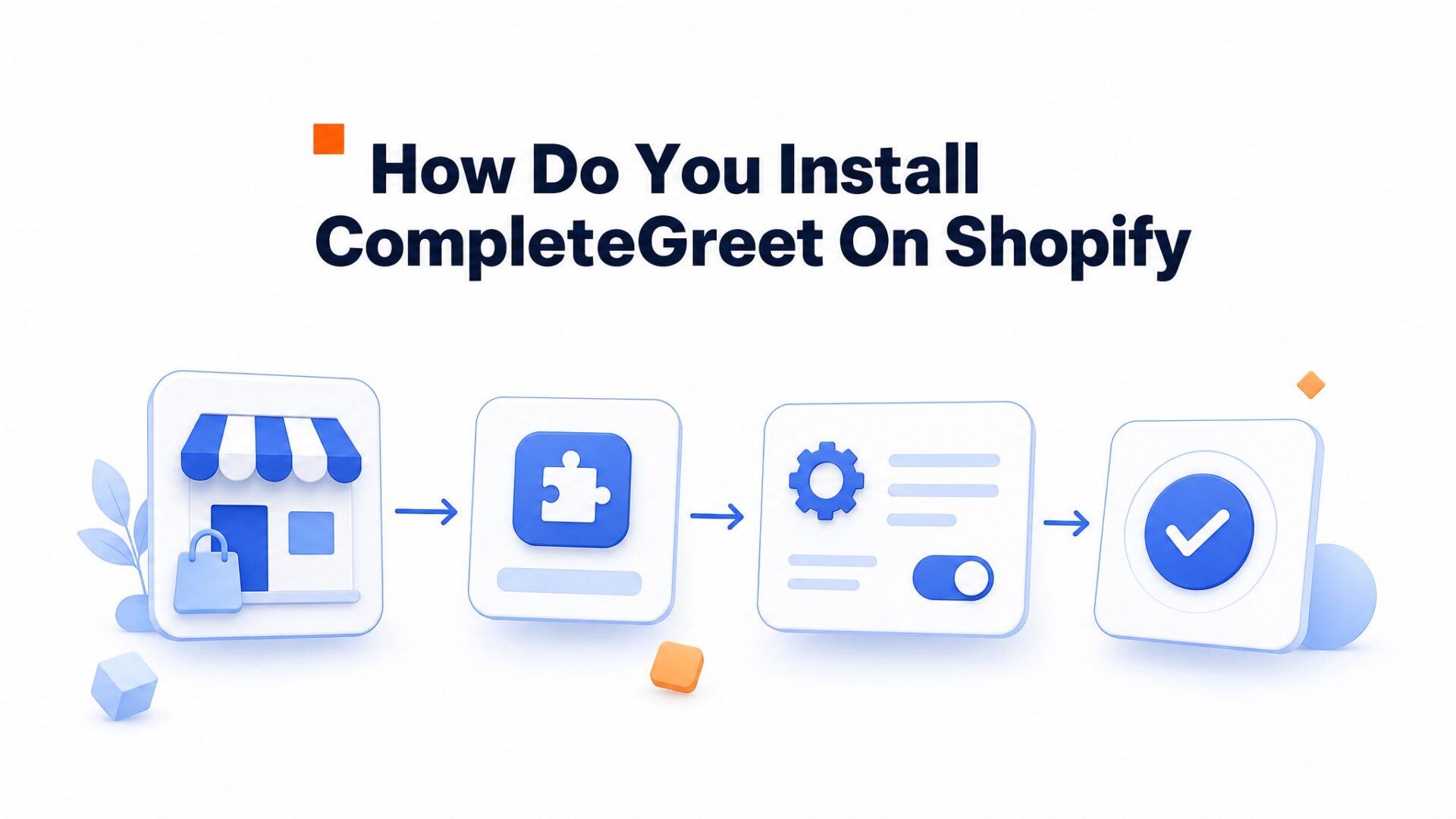
Install CompleteGreet from the Shopify App Store and review the permissions shown by Shopify before authorizing the connection.
Open the app and follow the account connection steps. Use your existing CompleteGreet account if you already have one, then select the website and video bubble you want to use.
Create a bubble in the CompleteGreet dashboard and upload a short greeting. Preview the result, choose a clear contact action and check that the bubble is active for the connected store.
Configure your video bubble widget settings:
- Set the bubble position (bottom right works best for Shopify stores with cart buttons in the top right).
- Choose which pages show the widget. Start with your homepage and product pages only.
- Write a specific call to action, such as “Ask about sizing” on a product page. Test it against your current wording using completed enquiries, rather than assuming a fixed lift.
- If you use chat, configure your availability and the offline contact option. Add a booking link only when booking is the intended next step.
In Shopify, open Online Store, then Themes and the editor for your active theme. Open App embeds, enable CompleteGreet bubble and save. This is a theme app embed, so you do not need to drag a section into the footer. If you use a manual embed instead, follow the installation code supplied for your website in CompleteGreet and avoid installing both methods.
Save the app embed setting, then open the live storefront and test the video and contact action. A saved theme setting alone does not prove that the correct bubble is active.
What can you customize on Shopify?
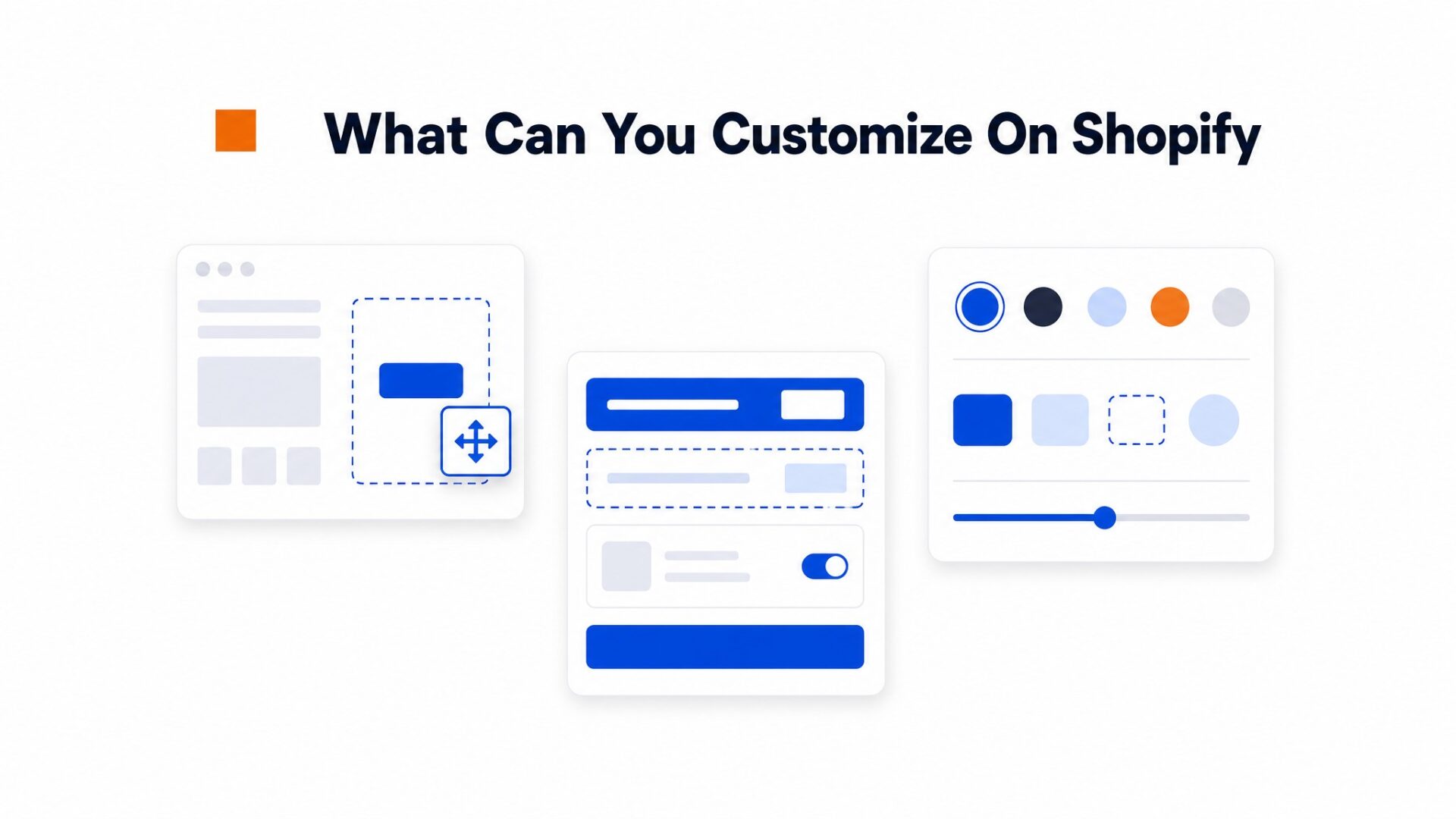
You can adjust the bubble’s position, size, colors and preview image in CompleteGreet. Check the result on mobile and desktop, especially beside a sticky cart button or menu. Choose a layout that keeps the store’s main actions accessible.
Page targeting is where most Shopify stores find their edge.
Show the widget only on product pages where visitors have purchase intent, or exclude it from checkout to avoid distraction. You can also set time delays so the bubble appears after 5 seconds, which respects the visitor who is scanning fast.
Forms and CTAs
The form builder supports contact details and custom questions. Ask only for what you need to reply, such as a size question on a clothing product page. Check successful submissions rather than treating form opens as leads.
Match the button text to the help you offer. “Ask about sizing” gives a shopper a clearer expectation than a general contact label. When comparing video widget tools, check that you can use your brand colors and keep the button readable against the video and page.
Recording quality is the detail that separates amateur from professional. Use natural window light from the side, not overhead office fluorescents that cast shadows under your eyes. Audio clarity beats 4K video every time. A $30 USB microphone sounds better than your laptop mic, and visitors forgive slightly grainy video if they can hear you clearly.
Install CompleteGreet on Shopify
4 step setup wizard, no coding required
Install from Shopify App Store
Search “CompleteGreet” in your Shopify admin Apps section and click Install.
Connect Your Account
Sign in or create your CompleteGreet account and authorize Shopify access.
Upload Your Video Greeting
Record or upload a 30 to 60 second welcome video directly in the dashboard.
Enable the App Embed
Open the active theme editor, enable the CompleteGreet bubble app embed and save:
App embeds → CompleteGreet bubble → Save Opens
Video opened
Clicks
Action selected
Enquiries
Form submitted
Measure the visitor journey
Count video opens, action clicks and completed enquiries separately. More engagement alone does not prove additional sales.
See the static HTML data above for the full breakdown.
What should you check before going live?
Load your store in Chrome, Safari, and Firefox and watch the video bubble widget appear. It should sit in the bottom corner without blocking your navigation menu, cart button, or checkout flow. If the bubble overlaps key elements, adjust the position offset in your widget settings before announcing anything.
Mobile traffic dominates Shopify stores.
Test on iOS Safari and Android Chrome with actual devices, not just browser emulators. The bubble should resize without triggering full screen video playback, and the close button needs to land where a thumb can reach it naturally. If your mobile menu or sticky add to cart bar gets covered, visitors will bounce before they ever see your product.
Page targeting is where most teams slip up.
Double, check your display rules match your intent. A welcome video belongs on your homepage, not your checkout page where it adds friction. Product specific greetings should trigger only on those product pages, not sitewide.
Compare your page with and without the widget using PageSpeed Insights. Check mobile loading, layout shifts and interaction. If performance changes, inspect the actual video requests and loading behavior before changing settings; file size or asynchronous loading alone does not explain every issue.
Test form submissions end to end. Fill out the contact form inside the widget, hit submit, and confirm the lead hits your inbox or CRM. A broken form kills trust faster than no form at all.
Do one final walkthrough as a customer. Browse a product, add to cart, and start checkout. The widget should stay helpful, not intrusive. Get that balance right and you have a tool that actually converts.
Video widgets transform static Shopify storefronts into interactive experiences where visitors see a real person instead of automated chat icons. The technology loads asynchronously to avoid blocking page rendering, which aligns with Google Web Vitals guidance for maintaining fast interaction times.
For Shopify, use the app embed and manage your video and contact actions in the CompleteGreet dashboard.
The Shopify app embed loads CompleteGreet on the storefront. Manage the video, appearance and contact actions in the CompleteGreet dashboard, and keep the app embed enabled in the theme you publish.
- Install the Shopify app and follow its account connection steps.
- Create and activate the bubble for the connected store in CompleteGreet.
- In Shopify, open Online Store > Themes and edit your active theme.
- Open App embeds, enable CompleteGreet bubble and save.
- Open the live storefront and test the video and contact action.
The app embed loads the widget asynchronously. Video and other assets still use network and device resources, so compare your page performance before and after installation on mobile as well as desktop.
A greeting helps visitors ask a question. If you want shoppers to act directly on a product video, use shoppable video for your Shopify store, with linked products and cart actions. Select the format that matches the page’s purpose.
Mobile testing remains critical because Shopify themes vary in viewport handling. Check that the bubble does not obscure the checkout button on iPhone SE or similar small screens before enabling the widget on all product pages.
Common questions
How do I add CompleteGreet to my Shopify store without editing code?
Install the CompleteGreet app, connect your account and activate a bubble for the store. In the active Shopify theme editor, enable CompleteGreet bubble under App embeds and save. Then test the live storefront. A normal app embed setup does not require editing theme code.
Why is my video bubble not showing in the Shopify theme preview?
Check that the CompleteGreet bubble app embed is enabled in the theme you are previewing, that the account is connected and that the intended bubble is active. Also check its page targeting. Compare the preview with the live storefront; a missing bubble is not automatically a Shopify preview restriction.
Can I show CompleteGreet only on Shopify product pages?
Yes, set URL targeting rules in your CompleteGreet dashboard to include only paths containing /products/. You can also exclude specific product pages by adding their handles to the exclusion list. This works on any Shopify plan including Basic, Shopify, and Advanced.
Does CompleteGreet slow down my Shopify site speed?
CompleteGreet uses asynchronous loading, but video still adds network and device work. Test your actual theme and videos with PageSpeed Insights and a mobile device. Check loading, layout shifts and interaction before and after installation rather than assuming zero performance impact.
How much does CompleteGreet cost for a Shopify store with 5,000 monthly visitors?
The BUILD plan costs $36 per month and covers up to 5,000 unique visitors with no overage fees. Unlike tools that charge per video play or minute watched, CompleteGreet bills by unique visitors only. A store getting 5,000 visitors pays the same $36 whether those visitors watch the greeting once or ten times each.
Can I use CompleteGreet on multiple Shopify stores with one account?
Each CompleteGreet plan covers one website, so you need separate subscriptions for each Shopify store. The BUILD plan at $36 per month works for a single store with up to 5,000 visitors. For agencies or merchants running multiple brands, contact CompleteGreet for enterprise pricing that covers multiple sites.






