
 Profile
 Dashboard
 Logout
Table of contents
Key takeaways
- A useful conversion benchmark must match your action, audience and traffic source. The available customer examples do not establish a typical video-driven uplift.
- Pricing pages and booking flows outperform every other location.
- A simple 15 second greeting recorded on a phone and embedded in the bottom right corner will outperform a polished production that never ships.
What does the data show about what is a good website conversion rate benchmarks by industry?
Compare your conversion rate with a relevant baseline for the same action and traffic. The available customer examples do not substantiate an average video uplift or its advantage over other optimization work.
Industry benchmarks paint a sobering baseline. Ecommerce sites average 2 to 3% conversion rates. B2B service pages hit 5 to 10% on a good month. Local businesses and high consideration services often see 10 to 15% when trust signals are strong. Anything above these marks puts you in the top quartile of your category.
Keep enquiry, booking and purchase conversion separate. The examples do not establish a first-month increase in those outcomes.
Use time on site as context, not a substitute for completed conversions.
For a hypothetical example, moving from 2% to 3.4% conversion is a 1.4 percentage-point increase, or a 70% relative lift. Moving from 8% to 11.2% is a 3.2 percentage-point increase, or a 40% relative lift. These are arithmetic examples, not expected video results or proof of outperforming competitors.
Speed impacts these numbers directly. Sites that load the video greeting script asynchronously maintain clean Google Web Vitals guidance scores, which protects organic rankings while running video experiments. Slow, loading widgets kill the very conversions they are meant to improve.
Most teams overestimate their current rate and underestimate what video can shift.
Which pages see the biggest conversion lift from video?
Consider a pricing or booking page if visitors need an explanation there. Test completed actions; the available examples do not establish that those locations outperform all others.
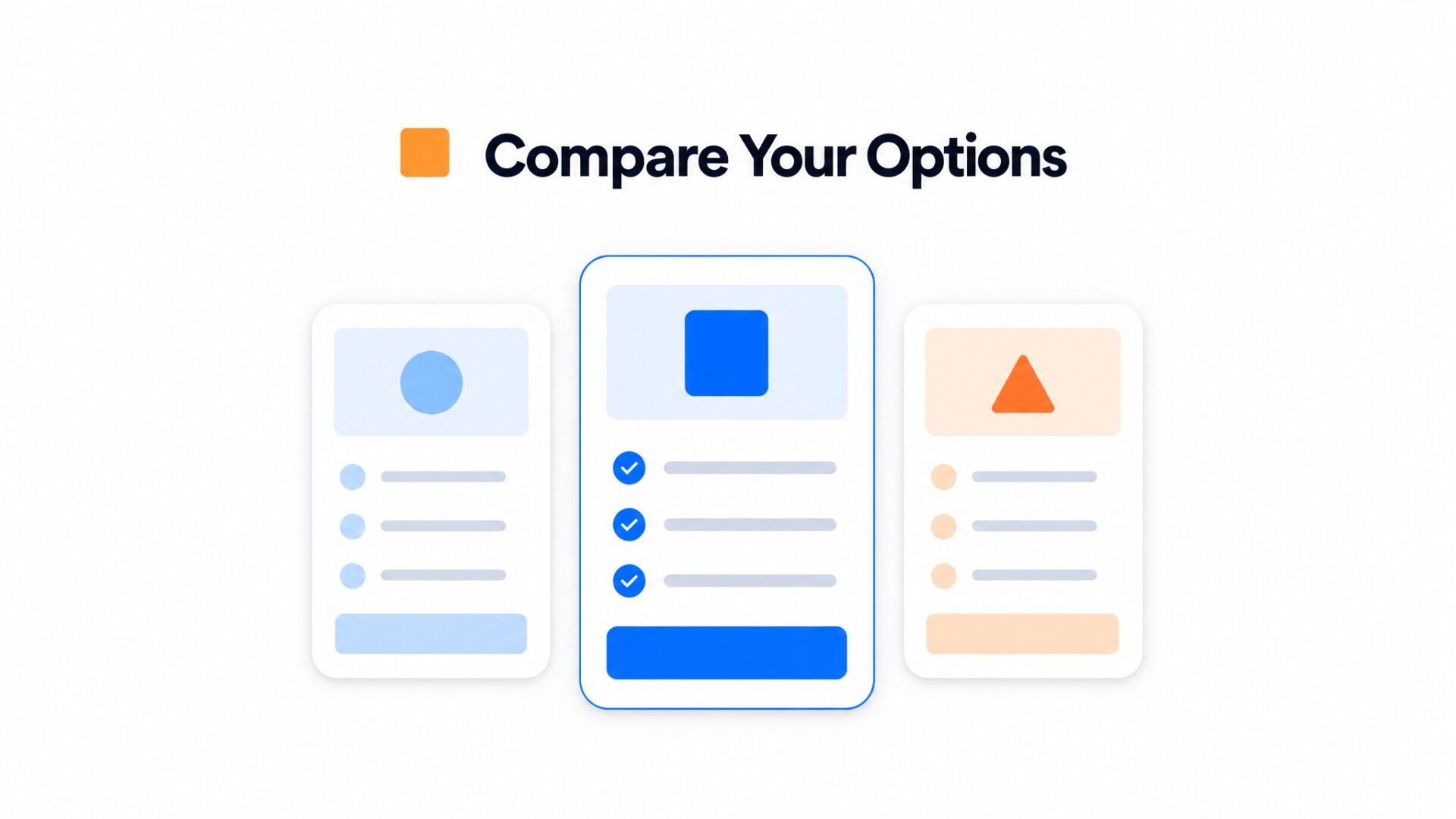
High, intent pages work best because visitors arriving there have already decided to consider your offer. They are comparing options and need a nudge, not an introduction. A 30 second video explaining your pricing structure or service process answers questions before they reach the contact form.
The available customer examples do not substantiate an aggregate uplift or a service-page conversion result. Measure the action and audience relevant to your own page.
Where to place your first video
Start with your highest, traffic conversion page. That is usually a pricing page, a services page, or a booking flow. These pages already have visitor intent, so the video does not need to sell from scratch.
Booking pages show the strongest single, metric gains. Visitors who see a face before selecting a time slot convert at higher rates than those who stare at a calendar widget alone. The video removes hesitation about who they will meet.
Mobile booking flows need the most attention.
Homepages show different patterns. A greeting video on your homepage increases time on site and scroll depth, but the conversion lift is usually smaller than on pricing or booking pages. Visitors on your homepage are still exploring. They are not ready to commit yet.
Disable autoplay with sound. Most browsers block it anyway, and forced audio creates a negative experience that outweighs any greeting benefit. Set the widget to expand on hover or click, and keep the file under 5MB so the bubble loads before the visitor scrolls past it.
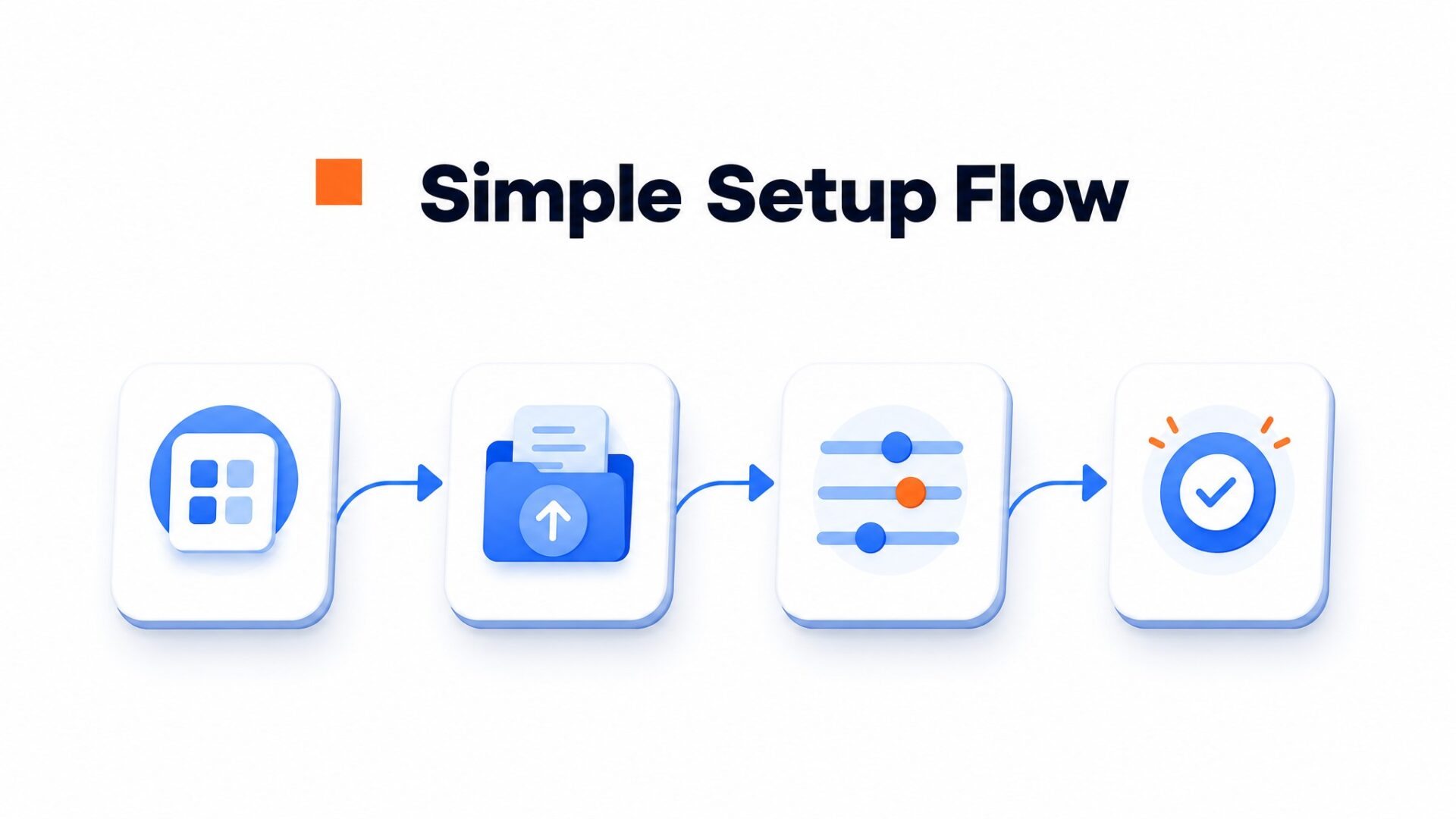
How to set up your first video greeting in under 5 minutes
Most teams overthink the first video. A simple 15 second greeting recorded on a phone and embedded in the bottom right corner will outperform a polished production that never ships.
What to say
Script three sentences max. Introduce yourself by name, state what you help visitors with, and tell them how to reach you. “Hi, I am Sarah from Oak Design. If you are looking for a website refresh, hit the button below and I will send you a quote within 24 hours.” That is it.
Look at the camera lens, not your face in the preview. This is the detail most people miss. When you watch the recording back, your eyes should appear to look directly at the viewer.
Where to place it
The bottom right corner is standard for a reason. Visitors expect help there, and it avoids conflict with navigation menus that usually live top left or top center. Keep the bubble 20 pixels off the edge so it does not clip on older iPhones with rounded corners.
Choose a page with enough relevant traffic and a clear conversion goal. The available evidence does not establish a strongest-performing placement.
How to measure results
Track completed enquiries from the widget and other contact routes without double-counting people. Evaluate the result when the visitor counts are sufficient for the change you need to detect, rather than assuming two weeks is enough.
Review time on site alongside completed actions. A longer visit may reflect interest or difficulty.
See customer examples of what this looks like in practice.
If your first recording feels awkward, that is normal. Ship it anyway. You can re, record once you have data showing which page gets the most widget interactions.
Industry benchmarks for website conversion rates vary significantly across sectors, with averages ranging from 2% to 5% for most B2B and ecommerce sites. Understanding where a site falls within these ranges helps identify whether current performance meets market standards or lags behind competitors.
These figures reflect actual user behavior changes rather than projected estimates.
How Video Shifts Conversion Metrics
When video greetings deploy on service pages, inquiry volume typically jumps substantially. One local business implementation recorded a forty, two percent increase in booking conversions within the first month of activation.
Engagement depth also improves measurably. Visitors interact longer with pages that feature human video elements, extending session duration by roughly one, third compared to static text and image layouts.
Industry, Specific Baselines
B2B SaaS platforms generally see baseline conversion rates between two and five percent on organic landing pages. Ecommerce sites average between one and three percent on product pages, while professional services often reach five to eight percent on contact pages.
Video integration tends to push these baselines upward by reducing friction in the trust building phase. Prospects who see a human face before filling out a form submit contact details at higher rates than those encountering standard web templates.
Choose a visitor decision and measure its completed action. The available customer examples do not establish that video provides a conversion advantage over a clear written explanation.
Test a relevant explanation on a page with enough traffic and a clear conversion goal. The available evidence does not substantiate a typical booking uplift from above-the-fold placement.
Common questions
What is a good website conversion rate by industry?
Ecommerce sites average 2 to 3%, B2B services hit 5 to 10%, and local service businesses often see 10 to 15%. These numbers shift based on traffic quality and offer clarity. A high traffic blog with a soft CTA might convert at 0.5% while a laser, focused landing page for emergency plumbing could hit 25%. Video widgets typically push these baselines up by showing a real person behind the offer.
How much can video widgets increase conversion rates?
There is no verified typical uplift in the customer examples reviewed here. Use eligible visitor counts, completed actions and an equivalent comparison group to assess the result.
Which pages benefit most from video greetings?
Pricing pages see the strongest lift because that is where purchase anxiety peaks. Contact pages and service detail pages also perform well since visitors there have high intent but need reassurance. Homepages get more total views but lower per, visitor impact. The rule is simple: put video where the visitor is about to make a decision that costs them money or time.
How fast can you set up a CompleteGreet video widget?
Most users go live in under five minutes. The process is record, copy the embed code, paste it into your site header, and set display rules. No developer is required for Shopify, WordPress, Wix, Squarespace, or Webflow. Custom HTML sites take the same amount of time since the script loads asynchronously and does not block page rendering.
How much does CompleteGreet cost?
CompleteGreet starts at $29/month when billed yearly for 5,000 unique visitors with no overage fees. Higher tiers cover more traffic but keep the same flat rate structure. This differs from per minute billing models that punish high engagement. A business getting 3,000 monthly visitors pays the same $29 per month with annual billing whether visitors watch the greeting once or ten times each.
What platforms does CompleteGreet work with?
Shopify, WordPress, Wix, Squarespace, Webflow, WooCommerce, React, Vue, and any custom HTML site are all supported. The widget loads via a single script tag that works anywhere you can paste code. Platform specific plugins are available for the major CMS options, but the universal embed code handles edge cases without extra configuration.
How do you measure if a video greeting is working?
Track inquiry form submissions, booking calendar fills, or phone clicks from the widget itself. Compare the four weeks before install to the four weeks after, keeping traffic sources constant. Most teams see the signal within two weeks. Time on site and scroll depth are secondary metrics that confirm engagement but do not pay bills.
What should you say in a video greeting?
Keep it under 30 seconds, name the specific problem your visitor is trying to solve, and give one clear next step. Do not summarize your whole business. A plumber might say: “I know pipe bursts are stressful. Book a repair slot now and we will be there within the hour.” The goal is lowering the mental friction to take action.



