
 Profile
 Dashboard
 Logout
Table of contents
Key takeaways
- Shoppable video connects a product demonstration with clickable product details or cart actions. Measure completed purchases to assess its effect.
- Shoppable video matters for your bottom line because it turns passive browsing into immediate purchasing decisions, capturing sales that traditional product pages lose.
- A 30 second clip recorded on your phone beats a polished studio production that never ships.
What does the data show about what is shoppable video and how does it work?
Shoppable video connects a demonstration with product links or cart actions. The available customer examples do not substantiate an average enquiry increase or longer sessions from this format.
The mechanics are straightforward. A JavaScript layer overlays product cards or hotspots onto the video timeline, and when a viewer clicks, a sidebar or modal opens with pricing and an add to cart button.
No redirect happens.
The video keeps playing in the background while the shopper browses.
Test the product actions on the devices and browsers your customers use, including touch controls. The available examples do not substantiate a conversion uplift or a service-booking result for shoppable video.
Setup quirks to watch: autoplay with sound is blocked on most mobile browsers, so the first frame needs to show the product clearly without audio dependency. The 5MB video file limit keeps load times under two seconds on 4G connections.
Why does what is shoppable video and how does it work matter for your bottom line?
Shoppable video matters for your bottom line because it turns passive browsing into immediate purchasing decisions, capturing sales that traditional product pages lose.
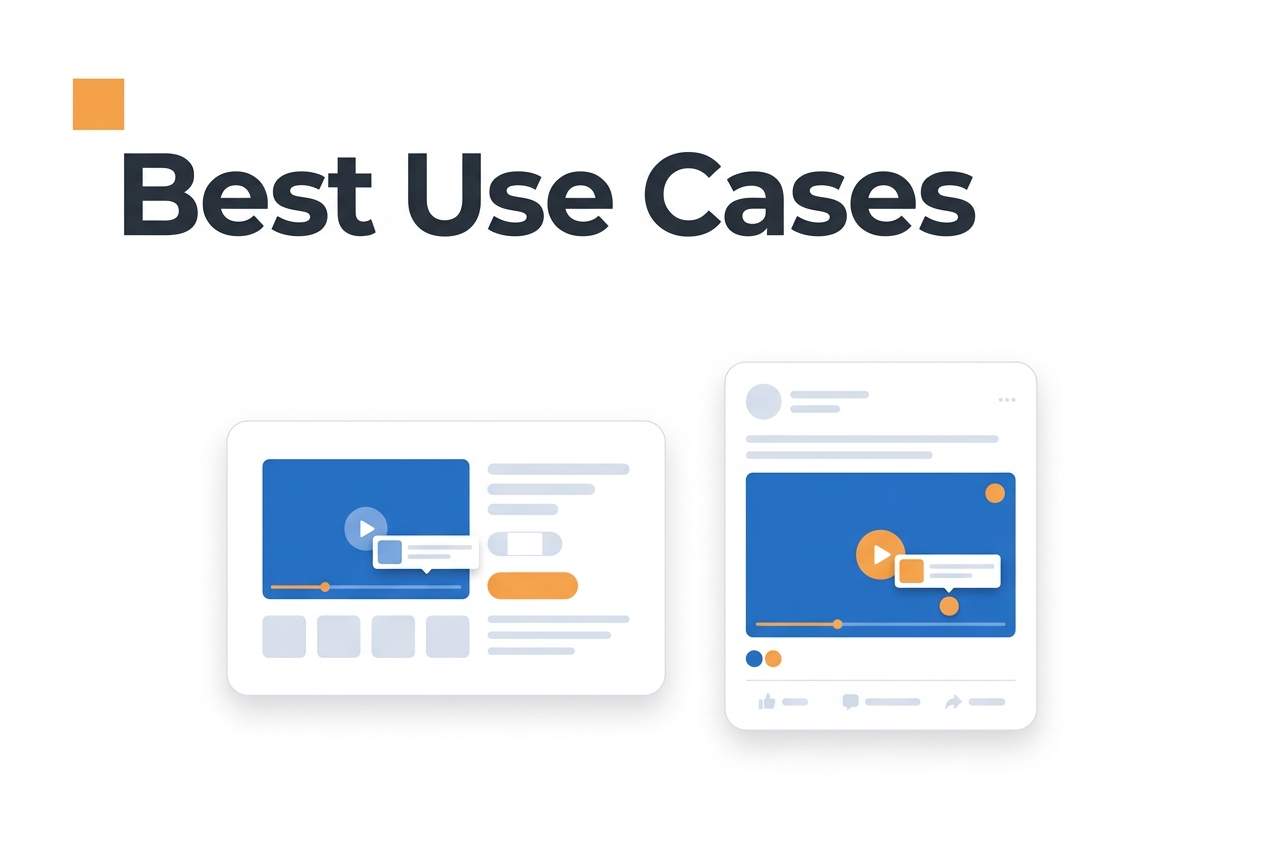
Track completed purchases rather than treating enquiry growth as sales. The available examples do not establish additional qualified leads or revenue from shoppable video.
A product demonstration can answer a question while the shopper views the item. Longer sessions do not establish that the answer improved purchase conversion.
Give viewers an appropriate product action, then track completed purchases. The available examples do not establish a predictable conversion or booking lift.
The mechanism matters less than the outcome. Shoppable video collapses the distance between interest and action. Instead of watching a demo, then searching for the product, then navigating checkout, the viewer completes the journey in one continuous motion. Each click loses customers. Shoppable video removes that friction.
Results vary by industry. Teams looking for specific applications can see shoppable, video examples across retail, services, and local businesses.
How to set up your first video greeting in under 5 minutes
Most teams overthink the first video. A 30 second clip recorded on your phone beats a polished studio production that never ships.
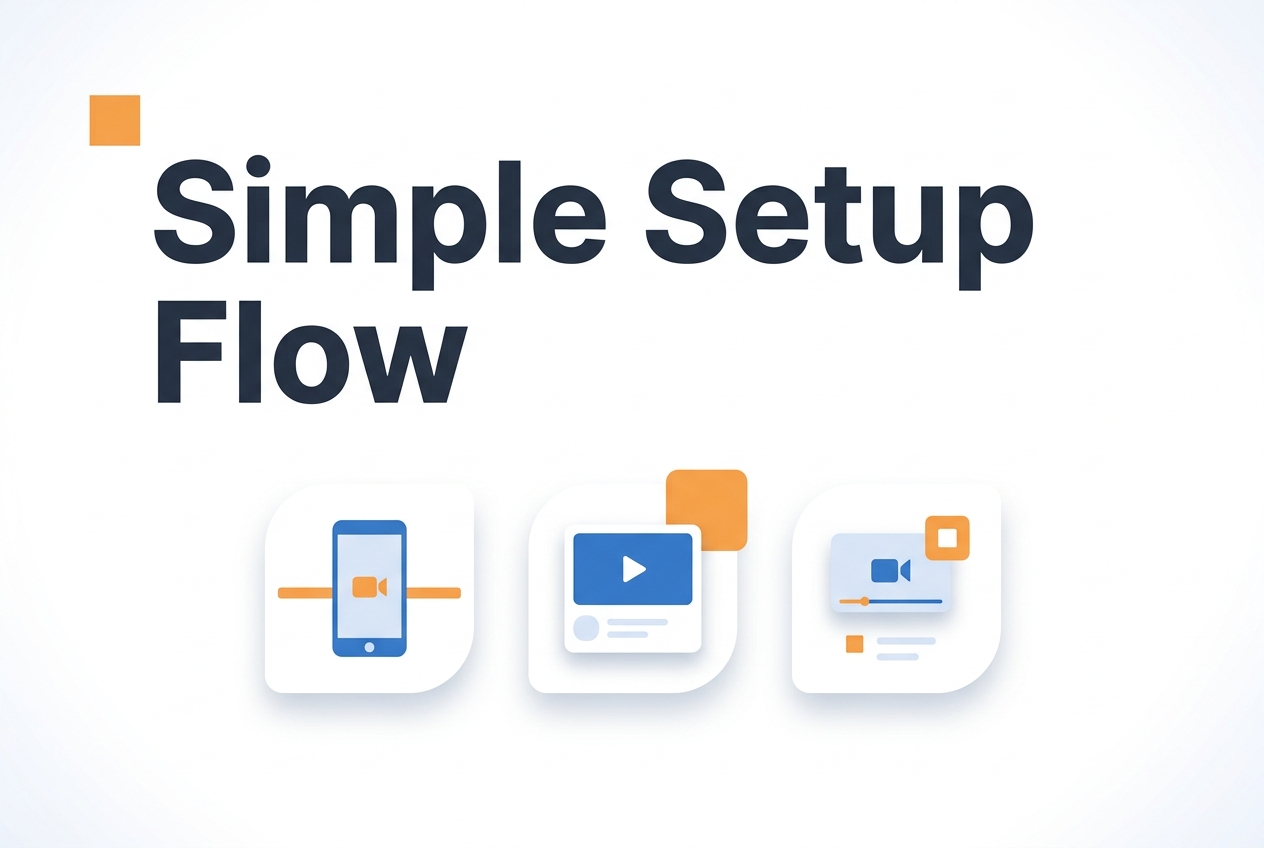
Start with a one, sentence hook. State your name, your role, and the one thing you want visitors to do. “Hi, I am Sarah from support. Hit reply if you need sizing help” works better than a full company history. Keep it under 45 seconds. Visitors who want details will click through to your shoppable, video examples or product pages.
Placement matters more than production value.
Before choosing a placement, compare the best pages for shoppable video on Shopify.
The widget should sit in the bottom right corner on desktop and bottom left on mobile. This keeps it clear of navigation menus and checkout buttons. Set it to appear after 3 to 5 seconds, not immediately. An instant popup feels aggressive. A delayed greeting feels like an invitation.
Mobile preview is non, negotiable.
Load your site on an actual phone, not just Chrome DevTools. The bubble should shrink to 60 pixels on small screens and the close button must sit where a thumb can reach it without scrolling. If the widget covers your “Add to Cart” button, adjust the offset in your dashboard.
What to measure in week one
Track video interactions, product clicks, add-to-cart actions and completed purchases separately. Use eligible visitors as the denominator when evaluating conversion.
Record the baseline before launch or use an equivalent control group. Choose the evaluation period from traffic and the change you need to detect, rather than assuming a lift appears in the second week.
Heatmaps and scroll depth can help you understand where visitors engage. They do not establish additional enquiries or purchases, and the available examples do not substantiate a typical scroll-depth increase from video.
Start simple. Record one greeting, place it on your highest, traffic landing page, and watch the numbers for two weeks. You can always add more videos later.
The available customer examples do not establish a measured shoppable-video uplift. Define the purchase goal and record the eligible visitor and completed-order counts.
Keep product interactions, enquiries and completed purchases as separate measures. The available evidence does not substantiate an average increase.
Track eligible visitors, completed purchases and contribution to profit. An enquiry average is not a purchase-conversion benchmark.
Review session duration as context. It does not establish whether the visitor made a better purchase decision.
The available evidence does not substantiate the purchase, booking or bounce-rate figures previously used here. Use measured rates from your own implementation and state the comparison method.
Record the baseline before enabling video commerce or use an equivalent control group. Plan the test without assuming an enquiry-growth range.
Connect video interactions with completed purchases while accounting for attribution limits. The available examples do not establish an average uplift in CompleteGreet reporting.
Common questions
What is shoppable video and how does it actually work on an ecommerce site?
Shoppable video lets viewers open product details or, where supported, add an item to the cart from the video experience. The number of steps depends on the implementation; fewer clicks do not by themselves establish a conversion lift.
How long does it take to set up a shoppable video widget on Shopify?
Most Shopify stores can add a shoppable video widget in under five minutes. You paste a short code snippet into your theme header, upload your video, and tag the products you want linked. No developer is needed unless you want custom styling, and the widget loads asynchronously so it will not slow your page speed scores.
What kind of conversion rate increase can you expect from adding shoppable video?
There is no verified typical shoppable-video uplift in the customer examples reviewed here. Compare completed purchases, order value and profit using equivalent visitor groups.
How much does shoppable video software cost for a small business?
CompleteGreet starts at $36 month to month for 5,000 unique visitors, or $29/month when billed yearly. That flat rate covers unlimited video plays with no overage fees, which matters once traffic scales. A store doing 4,000 monthly visitors pays the same whether shoppers watch once or replay ten times each.
Which ecommerce platforms support shoppable video widgets?
CompleteGreet runs on Shopify, WooCommerce, WordPress, Wix, Squarespace, and Webflow through native plugins or a single JavaScript snippet. React and Vue sites work with the same embed code. Most platforms take under five minutes to set up, and the widget displays correctly on mobile without extra configuration.
What is the difference between shoppable video and a regular product video?
A standard product video explains an item, while shoppable video adds relevant product actions. Test whether those actions help visitors complete a purchase rather than assuming a particular enquiry increase.
What are shoppable video limitations for online stores?
Shoppable video is built for product discovery and trust building, not for complex survey workflows or multi step qualification funnels. If you need branching logic with ten different paths, a dedicated form tool works better. The tradeoff is worth it for most retailers because single, click purchasing outperforms multi step conversions by a wide margin.



