Profile
 Dashboard
 Logout
Table of contents
Key takeaways
- A 2025 peer reviewed study found that digital human avatars can create lower perceived trustworthiness than real human presenters, which can reduce willingness to interact or buy.
- Record a thirty second greeting on your phone, upload it to CompleteGreet, paste one script tag into your site header, and the bubble can be live before your coffee gets cold.
What does the data show about when AI avatars make sense and when they backfire?
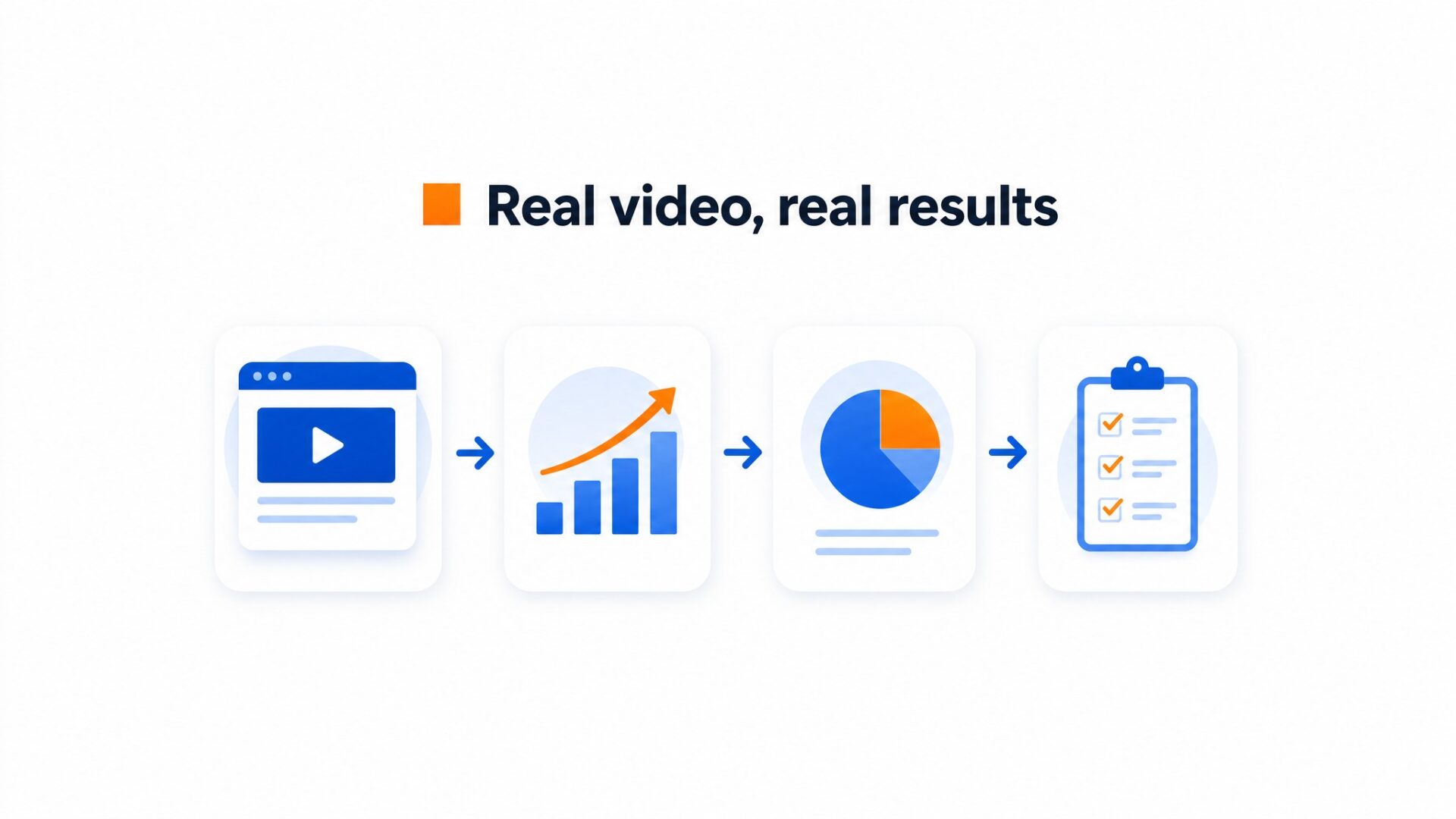
That is the baseline for real faces. AI avatars tell a different story depending on the job. Short synthetic clips can still get watched when the viewer only needs a quick explanation, but watch time is not the same as trust or action.
When synthetic faces kill the conversion
On trust heavy pages, the safer claim is narrower: the peer reviewed avatar study found lower trust and lower willingness to interact with digital human avatars than with real human presenters. That is enough reason to test before putting one on a pricing or booking page.
Most teams skip this and regret it. They see a completion rate win on a 15 second explainer and assume the avatar works everywhere. Then they place it on a pricing page or checkout flow and watch bounce rates climb. The backfire is invisible until someone runs the split test.
Tests on landing pages often show the same risk: visitors who detect synthetic faces may spend less time reading details and abandon forms faster. That is exactly why this choice should be tested instead of treated as a design preference.
The narrow window where avatars do work
AI avatars make sense in a narrow set of places. They can work for internal training videos where employees need a talking head but no one wants to record 40 versions. They can also work near the top of the funnel, where the goal is a quick hook and the visitor has not yet decided whether to trust the brand.
Even then, the effect is thin. Visitors who see a real person on a pricing page or booking flow often convert at higher rates because the human face signals accountability. Synthetic faces signal automation. That distinction matters when someone is about to enter a credit card or schedule an appointment.
One local business measured a 42% booking increase after adding a real recorded greeting to its appointment page.
The switch took 10 minutes.
Real video is not a gimmick. It works because the face belongs to someone the visitor can hold accountable.
Why does the AI avatar choice matter for your bottom line?
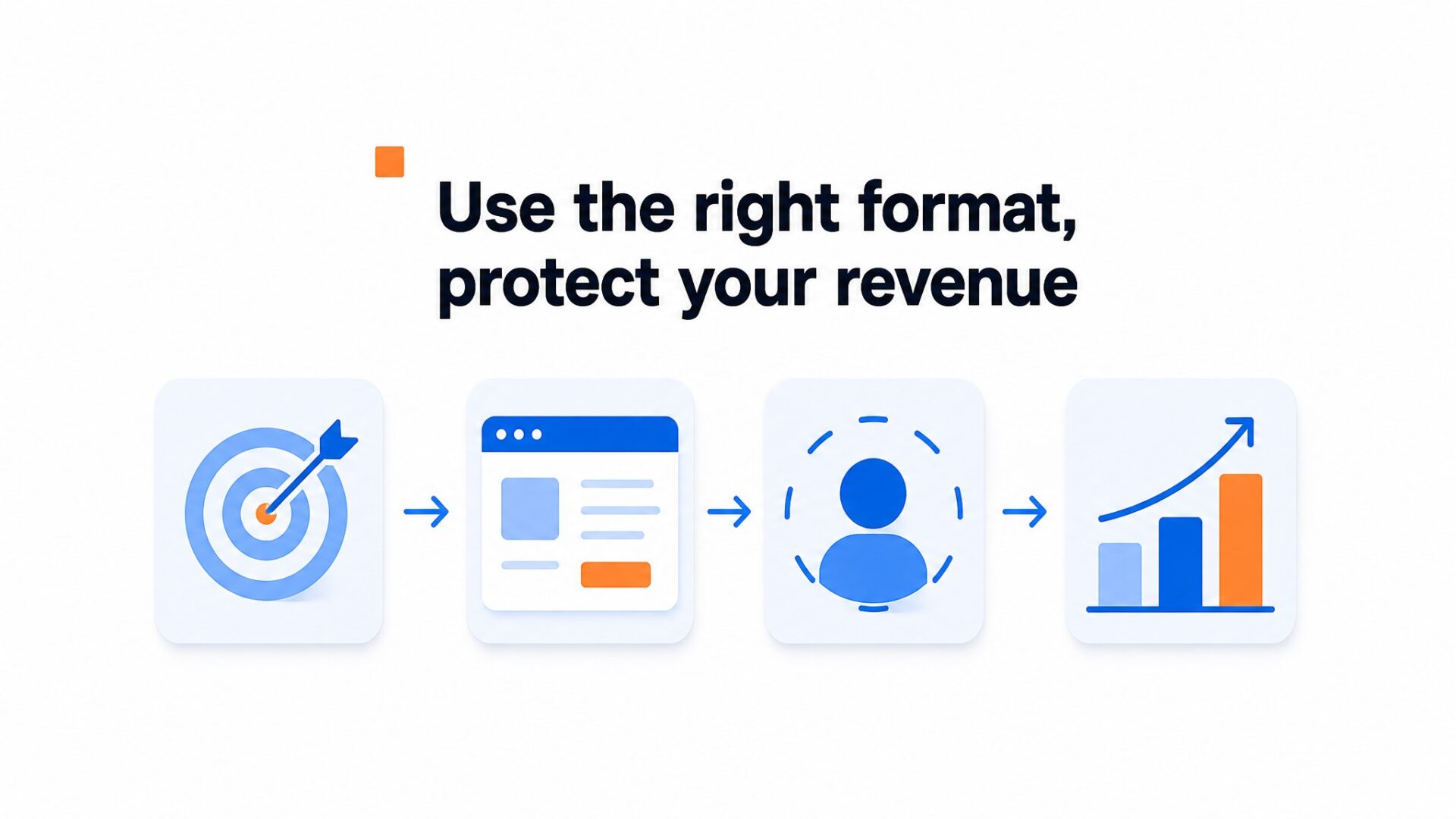
Misjudging the format costs real revenue. A 2025 peer reviewed study found that digital human avatars can create lower perceived trustworthiness than real human presenters, and that gap can reduce willingness to interact or buy. Visitors bail.
But the opposite mistake hurts too.
Spending production budget on filmed presenters for every page, ad variant, and language version is not sustainable for most teams. JD’s AI powered virtual livestreamers have reportedly helped more than 4,000 brands lift off peak order conversion rates by 30 percent. That is a different use case: known AI hosts, long running livestreams, and shoppers looking for product information.
Those numbers come from actual faces, not synthetic ones.
That is the core tension.
AI avatars can backfire on trust when they try to replace human warmth on high stakes pages like pricing, checkout, or patient intake. They make sense when the job is repetitive information delivery at scale, such as FAQ walkthroughs or product feature explanations in five languages. Choosing a synthetic face where a real one is expected can weaken the same metrics real video is meant to lift. Choosing real video where scale is the priority can drain budget that could have gone to distribution or ad spend.
Most teams skip this and regret it. They treat the avatar decision as a creative preference instead of a conversion variable. It is a conversion variable.
How to set up your first video greeting in under 5 minutes
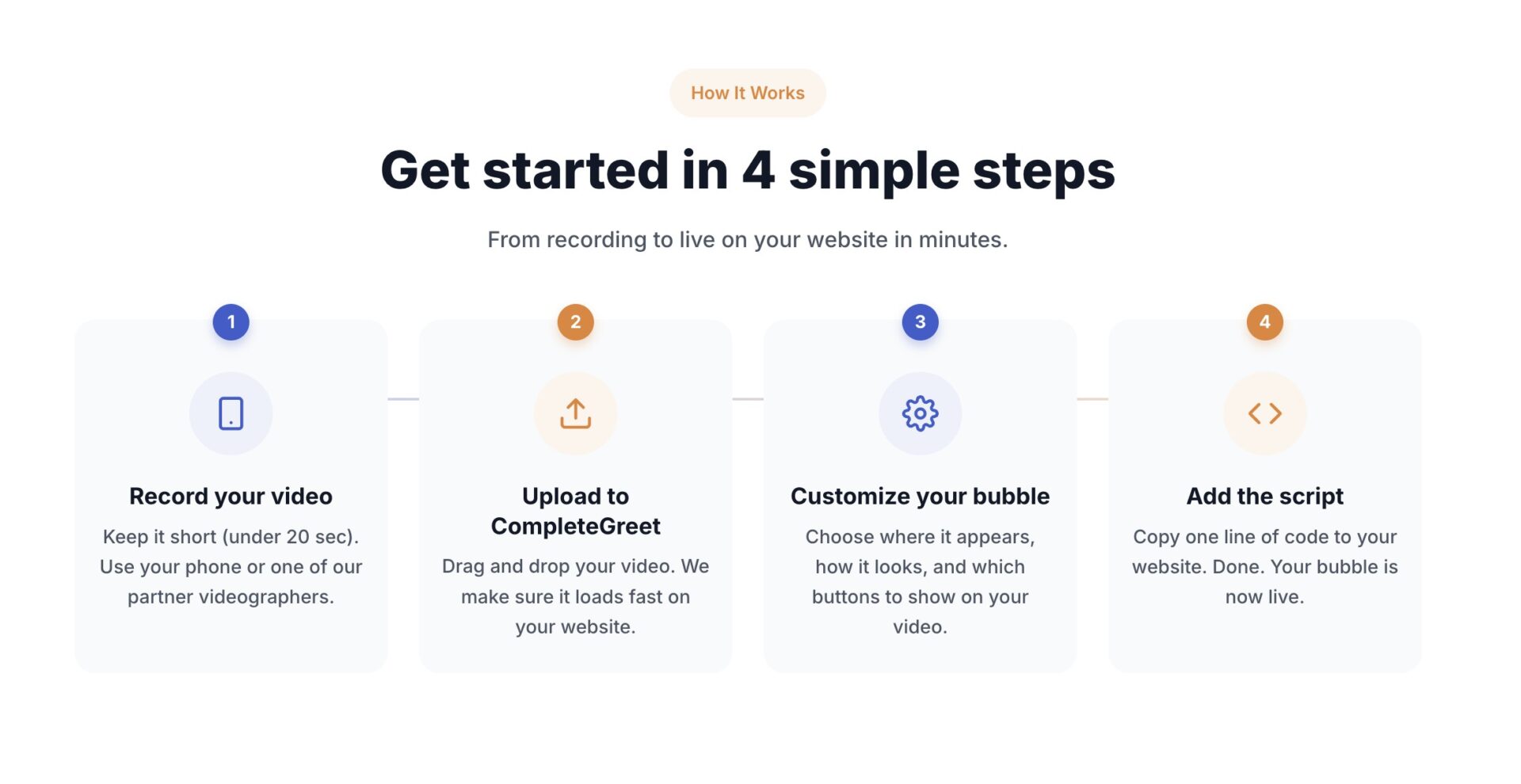
Record a thirty second greeting on your phone, upload it to CompleteGreet, paste one script tag into your site header, and the bubble can be live before your coffee gets cold.
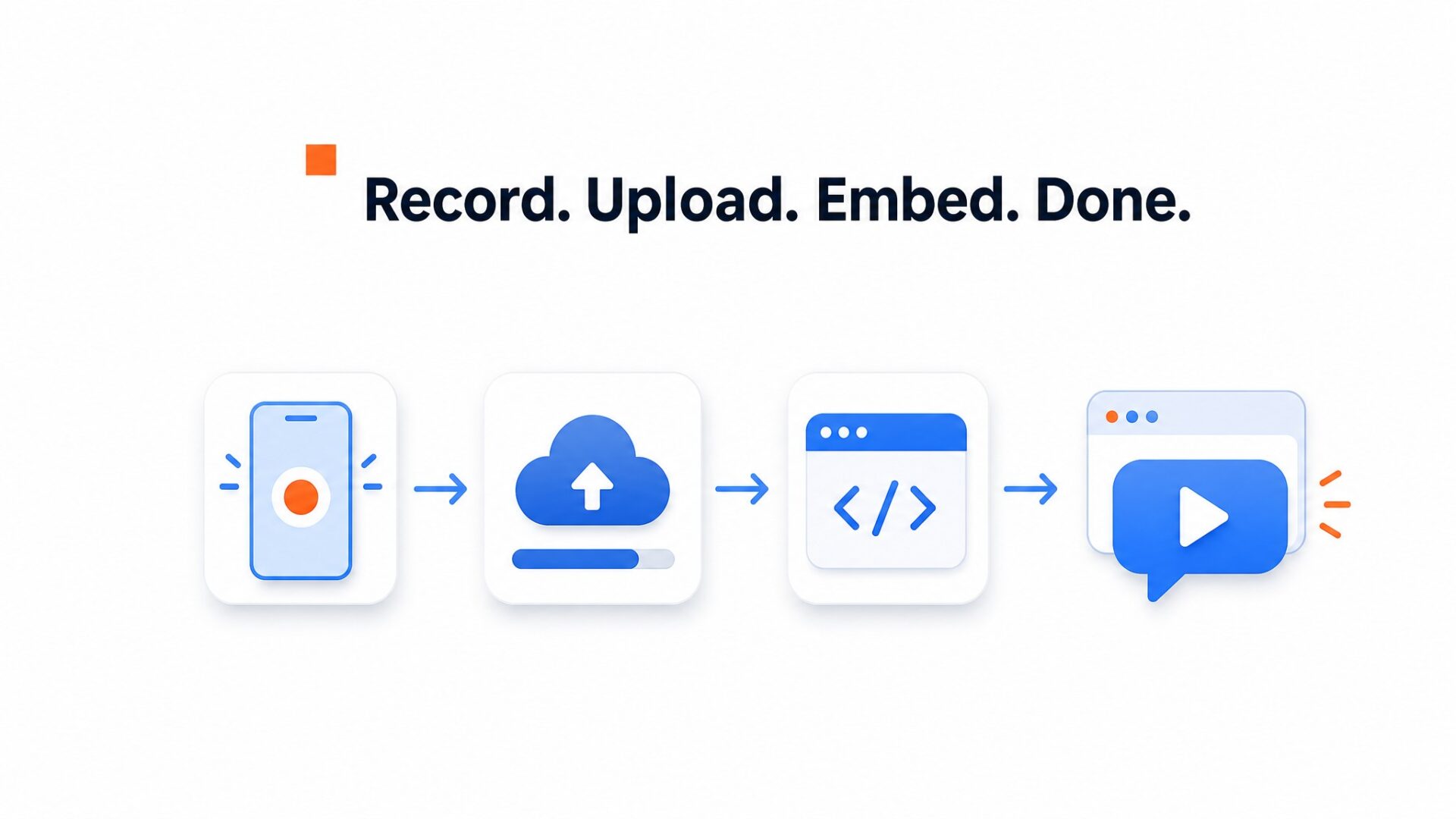
Most teams overthink the script.
State your name, say what the page sells, and tell the visitor exactly what to do next. Keep it simple. Run a clinic? Say “Hi, I am Dr. Chen. Book a consultation below.” Sell furniture? Say “I built every piece here. Message me for custom sizes.”
Skip the origin story. Visitors decide within the first eight seconds whether to keep watching, so open with a promise.
Lighting beats gear.
A window and a quiet room beat a ring light and a noisy warehouse every time. Record vertically for phone traffic. CompleteGreet compresses the file automatically, so it can load fast on mobile.
Where to place the bubble
The default bottom right corner works for most sites, but not all. On Shopify checkout pages, the bubble can overlap the Apple Pay button. That costs money. Move it to the bottom left on mobile if your checkout flow sits heavy on the right side of the screen.
Show the greeting only on pages where it earns its keep. Pricing pages, contact forms, and booking screens usually see the biggest lift. A documented hair salon example in CompleteGreet’s notes saw 42% more bookings after adding a greeting.
Homepage visitors are still browsing. Hitting them with a talking face before they know what you sell often backfires. Hide it there. Set URL rules in the dashboard so the bubble hides on your blog and careers pages.
How to tell if it’s working
Check two numbers in your first week.
Track two numbers: widget engagement rate and downstream conversion rate. CompleteGreet analytics show how many visitors clicked play and how many clicked the button inside the widget. If your play rate sits below three percent, your thumbnail is too generic. Swap the freeze frame to a shot where you are smiling and looking into the lens.
If plays are high but button clicks are low, your next step is too vague. “Learn more” kills momentum. “Book a call” or compare plans gives visitors a clear action. Documented CompleteGreet examples show inquiry increases from 44% to 70% when the greeting matched the page intent. That match is what you are measuring for.
CompleteGreet BUILD is $29 per month when billed yearly, or $36 month to month, with 5,000 unique visitors per month, 1 website, and 2 bubbles or videos. That plan is enough to run one greeting on your main site and a second variant on your pricing page to see which message works better.
AI avatars promise faster production and easier scaling, but the research and use cases point to a sharp divide in outcomes. The sections below look at where synthetic presenters can help and where they can erode trust.
The following framework treats synthetic presenters as a narrow tool, not a universal replacement for real video.
When AI Avatars Actually Work
Avatars tend to perform best in low trust, high volume environments where the visitor wants a quick answer rather than a relationship. Customer support portals, basic onboarding flows, and freemium tools are typical fits because the user expectation centers on speed, not human warmth.
In these settings, an avatar that explains a simple pricing tier or points people through a knowledge base can reduce live chat load without damaging credibility. The risk stays lower because the visitor has already decided to explore, not to buy.
The Trust Threshold Where Avatars Backfire
Once a transaction involves personal data, significant cost, or emotional stakes, synthetic faces trigger skepticism. Visitors perceive a mismatch between implied human presence and obvious automated delivery, which can increase bounce rates on consultation and premium service pages.
Real video recordings, such as those used in CompleteGreet, avoid that mismatch because the facial expressions and voice belong to an actual person. The difference is not only visual. It changes the interaction from a generated presenter to a real human presence.
A Practical Checklist Before Choosing
Teams should answer three questions before deploying any avatar. Does the page goal involve persuasion or mere information delivery? Is the visitor a first time prospect or a returning user with existing account context?
Will the avatar appear on a mobile device where screen space and load speed already strain attention past the thresholds found in Google Web Vitals guidance? If the goal is persuasion, the visitor is new, or the audience is primarily mobile, recorded human video is typically the safer default. AI avatars are a narrow fit for internal dashboards, FAQ overlays, and post purchase instruction sequences where personality is secondary to clarity.
The documented CompleteGreet examples point in the same direction: human video performs best when the desired action requires trust, such as form submissions or booking calls. Real faces carry a kind of accountability that a synthetic presenter cannot fully show.
CompleteGreet BUILD costs $29 per month when billed yearly and includes 2 bubbles or videos for 5,000 unique visitors per month, giving teams a fixed way to test real video before considering a broader rollout.
Common questions
Do AI avatars convert better than real human video on landing pages?
Real human video typically outperforms AI avatars on trust focused pages. AI avatars can still work in scale scenarios like multilingual support at volume, but the research shows trust can drop when visitors know the face is synthetic.
When does an AI avatar backfire instead of building trust?
AI avatars backfire when visitors expect a real person behind a service business, local brand, or high touch offer. The synthetic quality becomes a distraction rather than a help. CompleteGreet’s documented hair salon example showed 42% more bookings with real video, which is the safer comparison when trust is part of the buying decision.
How much does it cost to add a real video greeting to a website?
CompleteGreet BUILD is $29 per month when billed yearly, or $36 month to month, with 5,000 unique visitors per month, 1 website, and 2 bubbles or videos. That covers a recorded human greeting, not an AI avatar. The pricing page also offers a 30 day free trial with no credit card required.
How long does it take to set up a first video greeting?
Most teams can record and publish a video greeting bubble in under 5 minutes. The workflow is upload, trim, set display rules for specific pages, and paste the embed code into Shopify, WordPress, Wix, or plain HTML. No design or coding skills are needed, and the widget is designed to load after the main website content.
What should you say in a video greeting to new website visitors?
Keep it to 20 to 30 seconds, state who you are, what problem you solve, and what the visitor should do next. Specific calls to action beat generic welcomes. A documented hair salon example saw 42% more bookings after adding a real video greeting.
Can AI avatars and real video be used on the same website?
It depends on the page purpose. AI avatars can handle FAQ or onboarding flows at scale where personality matters less than speed. Real video greetings belong on landing pages, pricing pages, and contact pages where trust drives the decision. CompleteGreet supports 2 bubbles or videos on the BUILD plan, so most sites can start with one real greeting and expand from there.
What website platforms support video greeting widgets?
CompleteGreet supports Shopify, WordPress, Wix, Squarespace, Webflow, WooCommerce, and custom HTML through a single embed code. Custom HTML sites, including React and Vue builds, can use the same script. One paste handles placement across the entire site. The dashboard then controls which specific pages show the bubble, so teams can target the homepage or pricing page without touching the site code again.