Profile
 Dashboard
 Logout
Table of contents
Key takeaways
- A salesperson who knows your customers can make a stronger website greeting than a generic spokesperson.
- A short video can bring your salesperson’s familiar tone and objection handling to pages where visitors are deciding what to do next.
- Start with a 15 to 30 second clip recorded on your phone.
Why Your Best Salesperson Should Record Your Website Video
Your best salesperson is a strong choice for your website video because they already know which questions and objections come up first.
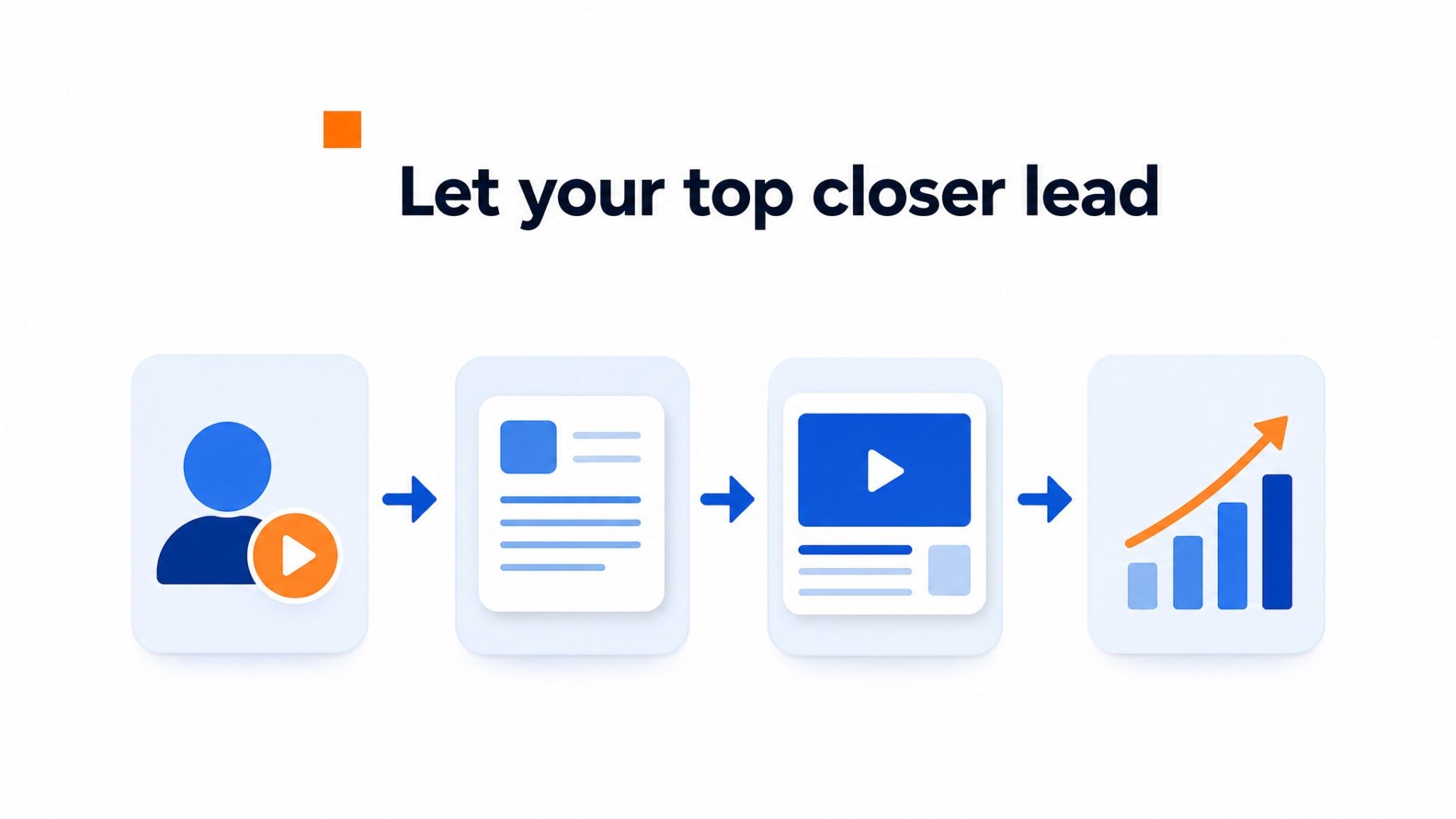
CompleteGreet’s public case page lists inquiry increases from 43% to 70% across five businesses. A separate salon case lists 42% more bookings.
Five of the listed cases also report time on site increases from 19% to 33%. The MerchShark case reports a 17% conversion lift. These are individual CompleteGreet customer results, not a promise that every site will see the same outcome.
The useful lesson is simpler.
In the published cases, visitors spent longer on site. A salesperson can use the same tone, pacing, and phrases they use in real conversations while answering common objections early.
A generic spokesperson may not have the same credibility. Your top performer already knows how customers describe their concerns.
They have tested different openings in real conversations and know which phrases tend to get a response. That practical experience matters more than perfect lighting.
Why your salesperson matters for the bottom line
Putting a skilled salesperson on video lets more visitors hear the same clear explanation they would get in a live conversation. It can support trust and action without adding another live call to every visit.
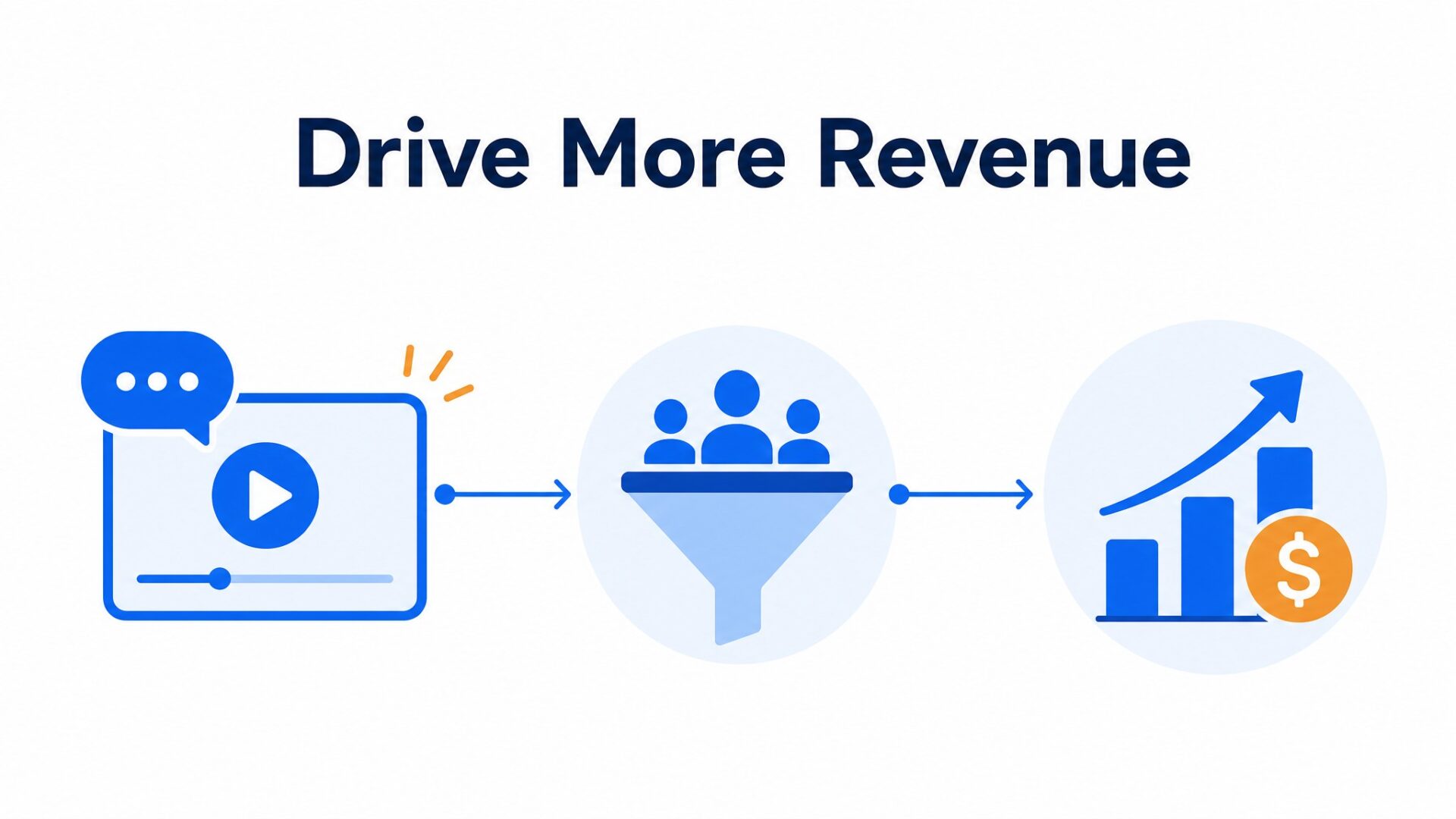
Those case results are useful examples, not guaranteed benchmarks. Your own baseline should decide whether the video is working.
Compare inquiry volume and conversion rate for the thirty days before the video went live against the thirty days after. Use the same traffic sources and page mix where possible, then wait until you have enough visits to compare fairly.
Many teams hand the recording task to marketing or the founder. If your salesperson handles more customer objections each week, they may be the better person to write and deliver the opening. Their wording can keep working on the homepage after the sales team has gone home.
Pay attention to the preview image. Make sure the salesperson’s face is clear and approachable, then test another frame if few visitors open the video.
Pages where visitors already intend to act are practical places to start.
Pricing pages and booking screens are sensible places to test because visitors there are already considering action. A friendly face can explain the next step without asking the visitor to hunt for it. The video does not need studio production. A clear phone recording from someone who knows the product can feel more credible than a generic script.
A recorded greeting can also answer common questions before a call. That may help set expectations and give your team more context when a visitor contacts you.
How to set up your first video greeting in under 5 minutes
Start with a 15 to 30 second clip recorded on your phone. You don’t need a studio. Clear sound, a visible face, and a direct message matter more than polished production.
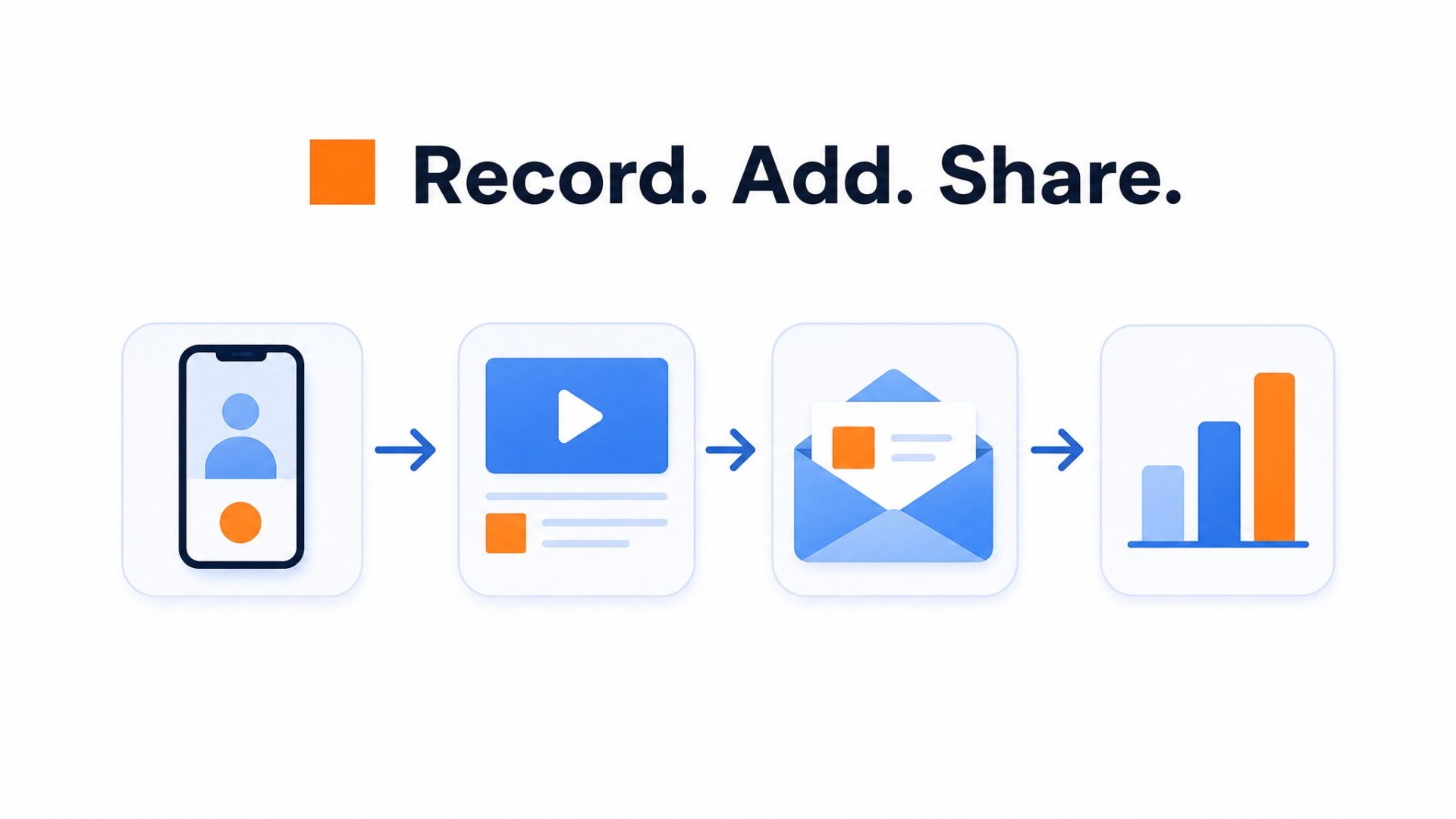
Keep the script simple.
Introduce yourself by name, state what your company does in one sentence, and tell the visitor exactly what to do next. Keep it simple.
That call to action might be clicking a booking link, starting a chat, or watching a 60 second product demo. Avoid asking how you can help today. It sounds polite but it forces the visitor to do the mental work.
Upload the file to your CompleteGreet dashboard. CompleteGreet processes and compresses the video for delivery, so you do not need to force the source file under an arbitrary 20MB limit.
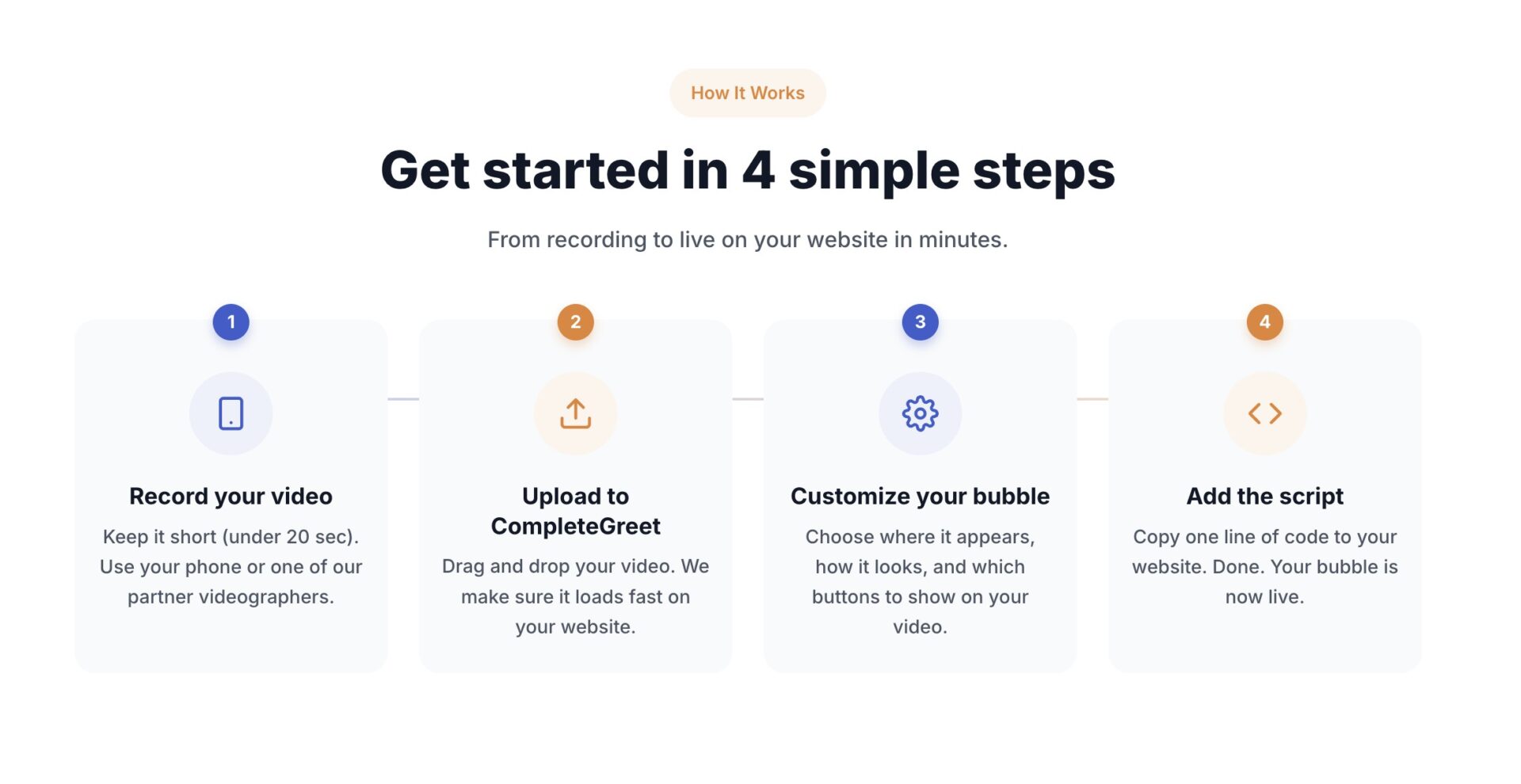
Placement is where most first timers get it wrong.
The bottom right corner is a common starting point, but watch for overlap. If your checkout button or chat widget already sits there, move the bubble to the bottom left.
Set a 3 to 5 second delay so the bubble does not compete with content while the page is still settling. Keep it muted by default so visitors choose when to hear it.
Wait one week before judging results.
Look at three numbers: widget open rate, time on site, and bookings from the bubble. Compare them with the period before the video went live, while keeping traffic sources and page mix in mind.
If the open rate stays low after enough visits, test a clearer face in the preview or change the first spoken line. Small changes are easier to evaluate one at a time.
Most standard installations can be completed in under 5 minutes.
CompleteGreet BUILD is $29 per month when billed yearly, or $36 month to month, for 5,000 unique visitors per month, 1 website, and 2 bubbles or videos. Two bubbles is enough. Test one on your homepage and one on your pricing page. No annual contract required.
Website video results vary by audience, page, offer, and the person in the recording.
CompleteGreet’s public cases provide useful examples, but they do not isolate the effect of salesperson footage from every other change on the site.
What the Public Case Results Show
Five public CompleteGreet cases report inquiry increases between 43 and 70 percent. A separate salon case reports 42 percent more bookings.
Five of the public cases report time on site increases between 19 and 33 percent. The MerchShark case reports a 17 percent conversion lift. These customer results are examples, not guaranteed outcomes.
Calculating the Revenue Impact
To estimate a possible return, start with your own inquiry volume, lead quality, close rate, and average order value. Treat the 43 percent figure as a published case result, not a forecast for your site.
For example, 43 additional inquiries at a 2 percent conversion rate and a $500 average order value would equal $430 in revenue. That is only a scenario. Your real result depends on whether those extra inquiries convert at the same rate.
Recording Setup Checklist
Position the camera at eye level in a quiet space with natural lighting facing the speaker. Record between fifteen and thirty seconds, mentioning the visitor’s likely intent within the first five seconds to maintain attention.
Upload the file directly to the CompleteGreet dashboard and set display rules to trigger on the homepage for first time visitors. Test the bubble placement on mobile devices to ensure the thumbnail does not obstruct navigation elements.
CompleteGreet’s public cases show results from six businesses, but they do not compare staff footage with agency talent. Test the recording on your own traffic.
For implementation, start with the BUILD plan and record a single greeting of fifteen seconds featuring your top salesperson. CompleteGreet hosts and delivers the video for $29 per month when billed yearly.
Common questions
What should you actually say in a website video greeting?
Open with your name and role, then name the one problem you solve for visitors. Skip the company history and generic welcome. A 20 second greeting that says “I help service businesses cut setup time from weeks to days” is more specific than two minutes of credentials. Visitors clicked for a reason. Address that reason immediately.
How long should a homepage video greeting be?
Aim for 15 to 25 seconds as a starting point. The video should make one clear promise and give one clear next step. A useful structure is to introduce yourself, state who you help, and tell the visitor what to click. Add more only when the page needs a longer explanation.
Does putting video on a website actually increase sales?
CompleteGreet’s public cases show inquiry increases of 43% to 70% across five sites. A salon case reports 42% more bookings, and the MerchShark case reports a 17% conversion lift. These are individual customer results, not a guarantee for every website.
How much does it cost to add a video widget to a website?
CompleteGreet BUILD is $29 per month when billed yearly, or $36 month to month, for 5,000 unique visitors per month, 1 website, and 2 bubbles or videos. A 30 day free trial with no credit card required lets you test the full feature set first. Pricing scales by visitor count, not by minutes watched.
Can you add video greetings to Shopify or WordPress sites?
Yes. CompleteGreet supports Shopify, WordPress, WooCommerce, Wix, Squarespace, Webflow, Magento, and custom HTML sites. Shopify has a dedicated app, while the other platforms can use a small script in the site header. Most standard installations can be completed in under 5 minutes. The embed uses asynchronous loading and is designed to prioritize the main page content, but you should still test performance on your own site.
How long does it take to set up a video greeting?
Active setup time is under 5 minutes for most standard installations. Record the video on your phone or laptop, upload it to CompleteGreet, copy the embed code, and paste it into your site header. The 30 day free trial gives you time to test placement and messaging before choosing a paid plan.
What if the salesperson hates being on camera?
Start with a short screen recording and voiceover, then add a brief on camera introduction when they feel comfortable. Keep the stakes low by framing it as a test. Their customer knowledge matters more than a polished performance.