Profile
 Dashboard
 Logout
Table of contents
Key takeaways
- After hours lead capture gives visitors a way to leave an inquiry while staff are offline.
- Visitors who arrive outside staffed hours need a way to leave their details.
- Ask whether the request is urgent before asking for anything else.
How does after hours lead capture work?
After hours lead capture gives visitors a way to leave an inquiry while staff are offline. Visitors can get approved answers, leave their details, and enter a follow up queue while staff are offline.
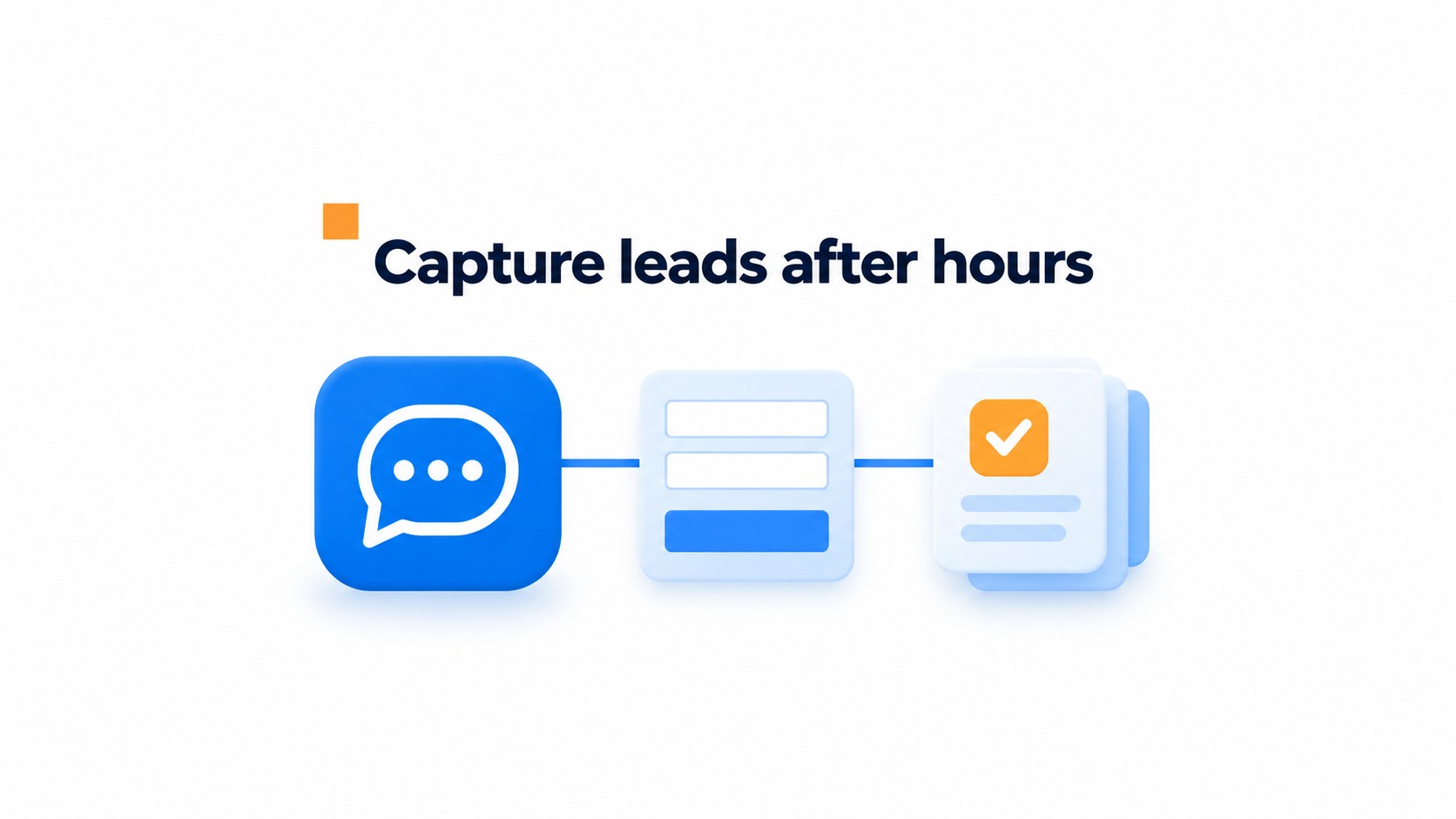
Limit the chatbot to questions the team has approved, such as service areas, opening hours, or what information to include in a request. For anything else, it should collect the question and tell the visitor when a person will reply. No guessing.
Ask for a name, preferred contact method, job type, and the details needed to assess the request. Keep it short; a full project brief at midnight is a good way to lose an inquiry.
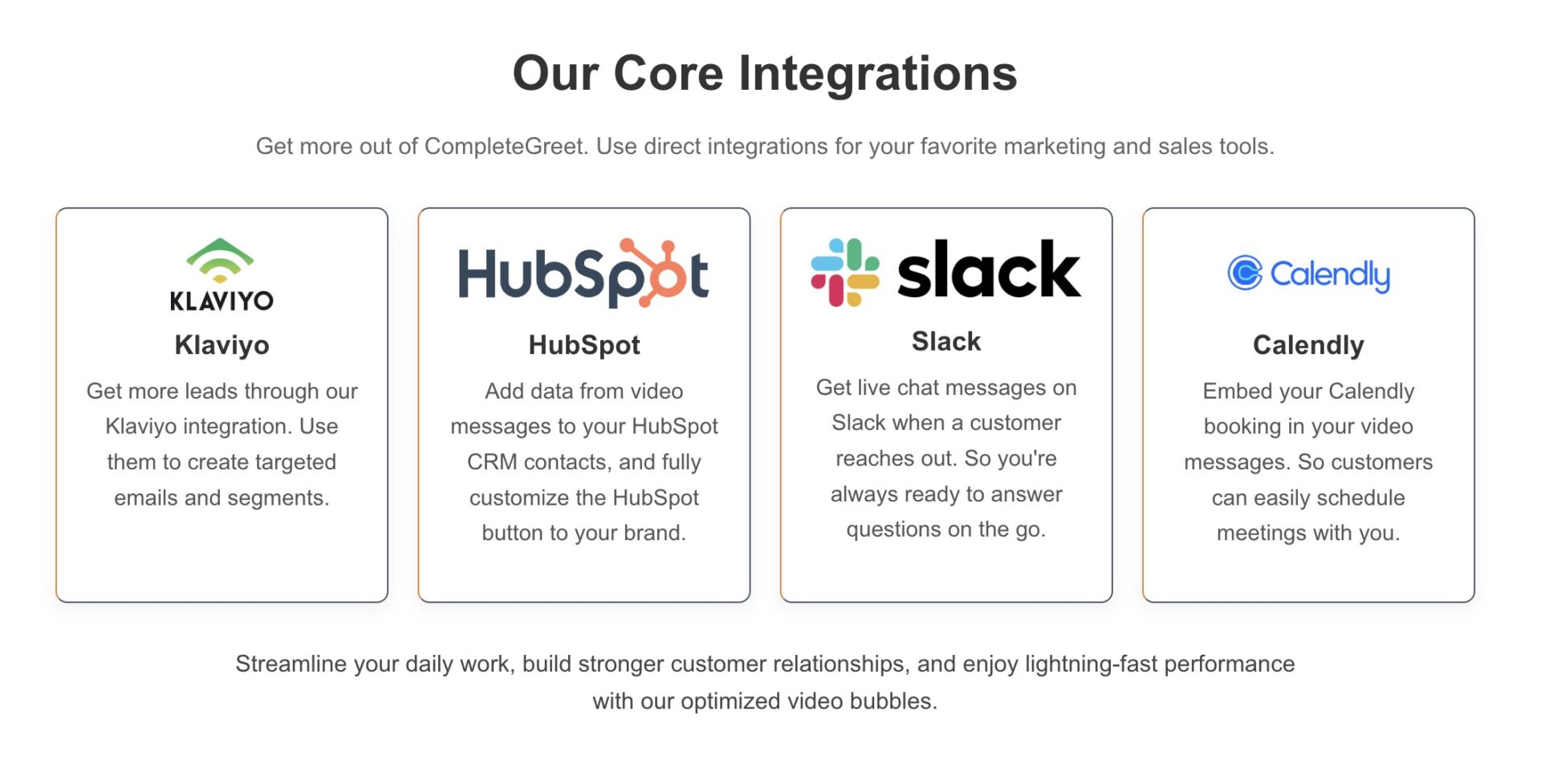
Send each submission into a CRM as a new record, or create a follow up task with the visitor’s details and request attached. CompleteGreet lists HubSpot among its core integrations.
Test the confirmation visitors see after submitting. It should say the team is offline and give the expected reply window, so nobody has to wonder whether the form went through.
Why capture website inquiries outside business hours?
Visitors who arrive outside staffed hours need a way to leave their details. Without one, they may move on rather than wait for a phone line or inbox to open.
Capturing a message does not guarantee a sale. It keeps a possible opportunity from disappearing simply because nobody could answer at that moment.
Start with the after hours capture rate, then check how many inquiries include enough detail to qualify. Track the next step for each lead, such as a callback, estimate, or appointment request. A chat opened is not a captured lead unless the visitor leaves a way to reply.
Store the submission time and promised next step in separate CRM fields. A timestamp buried in a chat transcript is easy to miss during morning triage.
Also record the time from submission to the first human reply. Compare morning follow up time and eventual conversion with leads that arrive during business hours, using the same time window for both groups. If after hours inquiries qualify but convert less often, check when replies arrive and whether the requested next step is clear.
What should your overnight workflow ask and promise?
Ask whether the request is urgent before asking for anything else. A visitor with a burst pipe needs the on call number, not a five field form.
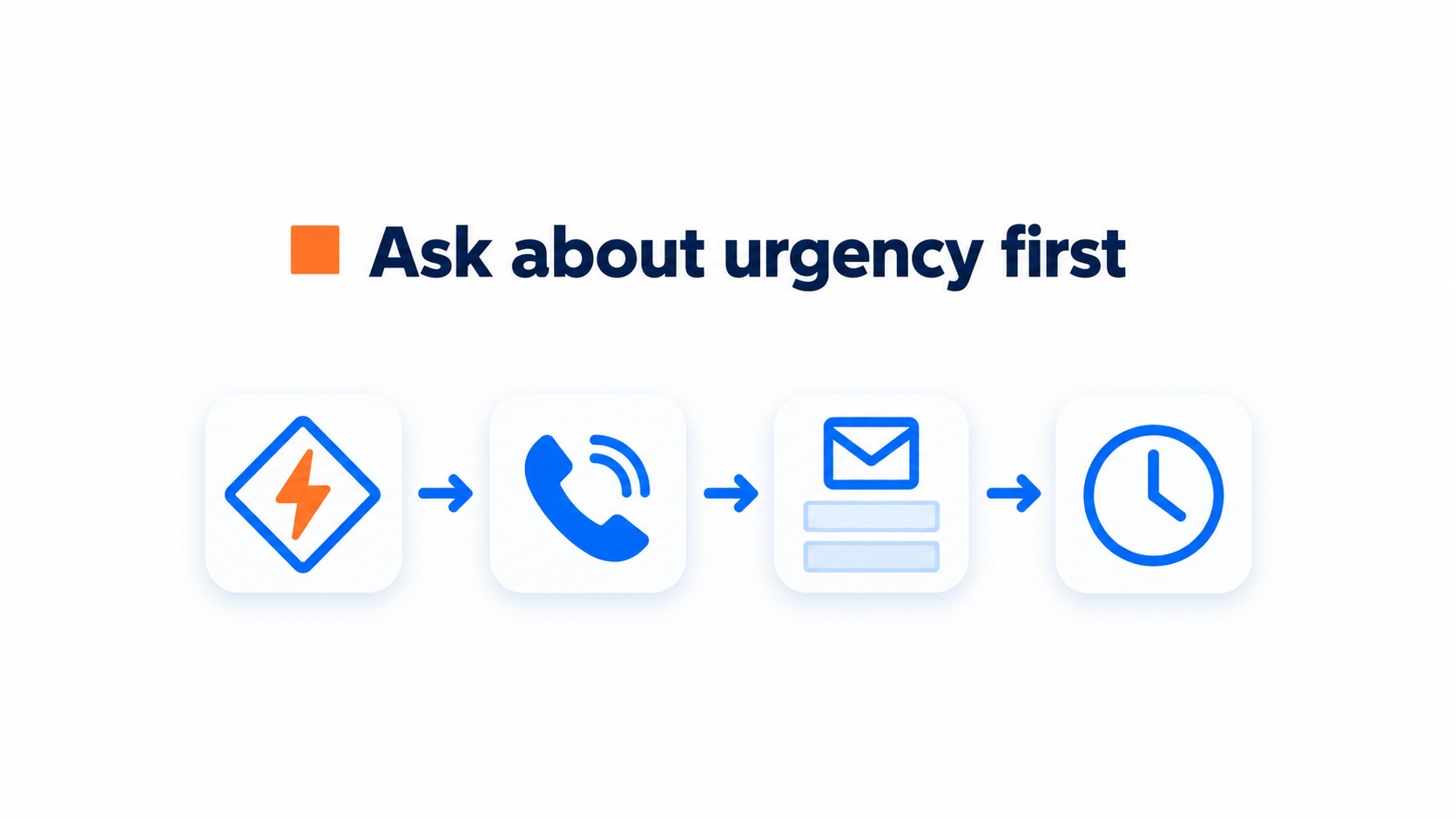
For routine inquiries, collect a name, preferred callback method, job type, service area, and a short description. Show the address field only for repair requests; billing questions do not need it.
Define urgency with examples that fit the business, then route that branch to an on call number. Visitors should not have to guess.
Say that staff are offline and give a specific reply window, such as by 10 a.m. the next business day or within two business hours. A vague promise leaves another question unanswered.
The chatbot can answer approved basics overnight, including service area, opening hours, and what photos to attach. It should not guess about availability or quote a price it cannot verify.
Test both paths on a phone before publishing. The urgent route needs a tappable number; the routine route should confirm what was submitted and repeat the reply window.
How can you launch and check your first workflow?
Start with a narrow workflow: approve a few answers, build the chatbot and contact form, then connect submissions to a CRM record or follow up task.
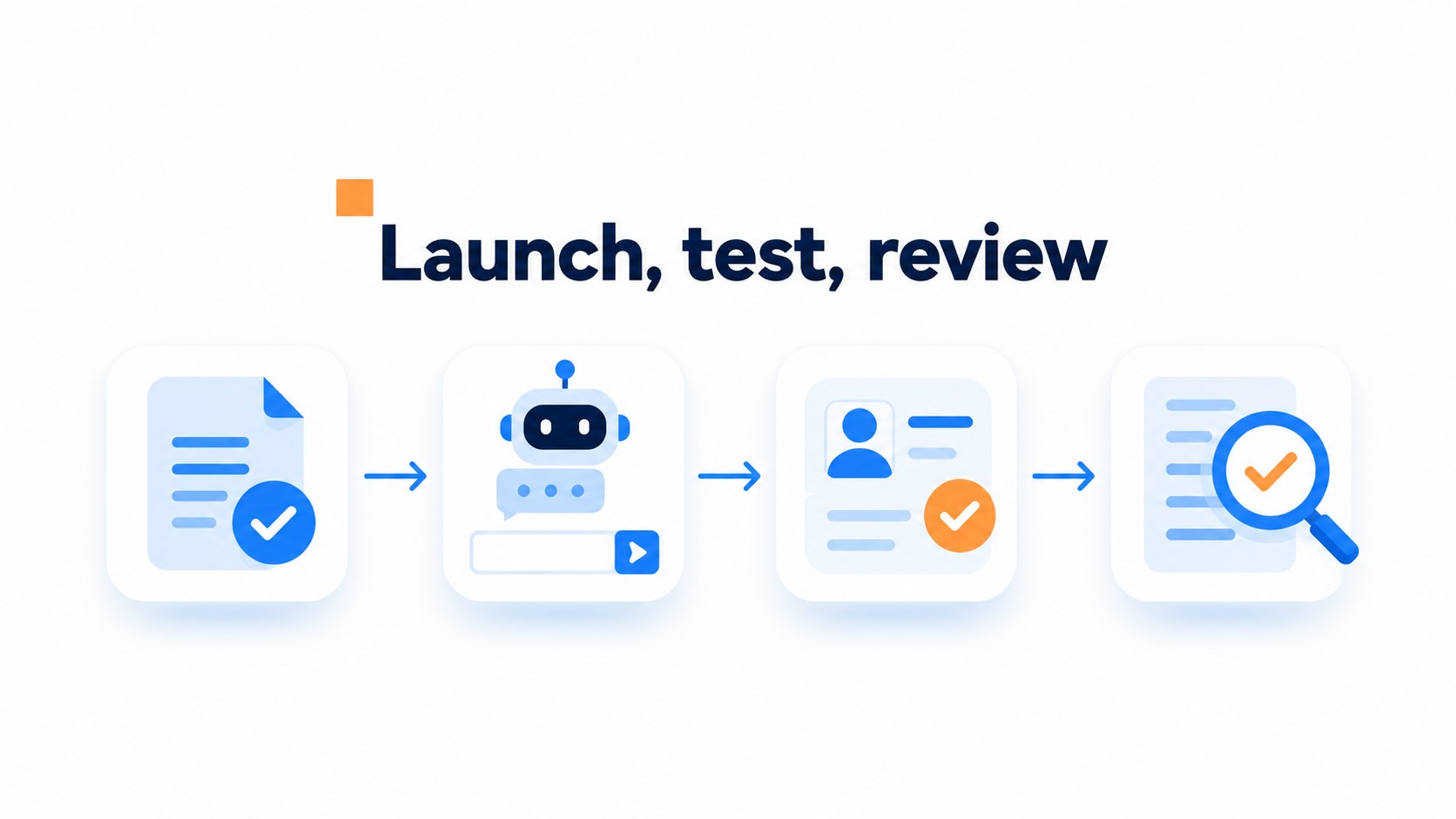
Choose questions staff can answer accurately, such as service area, hours, or what details are needed for a quote. Add fields for name, contact method, job type, and relevant details. Put the on call number in the urgent branch, not the welcome message, so routine visitors are not sent to an emergency line.
Before publishing, submit one urgent request and one routine inquiry yourself. Check that the urgent route reaches a phone someone can answer. Then confirm the routine request creates a record or task with the visitor’s details intact. A common snag: the form works, but its notification goes to an old inbox.
Review the first inquiries the next morning. Check whether each has enough detail for a useful reply, then remove any question visitors skipped or misunderstood. Set a follow up window the team can meet, such as the next business day.
Short FAQ
What happens overnight?
The chatbot can give approved answers and collect the inquiry. Staff follow up during the stated window.
How are urgent requests handled?
Route them to the on call number and say clearly if no one is available to answer.
When should visitors expect a reply?
Name a specific window, such as by the next business day, and keep it realistic.
What should the form collect?
Ask for contact details and the information staff need to understand the request without another round of questions.
These measures show whether visitors leave useful details and how quickly staff follow up. They give the team a workflow it can monitor.
Measure capture and qualification
After hours capture rate = inquiries received outside staffed hours ÷ eligible website visits outside staffed hours × 100.
Qualification rate = inquiries with enough relevant details to act on ÷ all captured inquiries × 100. Track the two separately; a rise in message volume does not show whether the requests are useful.
Set a baseline before launch
Record after hours capture rate, qualification rate, next steps assigned, and time from opening to first follow up. Compare those measures with in hours leads to spot differences in lead quality and response speed.
A higher inquiry count alone does not show that the capture workflow caused an improvement. Check visitor volume and lead quality before drawing conclusions from a before and after comparison.
Review overnight records each morning. Note requests missing contact details, job information, or a clear next step, and set an alert for any qualified inquiry still untouched by 10 a.m. local time.
Common questions
What happens to website inquiries that arrive after hours?
A chatbot and contact form can collect the request while staff are offline, then create a CRM record or follow up task for the next workday. The chatbot should stick to answers the business has approved, such as service areas or opening hours. Tell visitors the team is unavailable and give a clear reply window, such as the next business day.
How should a website handle an urgent request overnight?
Ask visitors early whether the issue is urgent, and route emergencies to an on call phone number. For routine requests, collect a name, contact details, job type, and the details staff need to respond. Make the distinction clear on the page, so someone with an emergency does not assume a form submission will bring immediate help.
What information should an after hours lead form collect?
Collect enough detail to make the first reply useful: the visitor’s name, preferred contact method, job type, and a short description of what they need. Ask whether the request is urgent before the longer questions. Keep the form focused, then use the chatbot to answer approved questions and explain when a person will follow up.
How can a business tell if after hours lead capture is working?
Track how many after hours visitors submit a request, how many inquiries qualify, and how quickly staff follow up the next morning. Compare conversion from after hours leads with in hours leads, while checking whether the captured details lead to a concrete next step.
Can a video greeting replace an after hours chatbot and contact form?
A video greeting alone does not collect an inquiry. CompleteGreet can pair the greeting with a form to collect details, and it supports HubSpot contact syncing. It can sit alongside a chatbot if you need approved answers overnight. Installation uses an app, plugin, or website embed, depending on the platform. The visitor still needs an explicit urgency route and a clear reply window.