Profile
 Dashboard
 Logout
Table of contents
Key takeaways
- Bambuser centers on commerce inside a brand’s own site, while Firework puts more weight on distributing video across channels.
- Choose Bambuser when live product demonstrations and one to one video consultations need to sit inside a brand’s own shopping experience.
- Firework fits retailers that want video across their website, email, SMS, apps, in store screens, and publisher or retail media channels.
What is the main difference between Bambuser and Firework?
Bambuser centers on commerce inside a brand’s own site, while Firework puts more weight on distributing video across channels. That’s the core difference.
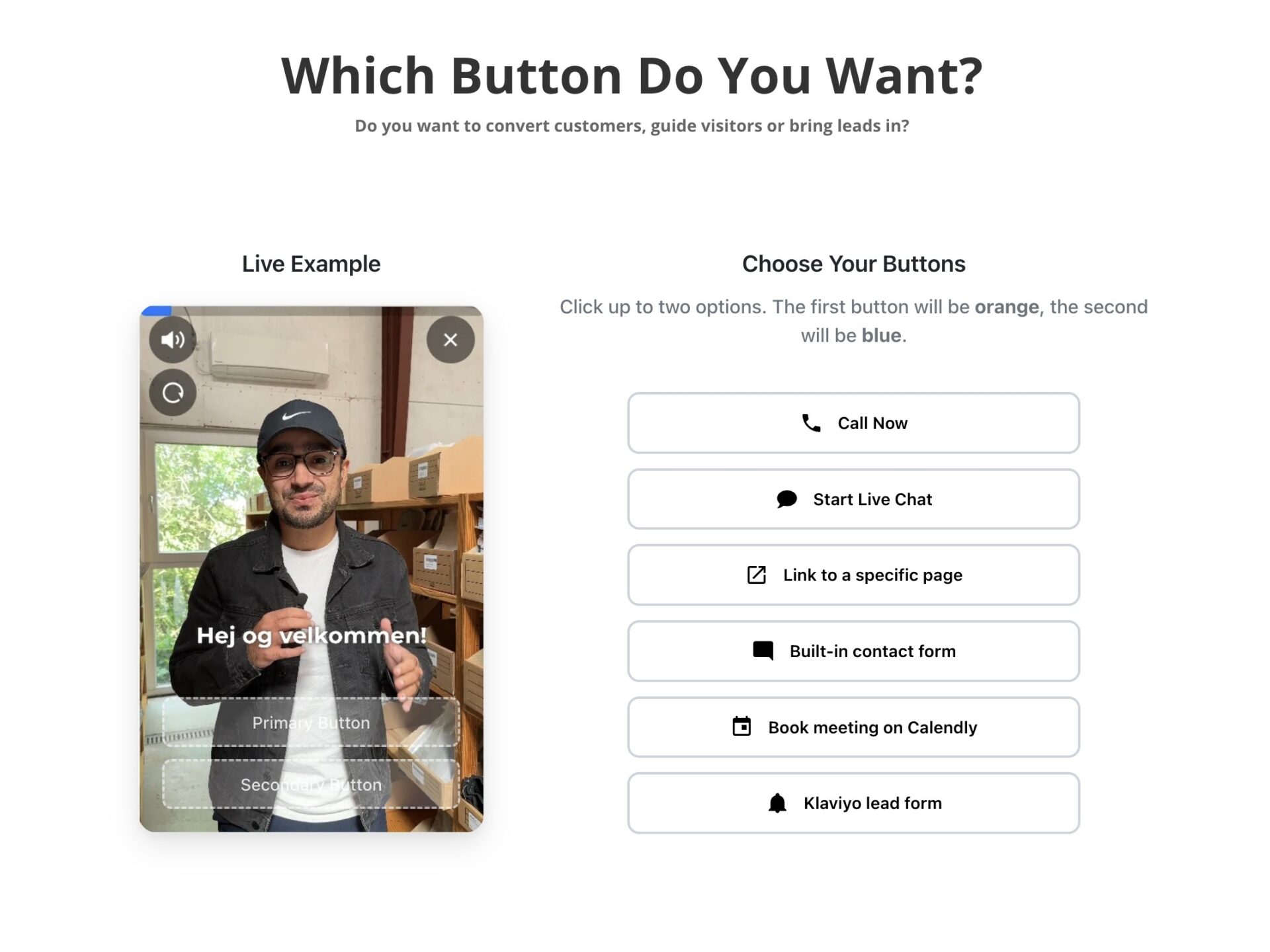
Bambuser brings live shopping, shoppable video, and one to one video consultations into embedded experiences on a retailer’s website or app. Viewers can browse, interact, add products to cart, and check out on the brand’s site. Live events can also simulcast to social channels. Bambuser supports Shopify, Salesforce Commerce Cloud, Adobe Commerce, and BigCommerce.
Firework covers more viewing surfaces: websites, email, SMS, apps, in store screens, publisher networks, and retail media. Its features include live and on demand video, a 24/7 Video Showroom, and digital human avatars.
For retailers focused on an owned site purchase flow, Bambuser is the closer fit. Firework makes more sense when video needs to reach customers across several channels.
When should you choose Bambuser?
Choose Bambuser when live product demonstrations and one to one video consultations need to sit inside a brand’s own shopping experience. The store stays central.
It fits retailers with a clear use for hosted shopping events. A host can show how a product works while viewers ask questions and shop during the broadcast. One to one consultations also suit products that need personal advice before purchase.
Bambuser integrates with Shopify, Salesforce Commerce Cloud, Adobe Commerce, and BigCommerce. That helps connect product details, inventory, pricing, and checkout to an existing store. Its embedded player keeps browsing and purchasing on the brand site, while live events can also simulcast to social channels.
Firework is a better fit if the main job is distributing video across email, SMS, apps, in store screens, or publisher networks. Before committing to Bambuser, test the planned event flow on mobile and check that product links and checkout work as expected inside the embedded player.
When should you choose Firework?
Firework fits retailers that want video across their website, email, SMS, apps, in store screens, and publisher or retail media channels. Its reach across those placements is the draw.
Firework combines live and on demand video with a 24/7 Video Showroom and digital human avatar capabilities. Those features suit a distributed content plan, especially when video needs to appear in several customer touchpoints rather than stay on one site.
A merchandising team planning video across multiple channels may get more from Firework than a team running an occasional live shopping event. Start by mapping where each video will appear and what it should do: introduce a product, support a live event, or bring shoppers back to a product page.
Keep the destination clear. Someone following a video link in an email or scanning a QR code on an in store screen should land on the item or event shown, not a generic homepage. A simple list of channel, asset, destination, and owner can catch gaps before a campaign goes live.
How do Bambuser and Firework compare on cost and setup?
Bambuser publishes monthly prices, while Firework’s public pricing page lists some usage fees but no clear base price for every plan. Budgeting is easier with Bambuser’s published tiers.
Bambuser lists a free tier, plans at $79 and $249 per month when billed yearly, and a custom option. Its pricing page also lists $0.25 per overage view. The page offers self service signup for Free and Essential, while Pro and Enterprise have demo links.
Firework lists overage rates, not a complete base price list. On one tier, an extra 1,000 video views costs $10; on another, the listed rate is $5 per 1,000 views. Larger or custom buyers are directed to sales, but the public page doesn’t say every plan requires a sales call.
Both vendors publish setup documentation. Bambuser covers embedding its player and connecting product data, cart actions, and checkout. Firework also provides platform installation and product card instructions, including an Adobe Commerce cart integration guide.
Setup time depends on the platform and the product and cart connections required. Test product syncing and checkout links before launch.
Which one should you choose?
Choose Bambuser if sales depend on live product demonstrations and checkout on the brand site. Choose Firework if video needs to reach customers across a website, email, SMS, apps, store screens, or publisher channels.
Bambuser fits retailers that want shoppers to browse, ask questions, add products to cart, and check out inside an embedded video experience. Its one to one consultations also suit products that need personal guidance, such as a higher consideration purchase. Firework fits teams whose video plan extends beyond the ecommerce site and across several customer touchpoints.
Map the channels before signing. A live event on a product page and clips sent through email are different jobs, so confirm who will manage each workflow.
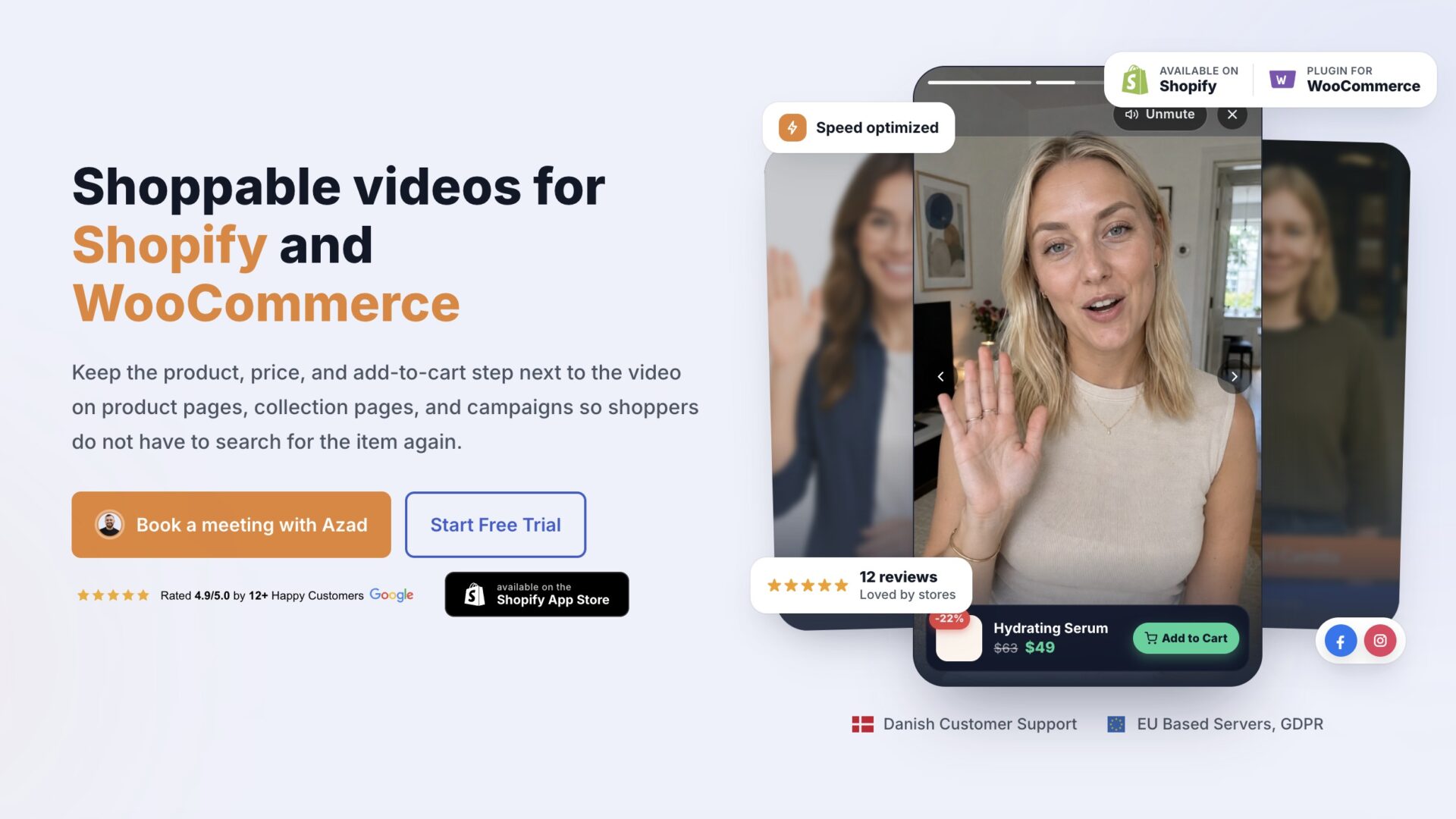
For a simple video greeting or support bubble, rather than live shopping or multichannel video distribution, CompleteGreet is a smaller fit. It supports Shopify, WordPress, Wix, Squarespace, Webflow, WooCommerce, custom HTML, React, and Vue. Setup involves adding the app, plugin, or embed code and configuring your video.
Start with the job the video needs to do. The distinctions below separate an on site video layer from a larger live commerce or content distribution setup.
Choose by workflow, not feature count. Identify whether the priority is embedded product video, hosted live events, personal consultations, or video distribution across several channels. Then decide how much control the team needs over the viewing and purchase journey.
Bambuser is worth investigating when live shopping, shoppable video, or one to one consultations are central to the experience. Firework fits when video needs to reach beyond the brand site, including through email, apps, or in store screens.
For a focused on site video widget, CompleteGreet is an option to consider. The larger platforms make more sense when their live commerce or distribution capabilities are required.
Before selecting a platform, write down the first channel to launch, the commerce steps that must stay on site, and who will run each event or video placement. If the brief calls for a video bubble on selected pages, check CompleteGreet’s setup against that requirement.
Common questions
What is the practical difference between Bambuser and Firework for a retail brand?
Bambuser centers on video commerce embedded in a brand’s own site or app, while Firework emphasizes distributing video across more customer channels. Bambuser combines live shopping, shoppable video, and one to one consultations, with shopping actions kept in the embedded experience. Firework’s described distribution includes websites, email, SMS, apps, in store screens, publisher networks, and retail media channels.
When should an ecommerce team choose Bambuser over Firework for live shopping?
Choose Bambuser when the priority is an owned site shopping experience with product interaction and checkout inside the video player. Its formats include live broadcasts, on demand shoppable video, and one to one video consultations; it can also simulcast a live show to social channels. Bambuser documents integrations for Shopify, Salesforce Commerce Cloud, Adobe Commerce, and BigCommerce.
When does Firework make more sense than Bambuser for video distribution?
Firework fits a retailer that wants to distribute video beyond its website, including through email, SMS, apps, in store screens, publisher networks, and retail media channels. Its described features also include a 24/7 Video Showroom. Choose it when reach across customer touchpoints matters more than keeping the whole shopping experience inside an embedded site player.
How much do Bambuser and Firework cost, and how hard are they to set up?
Bambuser lists a free tier and plans at $79 and $249 per month when billed yearly, plus custom pricing and a listed $0.25 per overage view. Firework lists $10 or $5 per 1,000 additional video views on different tiers, but its public page does not show a complete base price list. Both vendors publish integration instructions. Confirm the plan, included usage, and implementation work before budgeting.
Can CompleteGreet replace Bambuser or Firework for shoppable video and live shopping?
For recorded shoppable video, CompleteGreet is an option: it connects Shopify or WooCommerce products to videos and supports product details, cart actions, and a path to checkout. It also offers personal video greetings, but it is not a replacement for hosted live shopping events. BUILD costs $29 per month when billed yearly, or $36 month to month, for 5,000 unique visitors per month, 1 website, and 2 bubbles or videos.