Profile
 Dashboard
 Logout
Table of contents
Key takeaways
- Start with three categories: greeting widgets for trust building, shoppable video platforms for direct sales, and survey tools for lead qualification.
- Most teams pick a tool based on the starting price first, then discover the billing model matters more.
- The right choice depends on what your site actually does, not just what looks slick in demos.
Which options should you shortlist first?
Start with three categories: greeting widgets for trust building, shoppable video platforms for direct sales, and survey tools for lead qualification.
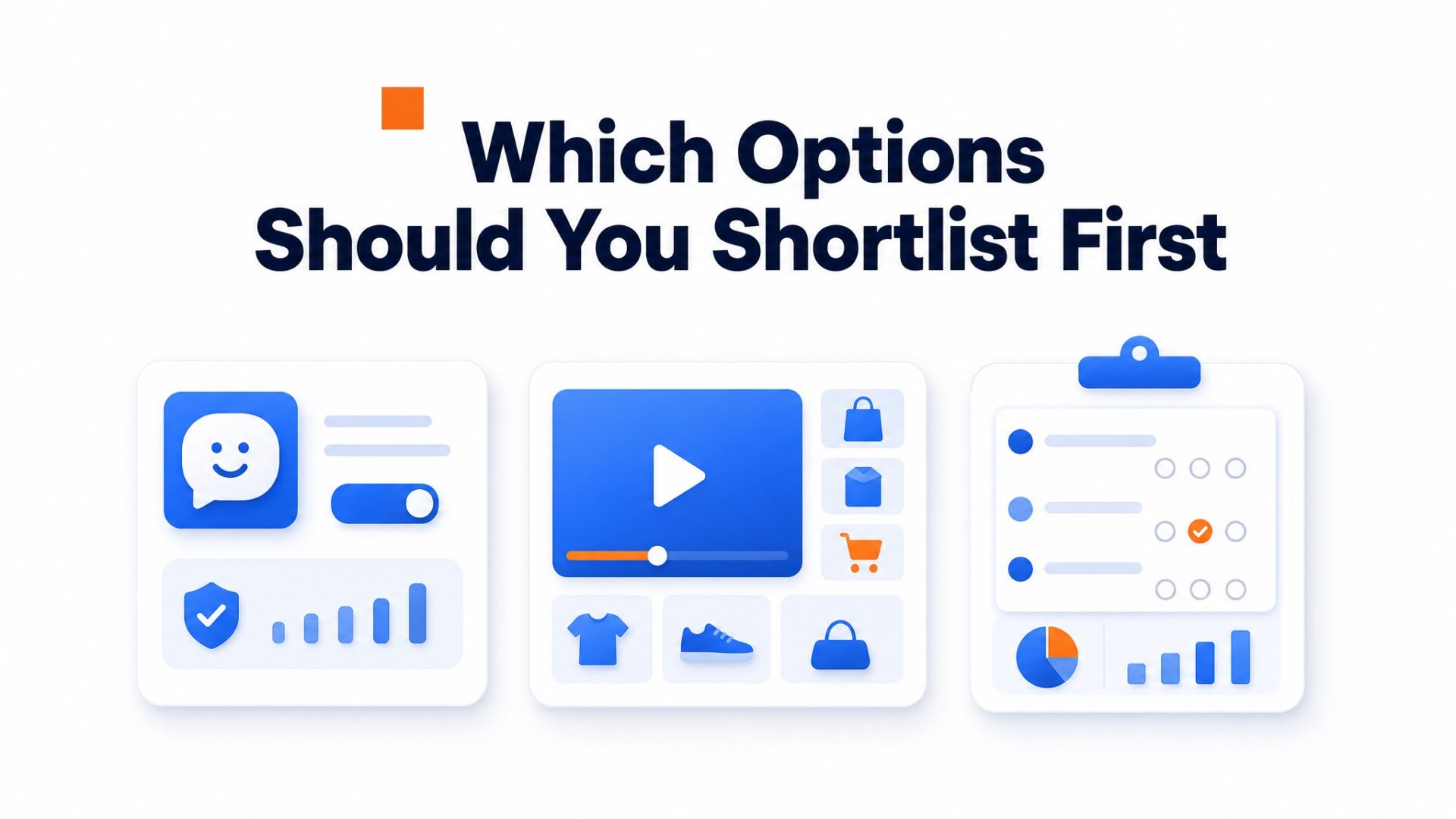
Greeting widgets are the most common starting point. They place a small video bubble in the corner of your site that plays a short recorded message when clicked. These tools fit service businesses, coaching sites, and high ticket product pages where visitors need reassurance before booking a call or filling out a form. Across CompleteGreet live implementations, inquiry volume increased between 43% and 70% after adding a greeting widget.
Shoppable video platforms serve ecommerce teams who want clickable product cards inside video content. These work best for fashion brands, home goods stores, and any catalog where visual demonstration drives purchase decisions. Shoppable video platforms compared shows which tools handle inventory sync and mobile checkout smoothly.
Survey and async video tools work best when you need structured responses from visitors at scale. Think intake forms for legal services, application videos for membership sites, or testimonial collection for marketing teams. These sacrifice the personal warmth of a greeting widget but scale better when you need hundreds of similar responses.
A lot of teams overestimate their need for complexity.
A greeting widget takes about five minutes to install on most platforms. Survey tools often require mapping fields, setting conditional logic, and testing submission flows across devices. Unless you are already capturing leads at volume, start simple.
How do the top options compare on setup, pricing, and fit?
Most teams pick a tool based on the starting price first, then discover the billing model matters more. The real question is how you get charged and what changes when traffic grows.
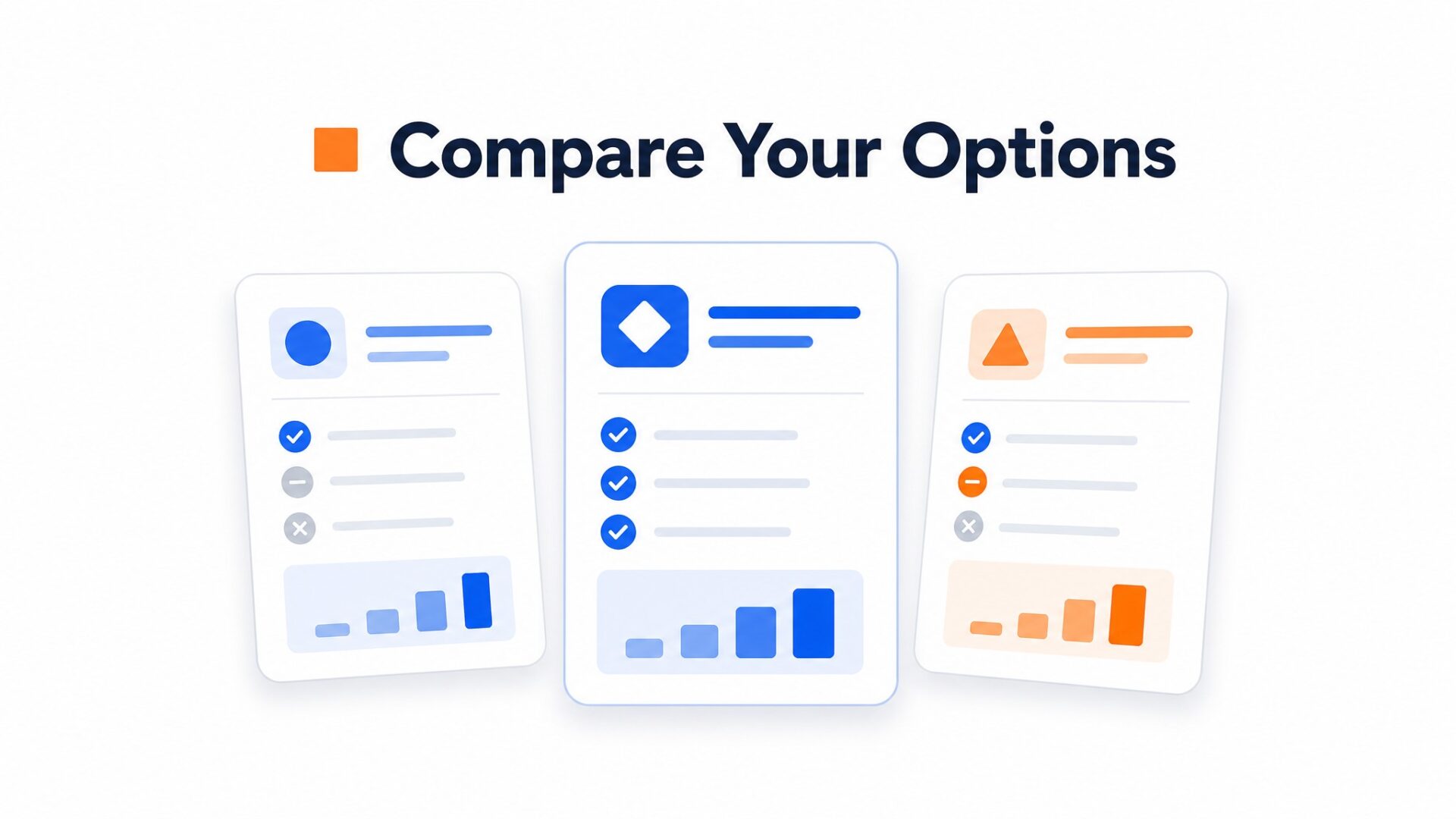
VideoAsk runs on a processing minute model. Its free tier includes 20 minutes of processing per month, and paid plans scale by monthly processing minutes. If you exceed the included limit, VideoAsk says new submissions still arrive, but you need to upgrade or wait until the next cycle to process more video. That model can be a poor fit if high engagement is the outcome you want.
CompleteGreet bills by unique visitors, not by minutes watched or videos recorded. The BUILD plan starts at $29/month when billed yearly, or $36 month to month, for 5,000 visitors and 2 video bubbles. Growth is $59/month when billed yearly, or $74 month to month, for 10,000 visitors and 5 bubbles. That difference matters if you are running a seasonal promotion or a product launch.
ChipBot and FacePop sit in the middle. ChipBot prices around site usage and feature limits, with lower tiers limiting videos, answers, and thread history. FacePop uses simple monthly tiers and advertises unlimited page views, but the lower tiers still limit how many widgets and users you get. Both can work for narrow use cases, but check the plan limits before choosing.
Setup speed varies more than pricing suggests.
CompleteGreet and VideoAsk are both quick to install on common website platforms. CompleteGreet supports Shopify, WordPress, Wix, Squarespace, Webflow, WooCommerce, React, Vue, and raw HTML. ChipBot and FacePop can still be embedded, but always check the install path for your exact platform before committing.
A practical detail many teams miss: VideoAsk works best when you want conversational back and forth video forms. CompleteGreet is built for greeting bubbles and lead capture. ChipBot leans toward chatbot style interactions. If you need a videoask alternative that focuses on first impressions rather than multi step surveys, that distinction decides your shortlist.
Platform support is the tiebreaker.
CompleteGreet integrates directly with Shopify, WordPress, Wix, Squarespace, Webflow, WooCommerce, React, and Vue. VideoAsk covers many website setups too, but React and Vue usually mean a more manual embed path. If you are on Webflow or a custom React build, check the integration list before you commit.
The honest tradeoff: VideoAsk gives you more workflow logic. CompleteGreet gives you broader platform support and simpler visitor based billing. ChipBot and FacePop work for narrower use cases. Pick VideoAsk if you are building complex video surveys. Pick CompleteGreet if you want a greeting bubble that works across platforms.
Key article metrics are summarized in a compact visual card for quick scanning.
What the data shows
See the static HTML data above for the full breakdown.
Which tool is best for each use case?
The right choice depends on what your site actually does, not just what looks slick in demos. VideoAsk works well for interview style workflows. CompleteGreet fits teams that want a fast greeting without processing minute billing. Tolstoy makes sense if you live inside Shopify and need shoppable video streams.
For WordPress sites
WordPress users have a lot of flexibility. Most video widgets install with a single plugin or snippet, and the best video widget for wordpress setups are usually quick on standard themes. CompleteGreet has a WordPress plugin path. Manual embed tools can still work, but they add friction for non technical teams.
The real decision point is whether you need deep form integration or just a greeting. If you are capturing leads into HubSpot or Mailchimp, check that your chosen tool maps custom fields natively. Some widgets sync tags and dropdowns automatically. Others dump everything into a generic “message” field that you have to parse later.
For Shopify stores
Tolstoy is a strong Shopify option because it was built for shoppable video. If you need product tagging inside video streams, it belongs on the shortlist. Its Shopify pricing now includes impression based tiers, so compare plan limits carefully if you expect high traffic.
For stores on other platforms or those running headless setups, look at non shopify video tools. CompleteGreet works on Shopify but also on WooCommerce, Wix, and custom storefronts without platform lock in. Across six live implementations, inquiry volume increased between 43% and 70% when greeting widgets were added to key pages.
For service businesses and lead generation
Agencies, consultancies, and local service providers need trust first. VideoAsk excels at async intake because respondents can record video answers back to you. CompleteGreet works better for immediate greeting and callback scheduling because it does not force visitors through a multi step flow.
A local business measured a 42% booking increase after adding a greeting widget to their contact page. The key was placement above the fold, not buried at the bottom where visitors have already decided to leave.
For SaaS and onboarding
SaaS companies face a different problem: activation, not just conversion. VideoAsk can run user research interviews at scale. ChipBot offers chat style video sequences that guide new users through setup flows. CompleteGreet handles founder to user welcome videos that humanize the signup experience.
Pick based on where users drop off. If they abandon during onboarding, ChipBot style guided tours can help. If they never start the free trial, a personal greeting from the founder may beat another generic explainer video.
Avoid tools that charge per play or processing minute if your traffic is unpredictable. A launch spike can change the economics quickly. Flat visitor pricing keeps that risk easier to understand.
When is a video widget not the right fit?
Video widgets are not the right fit when your goal is complex multi step surveys or branching logic workflows.
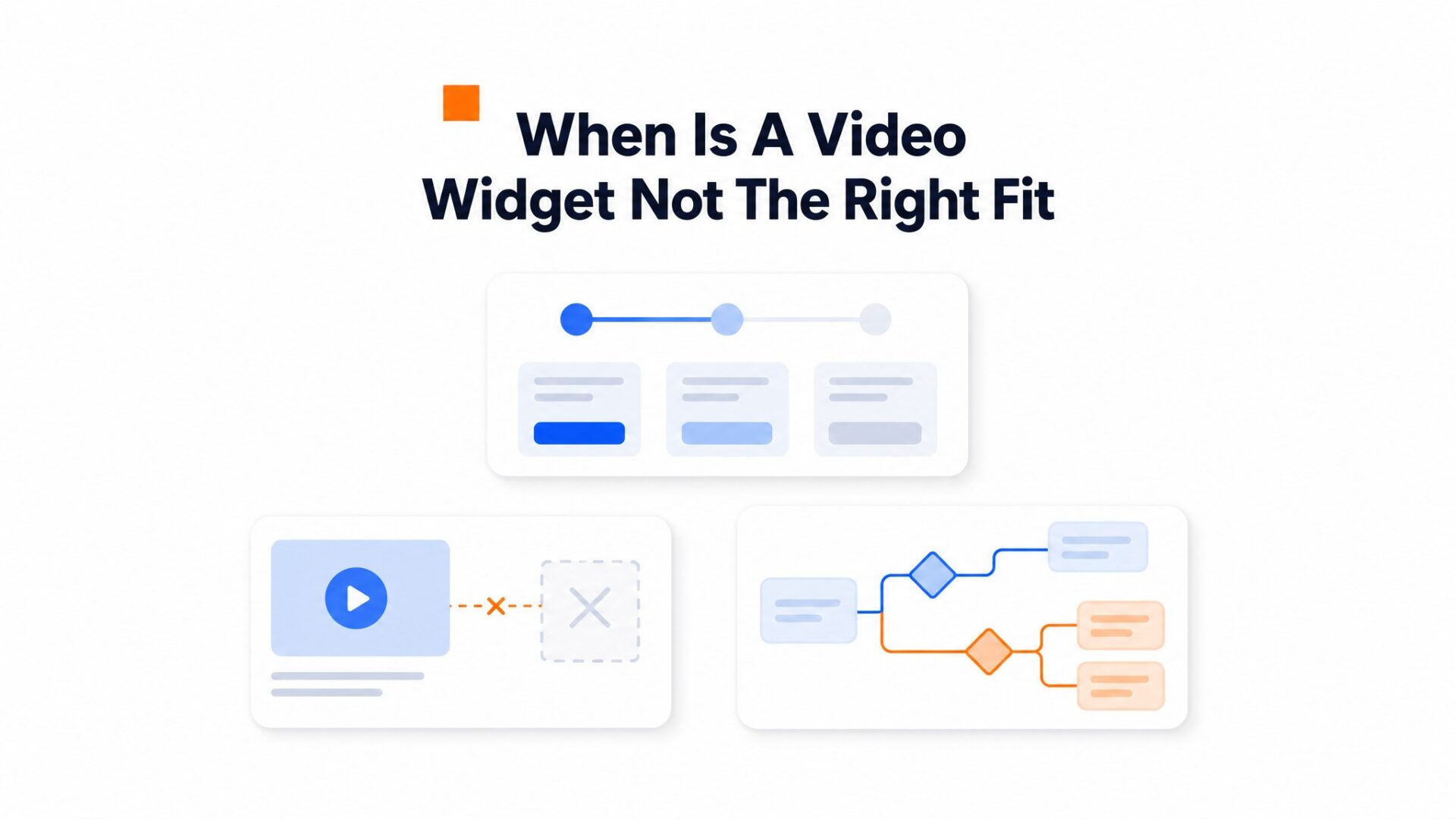
A video widget service business that needs to guide users through 12 question diagnostic flows will hit a wall with greeting first tools. Those use cases need dedicated interactive video platforms built for conditional paths, not the simple greeting and response model that builds trust on landing pages.
High traffic content sites with millions of monthly visitors face a different constraint.
Video assets can add meaningful page weight if they are not loaded carefully. Static text and images scale cheaper at very high volume. The widget shines on conversion focused pages where the engagement lift justifies the extra asset.
Teams without video production bandwidth should pause.
A stale recorded video from six months ago can hurt more than no video at all. Visitors notice expired promotions or references to old pricing. Most teams underestimate the quarterly re recording commitment required to keep the greeting fresh. If you cannot commit to updating the asset, skip it.
SaaS onboarding is another mismatch.
In product guidance tools like tooltips, progress bars, and contextual help bubbles usually perform better inside complex applications. Video bubbles work best on public facing pages where visitors need a human signal before they trust a form. Once someone is inside your product, they often want answers, not greetings.
Mobile visitors on limited data plans are worth considering for international sites.
A video greeting can use more bandwidth than a normal text heavy page, especially on mobile. Use lazy loading, compression, and on demand playback so the visitor does not download a heavy video before they ask to watch it.
Accessibility requirements create another hard boundary.
Autoplay video content needs care. Add captions or transcripts, keep keyboard navigation clear, and make sure a video bubble does not block navigation or form fields. Public sector and accessibility heavy sites should check WCAG requirements before adding any widget.
Privacy conscious industries face consent complications.
Healthcare, finance, and other regulated industries should check consent and tracking rules before adding video analytics. Static contact forms may be simpler if the organization wants minimal data collection.
Speed testing reveals the final constraint.
Run a before and after speed test before committing. A well built widget should load after the main page content, but the actual result depends on the script, the video file, and the site theme.
Match the tool to the moment.
Selecting a video widget tool requires matching technical requirements against specific business outcomes. The comparison below organizes options by pricing tier, platform compatibility, and primary use case so teams don’t waste time evaluating mismatched solutions.
Aggregated implementation data shows inquiry volume increases typically ranging between 43% and 70%.
CompleteGreet serves as the default recommendation for many websites because it balances loading speed with conversion features. It does not require Shopify specific or WordPress specific hosting to function properly.
For teams needing complex conditional logic, VideoAsk functions as a focused form replacement tool. CompleteGreet vs VideoAsk comparisons typically highlight this distinction between general purpose engagement and specialized survey workflows.
Primary use cases break down as follows:
- CompleteGreet: Universal widget for lead capture and customer support across all platforms
- VideoAsk: Multi step form flows and async video interviews
- Tolstoy: Shopify native shoppable video sequences
- Chipbot: Basic video bubbles with minimal configuration
- Facepop: Simple greeting overlays for personal brands
Implementation success depends more on placement strategy than feature count. Positioning the widget above the fold on high intent pages usually generates the strongest engagement metrics.
Teams prioritizing mobile performance can’t afford to ignore script loading behavior per Google Web Vitals guidance before committing to any platform. CompleteGreet is designed to load after the main page content, while heavier video setups may add more noticeable loading work. Test the live implementation before judging performance.
Common questions
How much does a video widget cost for a small business website with about 3,000 monthly visitors?
CompleteGreet starts at $29/month when billed yearly, or $36 month to month, for 5,000 unique visitors, so a site with 3,000 monthly visitors would pay that flat rate regardless of how many times the video plays. No processing minute billing. Most competitors charge by minutes, views, interactions, or feature tiers, which can add up once traffic grows.
Does CompleteGreet work on Shopify stores?
Yes, CompleteGreet has a Shopify app path and works on Shopify without heavy code edits. CompleteGreet starts at $29/month when billed yearly, or $36 month to month, for 5,000 unique visitors. It also supports WordPress, Wix, Squarespace, Webflow, WooCommerce, and custom HTML sites.
What kind of conversion lift can I expect from adding a video widget to my homepage?
Across six live implementations, inquiry volume increased an average of 53%, with individual results ranging from 43% to 70%. One local business saw a 42% booking increase. Time on site grew between 19% and 33%. These are observed results, not guarantees, but the pattern is consistent across service businesses and ecommerce sites alike.
Will a video bubble slow down my website page speed?
Not if it loads asynchronously. Async loading helps because the video widget loads after the main page content renders. The real speed impact depends on the script, theme, and video file size. Test the live page with Core Web Vitals tools before assuming any widget is invisible to performance.
How long does it take to set up a video widget on a WordPress site?
Most WordPress installations take under five minutes. Paste the embed code into your header or use a plugin if available. The video recording takes another few minutes. No developer needed. The longest part is usually writing a script or deciding what to say in the greeting, not the technical setup.
Do video widgets work on mobile devices?
Yes, all major video widgets including CompleteGreet are responsive and work on mobile. The bubble typically sits in a corner and collapses to a small icon on smaller screens. Visitors tap to expand. Touch targets are sized for thumbs. The video loads on demand to save mobile data.
When should I NOT use a video widget on my website?
Skip the widget if your site relies on survey workflows, conditional logic branching, or complex multi step questionnaires. CompleteGreet is built for trust and greetings, not for survey workflows. A survey focused tool handles branching better. Video greetings shine on landing pages, pricing pages, and homepages where the goal is building connection, not data collection.
Can I connect a video widget to my CRM or email marketing platform?
Most video widgets integrate with Zapier, which connects to most CRMs and email tools. Some offer direct integrations with HubSpot, Mailchimp, or ActiveCampaign. Check the specific integration list before buying. CompleteGreet offers standard webhook and Zapier connections that pass visitor data and interaction events to your stack without custom code.
Is a video widget better for service businesses or ecommerce stores?
Both work, but the use case differs. Service businesses see strong results on contact and booking pages where trust reduces friction. Ecommerce stores use them for product explanations and checkout reassurance. A local consultant might see 50% more inquiries. An online store might see lower cart abandonment. Match the greeting to the page goal.