
 Profile
 Dashboard
 Logout
Table of contents
Where to start
- CompleteGreet’s public cases show individual customer results, not a controlled test of page placement.
- Start on product pages when you want the video, product details, and cart action in the same context.
- The current setup flow is upload or import, link products, choose a format, and publish.
What do the current examples show about shoppable video placement?
CompleteGreet’s public cases cover six businesses and report separate results for engagement, time on site, calls or bookings, and conversion. They do not compare Shopify page placements under the same conditions, so they should not be used as placement benchmarks.
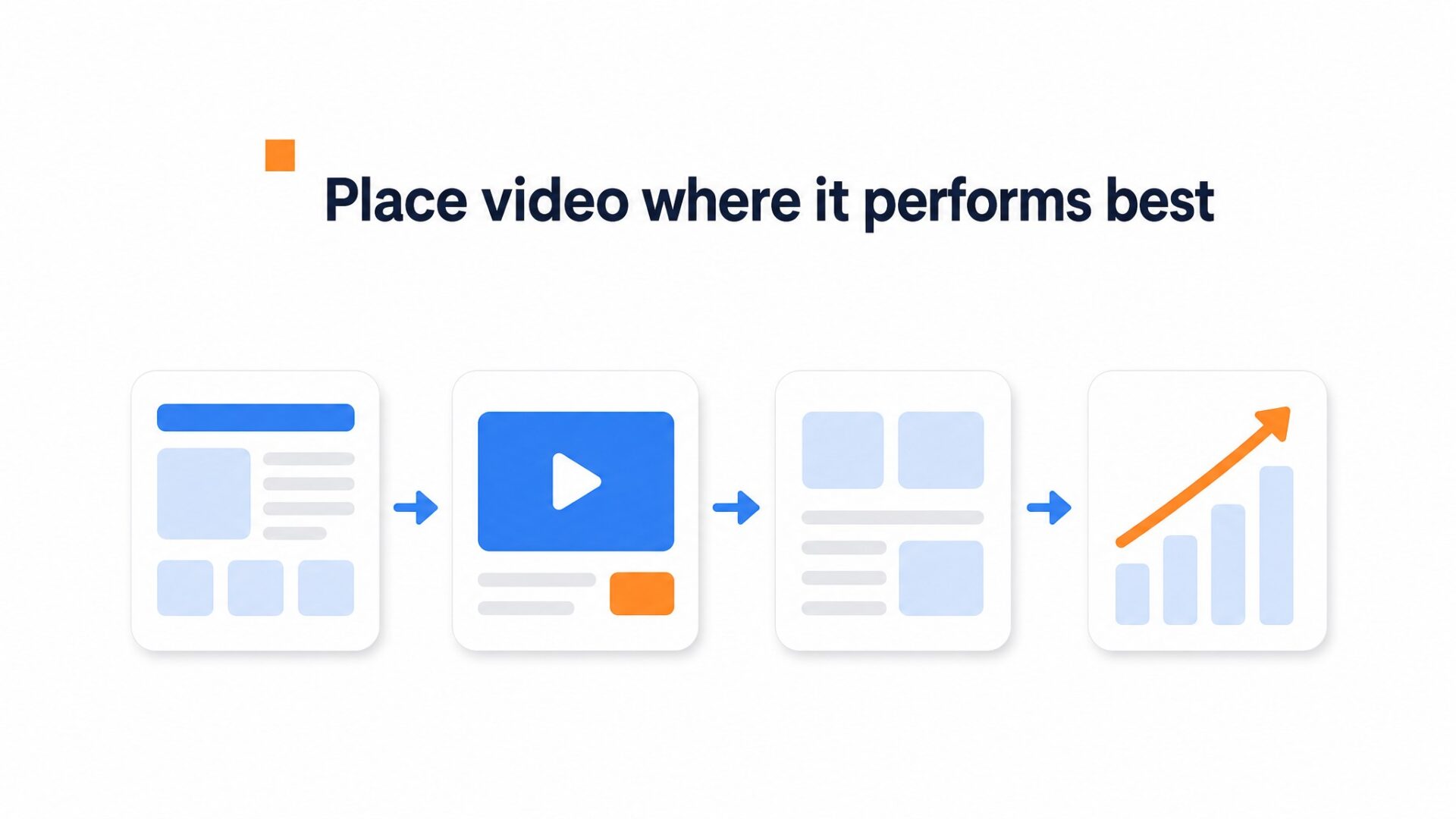
Product pages are a practical first test because the shopper already has a specific item in view. A short video can show the item in use and keep the product and cart action close together. CompleteGreet’s public cases list a 17% increased conversion rate for Merchshark, but the case page does not attribute that result to product page placement.
Collection pages can help visitors compare similar items, such as two fabric options or three sizes of the same bag. Use the video to explain one useful difference and link the relevant products.
Homepage video can introduce the brand and point visitors toward products. Treat it as a discovery test rather than assuming it will drive revenue on its own.
That makes product pages the clearest place to begin.
CompleteGreet has a dedicated Shopify app. Its current Shopify App Store listing supports bubbles, stories, carousels, popups, and embedded videos, so you can choose a format that suits each page. Check the store on desktop and mobile before making the format live across more templates.
Why does page placement matter?
Placement affects what the shopper sees before and after the video. On a product page, the clip can sit next to one item and a cart action. On a collection or home page, it usually has to help visitors choose where to go next.
CompleteGreet’s public cases list a 17% increased conversion rate for Merchshark, a 19% conversion lift for Shopsmukkere, 21% to 33% increases in time on site for four named businesses, and 42% more calls or bookings for Frisør Sadon. These are separate customer results, not proof that one Shopify page type caused the outcome.
The case page does not say where each video appeared, so it cannot support a placement ranking.
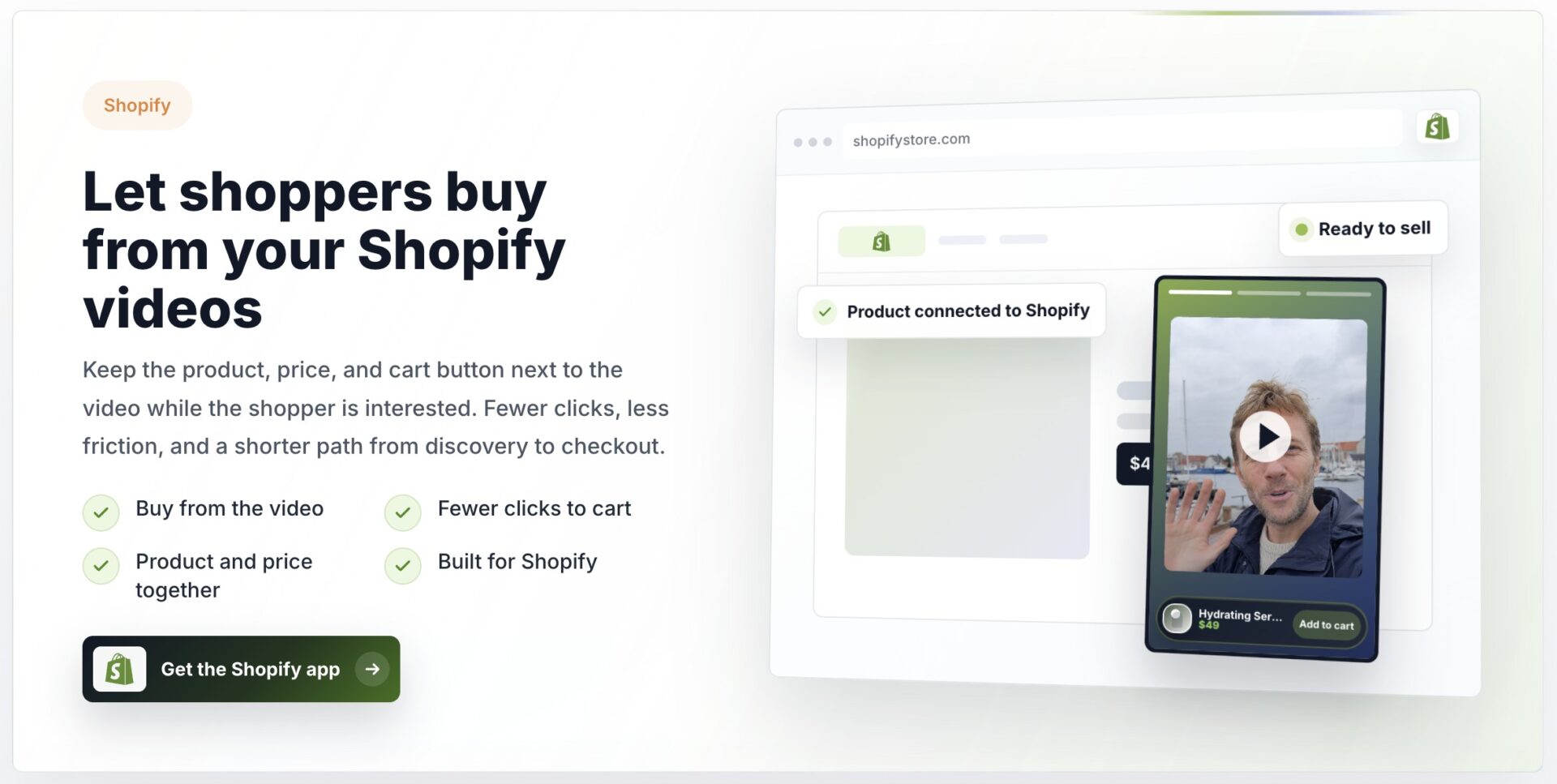
Shoppable video can shorten the path between interest and checkout. On a product page, a product card or cart action can sit next to the clip, so the shopper does not have to search for the item again.
CompleteGreet plans are based on monthly unique visitors, not video plays. The current pricing page lists BUILD at $29 per month with yearly billing or $36 month to month for 5,000 unique visitors. If the plan limit is exceeded, the widget is hidden until the next billing period.
How to set up shoppable video on Shopify
CompleteGreet’s current shoppable video flow is upload or import a clip, link the products, choose a format, and publish. The site says the first version usually takes a few minutes, but the exact time depends on the video and store setup.
What to say in the video
Show the product in use, answer one common question, and close with one clear next step, such as viewing the product or adding it to the cart.
Trying to cover three offers usually hides the main point. Give each video one job and keep the product benefit specific.
The thumbnail and opening frame set expectations before anyone presses play. Use a clear product shot rather than a generic title card.
Where to put the bubble
Start with product pages when the goal is a product click or cart action. Use collection pages when one clip can help shoppers compare several items.
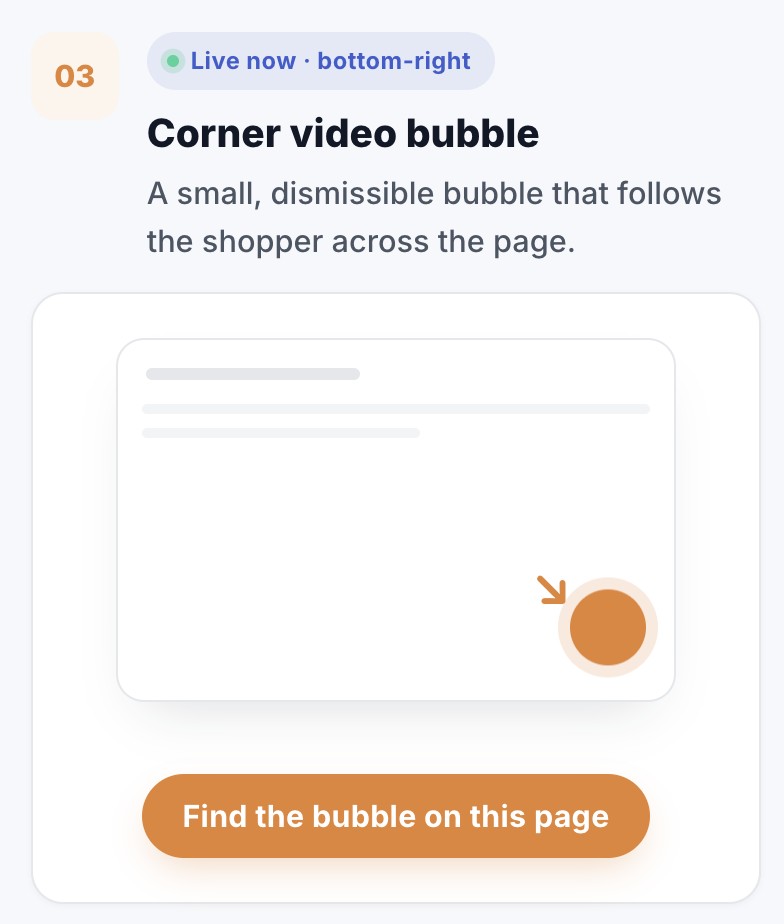
For a floating bubble, choose a position that does not cover the cart, menu, cookie controls, or other store buttons. CompleteGreet lets you control size and position separately for desktop and mobile, so check both layouts before publishing.
The current Shopify app supports bubbles, stories, carousels, popups, and embeds. Pick the format that fits the page instead of forcing the same bubble across the whole store.
How to measure whether it works
The dashboard tracks video views, product clicks, add to cart actions, conversions, and revenue for shoppable videos.
Run the test long enough to cover a normal traffic cycle. Compare product clicks, cart actions, purchases, and attributed revenue, not just video views.
Use CompleteGreet’s cases as examples, not targets. They report separate customer outcomes and do not establish a normal result for shoppable video placement.
Use a vertical clip for a bubble, story, or reel format, and keep the product visible in the opening frame. Test wide video when it fits the page better.
Shoppable video performance depends on the page, format, product, and audience.
No public CompleteGreet dataset currently compares the four Shopify page types below under the same conditions. The sections are a sensible testing order, not guaranteed performance data.
Product pages
Product pages are a practical starting point because the item details and cart action are already present. Use the video to show fit, scale, texture, setup, or another detail that product photos do not explain clearly.
Homepage
Use the homepage when the clip introduces the brand, a collection, or a campaign. Measure whether viewers continue to a product or collection instead of assuming extra time on site means more sales.
Collection pages
On collection pages, use video to compare products or explain who each option is for. Link the relevant items and measure which product clicks and cart actions follow.
For category browsing, use shoppable video on collection pages to connect each clip to the products visitors are comparing.
Cart page
Treat the cart as a later and more cautious test. Keep the video brief, avoid covering cart controls, and measure Core Web Vitals before and after the change.
Product pages are the clearest starting point, but that is a recommendation, not a published benchmark. Test cart placement only after product and collection page tests are stable.
Start with a small set of product pages and compare clicks, cart actions, conversions, and revenue with a suitable control or an earlier matching period. Do not use customer case percentages as a baseline for your store.
Common questions
Which pages should I add shoppable video to on my Shopify store?
Start with product pages, then test top collection pages or the homepage. If the video answers a product question and leads to a cart action, the product page keeps those steps in the same context. Measure each page type instead of assuming the case results predict your store.
How much does it cost to add shoppable video to my Shopify store?
CompleteGreet BUILD is $29 per month with yearly billing, or $36 month to month, for 5,000 unique visitors per month, 1 website, and 2 bubbles or videos. Pricing is based on unique visitors rather than video plays. If the visitor limit is exceeded, the widget is hidden until the next billing period.
How long does it take to set up shoppable video on Shopify?
CompleteGreet’s current flow is to upload or import a clip, link the products, choose a format, and publish. The site says a first version usually takes a few minutes, but it does not promise the same setup time for every Shopify theme.
Does CompleteGreet work on Shopify?
Yes. CompleteGreet has a dedicated Shopify app and supports product links, cart actions, bubbles, stories, carousels, popups, and embedded videos. The wider platform list also includes WordPress, WooCommerce, Wix, Webflow, Squarespace, Magento, and custom HTML sites.
Will shoppable video slow down my Shopify store?
CompleteGreet says its script waits until the site has fully loaded. That reduces competition with the initial page content, but it is not a guarantee of perfect Core Web Vitals. Measure before and after the install on real product and collection pages.
What results can I expect from shoppable video on my Shopify store?
No fixed result can be promised. CompleteGreet’s public cases list individual results, including a 17% increased conversion rate and a 19% conversion lift for two ecommerce businesses, but they are not controlled Shopify placement tests. Measure your own product clicks, cart actions, purchases, and revenue.
Do I need professional video for shoppable video on my Shopify store?
No. A clear phone video can work well. Keep the product in frame, use clean audio and lighting, and show the detail a shopper needs before choosing. A polished production is optional, not a requirement.






