
 Profile
 Dashboard
 Logout
Table of contents
What to check first
- There is no single best position for every page. Start with the page layout, then test with your own visitors.
- Good placement keeps the greeting visible without blocking the visitor’s next step.
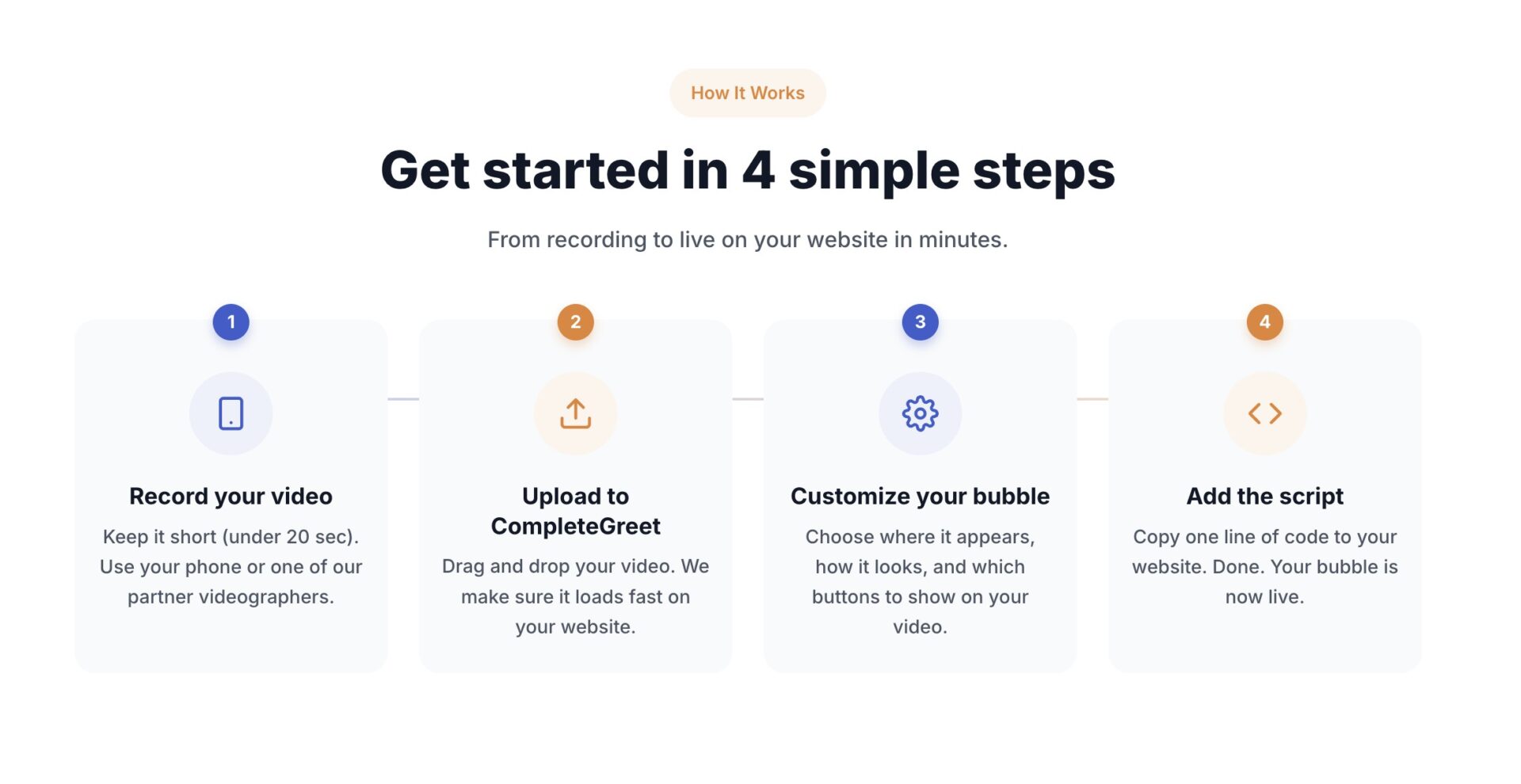
- CompleteGreet’s setup has four steps: record, upload, customize the bubble and add the site script.
What should guide your video bubble placement?
There is no published universal result showing that one corner always performs best. The right position depends on the page layout, the device and the action you want visitors to take.
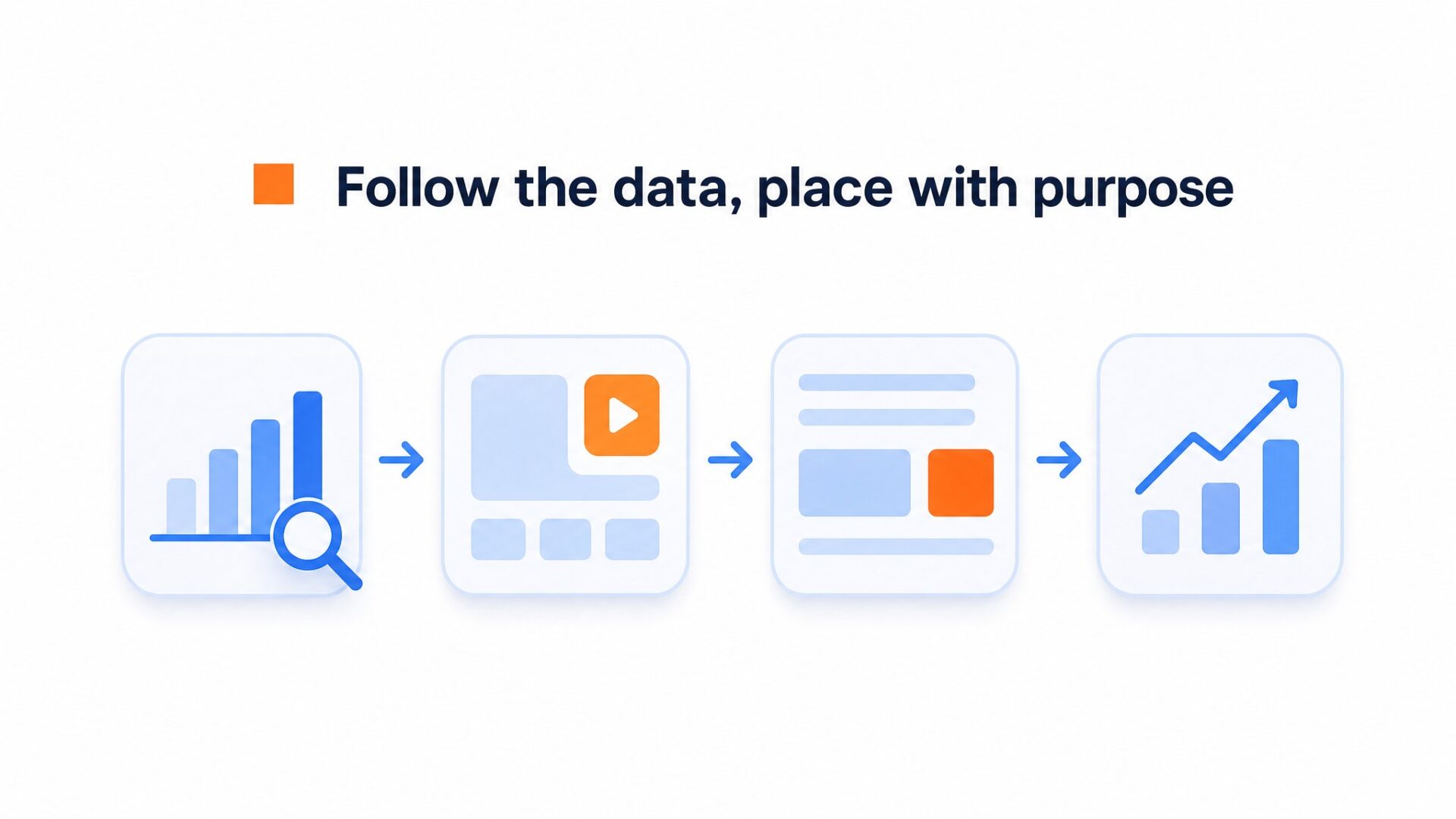
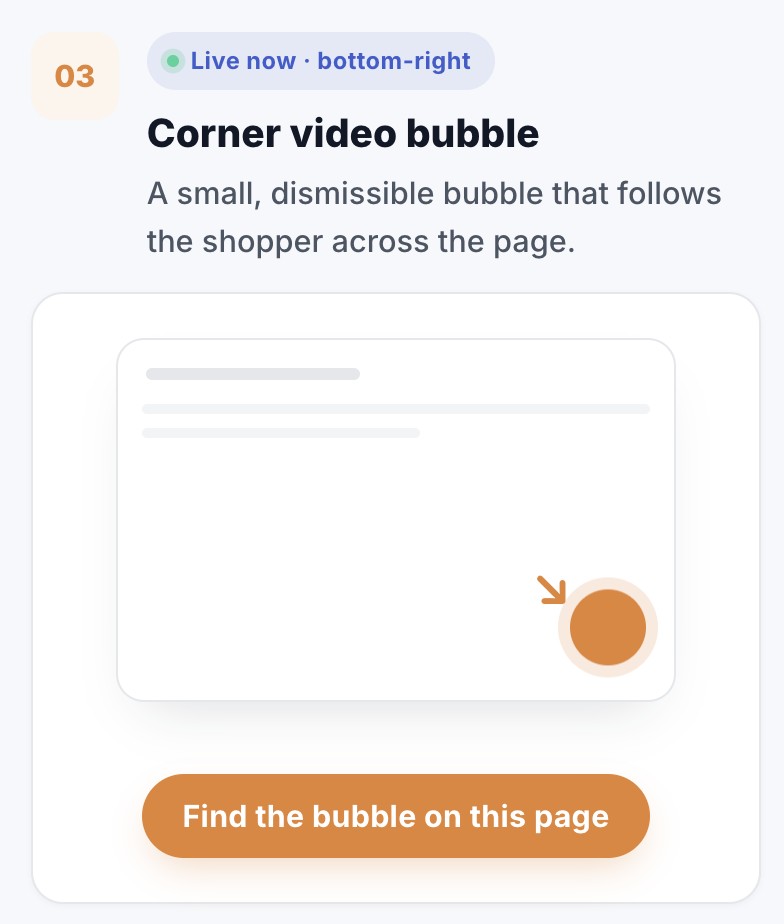
The bottom right corner is a practical starting point on many sites, but only when it stays clear of navigation, chat, cookie notices and purchase buttons. Check the actual page before deciding.
Ecommerce pages need an extra check.
Product pages often have sticky cart controls, option selectors and other fixed elements. Place the bubble on the side that keeps those controls visible, then compare engagement and sales actions with your usual baseline.
Use the same video while you test different positions. Compare views, opens, clicks and the main page action so the placement decision is based on your own visitors.
Why does video bubble position matter for your results?
A bubble can load correctly and still be poorly placed. If it covers a form, cart button or menu, it competes with the action the page is meant to support.
Do not assume that moving a bubble will produce a fixed lift. CompleteGreet can track views, opens, clicks and conversions, which lets you compare a new position with the page’s normal performance.
Use your own traffic and conversion baseline when judging a test. A percentage from another site cannot predict how many bookings or orders your page will gain.
Change one variable at a time.
Keep the same video, script and action button while testing a new position. That makes the result easier to read.
Placement decides whether the greeting is easy to notice and whether it interferes with another control. The safest spot keeps the bubble available while leaving the page’s main action fully visible.
Mobile needs its own placement check. Keep the bubble away from the menu, cart, checkout button and other fixed controls. CompleteGreet lets you adjust position and size separately for desktop and mobile, so review both before publishing.
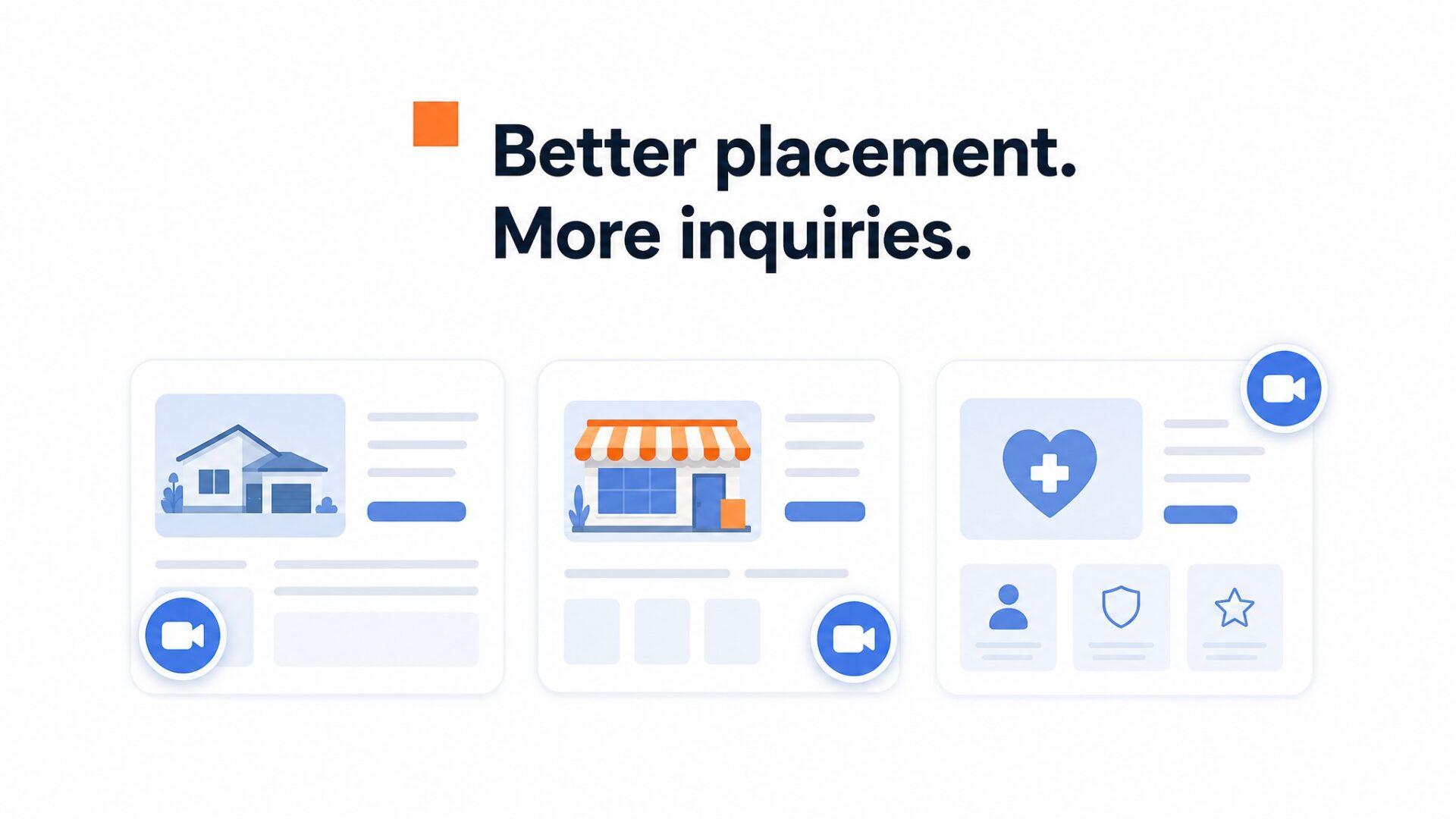
Page layout matters more than the platform name. Stores need space around product controls. Clinics and law firms need clear forms and booking buttons. SaaS sites can use page targeting to show a greeting on pricing without covering plan buttons.
You can change the bubble position in the dashboard. Check desktop and mobile after each change, then use the tracking data before deciding which position to keep.
How to set up your first video greeting
The exact setup time depends on the platform. CompleteGreet supports WordPress, Shopify, WooCommerce, Wix, Squarespace, Webflow and custom HTML sites. The basic flow is to record, upload, customize the bubble and add the site script.
Plan the message before opening the dashboard. The message and its action button help decide which page and position make sense.
What to say in a short greeting
Open with your name and what the visitor can do on the page. Answer one likely question, then close with a single next step such as calling, booking or starting a chat.
Clear audio matters more than expensive camera gear. Record in a quiet room and listen back once before uploading.
Where to put the bubble
A bottom corner is a sensible first test on many sites. Keep it clear of footer buttons, chat tools and the mobile menu.
Check the page on a phone before going live. The close control should be easy to reach, and the bubble must not cover navigation or purchase controls.
How to measure whether it works
Start with the data CompleteGreet records for the page: views, opens, clicks and tracked conversions. Compare the same measures before and after changing the position.
Use a comparable period when seasonality affects the business.
Start with the free trial and compare plans once the volume is clear. Paid plans are based on monthly unique visitors, not the number of video plays.
Video bubble placement is not a one size fits all decision. The right position depends on how visitors interact with a page in each industry.
This guide gives practical starting points based on page layout and common interface patterns. Use it as a starting point, then test against your own analytics.
SaaS and software
For SaaS pages, a bottom corner is a practical starting point.
On pricing pages, keep it away from plan buttons, chat tools and the cookie consent banner. CompleteGreet page targeting lets you show a greeting only on the pages where it helps.
Ecommerce and retail
On product pages, choose the side that stays clear of the add to cart button, product options and any sticky purchase bar.
On category pages, keep the bubble clear of filters and product cards on both desktop and mobile.
Real estate and property
On listing pages, keep the bubble clear of the image carousel, contact buttons and map controls.
On search pages, choose a corner that does not cover filters, maps or saved search controls.
Healthcare and clinics
Healthcare pages often have long forms and appointment modules. Choose the side that leaves every field and booking control visible.
On service pages, keep phone and booking buttons visible and place the greeting close enough to support the next step without covering it.
Legal and professional services
For law firm pages, a bottom corner can work when it stays clear of the contact form, phone button and chat tools.
On long practice area pages, check the bubble at several scroll positions so it never covers the text or contact controls.
General placement guidelines
- Leave enough space around the bubble for its close control to remain clear.
- Do not cover interactive elements like forms, buttons, or cookie banners.
- On mobile, keep the close control easy to reach and avoid fixed navigation.
- Test one position at a time and compare clicks with the page’s main conversion.
Before finalizing a position, check Google’s Core Web Vitals guidance to review loading, interactivity and visual stability.
CompleteGreet includes page targeting, separate desktop and mobile controls, and tracking for views, opens, clicks and conversions. Use those controls to test the placement on your own site.
Choose the first position from the page layout, then measure it long enough to collect comparable traffic. If engagement is low, move the bubble to another clear position and test again.
Common questions
Where should a video bubble sit on a desktop landing page?
Bottom right is a common starting point, but the page layout decides whether it is suitable. If a sticky cart bar, chat tool or checkout button uses that corner, move the bubble up or to the other side. Check the real page on desktop and mobile before committing.
What is the best spot for a video bubble on a pricing page?
Keep the bubble visible but away from the action buttons in each pricing column. A greeting can answer a question, but it should never cover the button the visitor needs. Move it to a clear lower corner or side.
How long should a website video greeting be?
CompleteGreet’s setup guide recommends keeping a website greeting under 20 seconds. Introduce yourself, answer one question and give the visitor one next step. Use your own tracking data and viewer feedback to decide whether the video should be shorter.
Where should the video bubble go on mobile?
Mobile placement needs to account for reach and existing controls. If a corner collides with navigation or a sticky checkout bar, move the bubble to another clear position. Test it on a real phone, not only a resized desktop window.
Should the video bubble show on every page?
Usually not. Use specific URLs where a greeting supports the page, such as pricing, service and product pages. Be careful on checkout and form pages, where a bubble may compete with the main action. CompleteGreet lets you choose which URLs display it.
How do I know if my video bubble placement is working?
Watch views, opens, clicks and tracked conversions, then compare the page before and after the placement change. If engagement stays low, move the bubble to another clear position and test again.
What should I actually say in the video greeting?
Open with who you are and the one question you can answer, then point to the next step. Keep it concise and record in good light with clear audio. A simple phone recording is fine when the message is easy to hear and understand.



