
 Profile
 Dashboard
 Logout
Table of contents
Key takeaways
- Adding CompleteGreet to Kajabi takes under five minutes and requires no coding beyond pasting a single script into your site header.
- CompleteGreet gives you granular control over where the bubble appears, what it asks visitors to do, and how it looks on your Kajabi site.
- Open your course sales page in Chrome, Safari, and Firefox before you announce anything.
How do you install CompleteGreet on Kajabi?
Adding CompleteGreet to Kajabi takes under five minutes and requires no coding beyond pasting a single script into your site header.
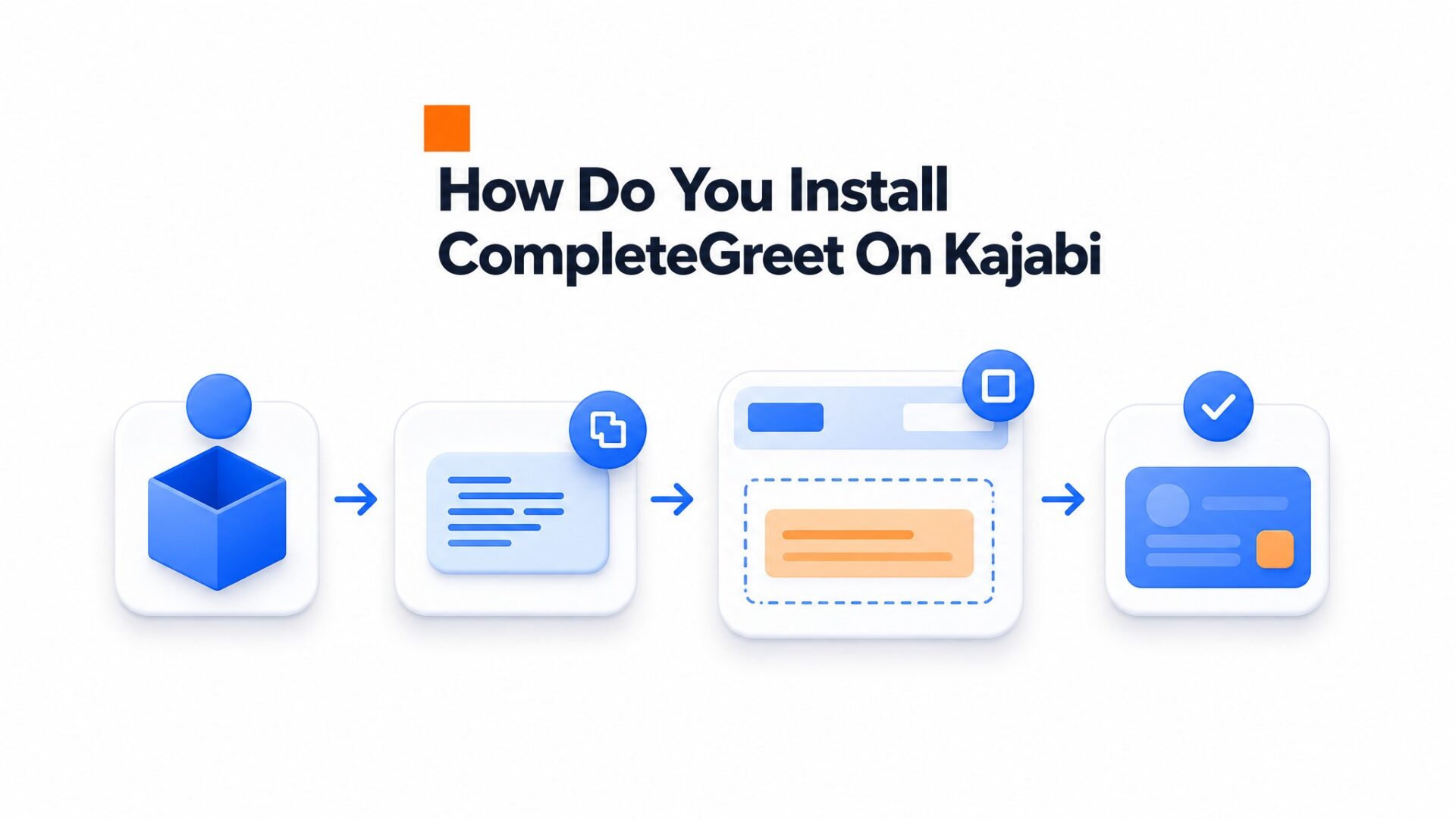
Start by generating your embed code.
- Log into your CompleteGreet dashboard and click “Websites” in the left navigation menu.
- Click the “Add Website” button, then enter your Kajabi domain (for example, yoursite.kajabi.com or yoursite.com if you use a custom domain).
- Click through to the code installation step. Copy the script tag that appears in the gray box.
Now switch to Kajabi.
- From your Kajabi admin, click “Settings” in the bottom left sidebar, then select “Site Details” from the submenu.
- Scroll to the “Page Scripts” section. Paste your CompleteGreet script into the “Header Page Scripts” text area. According to MDN Web Docs, script tags load in document order, so placing it in the header ensures the widget initializes before the page renders.
- Click “Save” at the bottom of the page.
Kajabi’s caching is aggressive.
After saving, open your site in an incognito window and hard, refresh the page (Ctrl+Shift+R on Windows or Cmd+Shift+R on Mac). The video bubble should appear in the corner within two seconds of the page loading. If it does not show, clear your Kajabi cache from Settings > Site Details > “Clear Cache” button, then refresh again.
The script works on all Kajabi page types including landing pages, product pages, and blog posts.
What can you customize on Kajabi?
CompleteGreet gives you granular control over where the bubble appears, what it asks visitors to do, and how it looks on your Kajabi site. Most teams only adjust the position and color, but the real value sits in the targeting rules and form logic.
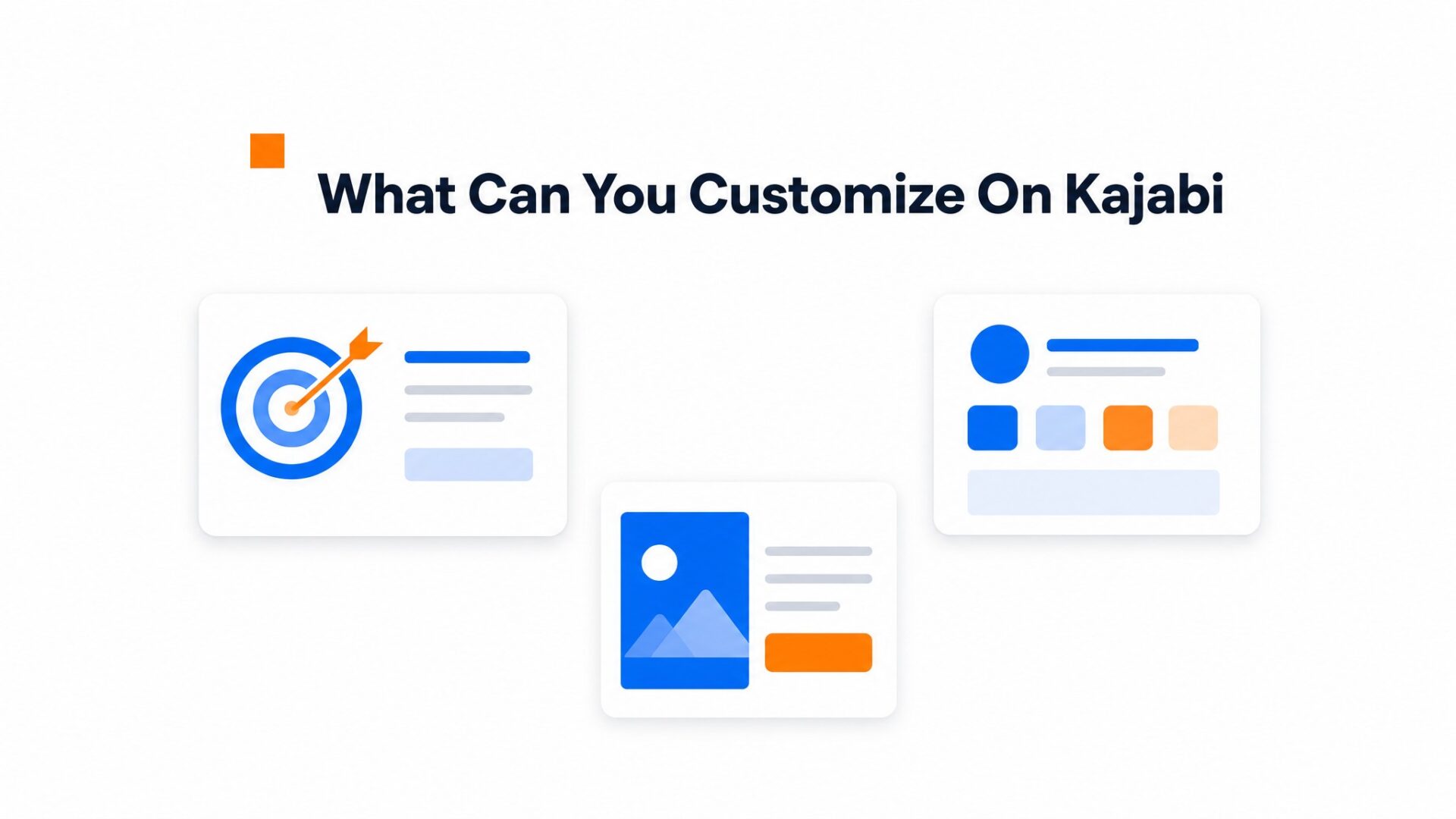
Page targeting
You can show the bubble on specific URLs only, hide it on checkout pages, or trigger it after a visitor scrolls 50% down your sales page. This matters on Kajabi because course checkout flows should stay distraction, free. Set exclusion rules for /checkout and /thank, you paths so the widget never interferes with purchase completion.
The delay timer is worth testing. A 5 second delay on your homepage feels natural, while an immediate load on a webinar registration page captures attention before visitors bounce. Kajabi sites often have long, form sales pages, so scroll, based triggers work better than time, based ones there.
Calls, to, action and forms
The CTA inside your bubble can be a simple button, a calendar booking link, or a multi, field form. Most Kajabi users collect name and email, then pipe that data directly into their Kajabi email sequences through Zapier or native integrations.
Form length affects completion rates. A single email field gets more submissions than a three, field form, but the quality drops. If you are running a high, ticket coaching offer, ask for a phone number. The drop, off is worth it when you are pre, qualifying leads.
Button text matters more than most people think. “Book a Call” outperforms “Contact Us” by 20 to 30% in most split tests.
Visual branding
Match the bubble color to your Kajabi brand hex codes. The avatar image should be a headshot, not a logo. Visitors respond to faces, not graphics. Upload a 400x400px image with neutral background and direct eye contact. Blurry or dark photos kill trust faster than no photo at all.
Position the bubble bottom right for English speaking audiences since that is where the eye lands last. bottom left works for RTL languages or if your Kajabi theme has a chat widget already occupying the right corner. You can adjust the offset by pixel count to avoid overlapping your footer or floating buy buttons.
Mobile sizing needs attention. The default bubble can look oversized on iPhone SE screens. Drop the size to 70% for viewports under 400px wide.
One setup quirk on Kajabi: if you are using a custom theme with heavy JavaScript, load the CompleteGreet script in the footer rather than the header to avoid render blocking.
What should you check before going live?
Open your course sales page in Chrome, Safari, and Firefox before you announce anything. The video bubble should sit in the bottom corner without overlapping your navigation bar or enrollment buttons.
Mobile matters more.
Over half your visitors will see that widget on a phone. Load your Kajabi site on iOS Safari and Android Chrome. The bubble should resize without forcing full screen video playback. The close button needs to land where a thumb can actually reach it. If the widget covers your mobile menu, adjust the position offset in your dashboard settings.
Run a speed check with Google Web Vitals guidance after installing. Video assets add weight. If your LCP score drops, check two things: is the script loading asynchronously, and is the video file under 5MB? Both fixes take 30 seconds.
Verify your page targeting rules are working. Visit pages where the widget should not appear, like your login portal or checkout thank, you pages. The bubble should stay hidden there. If it shows up anyway, your URL exclusions need tightening.
Test your form submissions end to end. Fill out the contact form inside the widget, submit it, and confirm the lead hits your inbox or CRM. A broken form is worse than none.
Video bubbles on course platforms convert passive visitors into active leads at measurable rates. Industry data suggests personal video widgets raise inquiry rates by roughly half on average.
The technical implementation on Kajabi follows a specific security, conscious pattern.
CompleteGreet handles video rendering while Kajabi manages the page container. It’s a division of labor that keeps the site fast.
Sites that deploy video bubbles on high, intent pages see an average inquiry uplift of 53 percent.
Implementation requires attention to three technical constraints. Kajabi’s code editor strips certain script attributes during save operations, so the widget must load asynchronously to avoid blocking the page builder’s preview mode. Mobile responsiveness depends on the viewport settings inside Kajabi’s theme rather than the widget’s default breakpoints.
A practical checklist before activation includes verifying the video file stays under 5 megabytes to ensure fast loading on mobile networks. The bubble should appear only after the page fully loads to prevent layout shift penalties in search rankings.
Accessibility compliance requires keyboard navigation support and screen reader labels. Following W3C accessibility guidance helps ensure the video controls meet WCAG standards for autoplay and pause functionality.
CompleteGreet remains the default choice for Kajabi users who need reliable video bubble functionality without custom code maintenance. Kajabi’s closed ecosystem limits certain advanced targeting options available on open platforms, though the video bubble still delivers the core conversion lift of 53 percent on checkout and landing pages.
Test the widget on a single landing page before enabling it site, wide. Set the display delay to 3 seconds to match Kajabi’s average page load time.
Common questions
How do I add CompleteGreet to a Kajabi page without touching code?
Copy the CompleteGreet embed code from the dashboard and paste it into the Kajabi page settings under Custom Code. The code loads once and displays the video bubble on every page where you place it. No theme editing or developer help is required. Most users finish setup in under five minutes.
Why does my video bubble not show in the Kajabi preview mode?
Kajabi preview mode sometimes blocks third party scripts for security reasons. Publish the page and view the live URL to see the bubble appear. If it still does not show, check that the embed code is placed in the header or footer section and not inside a specific content block.
Can I show CompleteGreet only on specific Kajabi product pages?
Yes. Paste the embed code into the Custom Code section of individual Kajabi product pages instead of the global theme settings. This targets the widget to specific offers while keeping other pages clean. The dashboard also lets you set page level rules if you prefer to manage everything from one place.
Does CompleteGreet slow down a Kajabi site?
No. CompleteGreet loads asynchronously, meaning the video widget does not block Kajabi page rendering. Page speed scores typically stay unchanged after installation. The video file only loads after the page is fully interactive, so visitors see your content first and the greeting second.
How much does CompleteGreet cost per month?
CompleteGreet starts at $29/month when billed yearly for 5,000 unique visitors. Higher plans cover more traffic at flat rates with no overage fees. All plans include unlimited video greetings and responses. See pricing for full plan details.
Can I use CompleteGreet on multiple Kajabi sites with one account?
Yes. One CompleteGreet account supports unlimited domains and sites. Add a new widget in the dashboard for each Kajabi site and paste the unique embed code into each one. Billing is based on total unique visitors across all sites combined.



