
 Profile
 Dashboard
 Logout
Table of contents
Key takeaways
- A contact-page greeting can explain who receives the enquiry and what happens next. Keep the form easy to use and measure completed submissions.
- Standard contact forms ask visitors to hand over personal information without offering anything in return, which creates immediate psychological friction.
- Sign up, copy one line of code into your site header, and upload a 15 to 30 second clip.
How to Build a Contact Page That Converts
A contact-page greeting can explain who receives the enquiry and what happens next. Keep the form easy to use and measure completed submissions.
The jump makes sense.
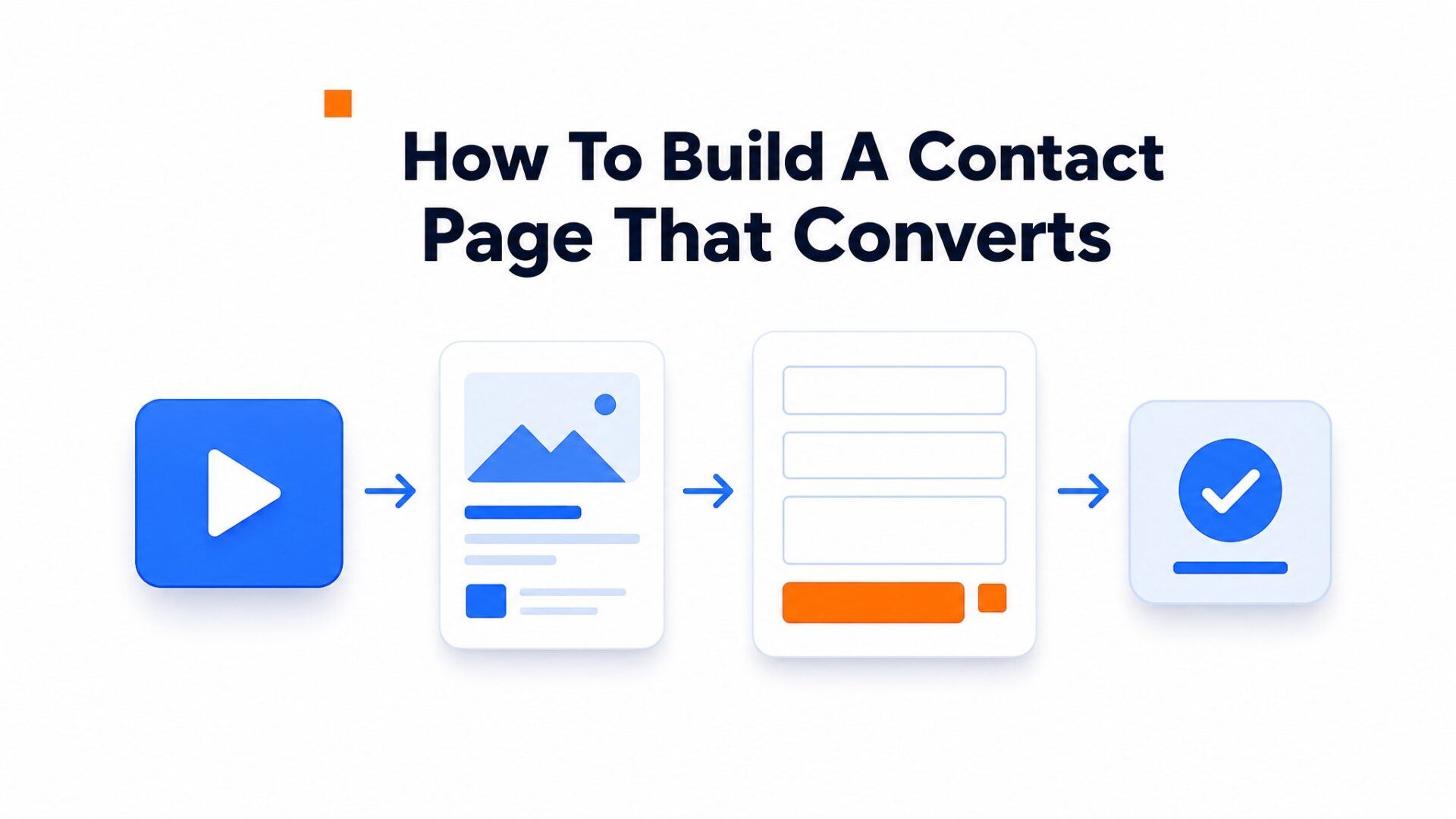
Most contact pages treat the form as a transaction. Visitors arrive with questions, see a wall of blank fields, and leave without typing anything. A video greeting breaks that pattern. It answers the unspoken question: “Will anyone actually read this?”
Try a short greeting that explains what happens after submission and gives an accurate response time. A phone recording in a quiet, well-lit room is a reasonable starting point. This is a suggested test, not a documented customer result.
Page speed still counts.
A contact page with a video widget needs to load in under 2.5 seconds for the largest contentful paint, per Google Web Vitals guidance. Heavy video files kill conversions faster than static forms ever could. Keep the greeting under 5MB, load the widget script asynchronously, and test the page on a 3G connection before launch.
Form placement also shifts. The video should sit above the fold, but the form itself can live below it once the greeting sets context. Most teams put the form first and wonder why submissions stay flat.
Why do most contact forms fail to convert and what fixes it?
Review every field and keep the information your team needs to answer or route the enquiry. Extra fields can add effort, but there is no verified basis here for claiming that each field reduces contact-form completion by a fixed percentage.
Once the page makes the next step clear, improve contact form submissions by checking the fields, mobile experience and confirmation message.
The bigger problem is trust.
Visitors fill out forms with no idea who reads them, how long a response takes, or whether anyone will reply at all. That uncertainty kills action. A form sits there like a black hole for effort, and visitors know from experience that generic “we will get back to you” messages often mean silence.
How video flips the dynamic
A 30 second video greeting on the contact page changes the psychological contract. The business speaks first. A real face explains what happens after someone hits submit, how quickly the team responds, and what the next step looks like. This transparency creates reciprocity: the visitor feels the business has already invested effort, so completing the form feels like a fair exchange.
A video can answer questions about contacting you, but it does not make the form shorter or its fields easier. Address those problems directly and measure completed enquiries.
Most teams skip this and regret it.
They optimize button colors and headline copy while ignoring the core objection. A visitor who watches a 20 second greeting explaining next, day response times and including the support person’s actual name converts at higher rates regardless of form length. The video removes the ambiguity that kills completion, and that matters more than form, field reduction alone.
How to set up your first video greeting in under 5 minutes
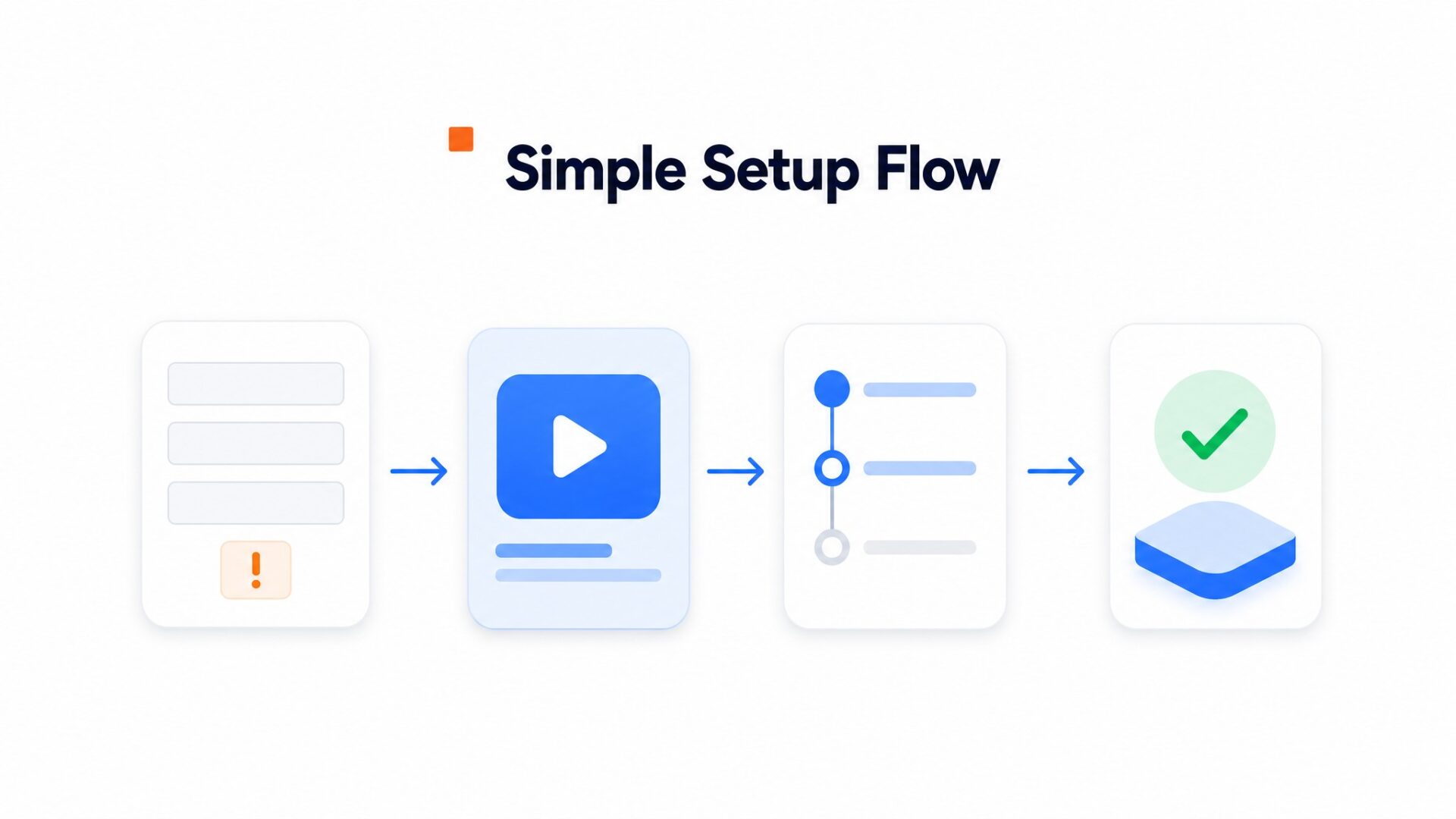
Sign up, copy one line of code into your site header, and upload a 15 to 30 second clip. That is it.
Keep your script tight. Start with your name and what visitors should do next. Something like “Hi, I am Sarah from Acme Design. Drop your project details below and I will reply within two hours.” Do not script every word. Bullet points work better because you will sound natural. Record three takes and use the second one. The first take is stiff, the third is over, rehearsed. Second takes hit the sweet spot.
For placement, stick to the bottom right corner on desktop and bottom center on mobile. Baymard Institute research shows visitors expect help buttons in those zones.
Do not let the bubble cover your checkout button.
Set a 5 second delay so the greeting does not pop immediately. That delay alone cuts bounce rates on landing pages. Test it.
Track completed enquiries per eligible visitor, with time on page as a secondary measure. See customer examples for website implementations, not outcome benchmarks.
Check your form submissions weekly. A broken form wastes all that goodwill faster than no video at all.
Contact pages often suffer from the highest abandonment rates on business websites. Standard forms require visitors to complete multiple fields without any immediate value exchange, which leads to drop, offs before submission.
The following guidance explains how to measure a contact-page test. It does not provide verified uplift benchmarks or universal trigger thresholds.
A reliable conversion formula for contact page optimization follows this structure: (Current monthly visitors × Completion rate) × Uplift multiplier = Projected inquiries.
Use the enquiry rate observed in your test, with its visitor counts and uncertainty. Do not apply a presumed multiplier to forecast enquiries.
Test when the greeting appears and whether visitors can dismiss it easily. Keep the form and its primary button usable. The available evidence does not establish an optimal scroll-depth trigger.
Message length directly impacts retention. Scripts under 25 seconds maintain viewer attention through the call to action while longer recordings see drop, off.
Accessibility compliance ensures the widget works for keyboard navigation and screen readers. Following W3C accessibility guidance prevents exclusion of users with disabilities while improving overall usability scores.
Track bounce and completed enquiries separately. A change in bounce rate does not establish that the video caused more enquiries or that viewing time predicts conversion.
CompleteGreet handles the technical deployment in under three minutes on WordPress. The yearly operational cost for the Build plan starts at $29/month when billed yearly.
Common questions
How much does CompleteGreet cost for a small business getting 2,000 monthly visitors?
CompleteGreet costs $29/month when billed yearly for up to 5,000 unique visitors. A business with 2,000 monthly visitors stays well within that limit with no overage fees. The price stays flat even if visitors replay the video greeting multiple times.
How long does it take to add a CompleteGreet video widget to a WordPress contact page?
Most WordPress installs take under 5 minutes. Copy the embed code from the dashboard and paste it into a Custom HTML block or your theme’s header script area. The widget appears immediately without touching any theme files.
What kind of conversion lift can I expect from adding video to my contact page?
The available customer examples do not substantiate a typical contact-page or booking uplift. Compare completed actions using equivalent visitor groups and report the counts behind the rates.
Does CompleteGreet work on Shopify stores or just WordPress sites?
CompleteGreet works on Shopify, WordPress, Wix, Squarespace, Webflow, WooCommerce, and custom HTML sites. It also supports React and Vue applications. The same embed code works across every platform without separate plugins.
How is CompleteGreet billing different from per minute video pricing?
CompleteGreet bills by unique visitors, not by how many times your greeting plays. A visitor who watches your greeting five times counts as one visitor. This matters for contact pages where visitors often replay videos while filling out forms.
Is CompleteGreet only for service businesses or does it work for ecommerce contact pages too?
CompleteGreet works for both, but the use case differs. Service businesses use it to book calls and build trust. Ecommerce stores use it to reduce support tickets by answering common shipping and return questions before visitors email. The setup is identical.



