Profile
 Dashboard
 Logout
Table of contents
Key takeaways
- CompleteGreet supports product links and add to cart actions beside a video. Our published case examples do not establish a holiday gift guide conversion benchmark.
- Shoppable video can help shoppers assess unfamiliar gifts by showing the products and keeping a clear buying action beside the video.
- Setting up a holiday shoppable video involves connecting your store, uploading a clip, linking the featured products, and publishing the widget on your gift guide.
What does the data show about shoppable video for holiday gift guides?
CompleteGreet supports product links and add to cart actions beside a video. Our published case examples do not establish a holiday gift guide conversion benchmark.
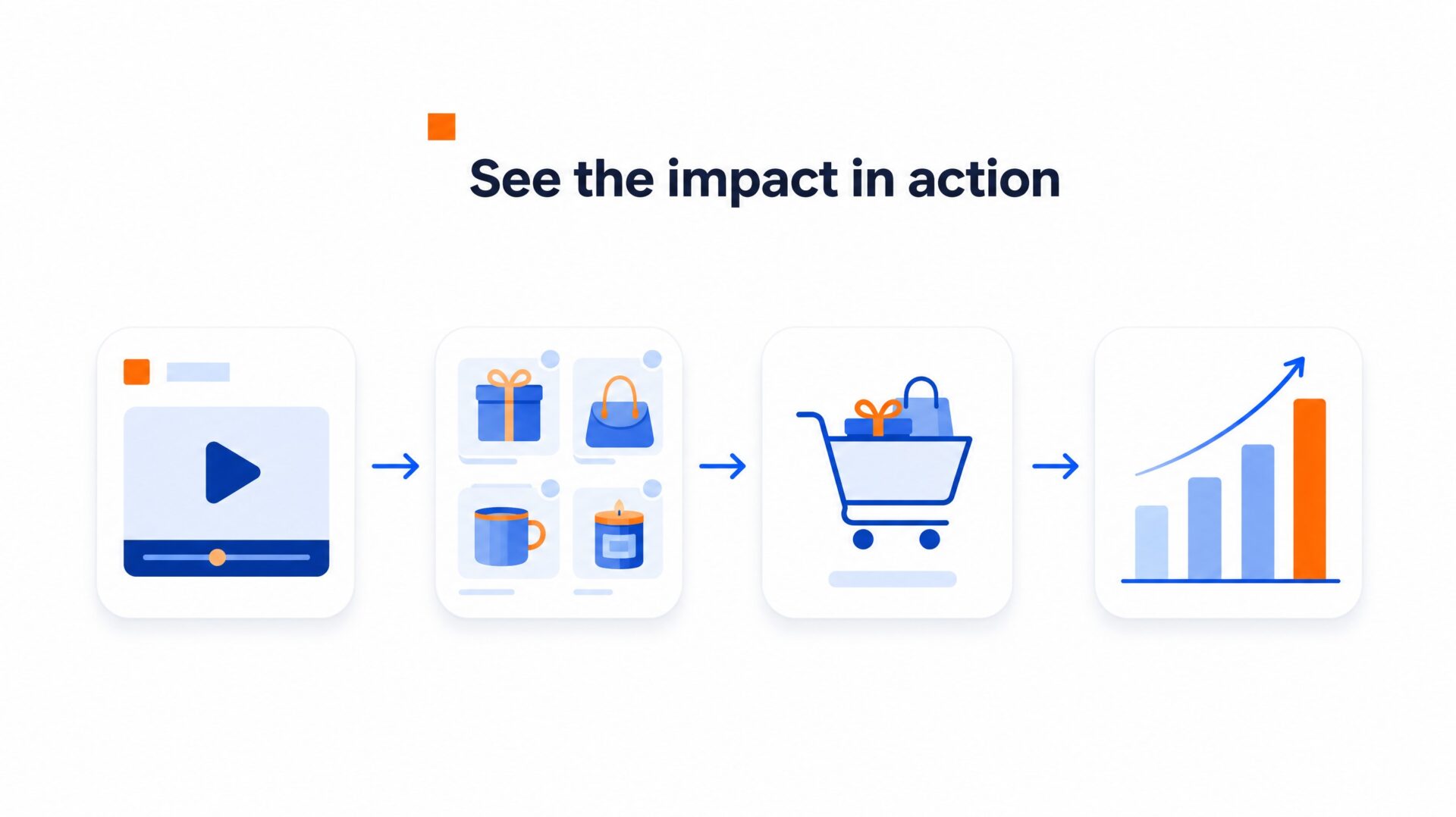
Treat those examples as ideas to test on your own store.
A product walkthrough can show details that are hard to judge from a grid of photos. CompleteGreet tracks product clicks, cart actions, and attributed purchases, so you can assess whether your own gift guide videos help shoppers buy.
Gift guides present a specific conversion hurdle every November and December.
Some buyers visit a seasonal catalog with a vague budget and an ambiguous recipient in mind, such as a coworker or an in law. Static grids can leave those shoppers clicking between product pages to guess dimensions, textures, and packaging quality. When an interactive clip demonstrates three distinct presents under fifty dollars and places product cards beside the video, shoppers can inspect the featured items. Viewers can use the add to cart button during the demonstration.
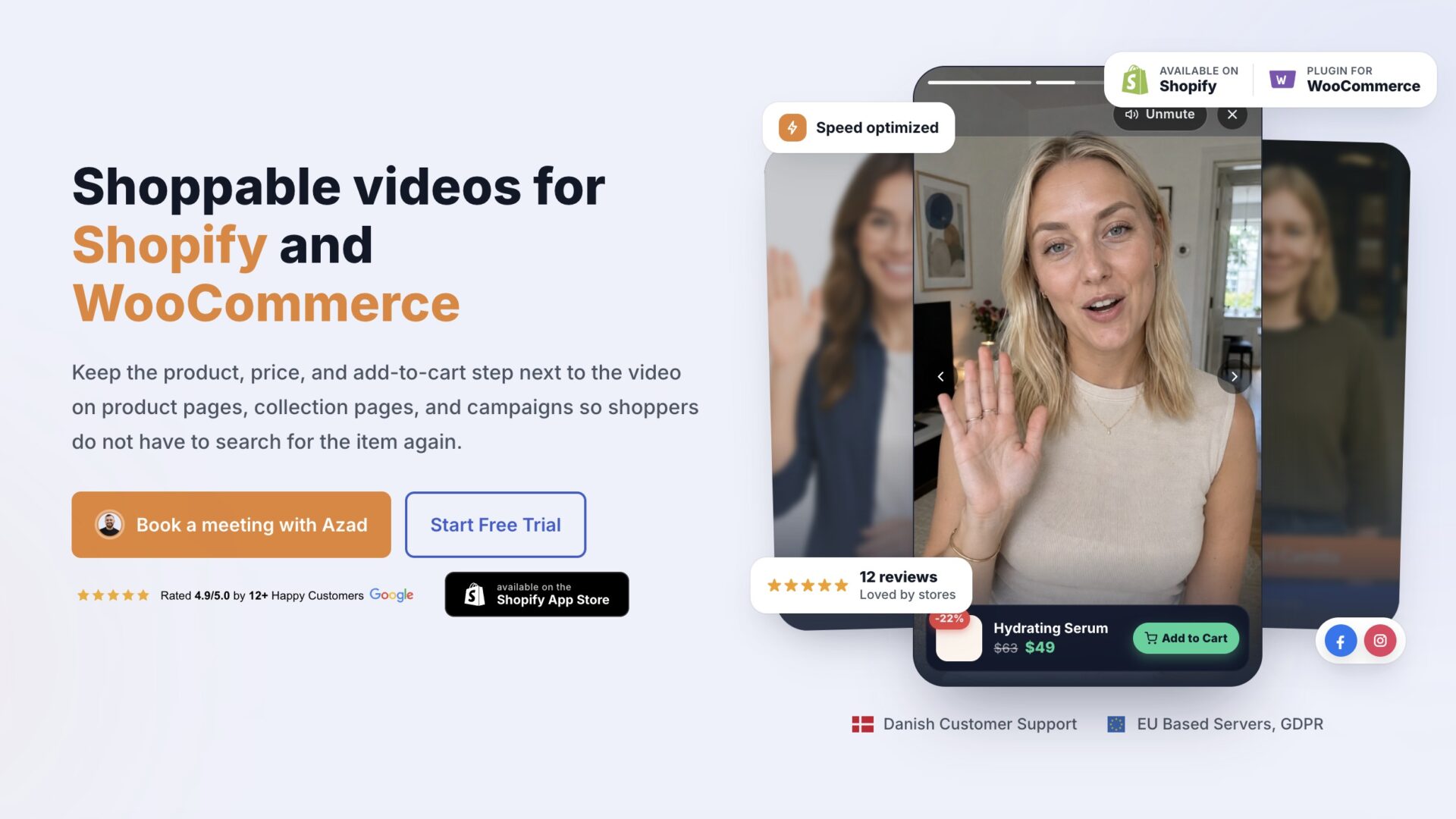
Where video can help shoppers decide
Try organizing gift pages by recipient or shipping deadline. Shoppers browsing a last minute gift collection may need delivery information before ordering. A short video can explain your actual dispatch times and order cutoff. Only promise delivery dates your store can support.
Teams reviewing shoppable video examples can start with a clear product walkthrough recorded on an office desk. Compare it with your other creative before deciding which approach works best. A clear video bubble explaining why a specific wool scarf makes an ideal stocking stuffer feels like advice from a retail clerk on the sales floor.
Check the experience on mobile as well. A long gift guide can make products hard to compare on a small screen. A video bubble can let shoppers preview a few gift ideas while they browse. Test its position and loading time so it does not block navigation or the checkout button.
Why does shoppable video for holiday gift guides matter for your bottom line?
Shoppable video can help shoppers assess unfamiliar gifts by showing the products and keeping a clear buying action beside the video. Gift shoppers may be buying for someone else and need help with sizing, product details, or shipping cutoffs.
Placing an interactive video directly on a gift collection page can help answer those questions.
Showing how bundle items look together gives shoppers another way to assess a gift. Measure purchases as well as engagement: more time on a page does not by itself establish a sales increase.
Turning seasonal browsers into buyers
Static gift grids can leave shoppers opening several product pages and checking delivery details separately. Shoppable clips combine visual demonstration with direct add to cart actions, keeping buyers focused inside a single view. Our shoppable video examples show product cards and cart buttons beside the video. Payment still takes place through the store checkout.
Use recurring buyer questions to decide what your next clip should explain, especially as shipping deadlines approach.
How to set up your first holiday shoppable video
Setting up a holiday shoppable video involves connecting your store, uploading a clip, linking the featured products, and publishing the widget on your gift guide.
You do not need studio gear or a production crew. A smartphone propped near a window can produce a clear, natural product demonstration.
What to say in thirty seconds
Keep the script tightly focused on solving gift indecision. Plan for shoppers who need help choosing within a budget or checking whether a package can arrive before the holiday.
Open with who the guide helps. A clean opener sounds like: Looking for holiday gifts under fifty dollars that people actually keep? Then introduce two standout items, mention shipping deadlines directly, and tell viewers to tap the product buttons below your video to review sizes. Aim to keep that introduction short.
Keep it brief.
Start with a short clip and use your engagement data to decide whether it needs trimming. Viewers want quick guidance, not a documentary about your brand origins.
Where to place your widget
Try the bottom right corner of your collection page, then check it against your navigation and cart drawers. A fixed twenty pixel offset will not suit every layout. On mobile devices, leave enough space around chat icons and other controls to avoid overlap.
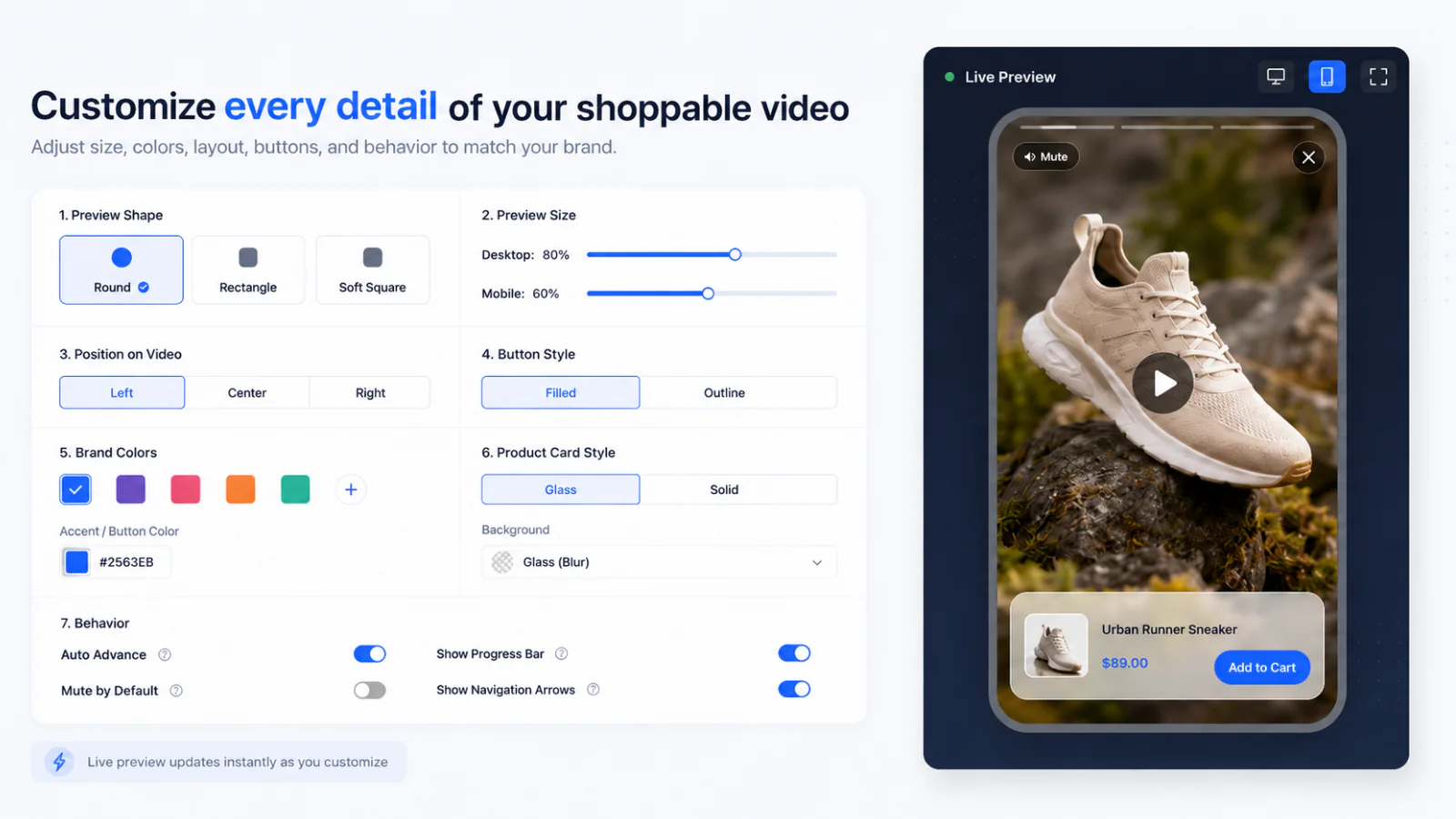
Target your holiday gift guide URL directly rather than firing the greeting site wide. A gift pitch is more relevant on a gift collection than on a replacement parts page. Our shoppable video examples can help you choose a format to test there.
How to track revenue and engagement
Track product clicks, add to cart actions, and attributed purchases in your dashboard. Compare these with video views to see whether viewers take the next step.
A shopper may browse on a phone and buy later on a laptop, so attribution may not capture every influenced purchase. Time on site can add context, but it does not prove that the video caused a sale. Compare similar traffic periods and account for changes in offers and shipping deadlines.
Give shoppers browsing your gift collection clear product information. When an interactive video widget presents products within a gift guide, shoppers see items in context rather than guessing dimensions, texture, or fit.
Use the checks below to evaluate visitor engagement and checkout behavior during seasonal sales.
Measuring Holiday Gift Guide Video Performance
Compare engagement and purchases on your gift guide before and after adding video. Where possible, test comparable groups of visitors during the same period rather than treating seasonal traffic changes as a video effect.
Use the demonstration to answer product questions that photos or descriptions leave unclear.
Check bounce rate alongside cart actions and purchases; a video does not guarantee an improvement. Stores monitoring technical overhead must keep page load times fast, following Google Web Vitals guidance to avoid slowing down mobile traffic during peak shopping weekends.
Publishing short videos for recipient categories like gifts under fifty dollars keeps gift guides scannable while answering product questions. CompleteGreet supports Shopify and WooCommerce. Setup includes connecting the store, linking products, and publishing the chosen video format.
Common questions
Does adding shoppable video to holiday gift guides actually increase sales?
Shoppable video can help shoppers evaluate gifts and add products to their cart, but it does not guarantee more sales. Measure the effect on your own gift guide rather than relying on an unsupported holiday benchmark. Holiday gift shoppers may have questions about sizing, texture, or product packaging. A short demonstration can help answer them. Shoppers tap the product link directly inside the video instead of getting lost in a massive catalog.
How much does it cost to add video greetings to an ecommerce gift guide?
CompleteGreet BUILD starts at $29 per month when billed yearly, or $36 month to month. That plan covers 5,000 unique visitors per month, one website, and two active videos. Higher tiers like GROWTH cost $59 monthly on annual billing for 10,000 unique visitors. Choose the visitor allowance that fits your expected holiday traffic and check the current plan terms before subscribing.
Will embedding shoppable video slow down holiday collection pages?
Any video widget adds resources to a page. CompleteGreet compresses uploaded videos and loads the widget after the page to reduce its impact. Silent previews can load video before a visitor taps the bubble. Check loading speed, responsiveness, and layout stability on your own gift guide rather than assuming there will be no performance impact.
How long does it take to set up shoppable video on Shopify or WooCommerce?
A first version can take a few minutes once your video and store connection are ready, but setup time varies. Record or upload a clip, connect your Shopify or WooCommerce store, link products, choose a format, and publish it on your gift guide. Test the product links and cart actions before promoting the page.
Can shoppers complete checkout directly inside the video greeting?
No. CompleteGreet can show product details and add to cart actions beside the video, but payment takes place through your store checkout. Shoppers can open a linked product or add it to the store cart. Test product options, discounts, and shipping in your store before launching the gift guide.