 Profile
 Dashboard
 Logout
Table of contents
Key takeaways
- Shoppable video keeps related products selectable while the shopper watches.
- Bundle videos can affect conversion, basket size, and revenue attribution.
- Check that each video tag opens the right product or variant at the current price.
How shoppable video makes product bundles easier to buy
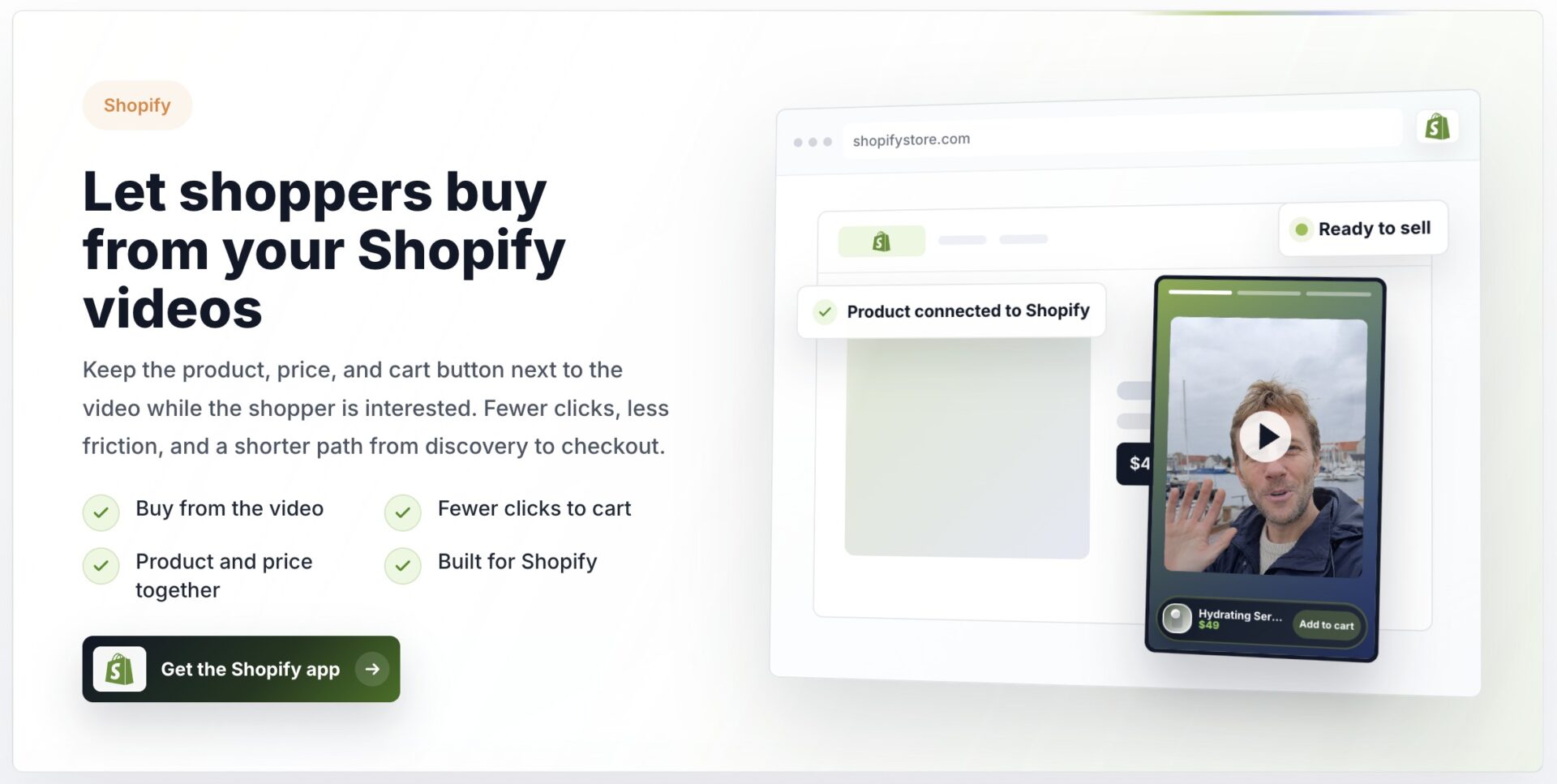
Shoppable video keeps related products selectable while the shopper watches. One video can tag several items, letting shoppers add multiple products to the cart or follow a Shop the Look path that presents each item on its own product card.
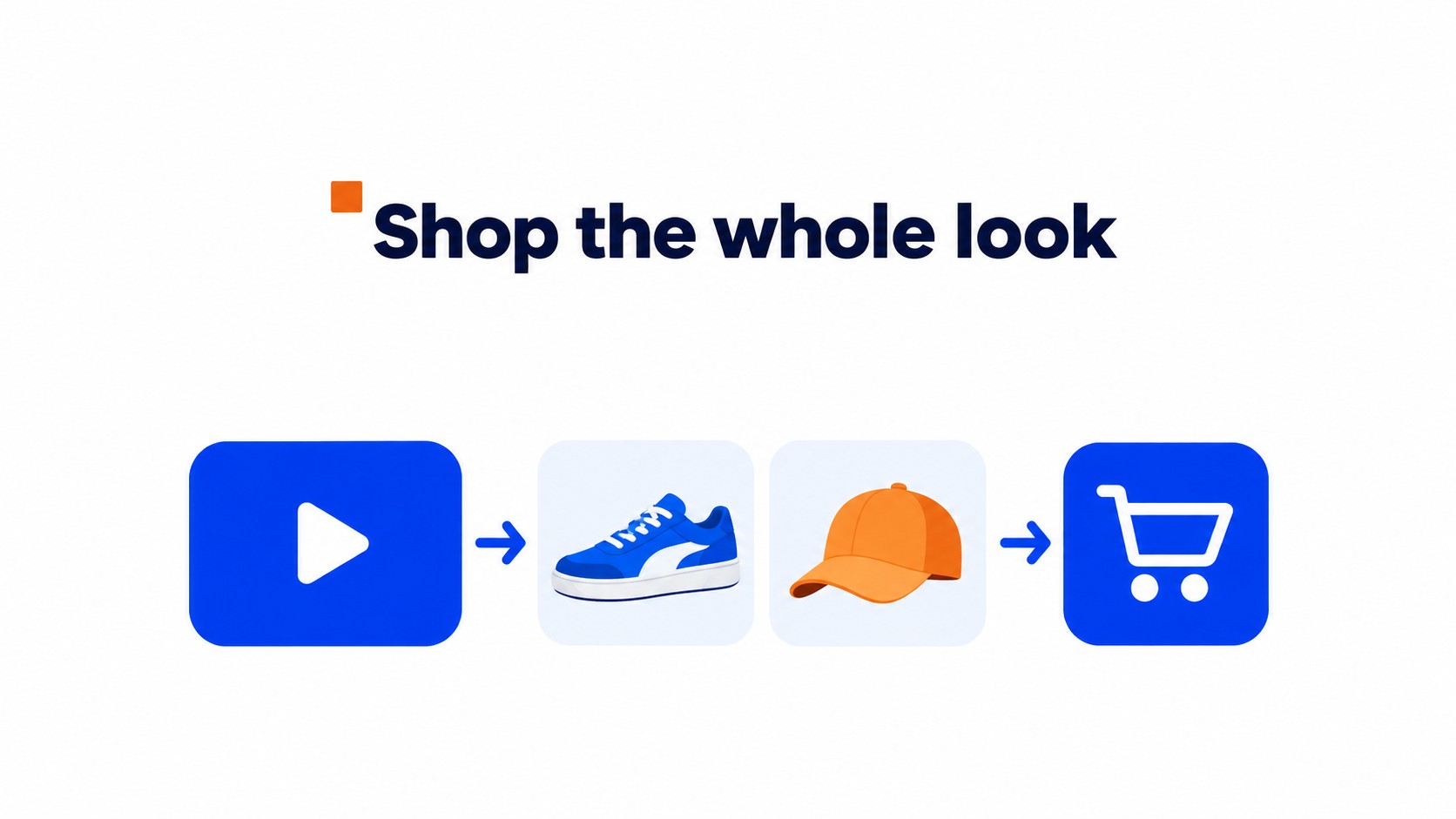
The video has already shown how the pieces work together, whether a shopper wants the full outfit or only the accessory that completes it.
A video linked to one product sends shoppers to that item’s page and stops there. They still have to search for matching products or visit another category page, breaking the bundle into separate tasks.
Tag each item where it appears, then check that its product card opens the right listing. A jacket shown for five seconds should not link to the wrong color or a generic page for the main product.
Check the destination, too. Each tag should open the exact product or variant, and the cart should keep earlier selections when another item is added. If you sell the set as one product, link to the bundle. If shoppers can choose their own sizes or colors, give each item its own card.
CompleteGreet’s clickable video actions include product buttons, connecting a product demonstration to selectable items. Keep the product cards in the same order as the items appear in the video so shoppers can match each tag to the right product.
What bundle videos can change in your sales metrics
Bundle videos can affect conversion, basket size, and revenue attribution. A rise in one metric doesn’t prove the video caused it.
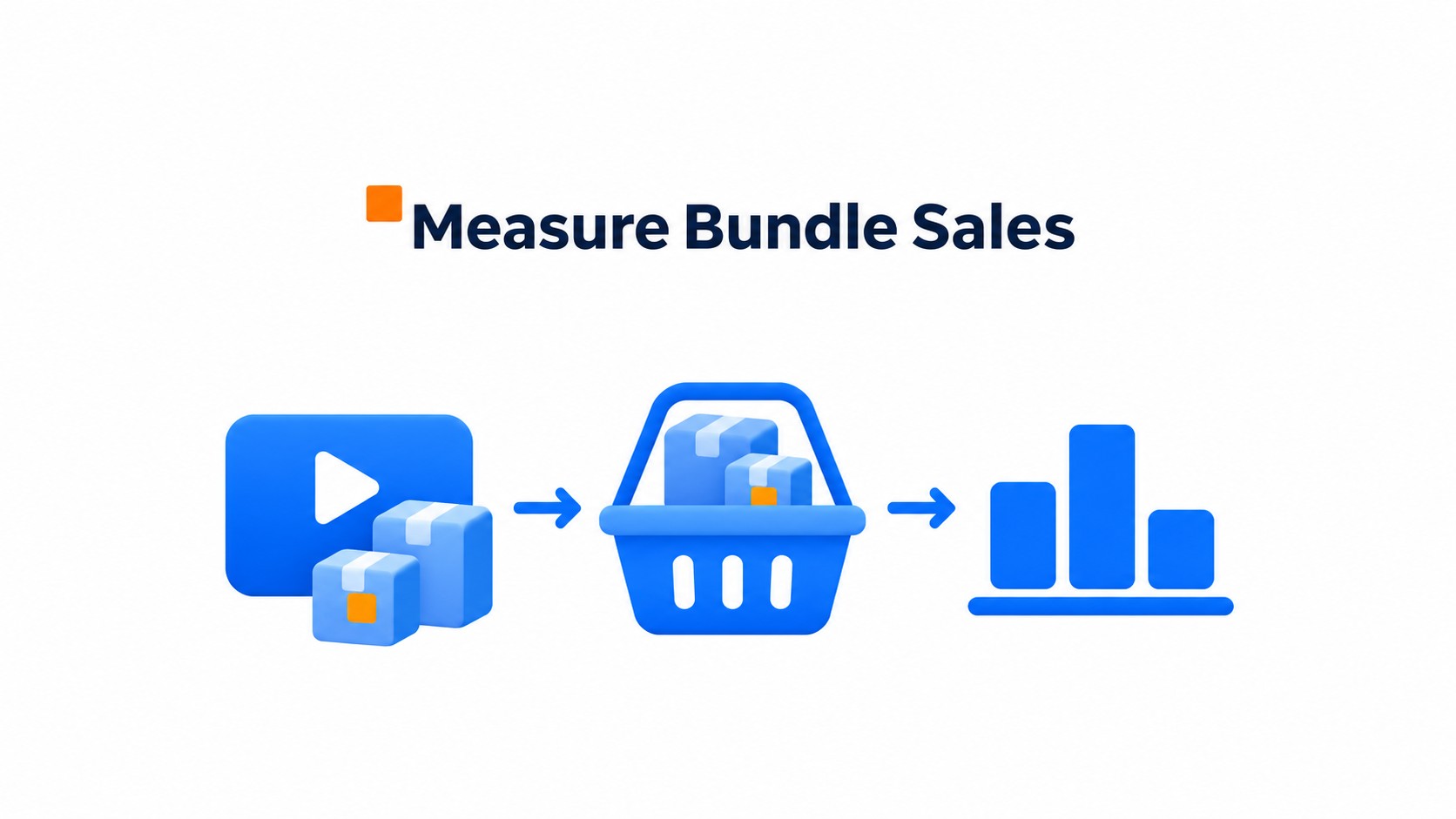
Compare shoppers who viewed the bundle video with a similar group who didn’t, and keep the denominator consistent. For each group, divide sessions that end in a bundle purchase by all eligible sessions in that group. Attachment rate shows how often a second or third item joins the main product in an order.
Add to cart rate shows how often shoppers add an item before checkout. Average order value shows whether orders with video interaction are larger than those in a useful comparison group.
Check what the video actually contributed
Video attributed revenue needs a clear rule. Decide which interaction earns credit and how long after it a purchase can count, then keep that window consistent.
In store analytics, the add to cart event can fire twice if both a video button and the store’s cart script record it. Test one click and confirm it creates one event.
Report the comparison group alongside the result. A change in overall store sales can come from a promotion or a shift in traffic, so measure purchases of the featured bundle separately.
What your video and product catalog need to work together
Check that each video tag opens the right product or variant at the current price. An old link can send shoppers to an item they can no longer buy.
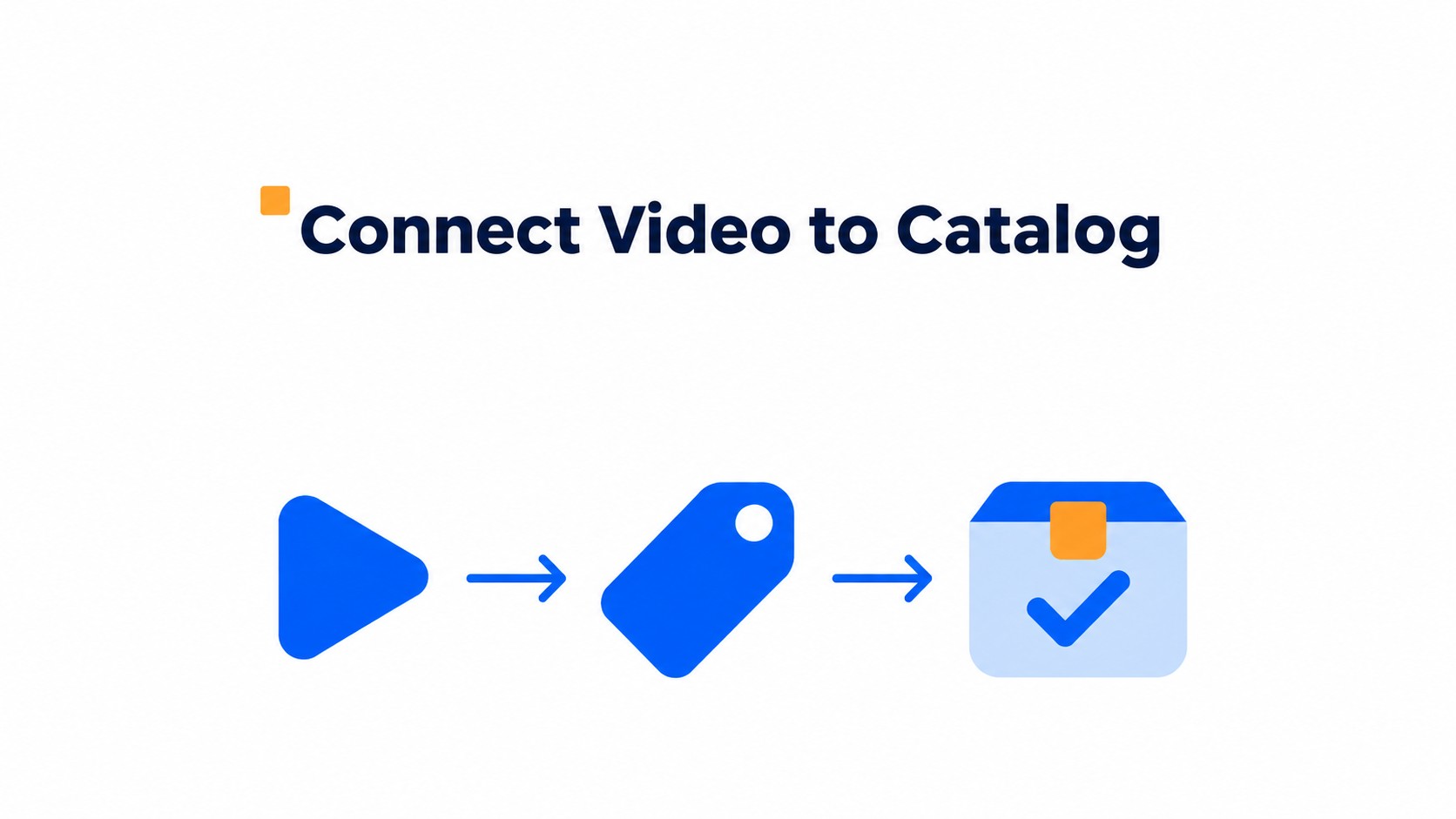
When shoppers tap a product, its card should open the current listing for that item. Keep price and inventory linked to the catalog, then check that the selected variant, regional availability, and product status match what the storefront can sell. Hide unavailable items from the video.
A change to a SKU or option name can break a tag without changing the video itself. Check the mapping after catalog edits. Test the full path with a low stock variant and an item unavailable in one target region.
Use the live preview. A thumbnail can still look right after the product has been archived, so click each tag instead of judging by the video frame.
A post you create manually in Shopify’s Shop channel can include videos up to two minutes each and tag up to 10 products or one collection. Tag the exact items shown, and check that each product card leads to the intended product or collection page. A collection tag helps shoppers compare related options, but it should not replace direct product tags for the bundle pieces.
Before publishing, test a complete basket on a phone. Choose a different variant, add each bundle item, and confirm the cart keeps the right quantities and prices. A cart that drops the second item defeats the point of tagging a bundle.
Check the video after a product’s price or availability changes. The clip can still look right even when the offer has changed. Keep a short list of tagged SKUs with the video owner so catalog changes prompt a quick review.
How to launch and measure your first bundle video
Start with two or three complementary products that solve one clear need, such as a cleanser and moisturizer shown as a simple skin care routine. Keep the use case obvious.
Show the products being used together rather than arranging them side by side. Demonstrate the order, texture or fit, and why each product belongs in the bundle. A quick demonstration gives shoppers a better basis for choosing than a stack of product shots.
Tag every item and check that each tag opens the correct product and variant. On the product page, verify the SKU, price, inventory, regional availability, and product status against the live catalog.
Test the video on a phone. Add the bundle to the cart and confirm the quantities and selected variants before publishing.
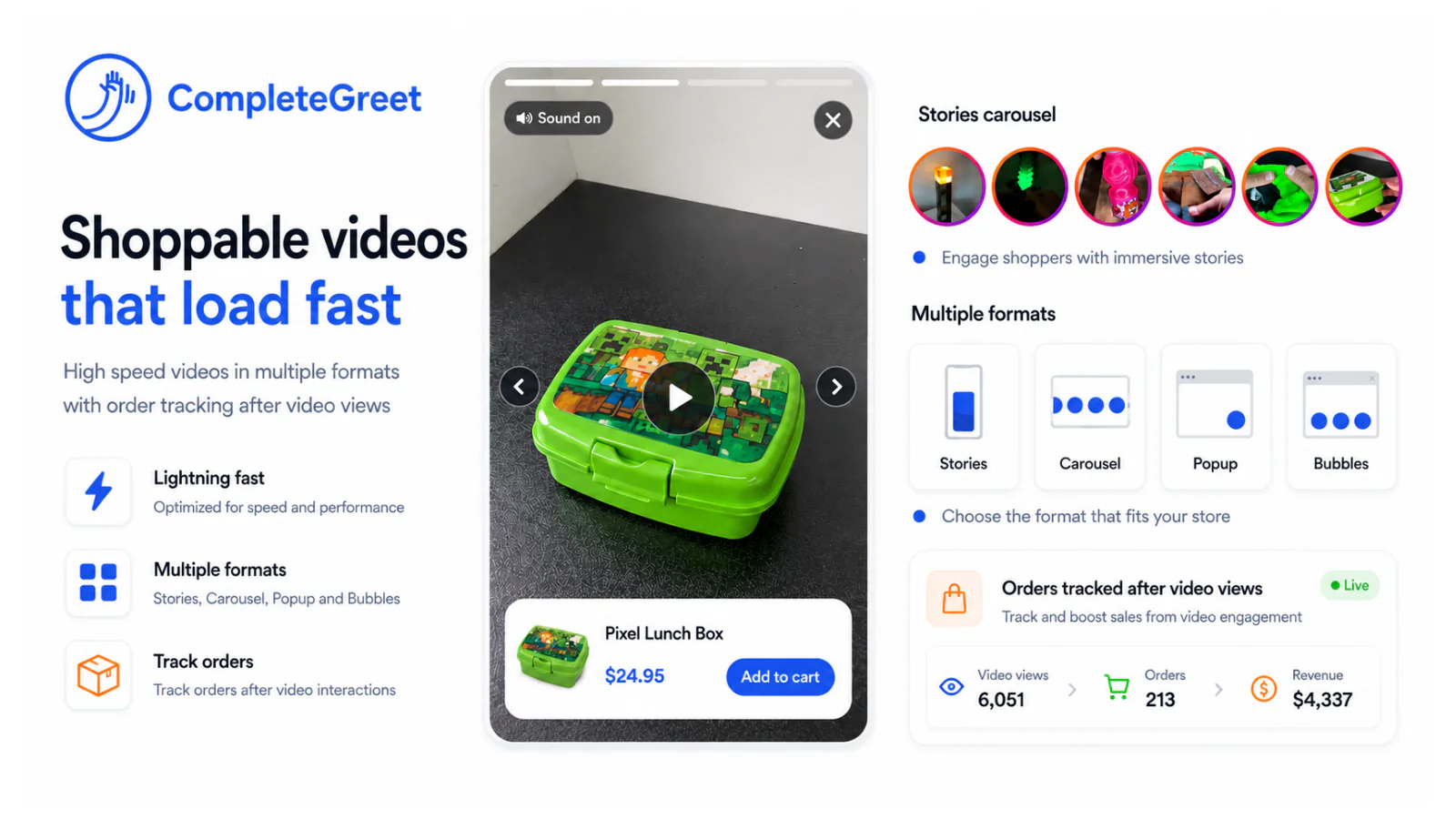
Once the video is live, review bundle conversion rate, attachment rate, add to cart rate, average order value, and revenue attributed to video interactions. Compare results over a consistent reporting window and separate video attributed revenue from total store revenue.
If shoppers watch but don’t add the bundle, check whether the products make sense together and whether each tag opens the right option. Change one thing at a time so the next review is useful.
FAQ
Choose products that work together in the same task or routine, and show that connection in the demonstration.
If an item is unavailable, suppress its tag or replace it with an available item, then test the updated product link and cart. A visible tag that leads to an unavailable product is worse than leaving that item out.
Track the bundle metrics above alongside the reporting window and traffic source. More cart adds alone do not tell you whether the bundle earned more revenue.
Separate interest in the products from completed purchases when you review your bundle video.
Use completed orders to judge bundle sales. Time on site and inquiries measure different things.
For bundle conversion rate, divide sessions with a bundle purchase by all eligible sessions in the same group. For attachment rate, divide orders containing both the main item and the extra item by all orders containing the main item. Add to cart rate shows shopping intent, average order value tracks order size, and video attributed revenue captures sales linked to video interactions.
Compare each metric with a consistent baseline and attribution window.
Use the first measurement period to establish a baseline, then compare equivalent periods after publishing the video. If only one change is tested, such as the product tags or cart flow, the results are easier to interpret across the five metrics.
Common questions
Which products should go in a shoppable video bundle?
Choose products customers naturally use together, such as an outfit, a skin care routine, or a starter kit. Tag each item in the video and let shoppers add several products to the cart or follow a Shop the Look path. A bundle works best when the video shows how the items fit together, not just a list of products.
What should happen when a product tagged in a bundle video sells out?
The unavailable item should be hidden or replaced before shoppers reach checkout. Check the tagged item’s stock, price and available variants against the catalog. Check that shoppers can buy it in the regions where you show the video. If an item is temporarily unavailable, check whether the video can show a suitable substitute without breaking the bundle.
How can a store measure whether a bundle video is driving sales?
Track bundle conversion rate, bundle attachment rate, add to cart rate, average order value, and revenue attributed to video interactions. Compare those metrics with a similar period or audience that did not see the video, and check that the attribution window is consistent. A rise in video views alone does not show that shoppers bought the bundle.
Can Shopify Posts tag several products in one shoppable video?
Yes. When you create a post manually in Shopify’s Shop channel, each video can be up to two minutes long. You can tag up to 10 products or one collection per post. That gives a bundle video room to link several related items, but the store still needs to check that tagged products, variants, prices, and stock are current.
Can CompleteGreet tag products and add a bundle to cart?
CompleteGreet can tag products and let shoppers add them to the cart on Shopify and WooCommerce. If your store sells the bundle as a single product, link to that listing. If the items are sold separately, shoppers can add them from their individual product cards.