 Profile
 Dashboard
 Logout

Table of contents
Key takeaways
- A useful video testimonial script gives the customer four landmarks: the problem, the choice, the experience, and what changed.
- Credible customer stories come from open questions about the problem, the decision, implementation, and what changed afterward.
- Shape the clip around one problem, one meaningful change, and one concise result or recommendation from the longer customer story.
What should a video testimonial script include?
A useful video testimonial script gives the customer four landmarks: the problem, the choice, the experience, and what changed. That is enough structure.


Start with, “Before you started using this, what were you trying to fix?” Then ask, “What made you choose it?” and “What was the setup like?” Keep each prompt open.
Ask a follow up for detail: a specific moment, a time frame, or a concrete example. Don’t suggest what the customer should say. Let them explain how they used the product before asking about results. Otherwise, the story can jump from purchase to outcome with no explanation of what happened in between.
Close with, “What is different now?” If the result can be counted, ask what changed and over what period.
Not every result fits a spreadsheet.
Put the prompts on a card beside the camera, not on a teleprompter. Customers tend to read lines when text sits just below the lens. Use the card as a map, not a speech to memorize.
Which questions help customers tell a credible story?
Credible customer stories come from open questions about the problem, the decision, implementation, and what changed afterward. Keep prompts loose.

Try: “What problem were you trying to solve?” and “What made you choose this option over the alternatives?” Ask one at a time.
Then ask: “What happened during setup?” and “How long before you could use it in your normal work?” Follow up on one detail instead of adding another broad question.
“Can you give an example?” often gets a stronger answer than “Did it work well?” Ask what they did before, what they do now, and whether they compared the result with an earlier process or target.
Ask, “What changed that you can measure?” If the customer names a result, ask for the starting point, time period, and source of the number. If they can’t quantify it, ask what became easier or less frequent.
Keep a short list of talking points beside the camera, not a full script on screen. Customers often glance down and start reading when every sentence is written out. Let them use their own words, then follow up when a useful detail slips by.
How can you shape a testimonial for social clips?
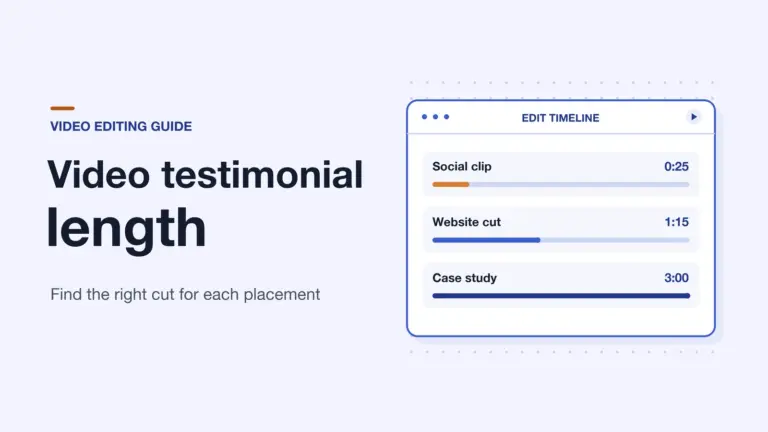
Shape the clip around one problem, one meaningful change, and one concise result or recommendation from the longer customer story. Keep the meaning intact.
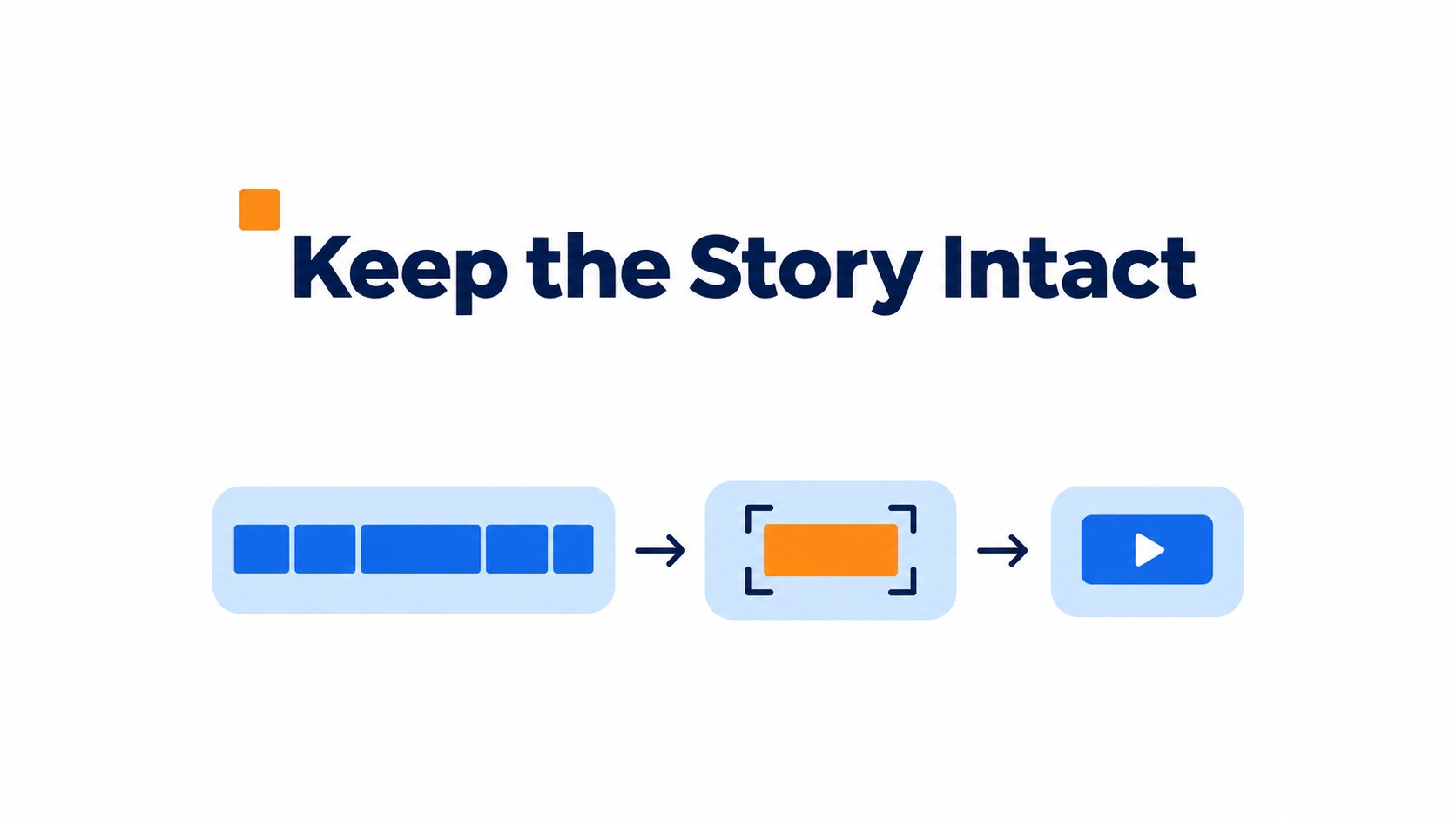
A strong cut can start with the customer describing the problem, then move to the moment something changed. Skip the play by play.
On the edit timeline, remove pauses and repeated setup, but keep the words that explain who or what a result refers to. Read each cut aloud. If a pronoun like “it” no longer has a clear reference, restore a few words.
Don’t stitch half sentences from separate answers into a claim the customer never made. Even a clean jump cut can change the tone.
Keep qualifiers that limit a claim, such as a result applying only to a certain product or period. Captions and opening text need the same care: they can frame the customer’s point, but shouldn’t make it broader or stronger than the spoken answer. If the short version sounds more certain than the full story, put the context back in.
What should you check before recording and publishing?
Choose a customer who can describe a specific change, then get written permission for the planned use. Do this before the camera is on.
Send a few open prompts in advance, not a script to memorize. Ask about the original problem, why they chose the solution, what implementation involved, and what changed. Keep the wording theirs.
Check names, dates, product details, and figures against a source the customer approves, such as a report or account record. Agree on who can correct factual errors in the edit and set a deadline for final cut review.
The written release should name every approved channel, such as the company site, email, or social accounts. Spell out whether the footage can be edited into shorter clips or reused in paid campaigns, how long it may run, and whether the customer receives compensation or a gift. A general “marketing use” line leaves too much room for disagreement.
Quick FAQ
No. Share prompts and let the customer answer in their own phrasing. Memorized lines tend to sound stiff on camera.
Get permission before recording and publishing. If the approved channels or edits change, ask for written approval for the new use.
A useful video testimonial script gives customers a clear path through their story without making them memorize lines. The example below moves from the original challenge to the customer’s experience and outcome.
A flexible script example
Start with a brief introduction: “Please share your name and what you do.” Then ask, “What problem were you trying to solve before choosing this solution?”
Invite the customer to describe the decision and experience: “What made you choose this option, and what was getting started like?” Ask for details about the timeline, any comparison they made, or a moment that stood out.
Close with the change.
Ask, “What has changed since then, and can you describe a specific result?” If the customer gives a broad answer, ask for a concrete example or a relevant time period.
Use these prompts as a guide, not a script to read word for word. Let customers answer in their own language, and ask permission before using an edited version.
A short social clip can tell the same story in miniature: one challenge, one meaningful change, and one concise result or recommendation. Keep enough context for the edited clip to reflect what the customer intended to say.
Before recording, ask the customer to confirm one specific result and the time period it covers.
Common questions
What should a video testimonial script include so the customer does not sound rehearsed?
Use a simple before, during, and after structure, with prompts instead of lines to memorize. Ask the customer to explain the original challenge, why they chose the solution, what using it was like, and what changed. A loose structure keeps the story easy to follow while leaving room for the customer’s own words and specific details.
Which questions should I ask a customer for a credible video testimonial?
Ask what problem they needed to solve, why they chose the product or service, what implementation involved, and what changed afterward. Then follow up with requests for a specific example, a comparison with how things worked before, a timeline, or a measurable result. Those details make the account easier to assess than broad praise alone.
How do I turn a long customer testimonial into a short social media clip?
Center the clip on one problem, one meaningful change, and one concise result or recommendation. Choose moments that make sense together, and check that trimming them does not change what the customer meant. A clip with one clear point is easier to follow than a fast montage of unrelated compliments.
What permission do I need before recording and publishing a customer testimonial?
Get written permission before recording and publishing, and spell out where the video may appear. The agreement should cover editing and reuse, how long the business can use it, any compensation, and whether the customer can review the final cut. Confirm the specific channels and planned edits rather than relying on a general verbal yes.
Should customers read a video testimonial script word for word?
No. Share a short outline and open ended prompts, then let the customer answer in their own words. Exact lines can make a testimonial sound stiff, while a few planned topics help ensure it covers the problem, the experience, and the result. If a claim needs a number, ask the customer to confirm it before publishing.