
 Profile
 Dashboard
 Logout
Table of contents
Key takeaways
- A video form collects details within the video experience, while a traditional contact form sits apart from it.
- Choose Video Form when viewers need to understand an offer before sharing contact details.
- Choose a traditional contact form when visitors have a clear request and the team can route it from a few written details.
What is the main difference between Video Form and Traditional Contact Form?
A video form collects details within the video experience, while a traditional contact form sits apart from it. The first keeps the viewer in context.
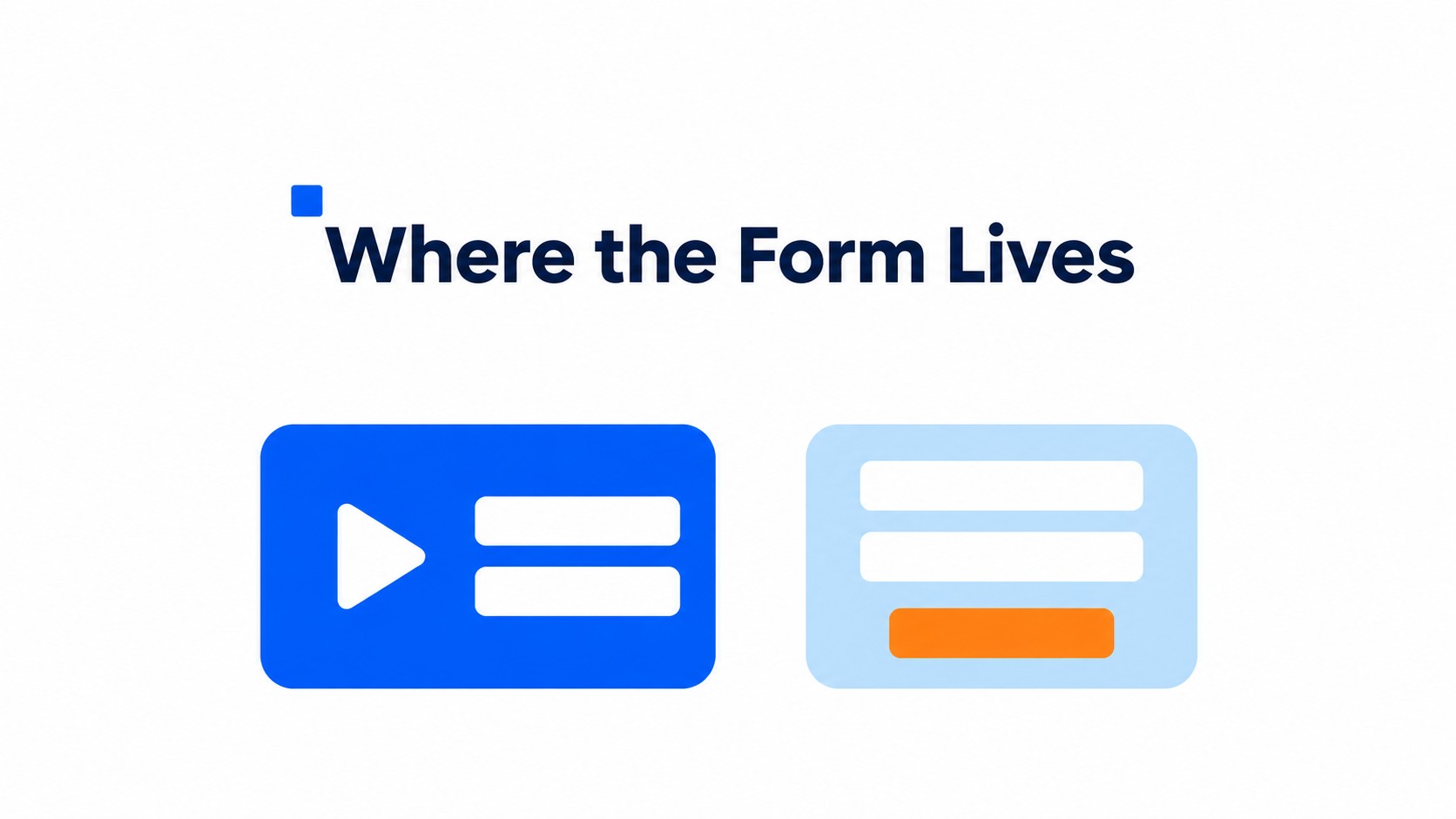
Video forms can ask for contact details before playback, at a chosen point during the video, after it ends, or when the viewer clicks a call to action. Timing matters. A gate before playback can deter people who are only browsing, while a prompt after useful information may feel more relevant.
A traditional form is easy to place on a contact page, product page, or footer. Visitors can use it without watching a video. For a simple request, such as a quote or callback, a few labeled fields may be quicker to scan and fill in.
On a phone, a form layered over the video can crowd the playback controls. Test it on the screen size visitors actually use.
Neither format guarantees more completed inquiries. Compare completion rates and qualified leads, and check whether people leave the video before the form appears. View counts alone won’t show if the prompt works.
When should you choose Video Form?
Choose Video Form when viewers need to understand an offer before sharing contact details. It fits consultative services, product demonstrations, and event inquiries where context helps qualify a lead.
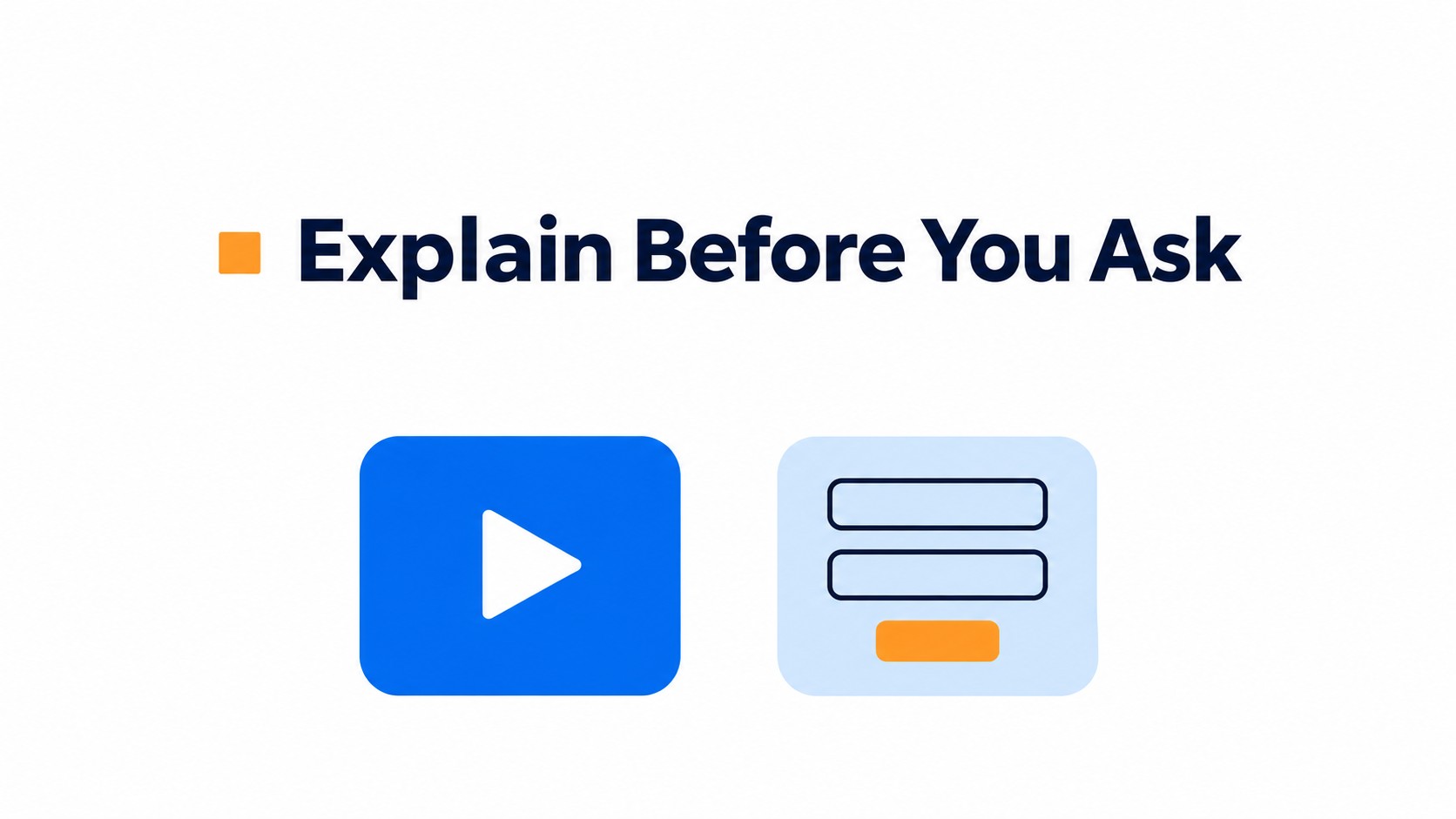
Ask a few targeted questions while interest is fresh: project scope, preferred appointment time, or which product the visitor is considering. The form can appear before playback, at a timed point, or after a viewer clicks a call to action.
Use a playback gate only when the content earns that ask.
A required form can screen out casual viewers. It can also stop people who would have watched and submitted later. For a short product clip, a standard form beside or below the video may ask less of the visitor. Longer demos and service explainers give the form more context to work with.
Compare completion rates and qualified leads per 1,000 views. Then check where viewers leave relative to the form. A form that collects more names but loses the strongest prospects is doing the wrong job.
When should you choose Traditional Contact Form?
Choose a traditional contact form when visitors have a clear request and the team can route it from a few written details. No video explanation is needed.
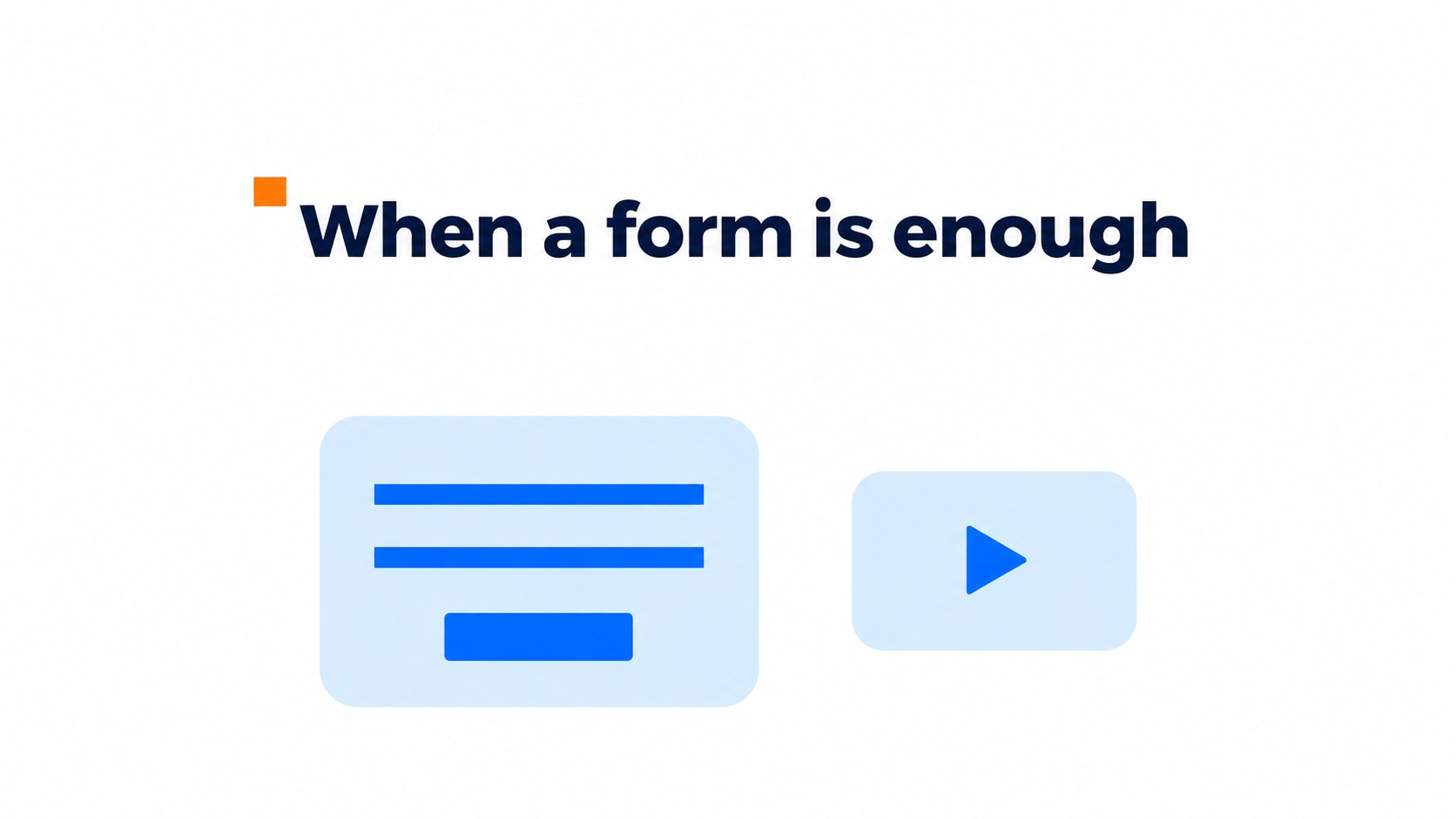
It works well for support questions, quote requests with fixed qualification fields, and inquiries where people already know what information to send. Traditional forms are simple, widely supported, and easy to place across different websites.
The plain layout suits visitors who want to finish quickly. Keep the path short.
A form beside a video can pull visitors away from the content, and some won’t return. Place it near the relevant information and ask only for details the team needs to respond or route the request. Making a phone number mandatory when email is enough can turn a simple inquiry into an avoidable hurdle.
Choose this format when consistent handling matters more than capturing the conversation inside the video.
How do Video Form and Traditional Contact Form compare on cost and setup?
A traditional contact form is usually simpler to place. A video form adds decisions about when and how the form appears inside the video.
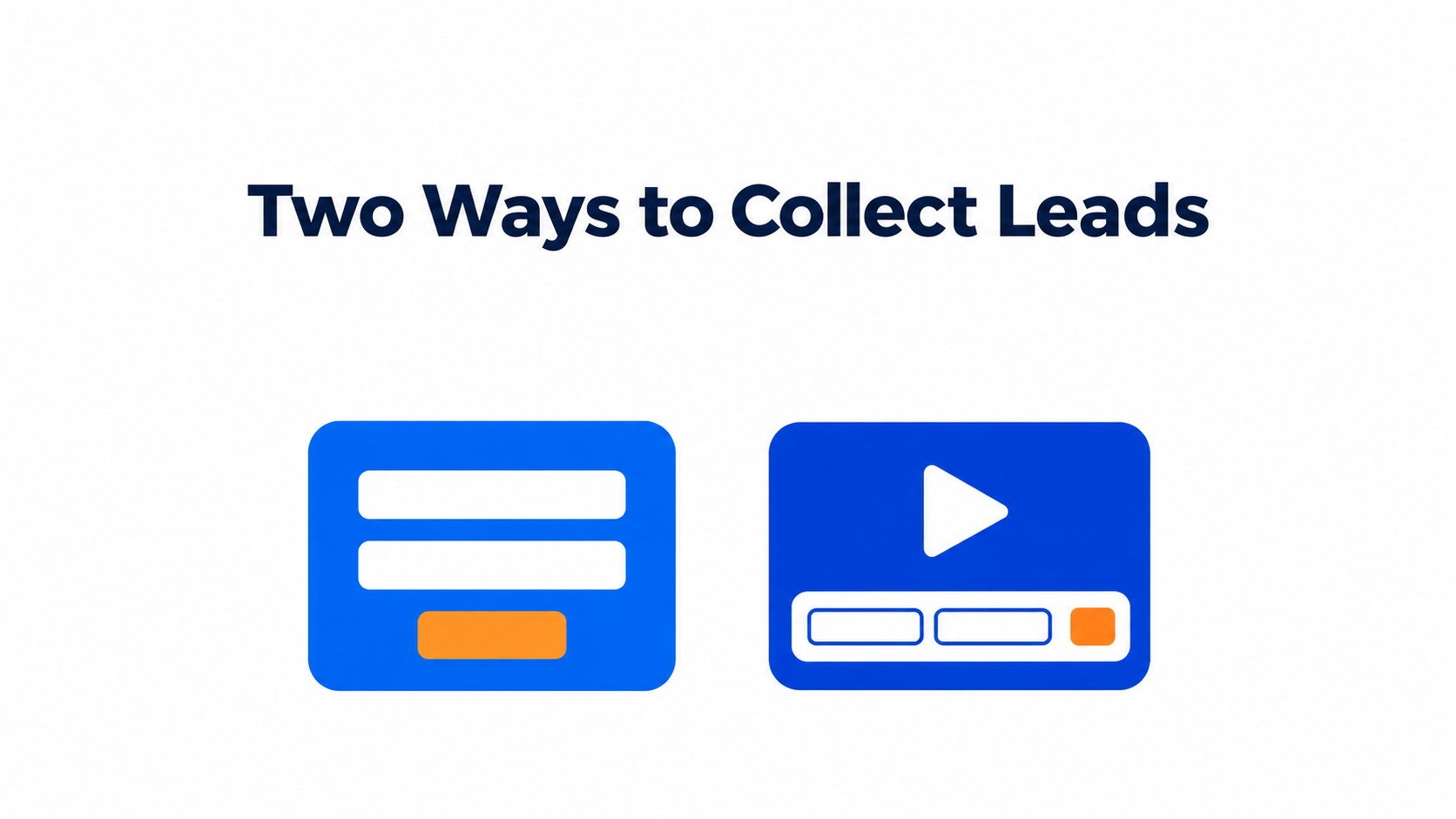
There’s no single standard price for either format. A traditional form may use a tool already on the site. Video form costs depend on the provider, so check current plan pages rather than guessing from the format alone.
For setup, a basic contact form needs fields and a place on the site. A video form can gate playback, appear at a timed point, or wait until the viewer clicks a button. Choose the trigger before adding fields, or the form may interrupt the moment the setup is meant to capture.
CompleteGreet BUILD is $29 per month when billed yearly, or $36 month to month, for 5,000 unique visitors per month, 1 website, and 2 bubbles or videos.Compare CompleteGreet plansfor the current offer.
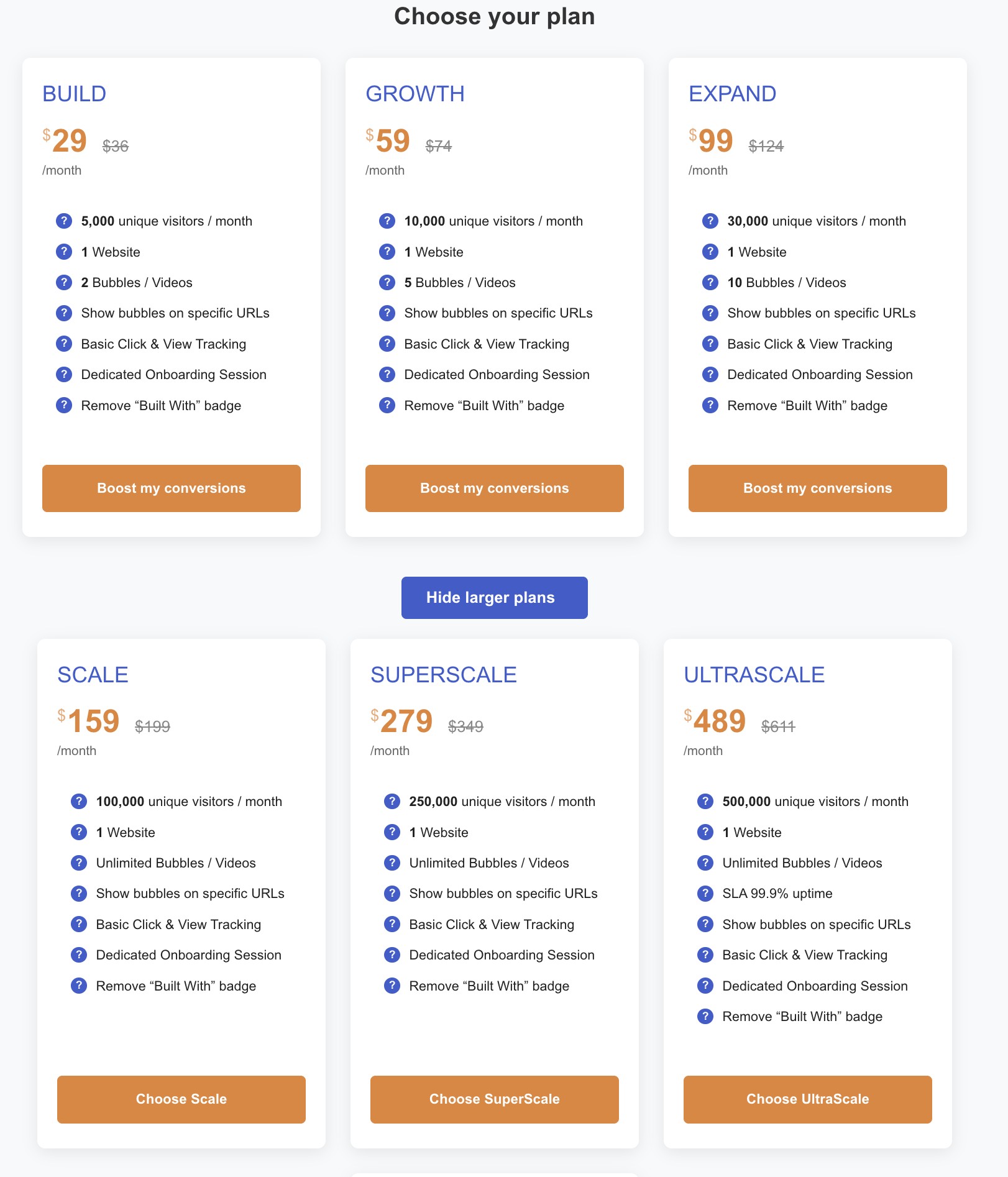
That price covers the widget, not a general video form platform. Check whether the plan includes the form behavior, fields, and reporting the workflow needs. A low entry price can leave those details outside the plan.
Which one should you choose?
For routine inquiries, choose a traditional contact form. Choose a video form when the video itself helps explain or qualify an offer before submission.
The form should earn its place. A quote request with a few required fields usually works better as a plain form; a demo or guided prompt can answer questions sales would otherwise handle one by one. Keep the video short. If viewers must watch a long clip before finding the fields, it adds friction.
Measure qualified leads per 1,000 video views alongside completion rate and lead quality. A high submit count is weak evidence if the contacts are poor fits.
Run both versions on the same page over the same traffic window. If the headline changes at the same time, the result is hard to read. Change one thing at a time.
CompleteGreet fits when the goal is a video greeting that builds trust beside the contact form, not a player that gates or scores leads. Setup takes under five minutes on most platforms. Keep the ordinary form visible for visitors who want to send a quick question without watching a video.
Figures from live implementations offer a directional view of video based lead capture, not a guaranteed result. Compare qualified inquiries with the added friction.
Across six reported live implementations, inquiry volume rose by 43 to 70 percent, with an average increase of about 53 percent. Time on site rose by 19 to 33 percent. Results varied with the audience, placement, and video content.
Compare qualified leads per 1,000 views to judge lead quality alongside volume.
For visitor facing video and direct lead capture, CompleteGreet is the clearer default. A traditional contact form is a narrower fit when visitors need a simple way to send a message without watching a video.
Use the same audience and traffic source when comparing the options, and count qualified leads rather than form submissions alone. Track qualified leads per 1,000 views for two weeks before replacing the existing form.
Common questions
How is a video form different from a traditional contact form?
A video form collects contact details inside or alongside a video player, while a traditional contact form collects them in a separate page section or form. Video forms can show fields before playback, at a timed point, or after a call to action. A standard form is usually simpler to place and use across different websites.
Does putting a video form on a page increase form conversions?
Not automatically. A Leadpages dataset reported a median form conversion rate of 0.75% on pages with video, compared with 2.63% on pages without video. That result does not prove video caused the lower rate, but it is a reason to test placement, message, and form friction instead of assuming video will lift conversions.
When is a video form a better fit than a traditional contact form?
Use a video form when the video itself explains the offer and visitors can share details without leaving the player. It can suit product demos, service explanations, or campaigns where a timed question or playback gate helps qualify interest. For a quick question or a short request, a traditional form is often the cleaner route.
How can a business test whether a video form is working?
Compare form completion rate and qualified leads per 1,000 views, then check whether viewers drop off before reaching the form. Segment results by device and audience, and look at lead quality after submission. A high completion rate is not useful if the form brings in fewer suitable prospects.
Is a video form the same as a video greeting widget?
No. A video form collects visitor details, while a greeting widget welcomes people to a website without requiring a form submission. CompleteGreet is a greeting widget, with setup taking under five minutes on most platforms, including Shopify, WordPress, Wix, Squarespace, Webflow, WooCommerce, custom HTML, React, and Vue. It is built for greetings, not form workflows.