
 Profile
 Dashboard
 Logout
Table of contents
Key takeaways
- Local businesses deal with a credibility gap on their websites that big national brands almost never have to worry about.
- A video widget is basically a small bubble with a short recorded message from an actual person, it usually pops up in the corner of your site after someone’s been browsing for a few seconds.
- Your highest impact spots? Homepage above the fold, service pages where people hesitate, and your contact or booking page, that’s where abandonment costs you the most.
Why do local businesses websites struggle with trust?
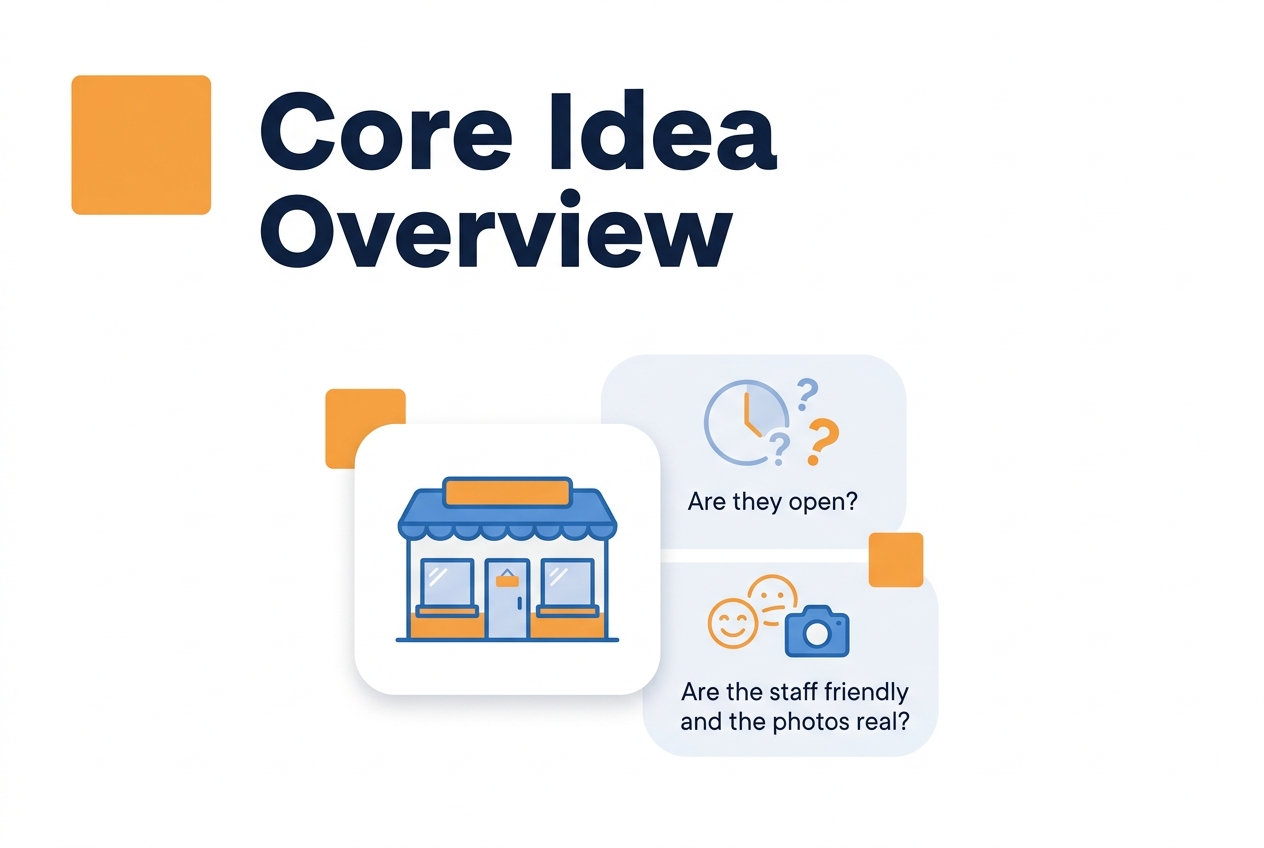
Here’s the thing about local business websites, they face a credibility problem that big national brands almost never deal with. When someone lands on your site, they’re already wondering: is this place even still open? Are the people friendly? Do the photos actually match what I’ll walk into?
And most local sites aren’t helping. They all lean on the same tired template stuff, stock photos, testimonials with no dates, contact forms that feel like shouting into a void. None of that answers the one question visitors actually care about.
Is there a real person behind this business who actually gives a damn about my problem?
This website trust challenge gets even worse for service businesses where the owner IS the brand. Think about it: a plumber, a salon owner, a fitness coach, they can’t hide behind a slick corporate logo. When their website feels faceless and anonymous, people assume the worst.
They start picturing rushed work, surprise fees, and voicemail boxes nobody ever checks.
Nielsen Norman Group research on credibility backs this up, users make snap judgments about local business sites in seconds. Tiny details either scream competence or scream neglect.
A site that lists business hours but never mentions who actually runs the place? That creates friction. A contact page with just a form and zero direct email? That reads like a wall, not a welcome mat.
There’s also the review trap. So many local owners funnel all their social proof over to Google or Yelp. Which sounds smart until you realize you’re sending potential customers away from your site to platforms where your competitors are running ads right next to your reviews.
The solution isn’t piling on more text or swapping in prettier photos. It’s showing the actual person who’ll pick up the phone, do the work, or fix the problem.
Put a real face on your homepage and the whole dynamic flips.
How do video widgets work for local businesses?
Video widgets are pretty simple, they show a small bubble with a short recorded message from a real person. It typically pops up in the corner of your website after a visitor’s been browsing for a few seconds.
For local businesses, this solves a very specific pain point. Let’s be honest: most small business websites look basically identical to visitors. Stock photos, generic copy, a contact form. Nothing about that tells someone who actually runs the shop or what it’ll feel like walking through the door. A video bubble puts a face to the name within the first moments of a visit.
Where you put it matters less than what’s in it.
A stiff, over scripted greeting? That’ll actually hurt more than it helps. You’re better off following a video bubble script that introduces the owner, states the main service, and wraps up with one clear action. Keep the whole thing under thirty seconds.
Nobody’s going to sit through a two minute monologue from someone they’ve never met.
CTAs for local businesses look different from what works in SaaS or ecommerce, by the way. Your visitors are usually comparing a few options or double checking details before they pick up the phone. The best CTAs lean into that intent directly.
“See our availability” crushes “Buy now” for a hair salon. “Book a free consultation” beats “Sign up” every time for a dental practice.
Frisor Sadon, a Danish hair salon, saw 42% more bookings after adding a video greeting. They also measured a 33% increase in time on site, which tells you people actually stayed to watch the message instead of bouncing right away.
In our experience, local businesses get the strongest results when the video shows up on service pages and booking flows, not just the homepage. And the widget should wait until the visitor scrolls a bit, long enough to show real interest. Don’t fire it the instant the page loads.
That little delay keeps you from annoying casual browsers while still catching the serious prospects.
One thing a lot of people miss: the thumbnail frame is huge. That frozen still image before the video plays is what determines whether someone clicks. A genuine smile with eye contact in that frame outperforms a polished headshot where the person’s looking slightly off camera.
Video Widget Impact for Local Businesses
Real results from businesses building trust through personal video greetings
42%
More Bookings
Increase in appointment conversions
33%
Longer Engagement
Increase in time on site
Case Study
Frisor Sadon, A Danish hair salon measured these results after adding a personal video greeting to their website, helping visitors connect with their team before booking.
Why Video Works for Local Business
- ✓ Puts a face to the business name
- ✓ Answers “who will I be working with?”
- ✓ Reduces hesitation before first contact
- ✓ Creates immediate personal connection
Source: Frisor Sadon case study data
Infographic showing that Frisor Sadon, a Danish hair salon, achieved 42% more bookings and 33% increase in time on site after adding a video greeting widget to their website.
See the static HTML data above for the full breakdown.
Where should you place video on a local businesses website?
The spots that move the needle most are your homepage above the fold, service pages where visitors get cold feet, and your contact or booking page, because that’s where abandonment hurts the most.
Homepage
Your homepage is the obvious starting point. It’s where most first time visitors land, and a video greeting here answers the unspoken question, who runs this place?, before anyone even scrolls. Pop the bubble in the lower right corner so it doesn’t cover your navigation or hero text.
Service Pages
This is where anxiety really spikes. Someone weighing a $300 dental cleaning or a $2,000 HVAC replacement wants to know the provider is competent and approachable. A quick video from the lead dentist or service manager walking through what happens during that first visit can take a lot of that tension off the table.
These pages are also where you can build trust on website most directly, the visitor’s already looking at your specific offering and deciding if you’re the one.
Location Pages
If you’ve got multiple locations, don’t neglect the individual location pages. So many businesses do. A short video from the manager of your downtown spot, mentioning where to park, what’s nearby, makes the place feel familiar before anyone’s walked through the door. Visitors who watch that kind of video are more likely to actually show up, because the location doesn’t feel abstract anymore.
Contact and Booking Pages
This is the highest stakes page on your whole site. Someone on your contact page has basically decided they might hire you, but they haven’t pulled the trigger yet. A video saying you’ll get back to them within two hours, or just explaining what happens after they hit submit, removes the kind of uncertainty that kills form completions.
About Page
If you’re the person running the business, this is where you absolutely need to be on camera. And honestly? Don’t overthink the production. A handheld phone clip of you in your actual workspace, talking about why you started the business, that outperforms expensive studio video every single time. People expect marketing on your homepage. On the About page, they expect you to be real.
Placement Mistakes to Avoid
The most common mistake is burying the video at the bottom of a long page. If someone has to scroll past three screens to see your face, you’ve already lost the people who bounced at the headline. Auto playing with sound is another killer, it annoys mobile users and they’ll leave immediately.
Page speed matters here, too. A video widget that slows down your site can actually hurt your search rankings. Stick to Google Web Vitals guidance, make sure your widget loads asynchronously and doesn’t cause any layout shift penalties.
One more thing: test one placement at a time. Give it at least two weeks of data before you start adding video to other pages.
What results have similar businesses measured?
Local businesses that have added video greetings to their sites are seeing real, measurable improvements in both engagement and conversions.
Frisor Sadon, a Danish hair salon, tracked a 42% jump in bookings and 33% more time on site after putting a video greeting on their homepage. Those numbers came from a six month comparison, and the salon used a simple 30 second greeting recorded on a phone. Nothing fancy.
Turns out the script matters way more than production value.
Teams that follow a clear video bubble script consistently outperform those who just wing it. The recordings that work best sound like natural conversation starters, they mention the visitor’s problem within the first five seconds.
Time on site goes up because people stop scrolling to watch. Bookings climb because the greeting takes the mystery out of who they’ll actually meet. The salon saw these results without changing anything else about their marketing spend.
Your mileage will vary depending on industry and placement, but most local businesses start seeing movement within the first month.
Local business websites sit in a tough spot when it comes to credibility. Unlike national brands that people already recognize, a neighborhood salon or repair shop has to win over a skeptical visitor in the first few seconds of a page load.
Video widgets help by putting a real face to the business name.
The biggest trust barrier for local service sites is anonymity, plain and simple. Visitors can’t peek inside the space or meet the staff before they book, and that hesitation shows up as high bounce rates on pricing and contact pages.
Where placement drives results
Where you position the video makes or breaks whether it converts or just gets in the way. Local businesses tend to see the best numbers when the video bubble appears on service descriptions, contact forms, and booking pages, anywhere visitors are actively weighing a commitment.
Real benchmark data helps set expectations. One Danish hair salon measured a 42% increase in appointment bookings and a 33% jump in time on site after rolling out a personalized video widget.
Broader industry modeling points to an average inquiry uplift of 53% and bounce rate drops around 25% when the video greeting includes a specific call to action.
On the technical side, you’ll want to respect visitor preferences and accessibility standards. Following W3C accessibility guidance means your video controls work with keyboard navigation and screen readers, which matters when you’re serving a diverse local community.
What these numbers really show is that video widgets act as trust accelerators, not just decorative add ons.
If you’re trying to calculate ROI, here’s a practical way to think about it: a 25% drop in bounce rate paired with a 53% inquiry uplift usually pays for the implementation within the first month. The key is making sure your video message addresses the stuff locals actually worry about, parking, transparent pricing, staff qualifications, that kind of thing.
Common questions
How much does CompleteGreet cost per month and what counts as a visitor?
CompleteGreet starts at $29/month when billed yearly for 5,000 unique visitors and goes up to $489/month when billed yearly for 500,000 visitors. You pay a flat monthly rate based on visitor count, not video plays or minutes watched. One visitor means one person who hits your site in a given month, no matter how many times they come back or how many videos they watch. No overage fees, no surprise charges.
How long does it take to set up CompleteGreet on a website?
Most businesses get CompleteGreet running in under 15 minutes. You record a greeting, copy a code snippet, and paste it into your site header. If you’re on Shopify, there’s an app you can install straight from the app store. WordPress, Wix, Squarespace, and Webflow all support the embed code without needing a developer.
Does CompleteGreet work with Shopify, WordPress, and other website builders?
Yep, CompleteGreet works on Shopify, WordPress, Wix, Squarespace, Webflow, WooCommerce, and any custom HTML site. React and Vue projects are supported too. The embed code works anywhere you can drop in a script tag. There’s also a dedicated Shopify app if you want an even faster setup.
When should I use CompleteGreet instead of a chatbot?
Go with CompleteGreet when you want to build trust before asking visitors to do anything. Chatbots are great for support and repetitive questions. Video greetings are for first impressions and high stakes pages like pricing or contact forms. CompleteGreet shows there’s an actual person behind the business. Chatbots? They can feel like a wall.
Does CompleteGreet have any limitations I should know about?
CompleteGreet is built for trust building and greetings, it’s not designed for survey heavy workflows or complex chat automation. If you need branching logic surveys or AI powered chat responses, you’ll want a dedicated chatbot tool for that. But for most service businesses, coaches, and agencies, the greeting format is exactly what converts visitors.
What results do businesses typically see with CompleteGreet?
Businesses consistently report more contact form submissions and longer time on page after adding CompleteGreet. The biggest impact tends to show up on high intent pages, pricing, about, and booking pages especially. Results do vary by industry and how good your greeting is. A clear 30 second video from the founder will outperform a generic marketing video every time.
Can I try CompleteGreet before paying?
Absolutely. CompleteGreet has a 30 day free trial, no credit card required. The trial gives you 5,000 unique visitors, one website, and one video bubble. That’s enough to test the full feature set and see how your visitors respond before you commit to a paid plan.



