Profile
 Dashboard
 Logout
Table of contents
Key takeaways
- Pet owners arrive at veterinary websites already anxious about their animal’s health, and most sites give them nothing but stock photos of smiling dogs and generic service lists to judge by.
- A small video bubble sits in the corner of pages where pet owners make decisions.
- The homepage gets the most attention for a reason.
Why do Veterinary Practices websites struggle with trust?
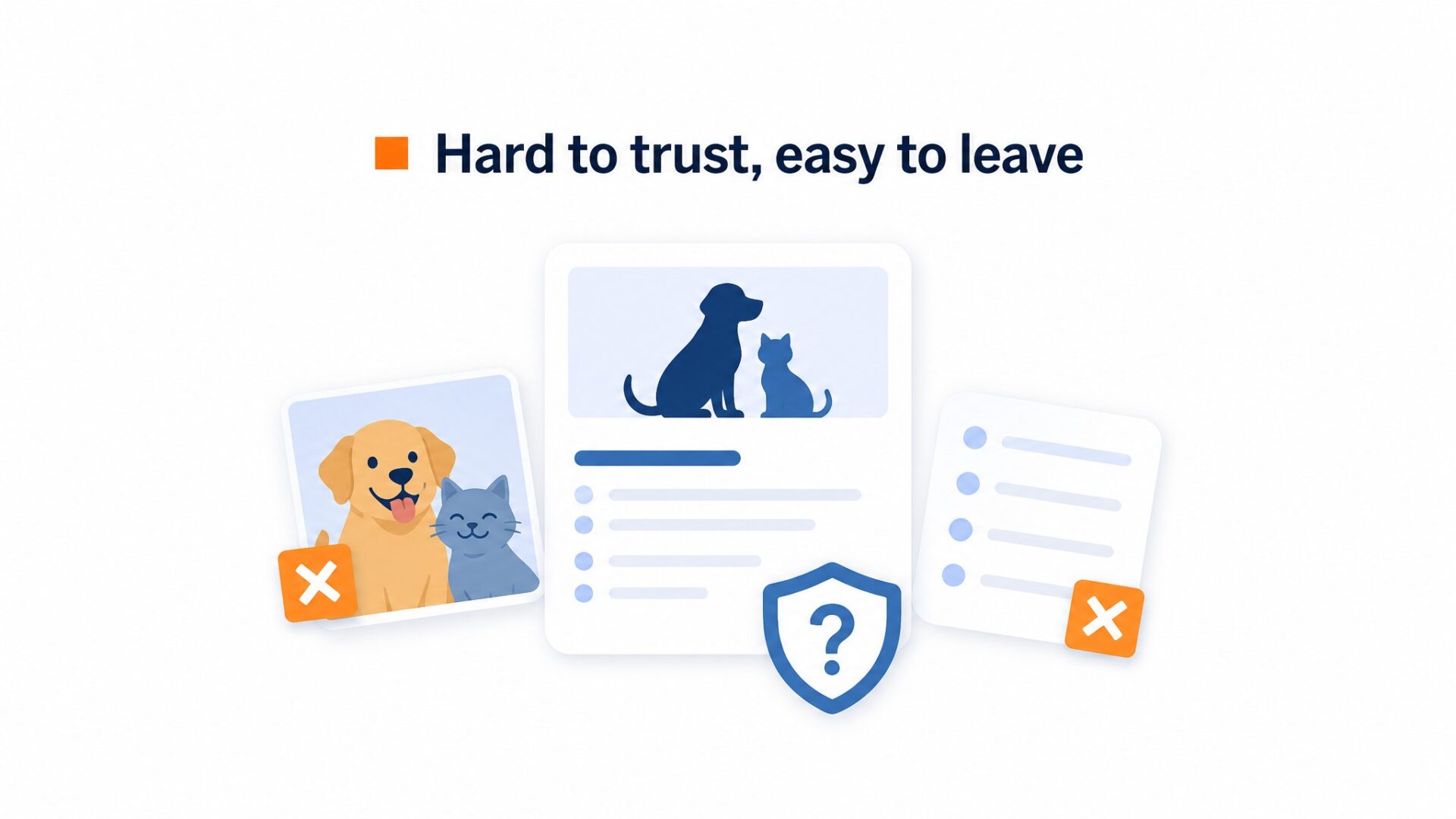
Pet owners arrive at veterinary websites already anxious about their animal’s health, and most sites give them nothing but stock photos of smiling dogs and generic service lists to judge by.
That’s a problem.
A veterinary practice sells care and expertise, but the typical site hides the actual veterinarians behind walls of text about vaccination schedules and boarding policies. The visitor never sees the person who will handle their pet.
Nielsen Norman Group researchshows that users form trust judgments within seconds based on visual cues. Anonymous clinical websites trigger skepticism.
Pet parents want proof of competence before they hand over a family member.
They look for signals. Does the vet look experienced? Is the facility clean? Will my anxious dog get gentle handling? Static photos and bullet points answer none of this. One practice had a beautiful website that listed every accreditation, yet their booking form sat empty because the lead vet had no photo on the site. Visitors assumed it was a corporate chain.
Mobile browsing makes this worse. Most veterinary searches happen on phones during moments of worry, a limping dog at the park or a cat refusing to eat at 10 PM. The website loads slowly, the text is tiny, and there’s no human face to reassure them. They bounce to the next practice in the map results.
Trust gaps cost bookings.
How do video widgets work for Veterinary Practices?
A small video bubble sits in the corner of pages where pet owners make decisions. Visitors tap to hear a 30 to 60 second clip from the lead vet or a tech explaining what happens during a first visit.
Pet owners watch before booking.
That timing matters. Most veterinary sites run on WordPress or Squarespace, so the widget loads asynchronously after the page renders. It does not block the initial paint that carries appointment hours and emergency phone numbers.
On mobile, the bubble shrinks to a thumb sized circle. It respects the bottom right corner where most users expect a chat icon, so it does not fight for attention with the phone number link in the footer.
Which buttons belong on a veterinary video widget?
The primary button should open a booking calendar. Pet owners who just watched your vet explain the puppy vaccination schedule are warm leads. Give them a same day slot.
Same logic applies to click to call. Some owners need to ask about aggressive dogs or sedation before they commit. A phone button next to the video prevents them from hunting through your contact page.
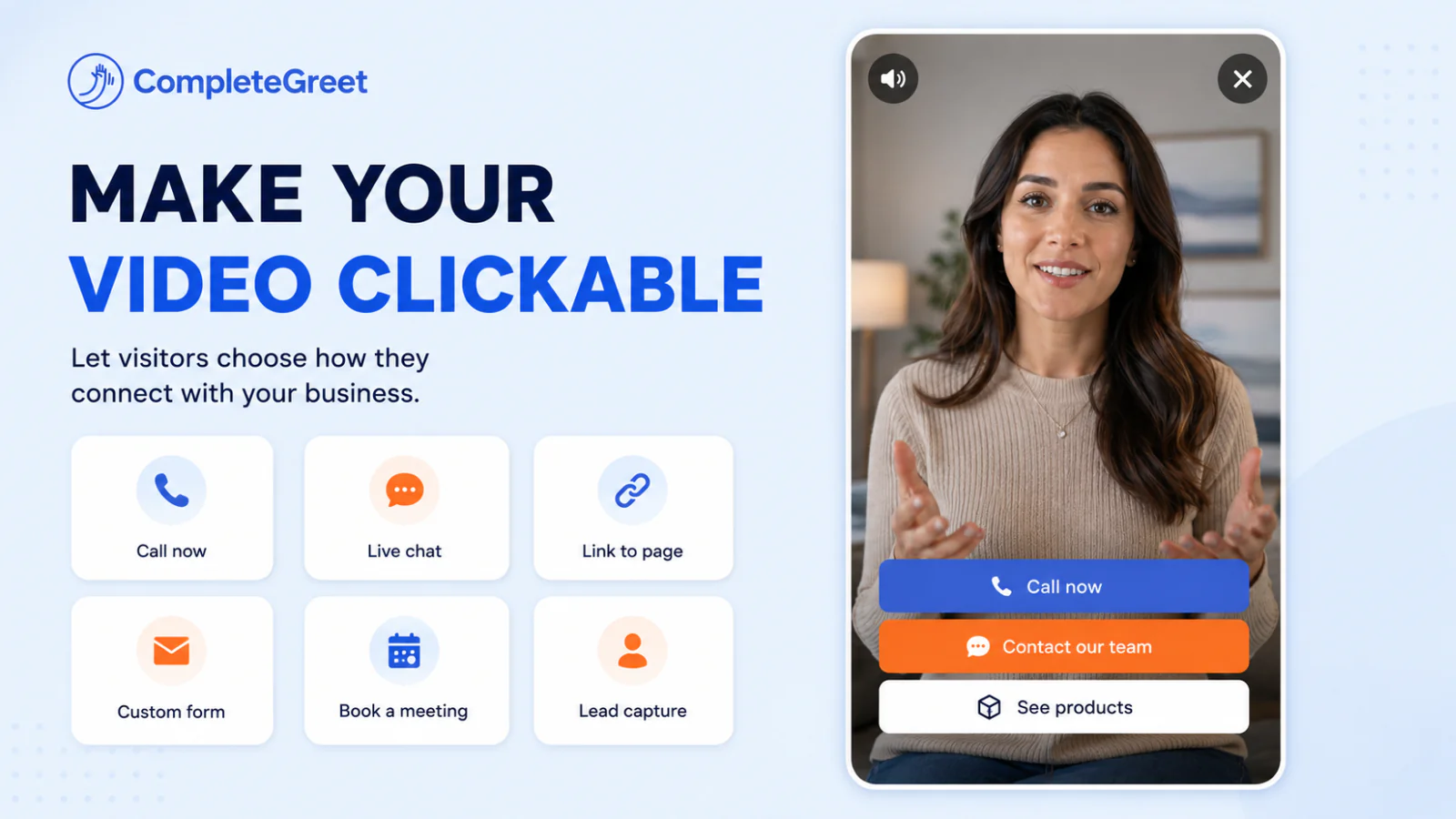
Three buttons is the ceiling.
More options dilute the action. Keep the third slot for a form that asks pet name, species, and the reason for the visit. This pre qualifies the lead before your front desk calls back.
The post play screen is as important as the video itself.
One setup quirk that saves time: film in natural window light facing the camera, not with a window behind the vet. Backlit faces look amateur and reduce trust in a clinical setting.
Where should you place video on a Veterinary Practices website?
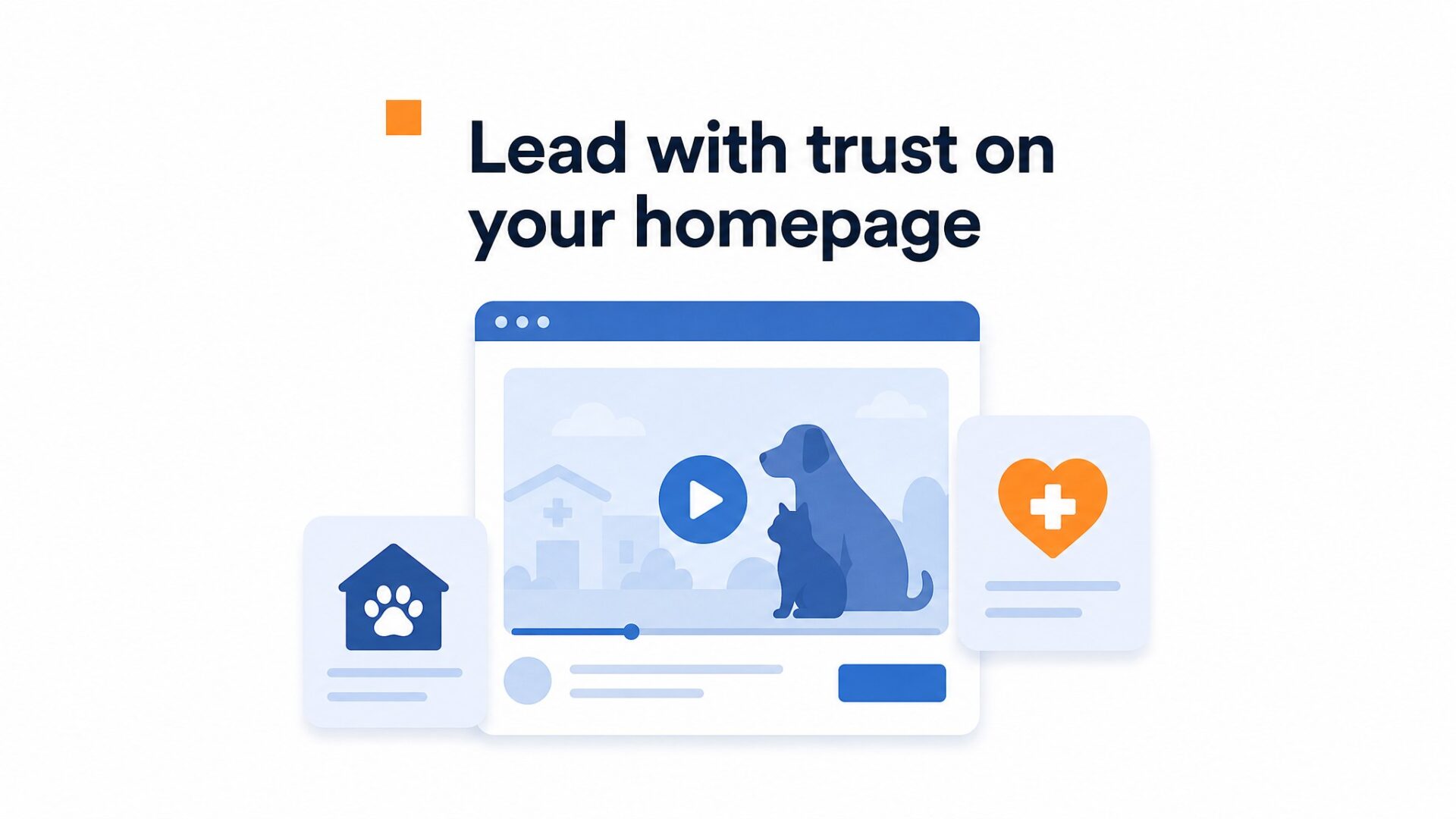
The homepage gets the most attention for a reason. Visitors land there uncertain about your practice, and a 20 second video from the lead vet saying “we treat your pets like family” answers the trust question faster than any paragraph of text. Position the bubble in the bottom right corner so it does not block your navigation menu or appointment button.
Service pages carry more weight than most teams realize.
Someone reading about dental cleanings or spay and neuter procedures is already anxious. A video explaining what happens during the procedure, how long the pet stays, and what recovery looks like reduces that anxiety. These pages see higher click through rates when they include a video call to action to book a consultation. Across live implementations, inquiry volume increased between 43% and 70% after adding video to high intent pages.
Your team page is often overlooked.
Pet owners want to know who will be handling their animal. Short videos introducing each veterinarian, showing them with pets, and mentioning their specializations build familiarity before the first visit. People remember faces more than names.
Contact pages are where decisions actually happen. Visitors who have clicked through to your address and hours are already interested, but they often hesitate at the final step. A video message saying “call us if your pet ate something suspicious” removes that friction. Add a click to call button directly below the video player.
Mobile placement requires its own check. The bubble offset should sit at least 20 pixels clear of any interactive element on screens under 400 pixels wide. Thumbs accidentally tapping the video instead of your phone number creates annoyance, not appointments.
What results have similar businesses measured?
Across six live implementations, inquiry volume increased between 43% and 70%, with an average lift of roughly 53%. Time on site rose 19% to 33%, and one implementation measured a 17% conversion rate lift.
Those are the hard numbers.
One local business saw a 42% jump in bookings after adding a personal welcome video to its homepage. The video ran 23 seconds and featured the owner explaining the booking process. That short clip outperformed every other homepage element combined.
Most teams set up the widget and move on. That’s a mistake. The practices that see sustained results refresh their video every 90 days. A veterinary clinic that recorded a winter coat update in July saw engagement drop by half because pet owners were confused about seasonal relevance. Timing matters.
Start with a30-day free trialto test the impact on your own traffic patterns. Track inquiry volume before and after, and compare time on site for visitors who interact with the widget versus those who don’t. The data will tell you if it’s worth continuing.
Video bubbles work best when they feel like a genuine greeting, not a marketing gimmick. Keep it short, keep it current, and let the numbers guide your next move.
Veterinary practices face unique challenges in converting website visitors into appointments. Pet owners often browse services during moments of worry or urgency, so building trust is a priority.
Video widgets offer a direct way to bridge this gap.
For a veterinary practice evaluating video widget investment, the potential return follows a predictable formula. Multiply current monthly inquiries by 53 percent to project the average uplift, then subtract the monthly platform cost of 29 dollars when billed yearly.
Placement strategy determines whether visitors actually trigger the video. The widget should appear on service pages for emergency care, wellness exams, and new patient registration, and it won’t interfere with existing booking flows.
Technical implementation requires attention to page speed standards outlined inGoogle Web Vitals guidance. A video bubble adds roughly 50 to 150 kilobytes to initial page weight, which remains well within acceptable thresholds for veterinary websites that typically load under 2 seconds.
Across six documented implementations, inquiry volume rose from 43 to 70 percent depending on baseline traffic quality and widget placement. Veterinary practices with fewer than 5,000 monthly visitors see the strongest relative gains because each additional appointment represents a larger percentage increase in total bookings.
For a single location practice, the CompleteGreet BUILD plan covers 5,000 unique visitors per month at 29 dollars, which aligns with the traffic patterns of most independent clinics. A 25 percent reduction in bounce rate typically translates to 12 to 15 additional appointment requests monthly for sites receiving 1,000 visits per week.
Common questions
How much does CompleteGreet cost for a small veterinary practice?
CompleteGreet BUILD is $29 per month when billed yearly, or $36 month to month, for 5,000 unique visitors per month, 1 website, and 2 bubbles or videos. Most single location practices stay well under that visitor limit. The flat rate means no surprise overage fees if a viral post sends traffic spiking.
How long does it take to set up a video widget on a veterinary website?
Active setup time runs under 5 minutes on most platforms including WordPress, Shopify, Wix, and Squarespace. Recording the greeting takes longer than the technical install. Most veterinarians nail the script in 2 or 3 takes once they stop overthinking it.
What should a veterinarian say in their video greeting?
Start with your name and role, then address the most common worry that keeps pet owners from booking. Mention emergency hours if you offer them, since that is the top question after hours. End with a clear call to action like click below to book or call the number on screen.
Which pages on a veterinary website get the best results with a video widget?
Pricing pages and service pages convert highest because that is where pet owners have the most questions. Homepages work for new visitor trust, but the impact is softer. Booking pages benefit from a short reassurance that cancellations are flexible.
Can a veterinary practice try CompleteGreet before paying?
CompleteGreet offers a 30 day free trial with no credit card required. The trial includes all BUILD features and the dedicated onboarding session. Most practices record their first greeting and go live within the first week.
What results have similar local service businesses measured with video widgets?
Across 6 live implementations, inquiry volume increased between 43% and 70%, with an average increase of roughly 53%. Time on site increased between 19% and 33%. One implementation measured a 17% conversion rate lift and one local business measured a 42% booking increase.
Does CompleteGreet work with veterinary practice management software?
CompleteGreet loads as a JavaScript widget on any website regardless of backend systems. It does not integrate directly with practice management software for scheduling. Most practices link the widget to their existing booking page or phone number, which takes 30 seconds to configure.