The installation takes about five minutes and requires pasting a single script snippet into your theme files.
Everything that matters for conversion without touching code.
Open your OpenCart store in Chrome, Safari, and Firefox before you announce anything.
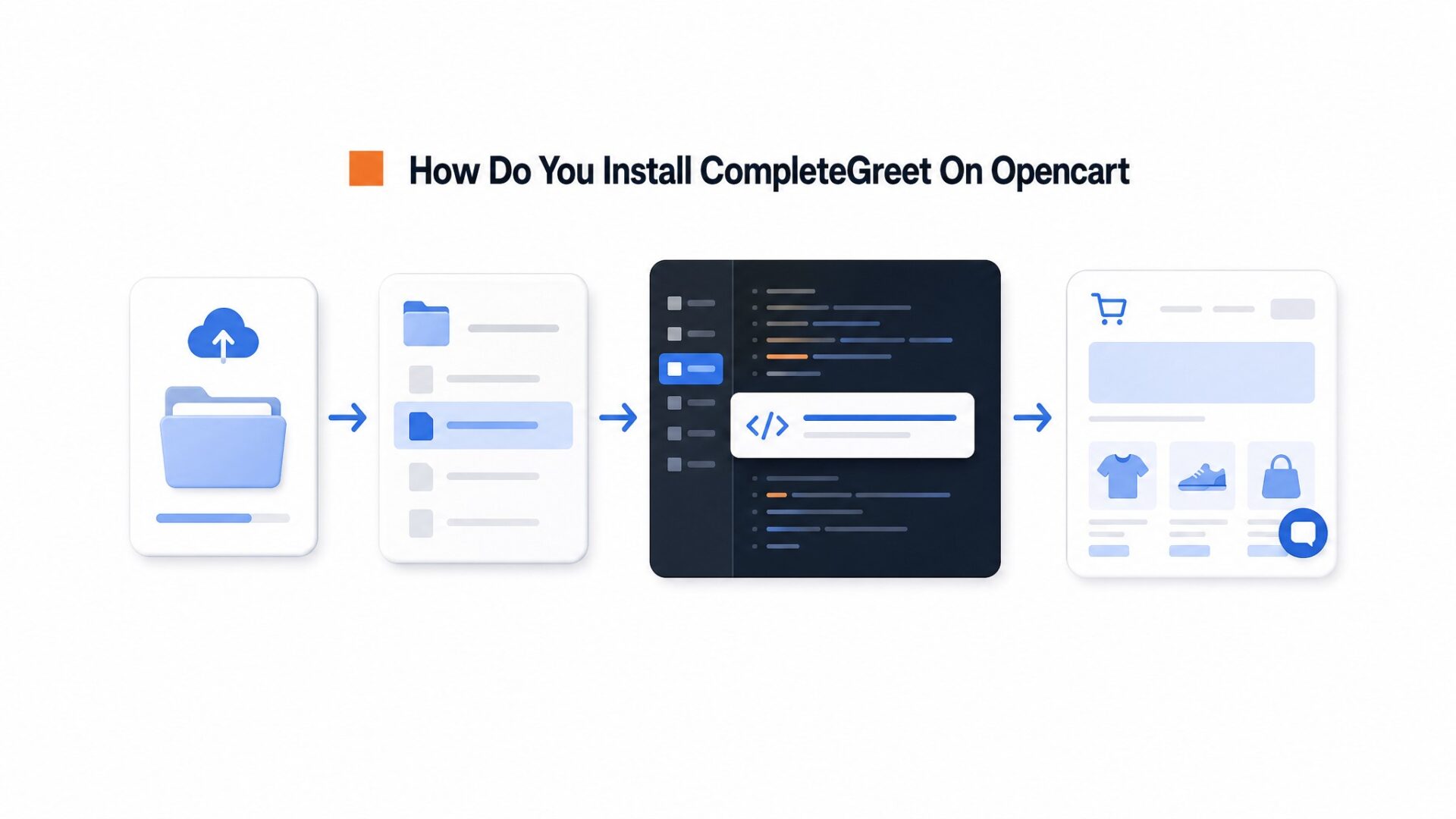
How do you install CompleteGreet on OpenCart?
The installation takes about five minutes and requires pasting a single script snippet into your theme files.
Start by logging into your CompleteGreet dashboard and create a free account if you haven’t already. Once inside, go to Installation > Get Code and copy the JavaScript snippet that appears in the grey box.
Now switch to your OpenCart admin panel.
Navigate to Design > Theme Editor from the left sidebar menu.
Select your active theme from the dropdown at the top of the page. Most stores use the default theme, but check your Extensions > Themes page if you aren’t sure.
Click on common > header.twig in the file tree on the left. This file loads on every page.
Scroll to the very bottom and find the closing body tag, which looks like
or {{ body_bottom }} depending on your OpenCart version.
Paste your CompleteGreet script snippet on a new line just above that closing tag.
Click the orange Save button in the top right corner.
If a security warning appears asking whether to proceed with the file edit, click Yes to confirm.
One quirk that trips up most first, timers: OpenCart’s theme cache won’t show your changes immediately.
Go to Dashboard > Developer Settings and toggle the Theme Cache switch to Off. Refresh your storefront in an incognito browser window. The video bubble should appear in the bottom right corner.
If nothing shows up after clearing the cache, check whether you have a security extension like Aitoc Anti, Spam or iSenseLabs security tools installed. These sometimes block inline JavaScript. Whitelist your domain in those settings or add an exception for external scripts from completegreet.com.
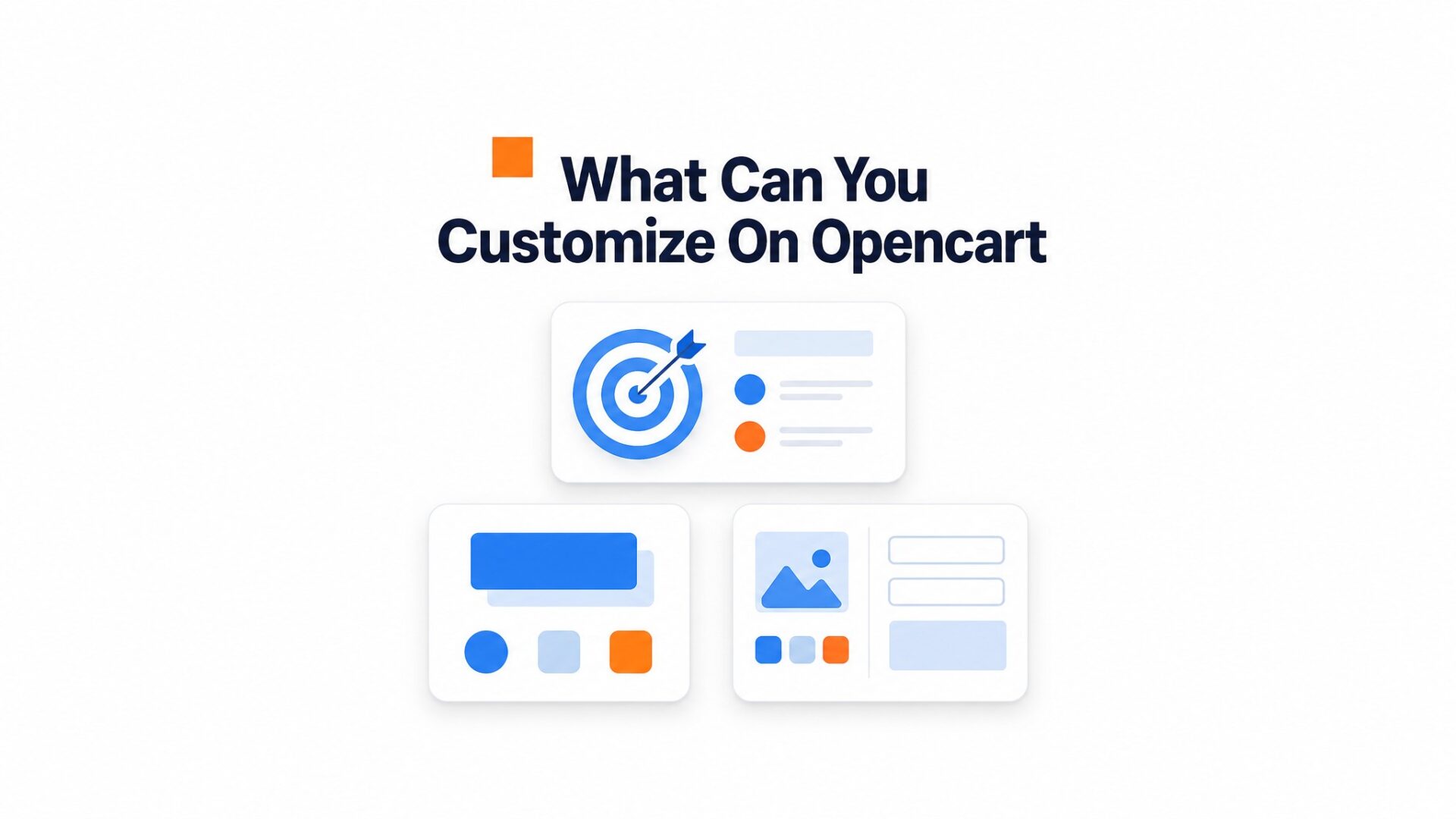
What can you customize on OpenCart?
Everything that matters for conversion without touching code. The dashboard lets you control where the widget appears, what it asks visitors to do, and how it looks on your site.
Page targeting and trigger rules
You can set the widget to show only on specific URLs, hide it entirely on others, or run it site, wide with different greetings per page. Most OpenCart stores run one greeting on product pages and a different one on the checkout flow.
Trigger timing is where most teams trip up. Set the delay too short and you interrupt browsing. Set it too long and visitors bounce before they see it. For high, intent pages like cart and checkout, 3 to 5 seconds works. Blog posts need 8 to 10 seconds. Exit, intent triggers fire when the cursor leaves the viewport, which catches window shoppers before they close the tab.
Mobile behavior needs separate rules. The dashboard has a toggle to disable the widget on phones entirely, or you can reposition it to the top left corner where it will not block the hamburger menu.
Calls, to, action and form fields
Every greeting ends with a CTA button. You can link it to a product page, a calendar booking tool, or a simple email capture form. Form fields are limited to name, email, phone, and a message box. That is intentional. Longer forms convert worse on video widgets.
The success message after form submission has a 120 character limit. Most teams waste this space with generic “thank you” text. Use it to tell visitors what happens next: “We will call you within 2 hours” or “Check your inbox for a 10% code.”
Branding, size, and animation
The bubble size ranges from 60px to 120px. The default 80px works for most OpenCart themes, but stores with fixed navigation bars often need to shrink it to 60px to avoid overlap. You can upload a custom thumbnail instead of showing a frame from the video.
Keep thumbnails under 2MB. PNG with transparency looks cleanest against dark headers. WebP files load faster but some older OpenCart themes serve them with wrong headers, so test on Safari before committing.
Idle animations add a subtle pulse to the bubble when the visitor is not interacting. It draws attention, which is good on product pages and bad on checkout flows where you want zero distraction. Disable it for any page where you are collecting payment information.
Webhook and CRM connections let you push leads directly to your existing stack. See integrations for supported platforms. Zapier handles the rest if your tool is not on the native list. The webhook fires immediately on form submit, so your sales team gets the lead before the visitor leaves the page.
Most OpenCart stores set up three distinct widget configs: one for product pages with a “Questions about this item?” greeting, one for the cart page with a “Need help completing your order?” message, and a third for the contact page that disables the widget entirely since the page already has a form. The dashboard saves each config as a separate “campaign” so you can A/B test greetings without redeploying code.
One detail that trips up first time users: OpenCart caches JavaScript aggressively. After you publish a widget change, clear your system cache in the admin panel under Extensions > Modifications > Refresh. Otherwise your visitors see the old greeting for hours.
What should you check before going live?
Open your OpenCart store in Chrome, Safari, and Firefox before you announce anything. The video bubble should sit in the bottom corner without overlapping your navigation menu or the Add to Cart button on product pages.
Mobile matters more.
Over half your OpenCart visitors will see that widget on a phone. Load your store on iOS Safari and Android Chrome. The bubble should resize without forcing full screen video playback, and the close button needs to land where a thumb can actually reach it. If the widget covers your mobile menu or checkout button on the Journal theme, adjust the position offset in your CompleteGreet dashboard.
Page targeting verification
Check that your page rules actually work. If you set the widget to show only on product pages, visit your homepage and confirm it stays hidden. Then check a category page, then a product page. One misconfigured rule can make the bubble appear on every URL or disappear entirely.
Run a speed check with Google Web Vitals guidance after installing. Video assets add weight. If your LCP score drops, check two things: is the script loading asynchronously, and is the video file under 5MB? Both fixes take about 30 seconds in the dashboard.
Test your form submissions end to end. Fill out the contact form inside the widget, submit it, and confirm the lead hits your inbox or CRM. Broken forms kill trust faster than no form at all.
OpenCart product pages often suffer from high exit rates on mobile devices where text descriptions fail to answer immediate questions. A video bubble adds a persistent visual anchor that connects anonymous traffic to a real person without disrupting the existing theme layout.
The data below outlines the technical requirements for script injection, the customization limits available within OpenCart admin panels, and the specific metrics to verify before public deployment.
Implementation Formula for Shared Hosting
Stores on budget hosting plans should calculate total page weight before adding video assets. Add the script payload of 0.3MB to the current homepage size; if the total exceeds 2.5MB, delay loading until after the initial paint or upgrade the hosting tier.
Accessibility Checklist
Video bubbles must respect reduced motion preferences and keyboard navigation standards. Review W3C accessibility guidance to ensure the widget doesn’t trap focus or auto, play audio that violates WCAG 2.1 guidelines.
OpenCart themes vary widely in their header and footer structure. The video bubble script requires placement before the closing body tag, which in most OpenCart 3.x and 4.x themes maps to the common/footer.twig file.
Testing should prioritize the checkout funnel on mobile Safari and Chrome, as these browsers handle floating elements differently than desktop environments. A single broken layout at the payment step can erase the conversion benefits of the entire implementation.
Stores using Journal 3 or other heavily customized themes may need to adjust z, index values in the CSS to prevent the video container from hiding behind navigation overlays. CompleteGreet remains visible once the z, index exceeds 9990 on OpenCart installations.
Common questions
How do I add CompleteGreet to an OpenCart theme without editing code?
Paste the embed code into the footer of your OpenCart theme settings. OpenCart admin has a theme editor under Extensions > Themes where you can add custom JavaScript to the footer section. This loads the widget on every page without touching template files. The script runs async, so it will not block your page render.
Why is my video bubble not showing in the OpenCart preview?
Clear the OpenCart cache after adding the code. OpenCart caches theme files aggressively, so changes often do not appear until you refresh the system cache under System > Maintenance > Cache. Also verify the embed code is in the footer, not the header, since some OpenCart themes strip header scripts on certain page types.
Can I show CompleteGreet only on OpenCart product pages?
Yes, use the page targeting rules in the CompleteGreet dashboard to match OpenCart product URLs. OpenCart product pages typically use routes like product/product or have /product/ in the URL path. You can set the widget to show only on URLs containing product_id or use regex to target specific categories. This keeps the greeting relevant to high, intent shoppers.
Does CompleteGreet slow down an OpenCart site?
No, the script loads asynchronously and defers video assets until after the page renders. OpenCart sites often struggle with heavy image catalogs, so the lightweight 15KB base script keeps load times clean. Page speed scores remain unaffected because the video only initializes after the user interacts or the page has fully loaded.
How much does CompleteGreet cost per month?
CompleteGreet starts at $29/month when billed yearly for 5,000 unique visitors with no overage fees. Higher tiers cover up to 50,000 visitors. Unlike per minute billing models, the flat rate stays predictable regardless of how many times visitors play the greeting video.
Azad Habib
CEO & Founder of CompleteGreet
Azad Habib is the founder of CompleteGreet. With a background in ecommerce and user experience, he works at the intersection of trust, clarity, and conversion to help businesses make their websites feel more human from the first click.

 Profile
 Dashboard
 Logout