
 Profile
 Dashboard
 Logout

Table of contents
Key takeaways
- Explain why their experience could help others, and tell them how long recording will take.
- Start with customers who can describe a clear result, have already put their feedback in writing, or resemble the buyers you want to reach.
- Remove setup steps and say exactly where the testimonial may appear.
How do you ask for a video testimonial?
Ask one customer directly. Explain why their experience could help others, and tell them how long recording will take. Keep the request small.

A personal note is a better starting point than a broad email blast. The right customer, a simple recording process, and clear permission all matter, but the request itself should feel personal.
Choose someone with a story that has a point: a clear result, strong written feedback, or experience with the problem your audience faces. Say why you thought of them. General praise is hard to answer and gives viewers little to judge.
For example: “Hi Maya, your feedback about the new handoff process could help other teams facing the same change. Would you be open to recording a short video? It should take about ten minutes. You could talk about what was difficult before, what changed, and the result you noticed. No need to script it.”
Those prompts give Maya a starting point without putting words in her mouth. Send the request soon after a positive result, while the details are still fresh.
Who should you ask and when?
Start with customers who can describe a clear result, have already put their feedback in writing, or resemble the buyers you want to reach. Fresh details matter.

A positive review is a useful filter, but it isn’t the whole test. Look for repeat business too. Ask what changed and whether the customer can point to a specific outcome. Someone whose starting problem and use case match your audience can answer questions that broad praise won’t cover.
Ask soon after a visible win: a milestone, handoff, renewal, or measurable result. The details are easier to recall then. Don’t wait for an annual review.
After a project handoff, record the date and result in the customer record. A later request can refer to what happened rather than relying on memory.
Skip the ask if a support problem or billing dispute is still open.
How can you make recording feel easy and safe?
Remove setup steps and say exactly where the testimonial may appear. Customers should know what they’re agreeing to before they record.
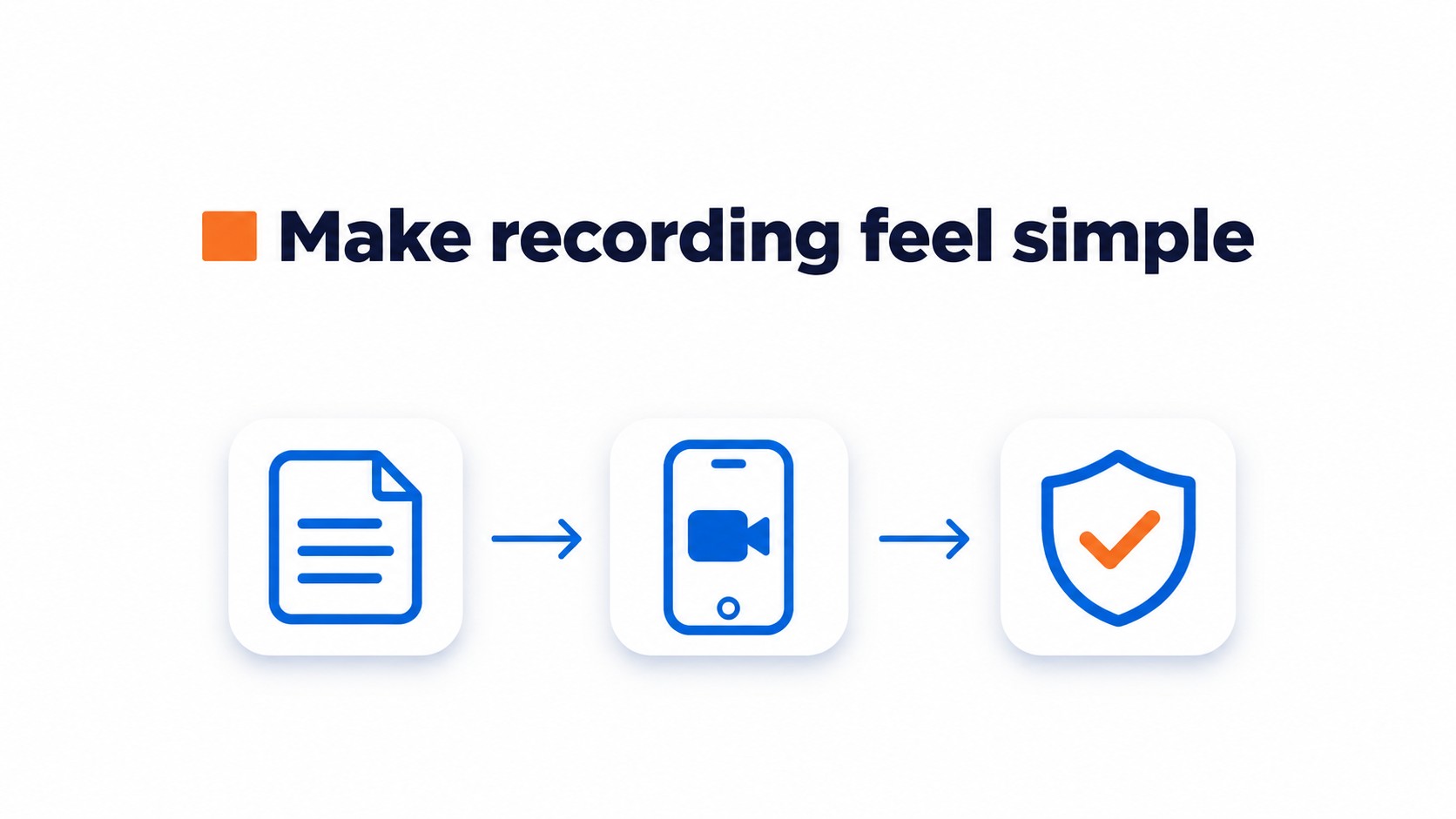
Send three questions in advance: What was happening before you started? What changed? What result did you notice? Keep the prompts short so the customer can answer in their own words instead of memorizing a script.
Use one browser based recording link that works on mobile, with no downloads, accounts, or file transfers. Ask the customer to prop the phone at eye level and check the frame. A short test clip can catch a blocked lens or poor lighting.
Name the website, social channels, email, or ads where the video may appear. Get permission to use the customer’s likeness and words before publishing, and keep that permission in writing.
Offer to share the final edit for approval. Set a clear review deadline, and make sure approval covers the edit, not an unexpected change in where the video will run.
How do you turn the request into a repeatable process?
Keep a short record for each customer. It should capture the reason for asking and the result the video could show.
Choose someone with a clear result that matches the audience you want to reach. Note why they’re a good fit, then send a personal message explaining that reason and the time recording should take.
Keep the prompts and recording instructions together. Ask about the customer’s starting situation, what changed, and the result they noticed. Include a browser recording link that works on mobile, and explain where the video may appear before recording.
CompleteGreet’s published setup sequence moves from recording and uploading a video to customizing the bubble and adding the site script.
- Log the customer, relevant win, and reason for asking.
- Personalize the request and include two or three prompts.
- Save consent to use the customer’s likeness and words, along with the placements they approved.
- Confirm approval of the final edit before publication if that review was offered.
Common questions
If the customer declines, thank them and leave the request there. Don’t press for a reason.
If they want to review the edit, send it before publication and agree on a clear deadline for feedback.
Customers can prepare answers in advance. Share the prompts early, but let them speak in their own words.
Don’t publish the video as soon as it’s recorded. Confirm the intended use and consent first, then follow any edit review you agreed to.
A useful request tells the customer what to talk about, how long recording will take, and where the video may appear. The formula below keeps those details in one place.
A simple request formula
Include four details: the customer’s specific result, why their experience is relevant, the approximate recording time, and two or three prompts. Explain where the video may appear and whether the customer can review the edit.
The customer should never have to guess where the recording will appear.
Sample message
“Hi Jordan, the change you described after using the service could help others weighing a similar decision. Would you be open to recording a short video, about three minutes, with a link that works on your phone? You could talk about what was happening before, what changed, and the result you noticed. The video may appear on the company website and social channels, and the final edit can be sent for your approval.”
If there’s no reply, don’t turn a personal request into a string of reminders. Send one brief follow up after three to five business days, then close the request unless the customer responds.
Common questions
What should I do if a customer says no to a video testimonial request?
Thank them and leave the door open without asking them to explain. A customer may prefer to give written feedback or simply be too busy, and a refusal should not change the service they receive. If it feels appropriate, ask whether they would be comfortable sharing a written quote instead, then respect that answer too.
Should customers approve a video testimonial before it is published?
Yes, offer to let the customer review the final edit before publication. Explain in advance where the video may appear and get permission to use their likeness and words. That gives them a clear chance to flag an inaccurate statement or a detail they do not want shared, while keeping publication permission explicit.
What questions should I send before recording a customer testimonial video?
Send two or three prompts about the customer’s situation before using the product, what changed, and the result they noticed. Specific questions give the customer a useful starting point without scripting their response or pushing for general praise. Sharing prompts ahead of time also lets them think through the details before opening the recording link.
When is the best time to ask a customer for a video testimonial?
Ask soon after a visible customer win, while the experience is still fresh. A milestone, handoff, renewal, or measurable result gives the request a natural reason and helps the customer recall specific details. Choose someone with relevant experience or a clear result, then make the request personally rather than sending a generic note to a large list.