 Profile
 Dashboard
 Logout
Table of contents
Key takeaways
- A product demo video explains how a product works.
- Choose a Product Demo Video when shoppers need to see how an item works before they can judge whether it fits their needs.
- Choose UGC video when shoppers need to see a product in an ordinary setting rather than in a controlled demo.
What is the main difference between Product Demo Video and UGC Video?
A product demo video explains how a product works. A UGC video shows how a customer uses or reacts to it. One answers practical questions; the other adds a customer’s point of view.
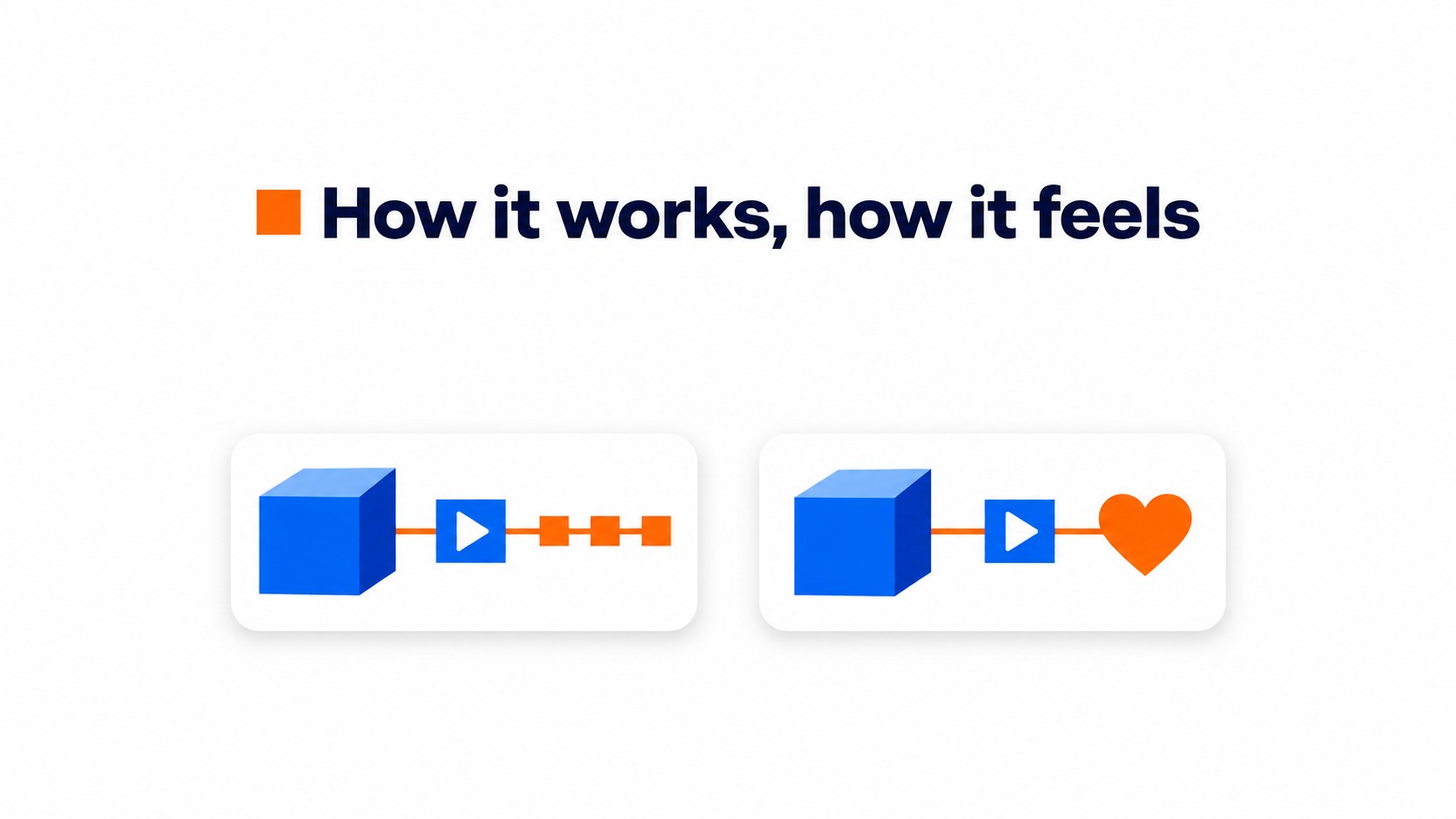
A demo usually focuses on features, setup, or a task the buyer needs to complete. Show the product in motion, its size beside a familiar object, or the steps involved in assembly. Still photos can’t show those details as clearly.
UGC means user generated content. It might be a customer review, an unboxing, or a short clip of the product in everyday use. It works best when the footage feels specific, not polished like an ad.
Both formats can serve different jobs on the same product page.
JOIN’s video commerce benchmark reported that product demos accounted for 30% of recorded video views. UGC videos had a 59.8% completion rate and an average watch time of 15.9 seconds. Those figures track different behaviors, not a head to head test, so they don’t show which format converts better.
Use a demo when buyers need to understand operation or fit. Choose UGC when they want context from someone who has used the item. Label the source clearly, and don’t present paid creator footage as an independent customer review.
When should you choose Product Demo Video?
Choose a Product Demo Video when shoppers need to see how an item works before they can judge whether it fits their needs. Motion matters here. This format suits products with moving parts, setup steps, controls, or a size that’s hard to judge from a still image.
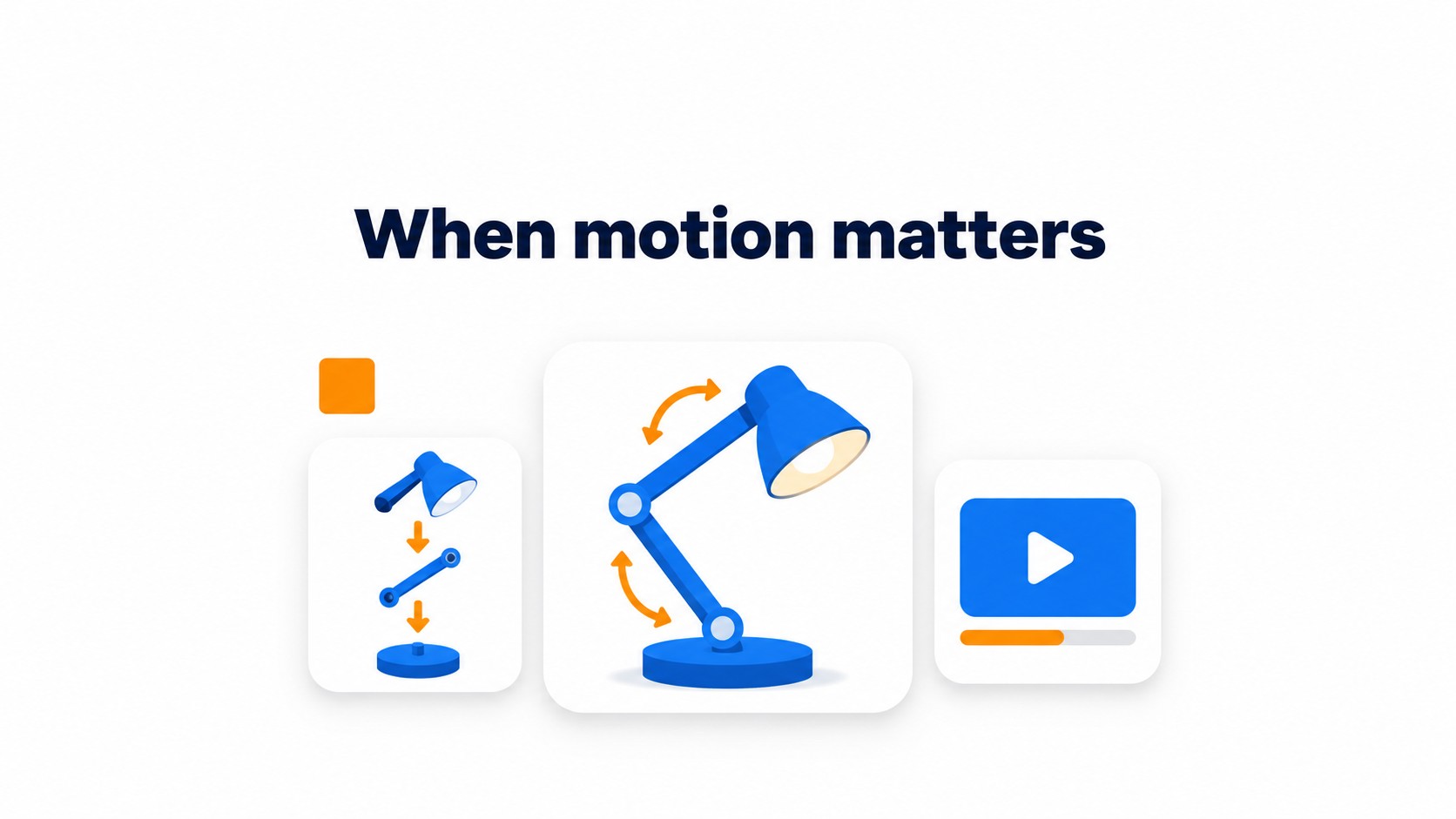
Show the actions in the order a buyer would take them, from opening the package to the finished result if setup is part of the purchase. Keep the sequence tight. A close view of a button or connector helps, but cutaways that interrupt the action can leave viewers unsure how the parts fit together.
For a hand operated product, start recording before the hand reaches for the control.
This format suits technical products, furniture that needs assembly, kitchen tools, and items with features that are easy to miss in a gallery. Answer the practical question first. Impatient shoppers shouldn’t have to sit through a logo before seeing the useful part.
UGC carries more weight when buyers want to hear how a product fits into someone else’s routine. Choose a demo when the hesitation comes from not understanding the product itself.
When should you choose UGC Video?
Choose UGC video when shoppers need to see a product in an ordinary setting rather than in a controlled demo. Context matters.
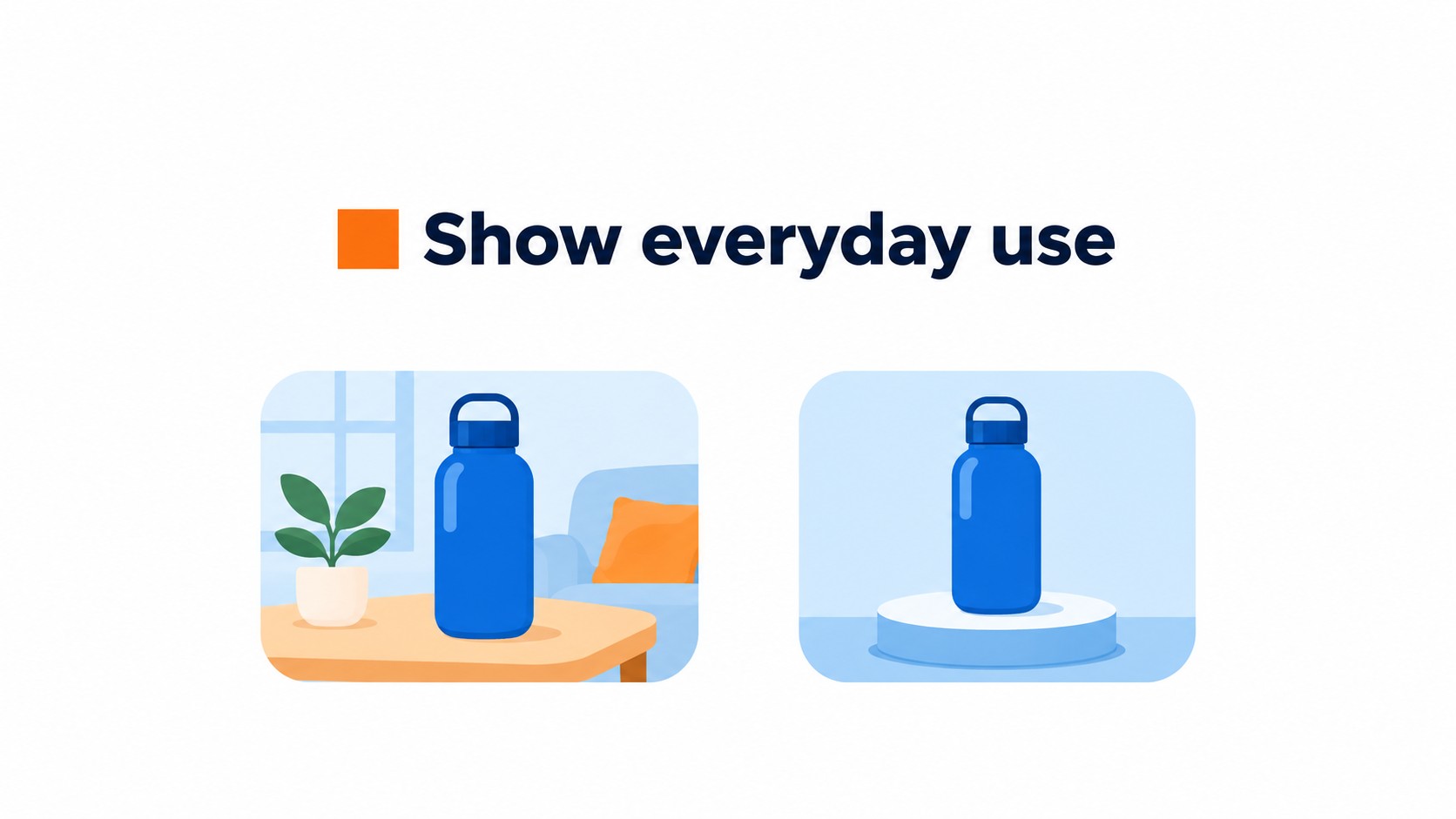
A candid clip can show scale, handling, fit, or routine use that a polished studio shot leaves unclear.
JOIN’s video commerce benchmark recorded a 59.8% UGC completion rate and an average watch time of 15.9 seconds. Those are viewing measures, not sales results.
Customer or creator footage fits product pages where seeing the item in use can answer a practical question. A kitchen tool on a counter or a jacket worn outdoors gives shoppers context for size and use. Keep the product in frame; a lively reaction says little if viewers can’t see what’s being discussed.
UGC is a weaker fit when shoppers need exact steps, feature differences, or compatibility explained carefully. Use a product demo for those details, or place a short customer clip beside it so each video has a clear job.
How do Product Demo Video and UGC Video compare on cost and setup?
Production costs vary by project. A quote depends on who films it, how much editing it needs, and what usage rights are included. Ask for the deliverables in writing.
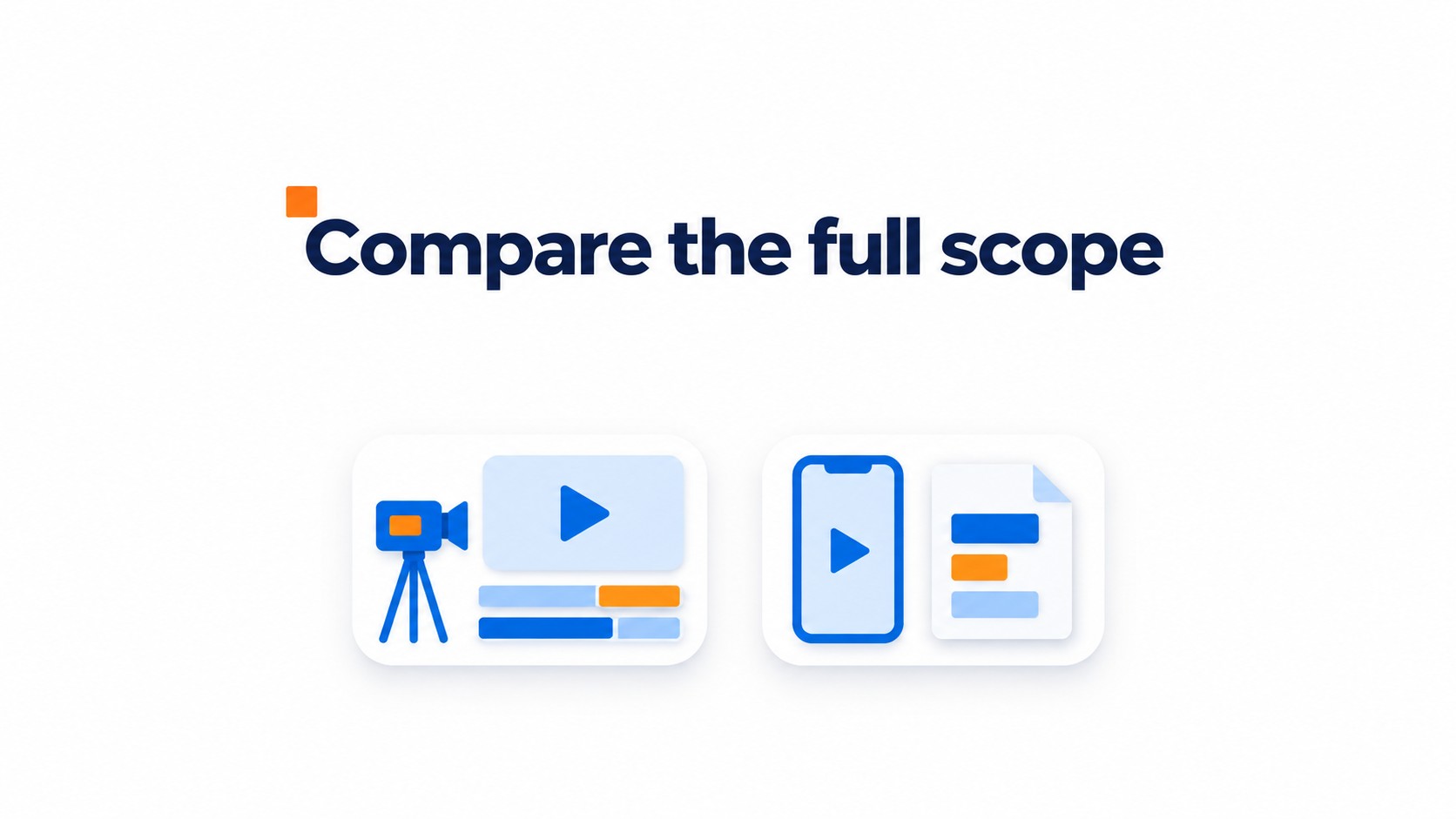
Video hosting is a separate budget line. CompleteGreet BUILD is $29 per month when billed yearly, or $36 month to month, for 5,000 unique visitors per month, 1 website, and 2 bubbles or videos. That price covers the widget, not filming or editing.
For a demo, prepare a shot list around the product actions buyers need to see, then confirm claims and review steps before filming. The usual snag is review. Give the editor approved product claims before filming; otherwise, revisions can hold up delivery as much as the camera work.
UGC setup adds a creator brief, product shipping, and an agreement on usage rights and revisions. Sort rights first. Organic use on a product page and paid advertising may require different permissions, so get the allowed channels and term in the quote.
Which one should you choose?
For most product pages, use a demo to explain what the product does and UGC to show how it fits into real use. Use both when shoppers need both. Start with the harder question.
Choose a demo for products with moving parts, setup steps, or features that are difficult to show in still images. Keep the clip focused on one task.
UGC suits products whose value depends on fit, routine, or personal preference. It adds context a polished feature walkthrough can miss. Keep the product visible.
A UGC clip that opens with an unboxing may say little about how well an item holds up during daily use. Look for footage of the product in use after setup.
If there’s room for one video, lead with the format that answers the question most likely to stop a purchase. On mobile, place it where shoppers can see it without swiping through a long image carousel.
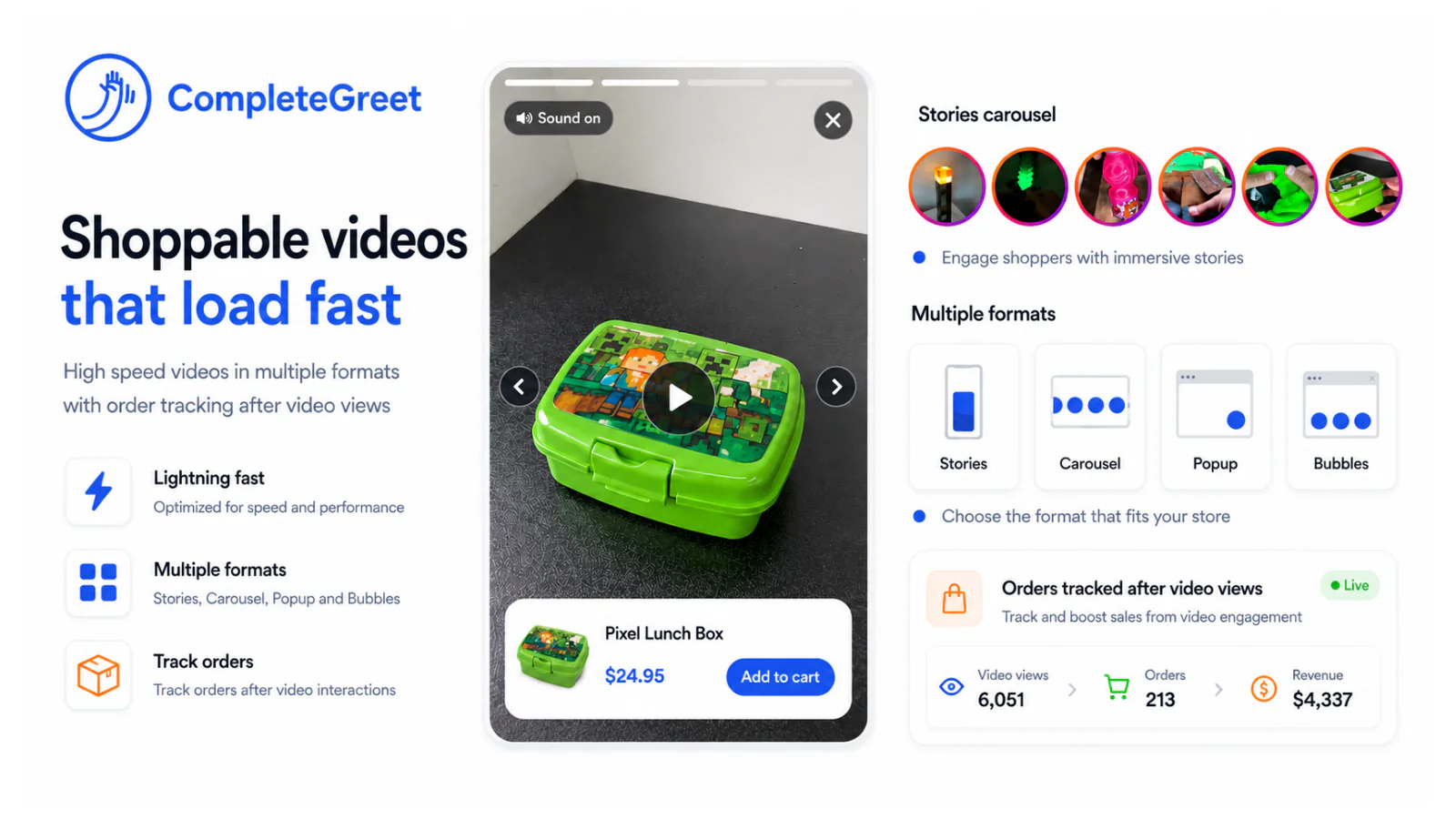
CompleteGreet’s shoppable video widget pairs clips with product cards, which suits retailers who want shoppers to move from a video to product details in the same module.
Retailers testing both formats can compare a demo first against a customer clip. Keep placement and nearby copy the same. Track product detail interactions and add to cart, not just plays.
The benchmarks below measure different parts of the product page video experience. They can help distinguish viewing behavior from changes in shopping outcomes.
How to interpret the benchmarks
JOIN benchmark data reports product demos accounted for 30% of recorded video views, while UGC had a 59.8% completion rate and an average watch time of 15.9 seconds. These measure different things, so they don’t establish that either format converts better.
Separate JOIN findings report average lifts of 3.8% in add to carts, 6.1% in conversion, and 6.7% in revenue per visitor.
Comparing shoppers who interact with customer imagery or video against those who do not cannot establish that the content caused a conversion lift. Use a controlled test to measure its effect on your store.
CompleteGreet can place product demos, UGC, or both on a product page. Choose the content based on the questions your shoppers need answered. A combined test can show whether the two formats answer different shopper questions.
Compare a demo, UGC, and both in the same page placement, and track video starts, add to carts, conversion, and page speed.
Common questions
What is the difference between a product demo video and a UGC video on a product page?
A product demo shows how an item works, while UGC shows how customers use or react to it. JOIN’s video commerce benchmark found product demos made up 30% of recorded video views; its UGC videos had a 59.8% completion rate and an average watch time of 15.9 seconds. Those figures describe that benchmark, not a guaranteed result for every store.
When should an ecommerce store use a product demo video instead of UGC?
Use a product demo when shoppers need to see a feature, movement, size, assembly, or operation that photos cannot explain clearly. It works especially well for products with setup steps or details that are hard to judge from a still image. Keep the video focused on the question it answers, and avoid autoplaying it in the background because that can hurt page performance.
Does UGC video increase conversions on product pages?
It can help, but the result depends on the product, placement, and whether shoppers find the content useful. Comparing shoppers who choose to watch with those who do not does not establish that video caused a lift. Track add to cart and conversion rates in a controlled test with a consistent comparison.
How do product demo videos and UGC videos compare on cost and setup?
Production costs vary by project. A demo’s cost depends on filming and editing the product explanation, while UGC can involve creator fees, editing, and usage rights. Setup also means placing and testing the video on the product page. Defer loading, use a poster image, and test page speed so the video does not delay the shopping experience.
Should a product page use a demo video, UGC, or both?
Use a demo when the buying question is how the product works, UGC when shoppers need customer context, and both when the page has room for each to answer a different question. Test the modules in the same placement with consistent calls to action. Track video starts, completion, add to cart, conversion, revenue per visitor, and page speed rather than judging by views alone.
Can CompleteGreet replace a product demo or UGC video on an ecommerce site?
No. CompleteGreet provides the widget for displaying videos, including shoppable product demos and customer clips. You still need to supply the footage. Its shoppable videos can pair that footage with product cards and an add to cart option on Shopify and WooCommerce.