 Profile
 Dashboard
 Logout
Table of contents
Key takeaways
- Shoppable video puts clickable product links, tags, or hotspots inside a video.
- A product tag lets shoppers open details while the tutorial shows how an item works.
- Publish tutorials wherever product discovery and checkout fit your audience: your brand website, YouTube Shopping, TikTok Shop, or Amazon product pages.
How shoppable video works in product tutorials
Shoppable video puts clickable product links, tags, or hotspots inside a video. Viewers can open product details, add an item to a cart, or reach checkout as they watch.
In a tutorial, each tag should match the item on screen at that moment. A cookware demo can link the pan in use. Comparisons can tag both models, while reviews and unboxings can connect each item as it appears.
A common setup mistake is attaching a tag to the whole clip instead of timing it to the item’s appearance. Viewers can be left guessing which product the link names.
Use a product bar when several items appear in sequence. A hotspot works when one object is clear in frame. On a phone, keep the tap area clear of subtitles and playback controls. The same pattern appears in shoppable video use cases.
CompleteGreet has clickable video action buttons, including product buttons.
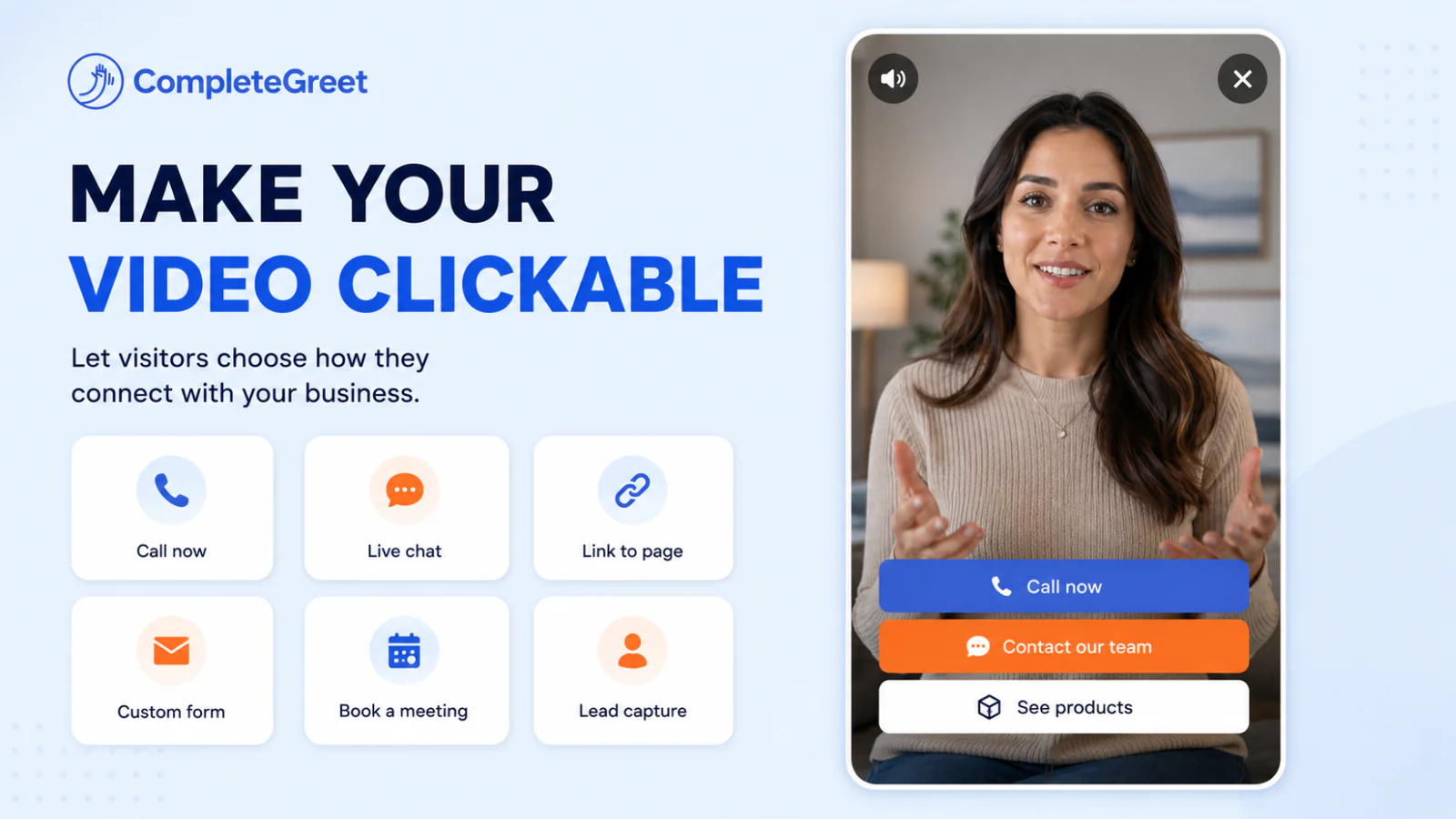
How tutorials can guide shoppers from viewing to buying
A product tag lets shoppers open details while the tutorial shows how an item works. They don’t have to search the site afterward.
Use a product bar below the video when several items appear. For a close demonstration of one item, put a hotspot on screen. Timing matters: a tag for a pan shown at the start becomes confusing if it stays visible during a later segment about utensils.
Keep the next step plain.
Labels such as “View the pan” or “Shop this set” tell viewers what the link does. Send each one to the matching product page or cart action. Check that variants, such as color or size, match what the viewer sees; a generic product page can add an avoidable decision before checkout. On a phone, test the tag with the video controls visible. Buttons too close to the edge can be awkward to tap.
CompleteGreet supports clickable product buttons in video widgets. Treat a tag as a direct route to a product, not proof that a viewer is ready to buy. Track clicks and product page visits to see which placements earn attention.
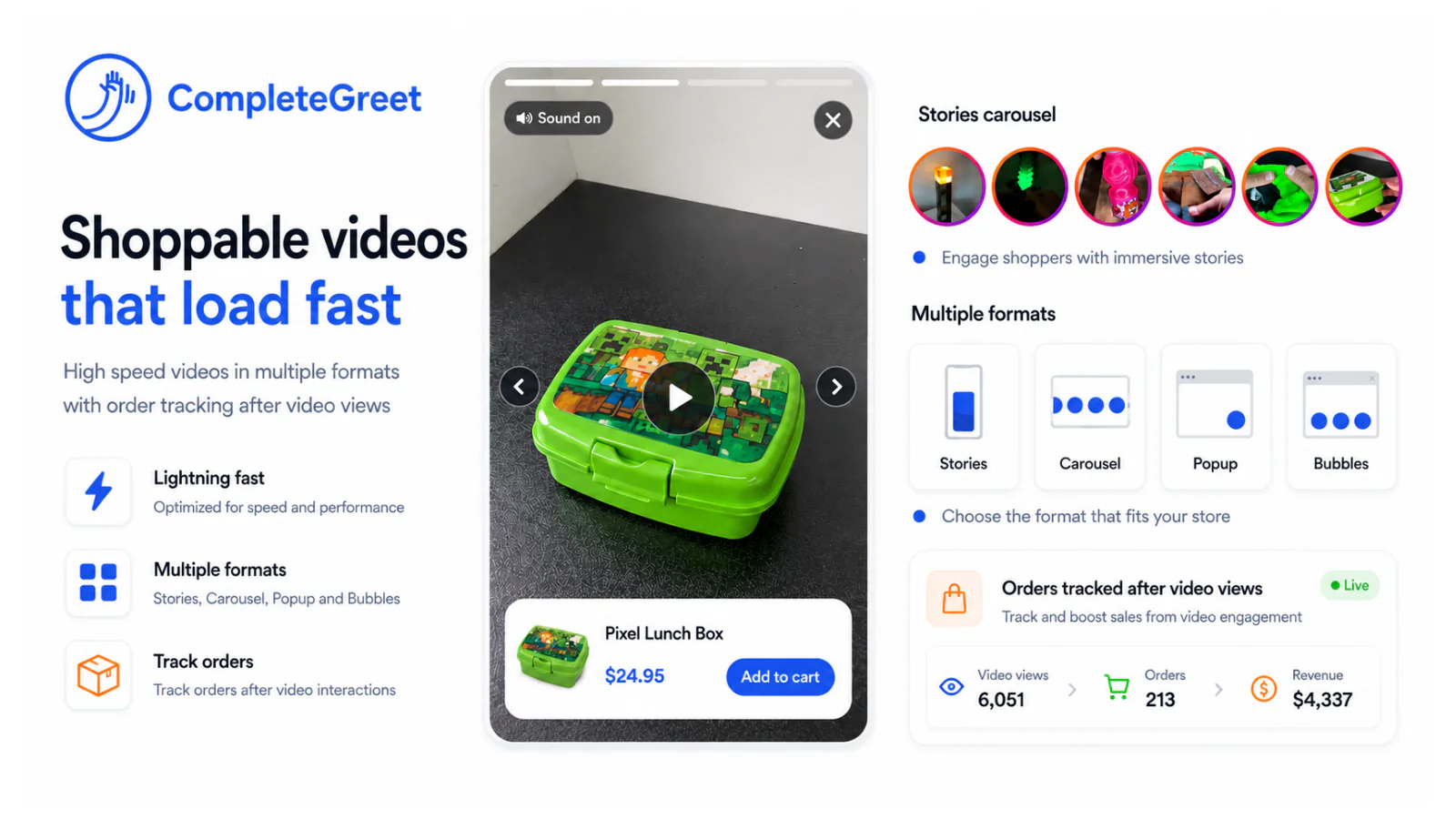
Where to publish and what to measure
Publish tutorials wherever product discovery and checkout fit your audience: your brand website, YouTube Shopping, TikTok Shop, or Amazon product pages. Rules differ by platform. Eligibility, connected store requirements, and checkout options vary by market and account status. Check the current setup before planning around a specific checkout path.
A brand website works well when the tutorial belongs beside a product page or buying guide.
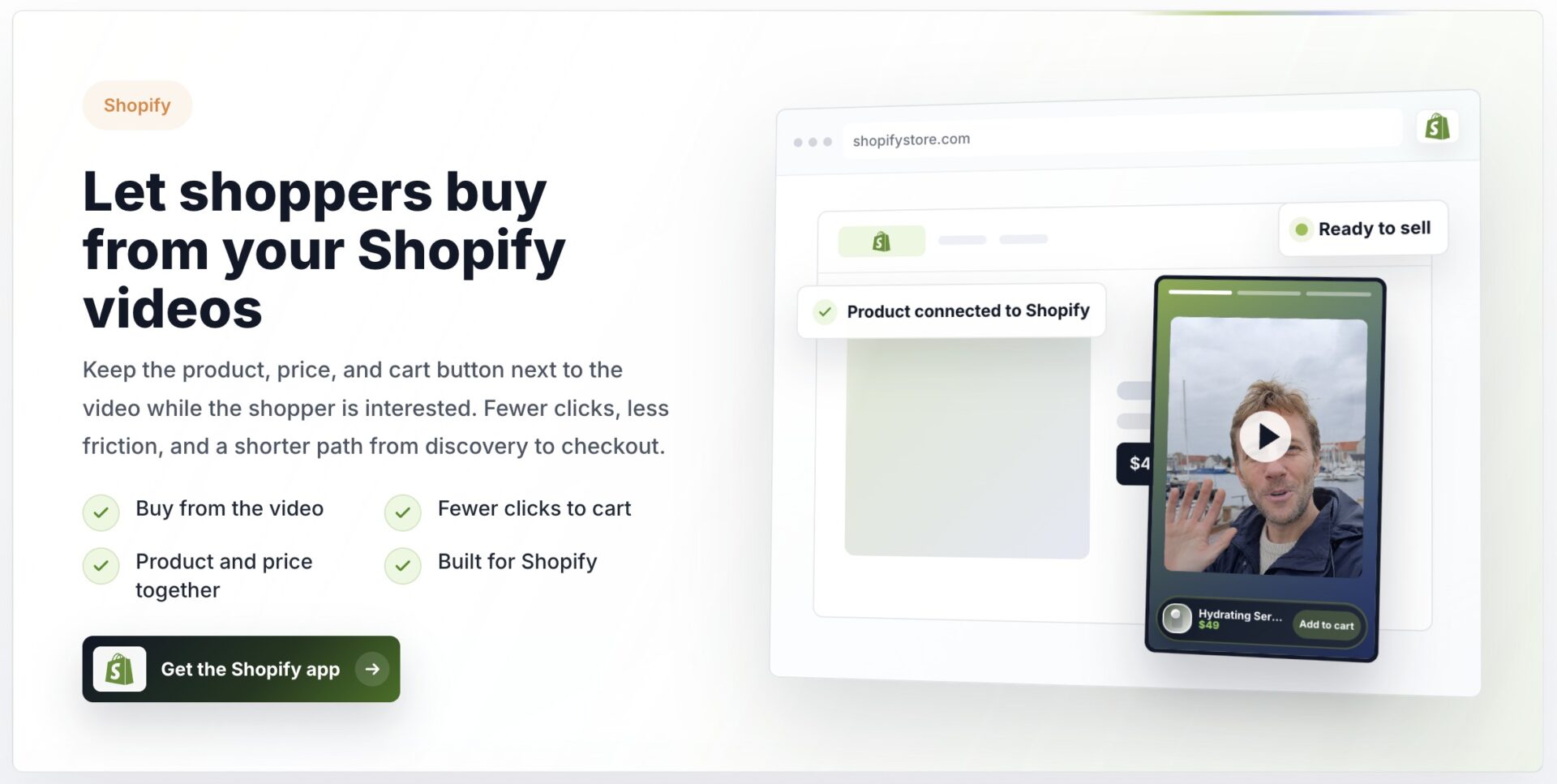
Track hotspot clicks, product detail views, add to cart events, purchases, and revenue by video or tagged product. The numbers show where interest stalls.
Keep product identifiers consistent between video tags and analytics reports. Here is a practical snag: when a tutorial shows several variants, separate URLs can split one product into multiple report rows unless the tags share the same product identifier.
Map each item to the moment it appears in the tutorial. Click and purchase data is easier to interpret when shoppers act after watching only part of the video.
How to launch a tutorial shoppers can act on
Choose a tutorial where each product has a clear role, then list the items shoppers can buy. Keep the list tight.
Note when each item first matters in the video. Match that timestamp to its name, variant, and product page. Add the marker just before the item appears, so the tag is ready when shoppers see it.
Place a product bar below the player or a hotspot beside the item. Connect each tag to the right product page or cart action, then test every tap.
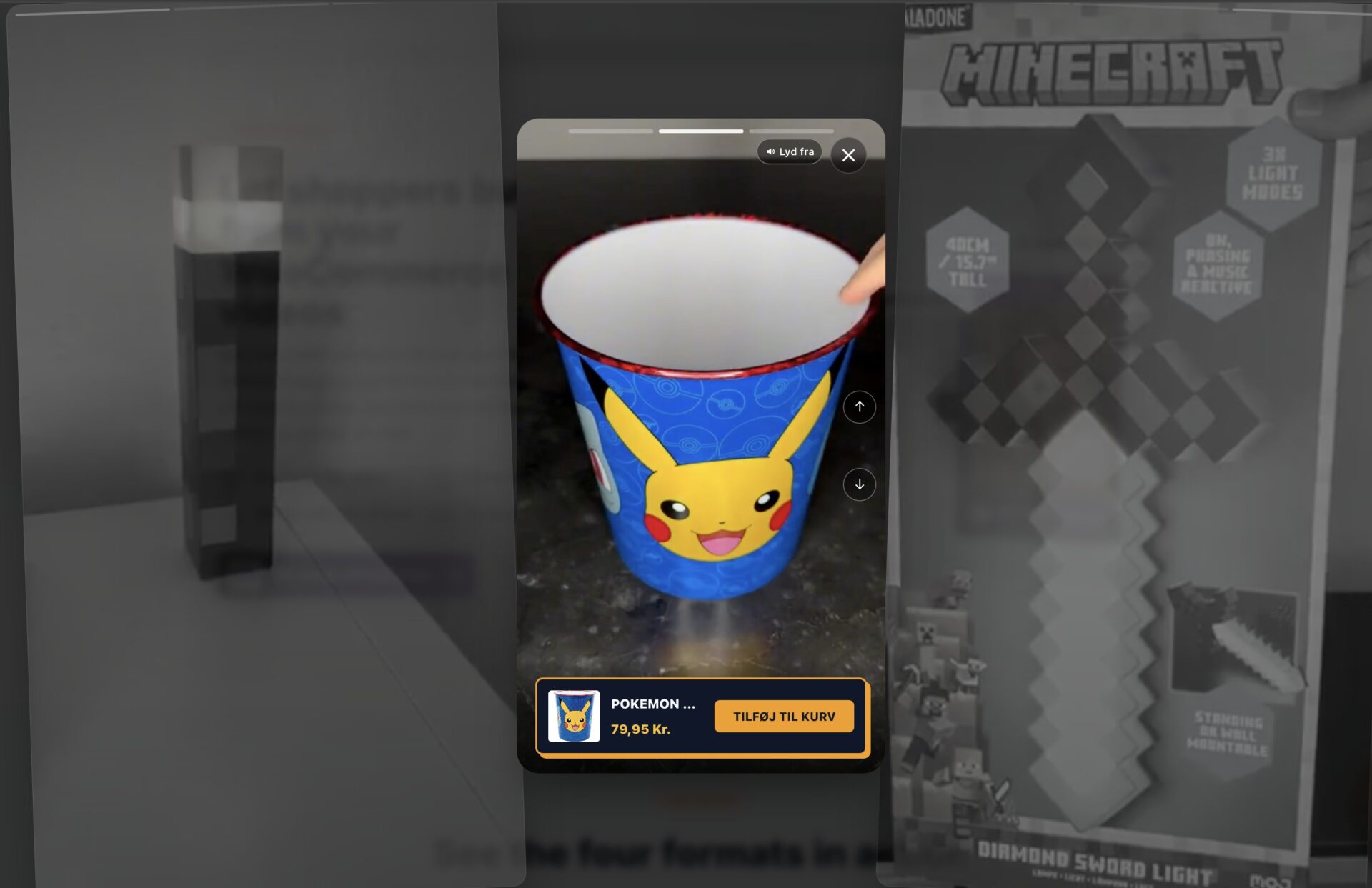
Play the tutorial on a phone and desktop. Check that tags appear at the right moment, product details match the item shown, and the overlay does not cover captions or controls. Then review hotspot clicks, product views, add to cart events, purchases, and revenue by video or tagged item.
Quick FAQs
Can products be tagged? Yes. Add a product link or hotspot to the item shown, with its product details attached.
Which platforms support tagging? Options include brand websites and social or commerce platforms, but eligibility and connected store requirements vary by market.
Where does checkout happen? It depends on the setup. A tag may open a product page or add an item to a cart, with checkout completed on the connected store or platform.
Judge a tutorial using your own store data rather than assuming a fixed increase in sales.
Compare similar products or tutorials over the same period, and account for changes in traffic or promotions before attributing a difference to the video.
Keep enquiry, booking, and purchase outcomes separate. A video click is not a completed sale.
Before publishing each tagged tutorial, add event tracking for product clicks, product views, add to cart events, and purchases.
Common questions
How do I tag products in a shoppable video tutorial?
Connect each product tag to the correct product page, cart action, or checkout flow, and show it when that item appears in the tutorial. A product bar or an on screen hotspot can display the link, while timestamps keep the tag relevant to the moment viewers see the item. Test every link on mobile before publishing.
Where can I publish shoppable video tutorials?
Common options include a brand website, YouTube Shopping, TikTok Shop, and Amazon product pages. The right choice depends on where the audience shops and which features the account and market can use. Check platform eligibility and connected store requirements before building the video, since checkout behavior differs across these destinations.
Do shoppers check out inside a shoppable video or on a product page?
It depends on the platform and how the video is connected to the store. A product tag may open product details, add an item to a cart, or send the shopper into a checkout flow. Test the full path on the platform where the video will appear, because a working tag does not guarantee checkout happens in the video player.
What should I track to measure a shoppable tutorial?
Track product tag clicks, product detail views, add to cart events, purchases, and revenue by video or tagged product. That sequence shows where interest turns into a store visit and where shoppers leave before buying. Compare similar products or tutorials over the same period, and separate results by platform when checkout behavior differs.
Which products should I tag in a tutorial video?
Tag the products viewers can see being used, explained, or compared, then make sure each tag opens the matching item. Tutorials, demonstrations, reviews, comparisons, and unboxings suit this format because products appear in a clear context. If a video shows several items, map each one to its timestamp so shoppers can find the right product without guessing.