Profile
 Dashboard
 Logout
Table of contents
Key takeaways
- Choose customers whose situation and results resemble the buyers you want to reach.
- Give customers two or three focused prompts, then let them answer in their own words rather than read a script.
- State how the customer’s likeness may be used, how long the video may appear, and where it may be shared.
How to get video testimonials from the right customers
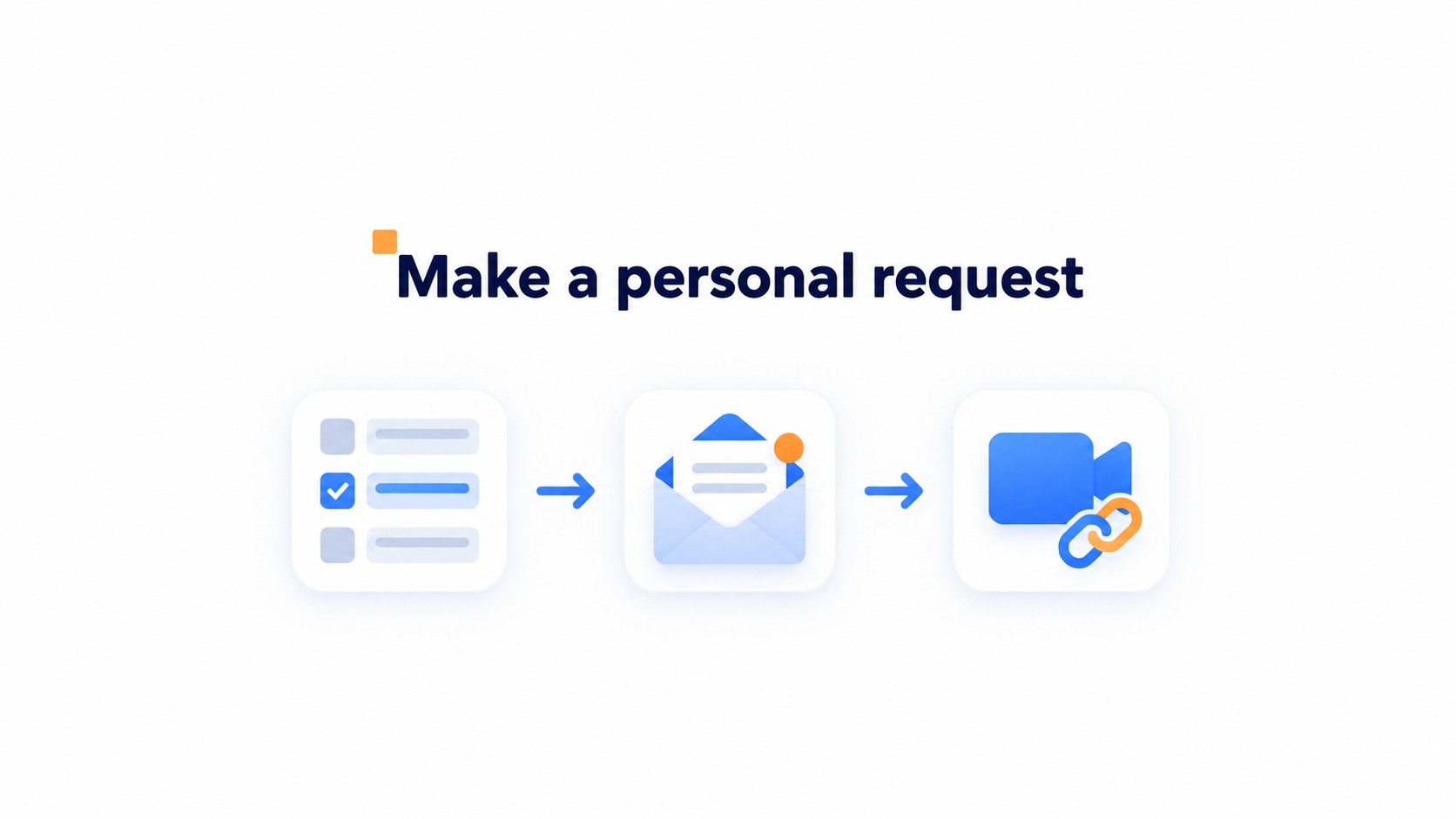
Choose customers whose situation and results resemble the buyers you want to reach. Then make a personal request and share a recording link they can use on their own time. Keep the ask small.
Start with repeat customers, people who have left strong written reviews, and customers whose use case reflects a typical buyer. A dramatic edge case may sound impressive but tell most prospects little. Look for a clear moment when the customer can describe what changed, such as after a completed project or a successful first purchase.
Make the request specific. Mention the detail that prompted you to ask, explain where the video may appear, and offer two or three simple prompts rather than a script. Ask what they needed before, what changed, and what result they noticed.
Put the link in a short email, not in an attachment or a separate instruction sheet. Customers can record when it suits them, without scheduling a live interview or transferring a large file. That convenience matters. Keep the request low pressure so customers can decline or answer in their own words.
Test the link on a phone before sending it. A recording page that asks for an account or hides the record button behind several screens can lose a willing customer.
Ask questions that bring out a clear customer story
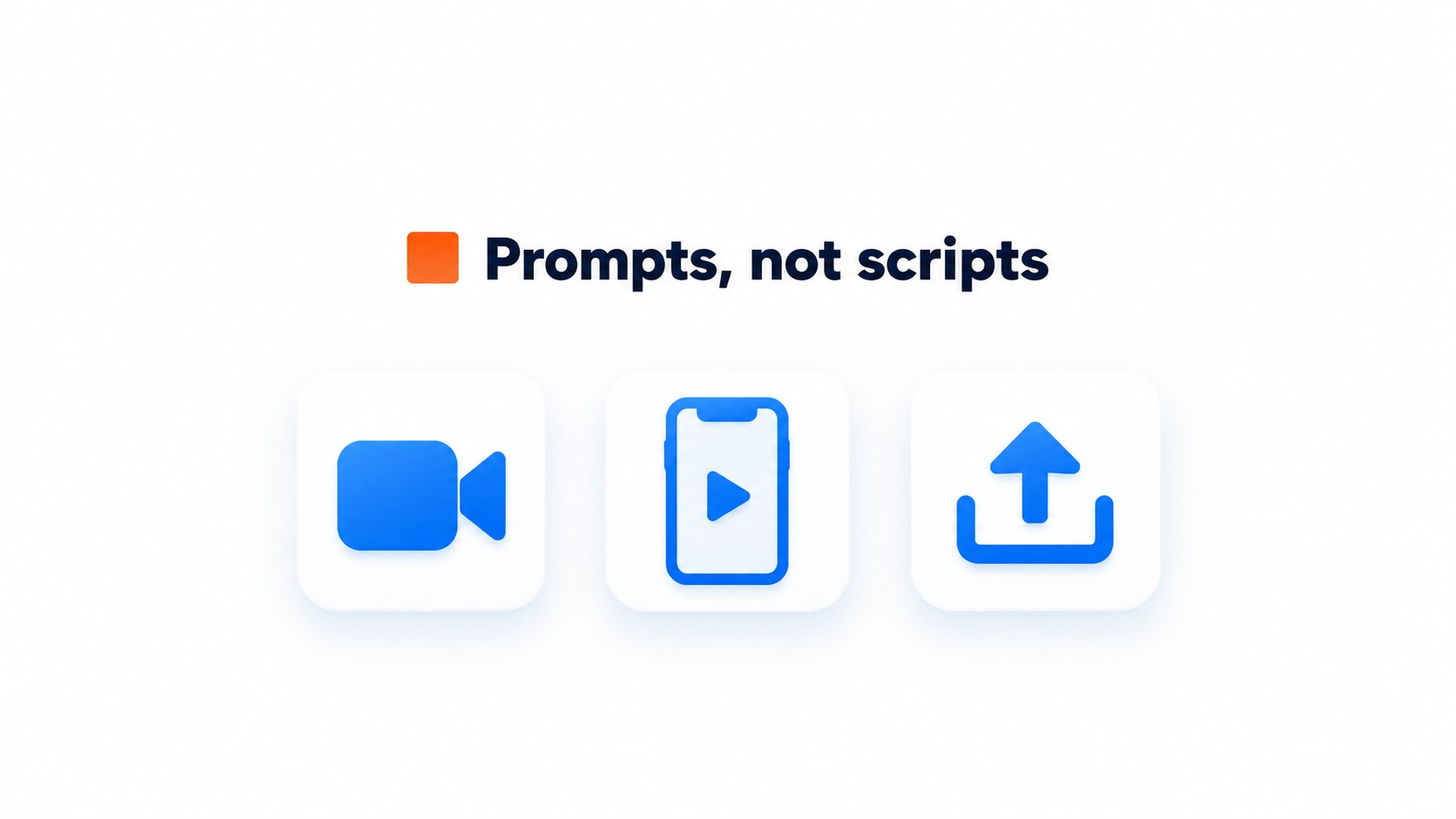
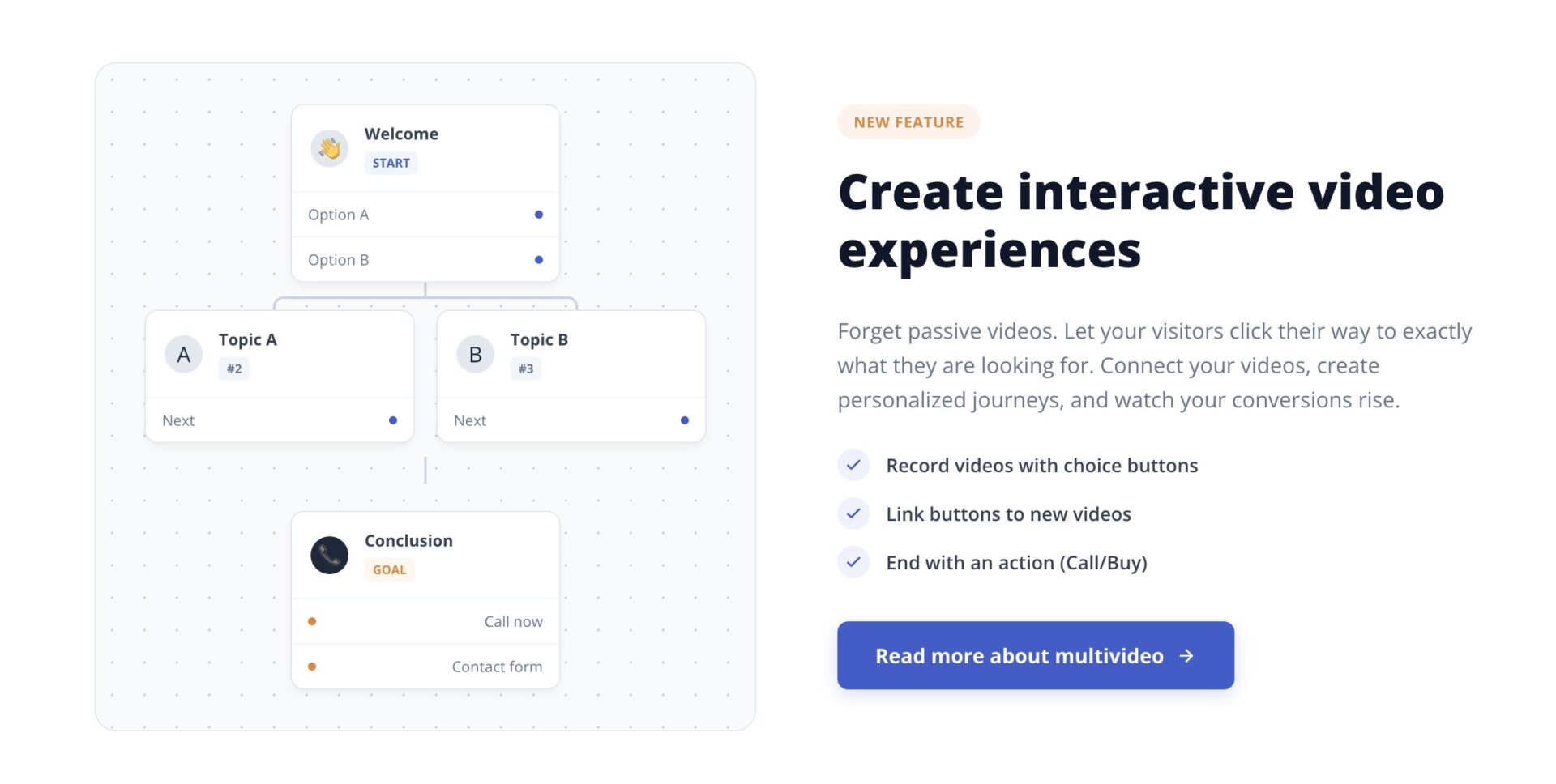
Give customers two or three focused prompts, then let them answer in their own words rather than read a script.
“What were you trying to solve before you started using the product?”
“What changed after you began using it?”
“What result have you experienced, and how has it affected your work?”
Together, the prompts give the testimonial a simple arc: situation, change, result. Keep them beside the record button so customers do not have to memorize them.
Browser based recording lets customers use a phone or laptop without installing an app. The camera permission prompt can catch people off guard.
Tell customers to allow camera and microphone access when the browser asks. Retakes help, too. They can pause, try an answer again, and submit the version they prefer.
Some customers prefer their phone camera or have already recorded a video. Offer both options when available, and state which file types the upload accepts before they begin. A format problem discovered after recording can cost you a good testimonial.
Get permission and prepare each video for sharing
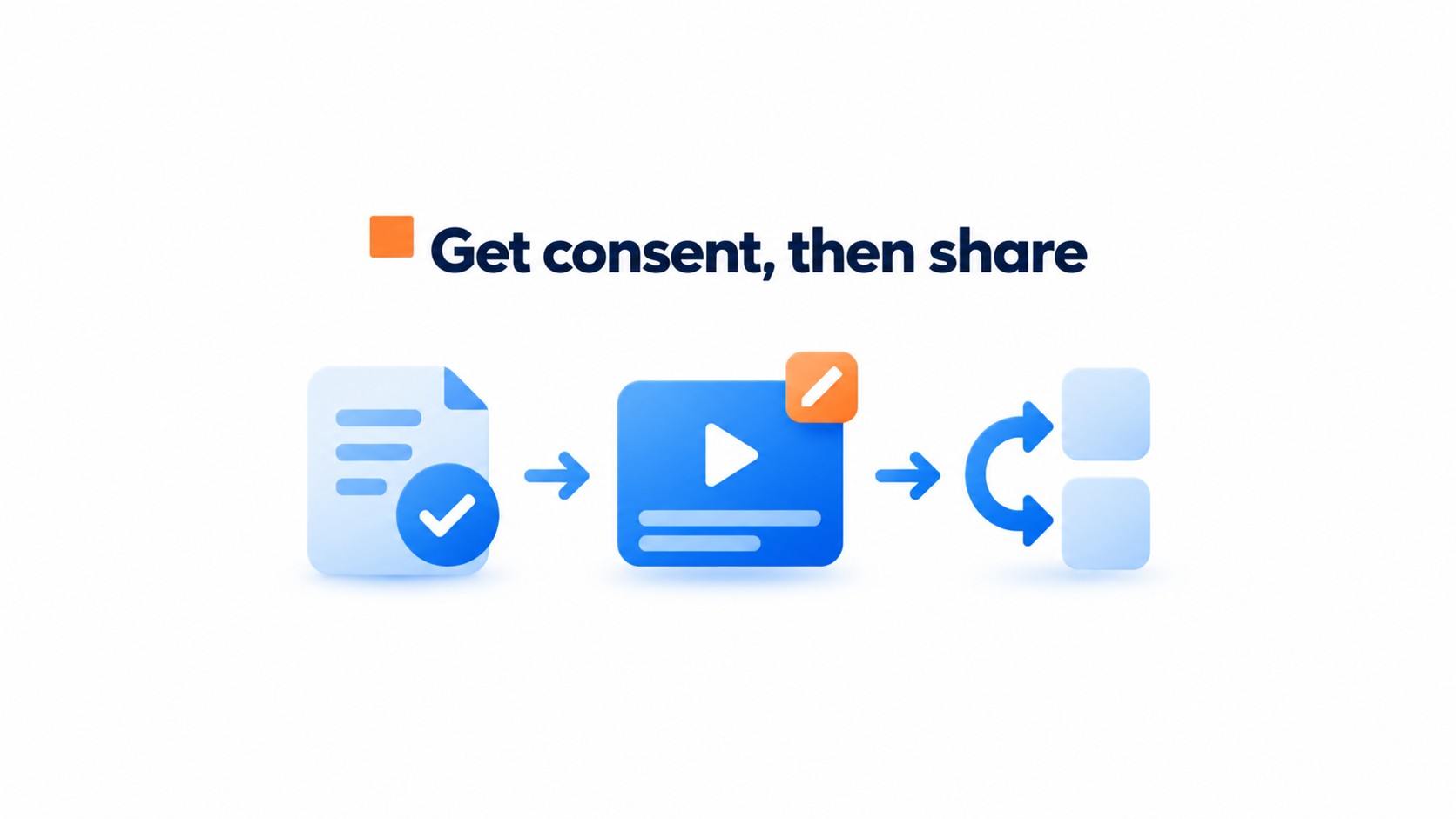
Get written consent before publishing. State how the customer’s likeness may be used, how long the video may appear, and where it may be shared. “Okay to share” leaves the time period and channels unclear.
Put the permission in writing
List the intended channels, such as your website, email, and social accounts, and state the usage period. Save a copy with the original video so the terms stay attached to the asset.
Edits should tighten the story, not change what the customer meant.
Edit for clarity, then prepare each version
Open with the customer’s main point, then give the context, what changed, and the result they describe. Skip long introductions. Keep claims in their original context; cutting a sentence can make a modest result sound guaranteed or broader than the customer said.
Remove pauses and repeated phrases, add accurate captions, and export a clean master before making versions for each channel. A vertical cut can suit a phone feed, while a wider version may fit a website or video platform. Check captions against the audio, especially names and product terms, before publishing.
Check what is working and improve your next request
Review response rate, watch behavior, and channel results separately. Each points to a different fix.
Count requests delivered, replies received, and usable recordings. A simple sheet with one row per request and columns for request date, reply, recording, and permission catches a common tracking mistake: counting a yes as a finished testimonial. A yes isn’t a recording.
For each finished video, check starts, average watch time, and completion rate in the host platform. Compare like with like, such as the same page placement over the same number of days. Views alone mislead.
Use a separate tagged link for email, product pages, and social posts, then compare visits and inquiries or bookings in analytics. Keep the measurement window consistent. If a video earns watches but few inquiries, sharpen the final prompt or place it closer to the relevant form. If requests go unanswered, shorten the ask and send it after a successful delivery or support interaction. Change one thing at a time.
Across six live implementations, inquiry volume rose between 43% and 70%, averaging roughly 53%. Treat that as observed evidence, not a target. Your audience may differ.
A small tracking sheet can show whether a testimonial request is reaching the right customers. Keep the invitation group and follow up period consistent so results are easier to interpret.
Track the request response rate
Response rate = completed video testimonials ÷ customers invited × 100.
Count each customer invited during the same period, and decide in advance how long to wait for a response. Record the customer segment, invitation date, follow up attempts, completed videos, and permission status so you can spot where requests stall.
Compare response rates across customer segments before changing the request message or recording process. For the next test, invite ten customers from one segment and compare their response rate with the previous group.
Common questions
How do I ask customers for video testimonials without making it awkward?
Send a personal request that explains why their experience is useful, then give them a simple recording link they can use when it suits them. An asynchronous link avoids scheduling an interview, and two or three clear prompts help customers know what to say. Choose people whose use case reflects the buyers the business wants to reach.
What questions should I ask customers in a video testimonial?
Ask about the customer’s situation before using the product, what changed, and the result they experienced. Those prompts give the story a clear beginning, middle, and outcome without forcing a script. Ask for specific details, such as a task that became easier or a result they can describe, rather than asking customers to praise the business.
Can customers record video testimonials on a phone without installing an app?
Yes, if the recording tool works in a mobile browser and does not require an app or account. Letting customers record from a phone or laptop, retry a take, or upload an existing video gives them more control over how they respond. Check the recording link on a phone before sending it to customers.
Do I need written permission to publish a customer video testimonial?
Yes. Get written consent that covers the customer’s likeness, how long the video may be used, and which channels may publish it. Keep the wording clear about whether the testimonial can appear on a website, in ads, or on social media. Edits should tighten the video without changing what the customer meant.
How should I edit and publish a customer video testimonial?
Keep the edit focused on the customer’s context, the solution, and the result, then add a clear opening and call to action. Captions make the video easier to follow with sound off, and an SRT transcript can support accessibility. Prepare versions for the channels where the testimonial will appear, and use VideoObject structured data on relevant pages.
Can I use CompleteGreet to collect customer video testimonials?
CompleteGreet is for video greetings, not collecting customer testimonials, so a dedicated testimonial recording link is a better fit for this task. Its video greeting widget supports Shopify, WordPress, Wix, Squarespace, Webflow, WooCommerce, custom HTML, React, and Vue sites when a business wants to welcome visitors.