
 Profile
 Dashboard
 Logout
Table of contents
Key takeaways
- Match each video to the question visitors have on that page, then test whether it helps them take the next step.
- A single video greeting fails because visitor intent shifts dramatically from page to page, and a generic message that works on your homepage becomes noise or friction everywhere else.
- Start with a 30 second script before you touch any camera settings.
What does the data show about page specific video?
A video bubble widget can carry a message suited to the page. The available customer examples do not establish a controlled 90-day study or an average uplift from using different greetings.
Track time on page as context, but use completed enquiries or purchases as the main outcome.
Compare a relevant page-specific greeting with your existing experience. Keep the audience and call to action comparable so you can assess the message rather than unrelated changes.
Message relevance is a reason to test page-specific video, not proof of a reliable performance range. Record the visitor counts and completed actions behind the result.
Why does a single video fail on different page types?
A single video greeting fails because visitor intent shifts dramatically from page to page, and a generic message that works on your homepage becomes noise or friction everywhere else.

Someone landing on your homepage is browsing. They want to know who you are and what you do, so a friendly introduction from the founder makes sense. But that same visitor on a pricing page has already decided you might be right and is now hunting for the plan that fits their budget. A video bubble widget that plays the same welcome message there feels like an interruption, not a help.
Baymard Institute research on checkout usability found that unexpected visual elements during the purchase flow increase abandonment rates. The same principle applies to your video greeting. When a visitor hits your checkout or booking page, their mental mode switches to task completion. A video bubble popping up with a sales message breaks that flow and triggers the back button.
The hidden cost of lazy placement
A greeting that is useful on a homepage may distract on a booking form. Check that it does not cover controls and compare booking completion. The available evidence does not establish a customer case with increased bookings and checkout abandonment.
The fix was simple enough. They disabled the widget on checkout pages and recorded a second, shorter video specifically for the booking confirmation screen. The abandonment rate dropped back to baseline within a week.
Most teams skip this segmentation and never realize how much revenue they are leaving on the table.
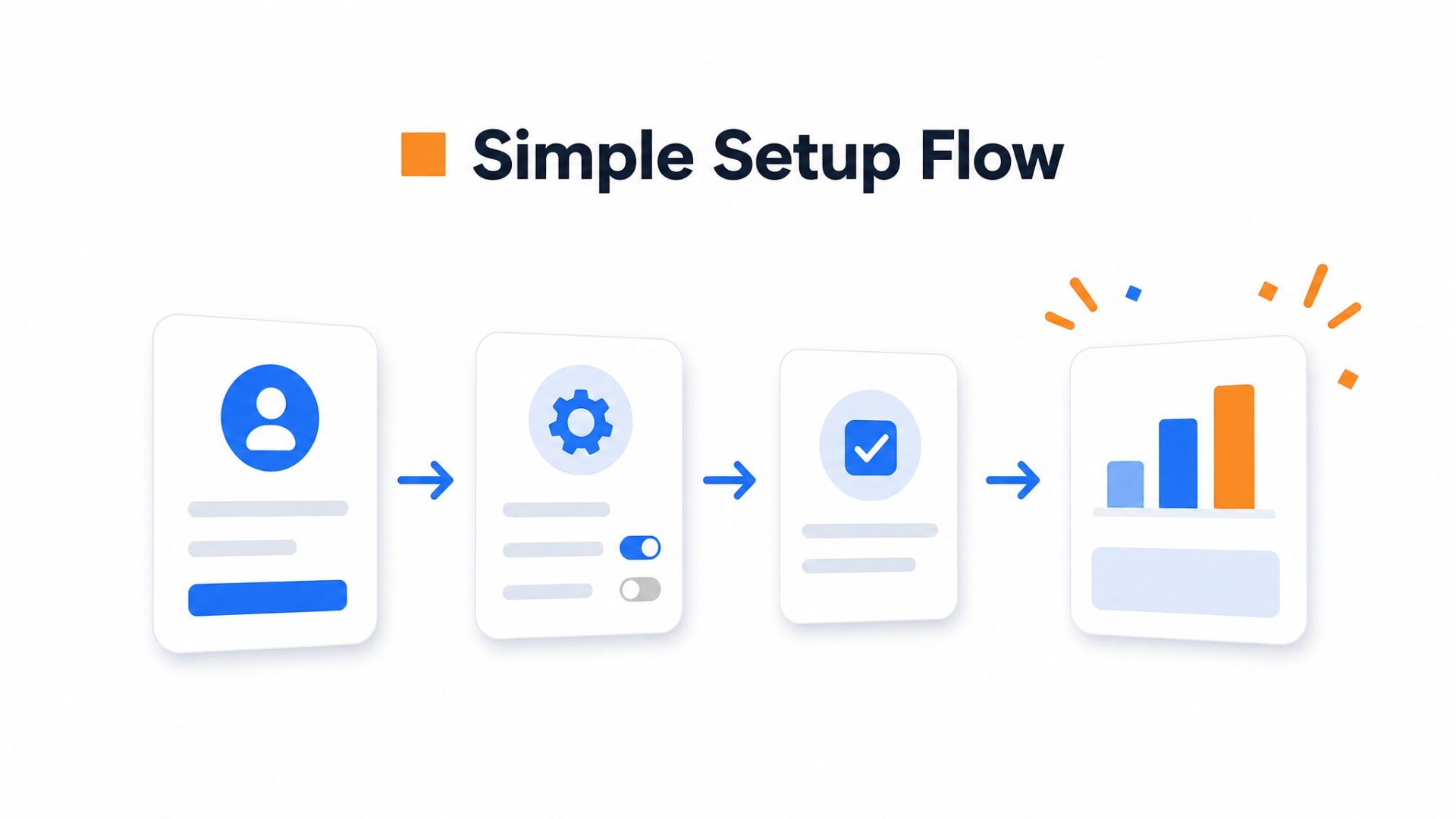
How to set up your first video greeting in under 5 minutes
Start with a 30 second script before you touch any camera settings. Most first, timers ramble because they think they need to cover everything. They do not. Pick one greeting for first time visitors and one question to ask them. That is it.
Record in natural light near a window. Face the glass, not away from it.
The thumbnail frame matters more than the video quality. Most video bubble widget platforms let you select which frame shows when the video is not playing. Pick a frame with your eyes visible and a neutral expression. Smiling thumbnails perform worse on pricing pages. Visitors read them as sales pressure.
Placement decides whether people engage or ignore. The bottom right corner works for most sites because it avoids navigation bars and chat widgets. Set a 5 second delay before the bubble appears. Immediate pop, ups trigger banner blindness. On mobile, move the bubble to the bottom center so thumbs can reach the close button.
Configure display rules by page type.
Your homepage video should greet everyone. Your pricing page video should only show to returning visitors who have not converted yet. Most teams skip this and regret it. They show the same greeting to cold traffic and hot leads. The message lands flat.
Measure three numbers in week one: play rate, completion rate, and click through rate on your call to action. Play rate tells you if the thumbnail and placement work. Completion rate tells you if the script holds attention. Clicks tell you if the offer matches the message.
Use each greeting to answer a page-specific question and offer a relevant action. The customer examples do not substantiate a typical increase in enquiries or appointments.
Test one change per week. Change the thumbnail, then the delay, then the script. Most teams change three things at once and have no idea what worked. Patience beats guessing.
The available examples show implementations, not a controlled comparison of generic and page-specific video. Build a test around the page’s conversion goal.
These figures represent a significant departure from single, video deployments.
Keep enquiry rate and purchase conversion separate. A change in one cannot be used as a benchmark for the other.
Longer sessions may reflect interest or difficulty. Read that metric alongside completed actions before concluding that the message helped.
Plan production time and costs without an assumed enquiry uplift. Expand the video set when your own results justify the work.
Performance considerations matter when deploying multiple video assets. Heavy media files can impact load times, though modern delivery methods minimize this risk. Google Web Vitals guidance recommends monitoring Largest Contentful Paint and Interaction to Next Paint when adding video elements to high traffic pages.
Compare each page against its own goal and an equivalent group. An informational page and a product page should not share a single success metric by default.
Organizations should prioritize product and service pages for initial deployment, as these locations show the highest measurable impact. Start with the page that currently drives the most qualified traffic and measure inquiry volume changes for a minimum of 30 days.
Common questions
How many different videos should a small business website have?
Start with the pages where visitor questions differ, such as the homepage, pricing and booking pages. Record only the messages you can keep useful and current, then test whether each one helps its audience.
What should I say in a homepage video greeting versus a pricing page video?
A homepage greeting can explain who you are; a pricing video can clarify cost and commitment. Those are different questions. Test a separate message when the current greeting does not answer the page’s main concern.
Do I need to record new videos for every single page on my site?
No. Focus on pages with a clear visitor question and a meaningful next step. Similar products may share an explanation. The available customer examples do not establish an ideal number of videos or a booking uplift.
How long does it take to see results from page specific video content?
Timing depends on traffic and the size of the change you need to detect. Set up tracking before launch and review completed actions with visitor counts. The available examples do not substantiate a two-week result or a typical uplift.
Can I use the same video script and just change a few words for different pages?
Reuse a clip only when its explanation and call to action still fit the page. Test whether a tailored recording is worth the extra production work; the available examples do not establish a performance advantage.
What is the fastest way to create multiple page specific videos without a production team?
Record on your phone in natural light with a simple $20 lapel mic. Batch your recording in one session to keep lighting and clothing consistent. Script each video to 30 to 45 seconds max. The setup takes under an hour. Upload to a video widget platform that lets you assign different videos to different pages without touching code. Most teams have their first three videos live within a day. Production quality matters less than message relevance.
Which pages are a waste of time for video content?
Prioritize pages where a video answers a real question or supports an important action. Use traffic and visitor needs to decide whether an FAQ or lower-traffic page merits a recording; the available examples do not establish a ranking of placements.



