
 Profile
 Dashboard
 Logout
Table of contents
Key takeaways
- A video bubble widget is basically a floating, clickable video that sits on your website and plays a pre, recorded greeting for visitors.
- It hangs out in the corner of your site, looping a silent clip of a real person until someone clicks on it.
- The pages where they work best? Your homepage, pricing page, and main service landing pages.
So here’s the deal with video bubble widgets. They’re small circular video elements that sit in the corner of your website and pop open into a personal greeting when someone clicks. They’re not popups that hijack the screen. They’re not chatbots demanding you type something. They just sit there quietly until the visitor decides they want to engage. Think of it less like a trap and more like leaving your office door open.
And the real magic here is trust. When your founder or a team member shows up in that little corner of the page, talking directly to the visitor, your site suddenly feels like a real place with real people behind it. Not just another faceless brochure floating around on the internet.
A video bubble shows a recorded greeting alongside your website and can offer contact or booking actions. CompleteGreet supports common site platforms and custom embeds. Check the installation steps, current plan terms and performance on your setup; the customer examples do not establish a typical enquiry uplift.
Fair warning though, it’s built for trust and greetings, not for survey heavy or chat, first workflows.
What is a video bubble widget?
At its core, a video bubble widget is a floating interactive element that shows a pre, recorded video greeting on your website. It pops up as a small circular thumbnail, usually anchored to the bottom corner of the browser window.
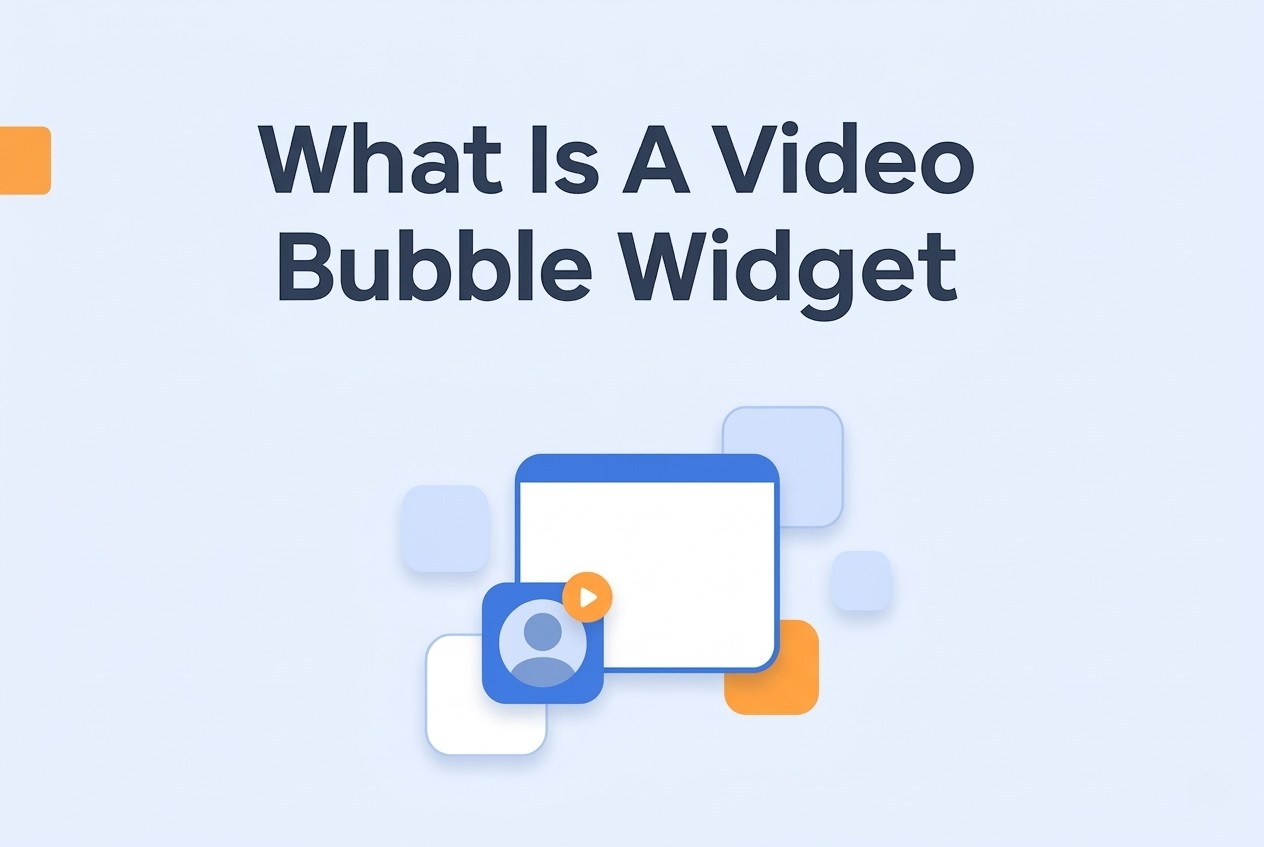
What visitors actually see is a tiny video preview playing inside a circle. The thumbnail’s usually a short clip of someone speaking, sized between 60 and 100 pixels across. Most sites stick it in the bottom right corner, though some go bottom left if there’s already a live chat button or some other tool competing for that spot.
Click the thumbnail, and it expands into a bigger video player overlay. You get the full video with sound controls, plus a text caption area underneath.
Below that sits a clickable call to action button, something like “Book a call” or “Get a quote.”
Here’s one thing worth knowing: the widget loads asynchronously, so it won’t slow down the rest of your page. But if you’re worried about site speed, we’ve got a deep dive on core web vitals video guidance you should read before setting things up.
This isn’t the same thing as an autoplay background video or a popup modal. Background videos just play on their own, you can’t click them or interact with them. Popups land right in the middle of everything and interrupt what you’re doing. Video bubbles? They stay out of the way until you want them.
Most widgets also include a small X button that collapses the bubble entirely.
And that detail matters more than people realize. If someone closes the bubble, they probably don’t want it following them around for the rest of their visit. The close button should respect that and keep the bubble hidden for the rest of the session. Nobody likes being nagged.
You can customize how the thumbnail looks, brand colors, border radius, shadow depth, all of that. Some teams skip the animated preview loop entirely and go with a still image and a play icon overlay instead.
One more thing: the widget stays fixed as visitors scroll. It doesn’t jump around, resize, or vanish when someone navigates to a different section on the page.
How does a video bubble widget work on a website?
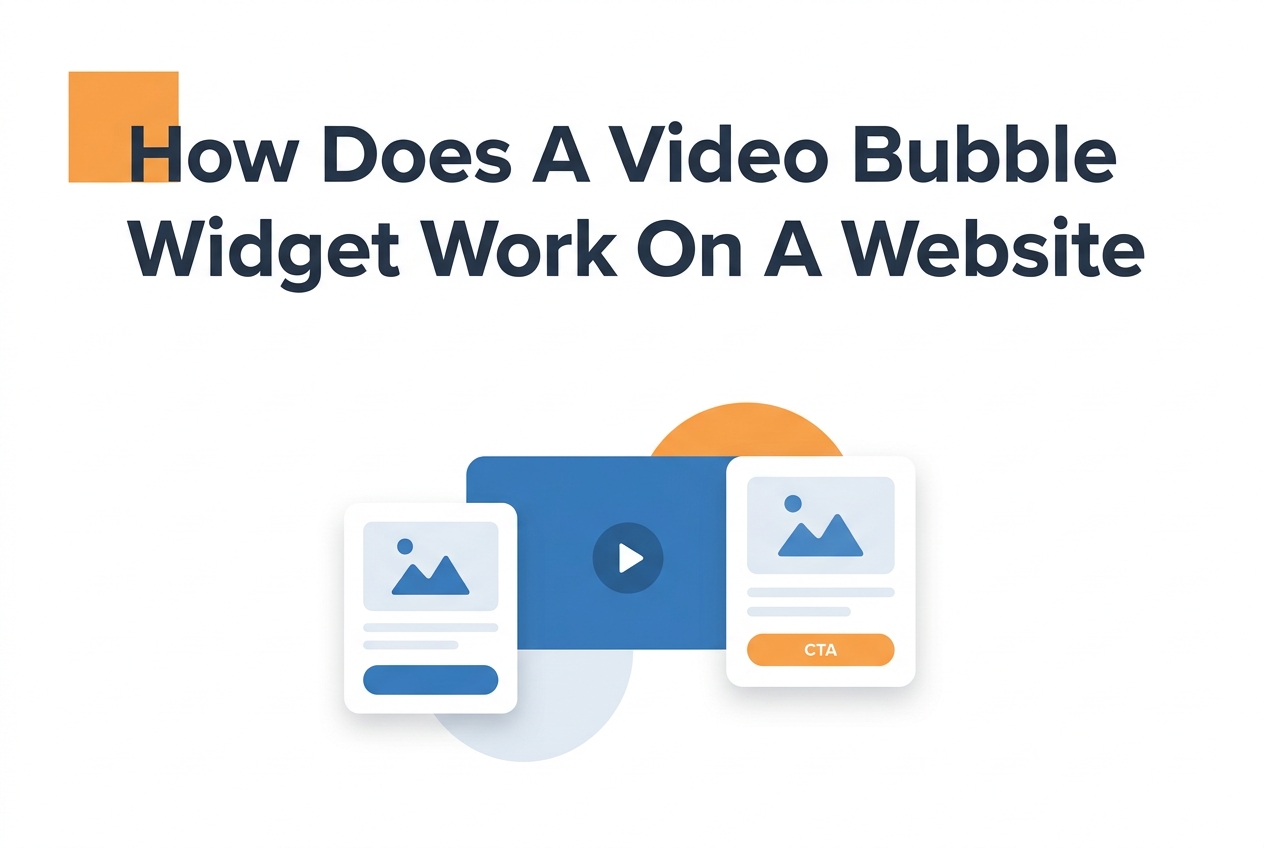
A video bubble widget sits in the corner of your site, playing a silent looping clip of a real person until the visitor clicks it. Once they do, the video expands into a full player window, typically a short greeting with a clear call to action right below or beside it.
The whole point is that it stays out of the way while someone’s first getting oriented on the page.
Most setups delay the bubble by 3 to 5 seconds after the page loads. That way it doesn’t jump out at someone who literally just arrived. The video loops on mute, showing enough subtle movement to catch your peripheral vision without demanding anything from you. Smarter implementations even detect when someone scrolls toward the bottom of the page and pause the loop so it’s not fighting your footer for attention.
The visitor experience and CTA flow
When someone clicks the bubble, it expands into a modal or overlay that takes up roughly a third of the screen on desktop. On mobile, it fills most of the viewport. The video usually autoplays with sound now turned on, and the person on screen delivers a quick 15 to 30 second greeting. Below the player, there’s space for one main button and sometimes a secondary option too.
Use a clear action label such as ‘Book a call’ or ‘Request a quote’ when that is what the button does. Test the wording rather than assuming it beats a general label. A secondary option can help visitors who need more information before committing.
How the technical layer works
Under the hood, the widget loads a lightweight script, typically under 50KB, that renders the video bubble as a fixed position element on your page. The video streams from a CDN instead of your web server, so your hosting bandwidth stays completely untouched. You can add a video bubble html snippet to pretty much any platform in under five minutes.
The script watches for user interaction and checks viewport size to figure out when to pause, expand, or collapse things. Most providers also throttle video quality based on connection speed so nobody’s staring at a buffering spinner on their phone.
One detail that really matters here: the widget should lazy, load its video assets. That means the player code loads right away, but the actual video file only gets fetched when the visitor scrolls near it or hovers over the bubble. Skip this setting and you’ll be paying for video delivery to every single visitor, including bots and people who bounce in two seconds without ever interacting.
Where should you place a video bubble widget?
Your homepage, pricing page, and primary service landing pages. Those are the spots that convert best. They catch visitors at their moment of highest intent, not while they’re casually browsing around.
A homepage greeting can introduce the team and explain the next step. The available examples do not establish a booking increase from that placement.
Pricing and contact pages can be useful places to answer a decision-making question. Test completed actions; the available examples do not establish a placement-specific uplift.
The pattern’s pretty clear: pages where visitors are leaning forward get better results than pages where they’re leaning back.
Pages that work and pages that do not
Match the greeting to the purpose of the page and make it easy to dismiss. The available evidence does not establish that a widget helps product pages but has no effect on blog engagement.
For desktop, the bottom right corner works best. It stays visible without blocking your navigation or main content. On mobile, you’ll want to position the widget 20 to 30 pixels above the bottom edge so people don’t accidentally tap it while scrolling through the thumb zone.
Legal pages and privacy policies should stay clean. A video widget there just feels weird and out of place. And most teams also skip checkout flows, no point distracting someone who’s already decided to buy.
Multiple pages need different videos
A general company overview video is fine for your homepage. But your pricing page needs a completely different message, one that tackles cost concerns or explains the value. Teams using page specific video content consistently outperform those recycling the same clip everywhere.
The message should match where the visitor is mentally. Someone on a service page wants to know why you’re different from the competition. Someone on a contact page just needs a little reassurance that a real human is going to respond when they hit submit.
Technical placement details
Stay away from the top corners on desktop, navigation bars and notification banners are already fighting for space up there. Bottom right or bottom left keeps things visible without causing conflicts. And test this on an actual phone, not just your browser’s inspector tool. Mobile viewports behave differently than desktop simulations suggest.
Test the trigger and timing against the page goal. Make the greeting easy to dismiss and keep navigation and forms clear. The available evidence does not establish that a fixed scroll-depth trigger outperforms exit intent.
Some teams set their videos to show on every page except checkout. That’s usually overkill. Pick three to five pages where the visitor’s decision actually matters, then put your energy into making those videos great. One well recorded greeting on the right page will always beat a mediocre video plastered across every URL.
Here’s something most people miss: where you put the widget in your page code affects load perception even when the video itself is deferred. A widget positioned near the top of the DOM can delay your largest contentful paint even if the video loads last. Keep the widget code low in your page structure and let CSS handle the visual positioning.
And don’t forget, test on the actual phone experience. That’s where most of your traffic probably lives anyway.
When is a video bubble widget worth using?
If your business sells trust before it sells the actual product, a video bubble widget is absolutely worth it. Service businesses, consultants, coaches, agencies, they all depend on personal connection to close deals. A widget showing a real human face answers the “who am I actually working with?” question before anyone fills out a form.
A local practitioner can use a greeting to introduce themselves before a consultation. Measure completed appointments rather than assuming visitors who see it become more likely to book.
The trust factor matters more than the video quality. Seriously.
But here’s the flip side. Video bubbles deliver less value when the purchase is purely transactional. If you’re selling commodity products where people are just comparing price, shipping speed, and reviews, a personal greeting adds friction without really helping conversions. Amazon doesn’t need a video bubble. A divorce attorney probably does.
The available examples do not substantiate a typical conversion uplift or a quick payback period. Compare current plan and production costs with measured additional profit from completed business.
Platform flexibility is another thing to think about. Teams on WordPress, Shopify, Wix, Squarespace, Webflow, or custom React and Vue sites can typically get a bubble live in under five minutes. If your stack requires custom integration work, just factor that into your timeline.
Start with your highest, intent pages. Product pages, service descriptions, pricing pages, those convert widget traffic way better than blog posts or about pages. The visitors who need a nudge are already thinking about buying. The widget just removes that last bit of hesitation about reaching out to a stranger.
If your business depends on recurring relationships or high, ticket sales, prioritize this before you spend time optimizing your checkout flow. The widget catches people who were never going to click “buy” without having a conversation first. And those conversations? They’re worth a lot more than a faster loading spinner.
A video bubble widget shows up as a small circular video player pinned to the corner of a webpage. It usually plays a short recorded message from a team member or the founder. This format lets you deliver a personal greeting without getting in the way of browsing or needing anyone to be online at the time.
Below, we’ll dig into how these widgets actually work on a technical level, which pages produce the best results, and what kinds of sites benefit most from adding one.
Core Components and Visitor Flow
There are three essential pieces to a video bubble widget, and they all work together. First, the trigger mechanism, it watches for things like time on page or scroll depth to decide when to show the greeting. Then there’s the bubble itself, which acts as a small visual anchor that’s always there but never pushy. Click it, and it expands into a larger video layer.
The video layer typically autoplays a 10 to 30 second prerecorded message with sound muted by default. That way visitors can opt into audio on their own terms without getting startled. Most setups include a clear call to action button beneath the video, routing people to a booking page, contact form, or specific product section.
Implementation Requirements
Before you add a video bubble to your site, make sure your hosting plan can handle video delivery bandwidth. You’ll want a compressed MP4 or WebM file under 5MB so it doesn’t drag down your page load times. This ties into the bigger picture of Google Web Vitals guidance and the user experience metrics that affect your search rankings.
Take a look at the video widget accessibility guidelines too, your implementation should include keyboard navigation, screen reader labels, and pause controls. And if you’ve got visitors in regions covered by GDPR, you’ll need explicit consent mechanisms. Check the gdpr video widgets requirements before turning on any tracking or analytics.
Test the widget on actual mobile devices to make sure the bubble isn’t covering up important navigation elements or form fields. On desktop it should stay fixed in the lower corner, but on smaller screens you might need to reposition it or disable it entirely depending on your layout.
Use an accurate recording that helps visitors understand the business and next step. The available evidence does not establish a particular uplift for consultation businesses or prove that only one video style can work.
If you’re weighing this against other communication tools, think about whether your audience prefers real time interaction or likes to browse at their own pace.
Common questions
How does CompleteGreet pricing compare to VideoAsk for a small business getting 500+ video views per month?
CompleteGreet charges a flat monthly rate with no per minute fees. VideoAsk works differently, they bill based on video processing minutes and make you upgrade your plan if you go over. If you’re processing 200+ minutes a month, you’d need VideoAsk’s Brand plan at $40 to $50 per month, and there are hard usage caps. With CompleteGreet, you don’t get hit with surprise upgrade prompts during busy months or when traffic unexpectedly spikes.
Can I get a CompleteGreet video greeting live on my Shopify store in under 30 minutes?
Yep. Just copy the embed code from your CompleteGreet dashboard, paste it into your Shopify theme’s custom HTML section, and your greeting shows up right away. It works on all the major platforms, WordPress, Wix, Squarespace, Webflow, WooCommerce, React, and Vue sites. You don’t need a developer for standard installations.
Does CompleteGreet work with custom websites or only page builders like WordPress and Squarespace?
It works on any site that can accept HTML or JavaScript embed codes. Custom builds, React apps, Vue projects, static HTML pages, every major page builder, all supported. The single script tag loads asynchronously, so it won’t block your page from rendering.
Should I use CompleteGreet or Bonjoro for post, purchase thank you videos?
They’re built for different things. Bonjoro’s strength is one, to, one post, purchase videos with CRM integrations. CompleteGreet is focused on website greetings that build trust before anyone buys. Bonjoro’s free plan caps you at 50 videos a month, and paid plans start at $15 to $24 per month. CompleteGreet’s flat pricing takes away the usage anxiety you’d feel with high volume greetings. If you need individual customer follow, ups at scale, go with Bonjoro. For homepage and landing page trust signals, CompleteGreet’s your pick.
Is CompleteGreet good for collecting customer feedback through video surveys?
Not really, and that’s by design. CompleteGreet is built for trust building greetings, not for survey heavy or chat, first workflows. If you need branching logic, multiple question sequences, or serious data collection, look at VideoAsk or a dedicated survey tool. CompleteGreet keeps it simple: one clear greeting video with a straightforward call to action.
Do video greetings actually increase website conversion rates or is that just marketing?
The available customer examples do not substantiate the conversion-uplift range previously quoted here. Evaluate eligible visitors and completed enquiries or purchases, with a comparable control where possible.



