
 Profile
 Dashboard
 Logout
Table of contents
Key takeaways
- Place a short video greeting beside your existing contact form so visitors meet a real person before they decide whether to submit.
- Long or unclear forms can ask for more trust than a visitor is ready to give. A short greeting can explain who will reply and what happens next.
- You can test a first greeting without adding fields or rebuilding the form.
How to Improve Lead Quality Without Adding More Form Fields
Lead quality is easier to judge when visitors understand who they will hear from and what happens after they submit the form.
The current CompleteGreet cases page lists results by business and by metric rather than one shared inquiry average. Merchshark reports 70% higher customer engagement and a 17% higher conversion rate. These are separate results from complete implementations, not a promise that a video greeting alone will produce the same change.
It is tempting to add dropdowns for budget, timing, and project type when lead quality is poor. Baymard found that 17% of shoppers had abandoned a checkout because it was too long or complex, and its testing found that field count matters more to checkout usability than the number of steps. That research covers checkout forms, not ordinary contact forms, so it does not support a fixed penalty for every extra field.
Placement deserves as much thought as production value.
Placing a video bubble near the form keeps the greeting and the next step together. There is no verified CompleteGreet benchmark showing that one position wins across most A/B tests, so test the placement on your own page and keep the message focused on the visitor’s next step.
People who watch the greeting may arrive with more context, but check that in your own sales notes instead of assuming the conversation quality changed.
Why do most contact forms fail to convert and what fixes it?
A long or vague contact form asks for trust before the visitor knows what will happen next. Seven fields and a label such as “Your Message” can feel like work when there is no clear explanation of who will reply.
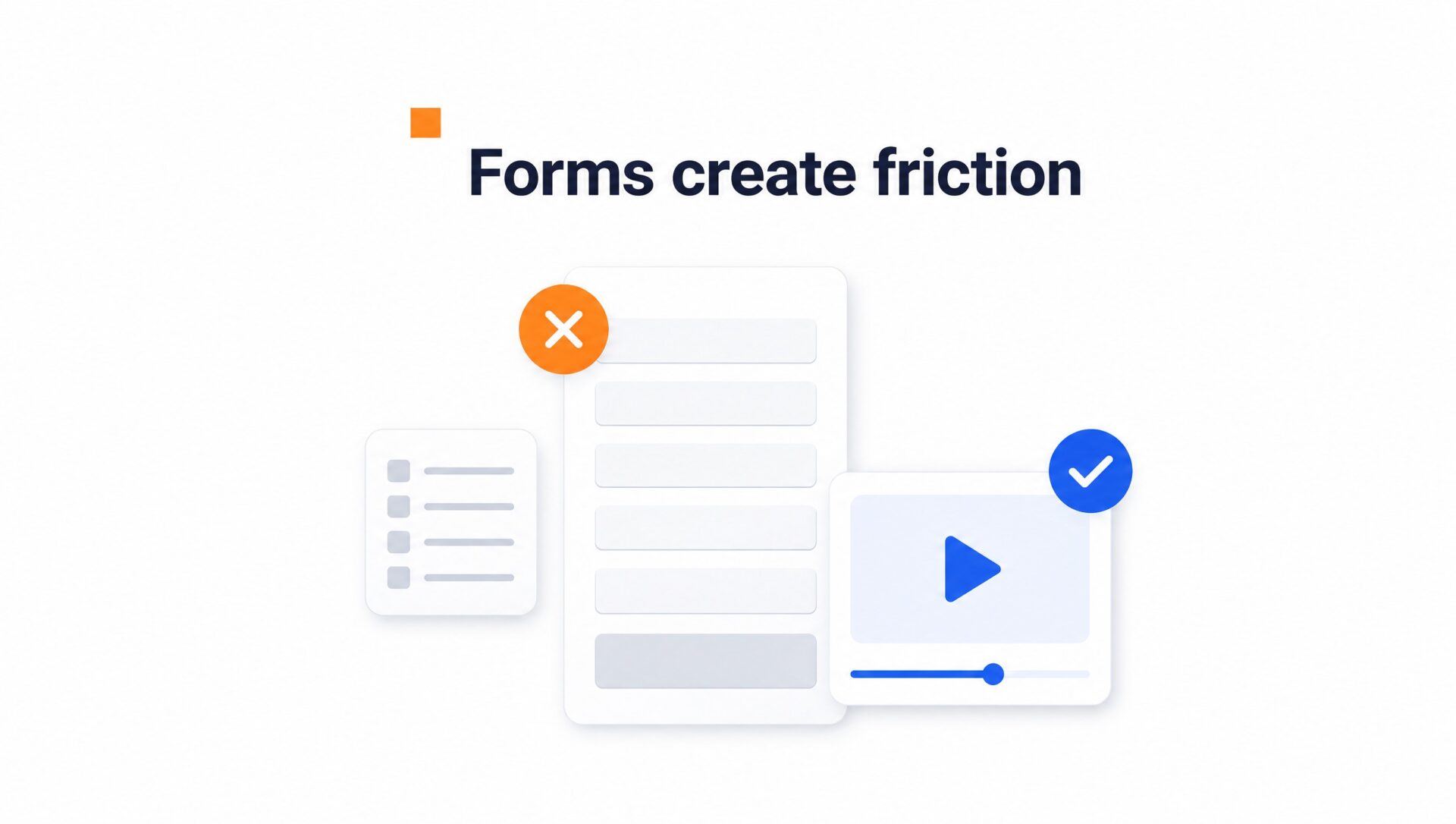
Video changes the sequence.
A corner video greeting can introduce a real person on the same page as the form. The current cases page reports customer engagement for five businesses, with figures ranging from 43 percent to 70 percent. It does not report one combined inquiry average.
The goal is to reduce uncertainty, not add more fields. A useful greeting can explain who will reply and what happens next.
A generic label such as “Your Message” gives the visitor little help. A more specific question can make the next step clearer.
Ask “What brought you here today?” instead.
The published time on site results range from 21 percent to 33 percent across four cases. The hair salon case separately reports 42 percent more calls or bookings. These figures describe individual customer results and do not prove that one change caused every outcome.
How to set up your first video greeting
Start with one page and one clear next step.
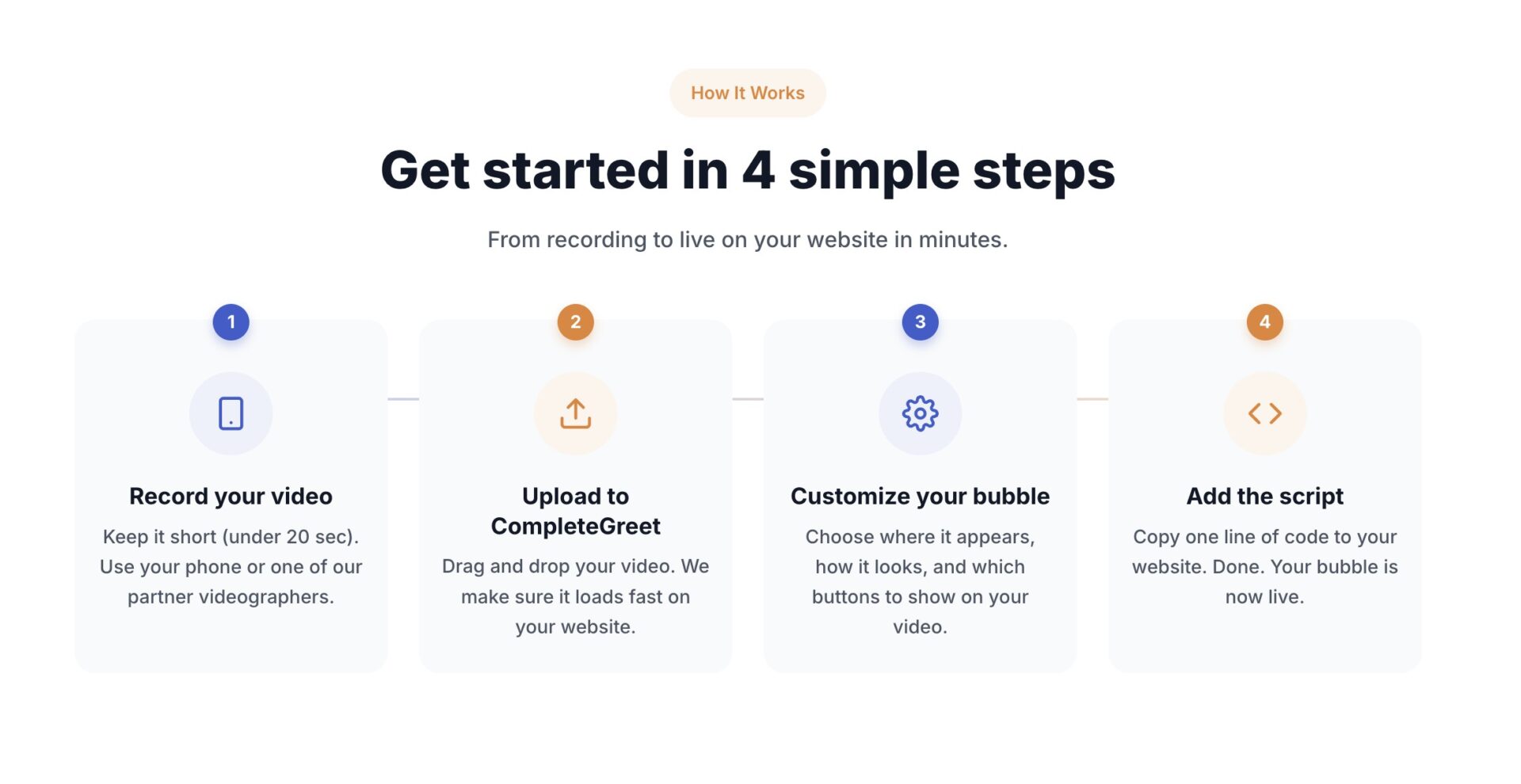
Record a 20 to 30 second clip on your phone. Introduce yourself, mention why the visitor is on that page, and give them one clear next step. Upload the file in CompleteGreet, choose a bubble position and button action, then use the provided installation method. Shopify has a dedicated app. On WordPress, CompleteGreet can be added with one small script in the site header.
What to say and where to show it
A useful greeting sounds like a voicemail to a specific person, not a TV commercial. Open with the visitor’s context. A pricing page greeting might say “I know you’re comparing options, so here’s what’s included in the Growth plan.” A booking page greeting might say “I’ll handle your appointment personally, and you can pick a time right here.”
Placement should follow intent. Pricing, contact, and booking pages are sensible places to test because visitors there are already considering a next step. The published hair salon case reports 42% more calls or bookings, but it does not say that moving the greeting from the home page caused that result.
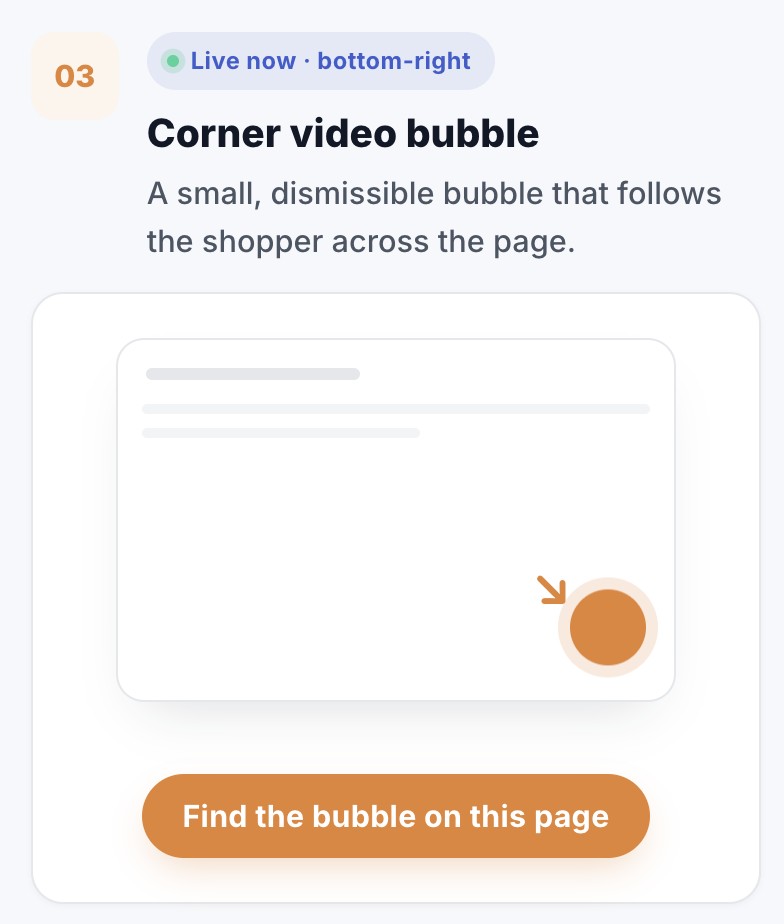
Keep the bubble in the lower right on desktop.
On mobile, use the lower left if your menu sits on the right.
Measuring whether it works
CompleteGreet tracks bubble opens, full views, average watch time, button clicks, custom form submissions, and completed bookings. Choose the measures that match your button and compare them with the page’s own starting point.
Give the page enough traffic before judging the thumbnail. If opens are weak, test a clearer frame or a more specific greeting, change one thing at a time, and refresh the analytics view before comparing the result.
You can review individual published case results, but compare your own numbers with your own starting point. The public cases cover different businesses and different metrics, so they are useful examples rather than a universal benchmark.
Avoid changing the script, thumbnail, and placement at the same time. Let one version collect enough traffic for a useful comparison, then change one element and measure again.
Longer forms can make the first contact feel demanding, but fewer fields do not guarantee better leads either. The useful question is whether each field helps someone give a better reply.
A video greeting lets visitors see a real person before they submit anything. You can use that moment to explain who the service is for, what happens next, and what information you actually need.
Qualifying leads without adding friction
Visitor behavior can add context to a form submission. Someone who opens a greeting and then chooses to message or book has taken several deliberate steps, but you should compare those actions with actual sales outcomes before treating them as a quality score.
If visitors need different explanations before contacting you, a branching video journey can let them choose the relevant next step.
Start with the few fields your team genuinely needs. Place the greeting where it supports the form without covering important page controls. Use a clear call to action that names the next step, such as booking a 15 minute call or requesting a quote.
Track completion rate alongside inquiry volume to ensure that easier submission doesn’t attract unqualified respondents.
What visitor behavior can tell you
If submissions rise but useful sales conversations do not, make the video more specific about price ranges, industries served, or required timing. That gives visitors a fair chance to decide whether the offer fits.
This may let you remove a dropdown or shorten a multi step questionnaire, but keep any field your team truly uses to qualify the enquiry.
A greeting can give prospects useful context before the first conversation. Review the questions people ask, the replies your team sends, and the share of enquiries that become real opportunities to see whether it is helping.
CompleteGreet currently offers a 30 day free trial with no credit card required. BUILD is $29 per month when billed yearly for 5,000 unique visitors, 1 website, and 2 bubbles or videos. You can test a greeting beside the existing form without adding more fields.
Common questions
Will adding a video widget to my landing page slow it down?
CompleteGreet’s embed loader uses the async attribute, so it is designed not to block the initial HTML parser. That does not guarantee zero effect on every website. Check your own Core Web Vitals after installation, especially on pages that already contain large images or videos.
How much does CompleteGreet cost for a small business site with about 3,000 monthly visitors?
CompleteGreet BUILD is $29 per month when billed yearly, or $36 month to month, for 5,000 unique visitors per month, 1 website, and 2 bubbles or videos. The current plan also lists basic click and view tracking.
What should I say in a short video greeting to get better leads instead of more leads?
State who you help and what happens next. Name the problem you solve, then tell the visitor what they will receive after filling out the form, such as an audit or consultation. That helps people decide whether the offer fits before they contact you.
Can I install a CompleteGreet widget on WordPress or Shopify without hiring a developer?
Yes. Shopify has a dedicated CompleteGreet app. WordPress, WooCommerce, Wix, Squarespace, Webflow, and custom HTML sites can use the small header script described on the integrations page. The exact place to add it depends on how your site handles header scripts.
How do I measure whether a video greeting is improving lead quality and not just lead volume?
Track the share of enquiries that become useful conversations or qualified opportunities, not just total submissions. CompleteGreet can show bubble interactions, form submissions, and completed bookings, while your CRM or sales notes should show whether those contacts were a good fit.
Do website visitors actually watch video bubbles or do they close them immediately?
Some visitors will open a bubble and others will ignore it. CompleteGreet’s public cases report time on site gains from 21% to 33% across four businesses, but those figures do not show what share of visitors watched a bubble. Use your own bubble opens, views, and button clicks to judge the response.
Can I use CompleteGreet on more than one website with a single plan?
The BUILD plan includes 1 website. The current standard plans, including SCALE, also list 1 website. If you need multiple websites, use separate plans or ask CompleteGreet about the Enterprise option, which lists multiple websites.
Is there a free trial to test whether video greetings work for my audience before I pay?
Yes. CompleteGreet offers a 30 day free trial with no credit card required. You can install a greeting and compare your own interaction and lead data before choosing a paid plan.



