
 Profile
 Dashboard
 Logout
Table of contents
Key takeaways
- Captions let people follow prerecorded videos when audio is unavailable or impractical.
- Captions also make video content accessible to people who are deaf or hard of hearing.
- For CompleteGreet videos, add captions to the MP4 file before you upload it.
What should you know before adding captions to website videos?
Captions let people follow prerecorded videos when audio is unavailable or impractical.
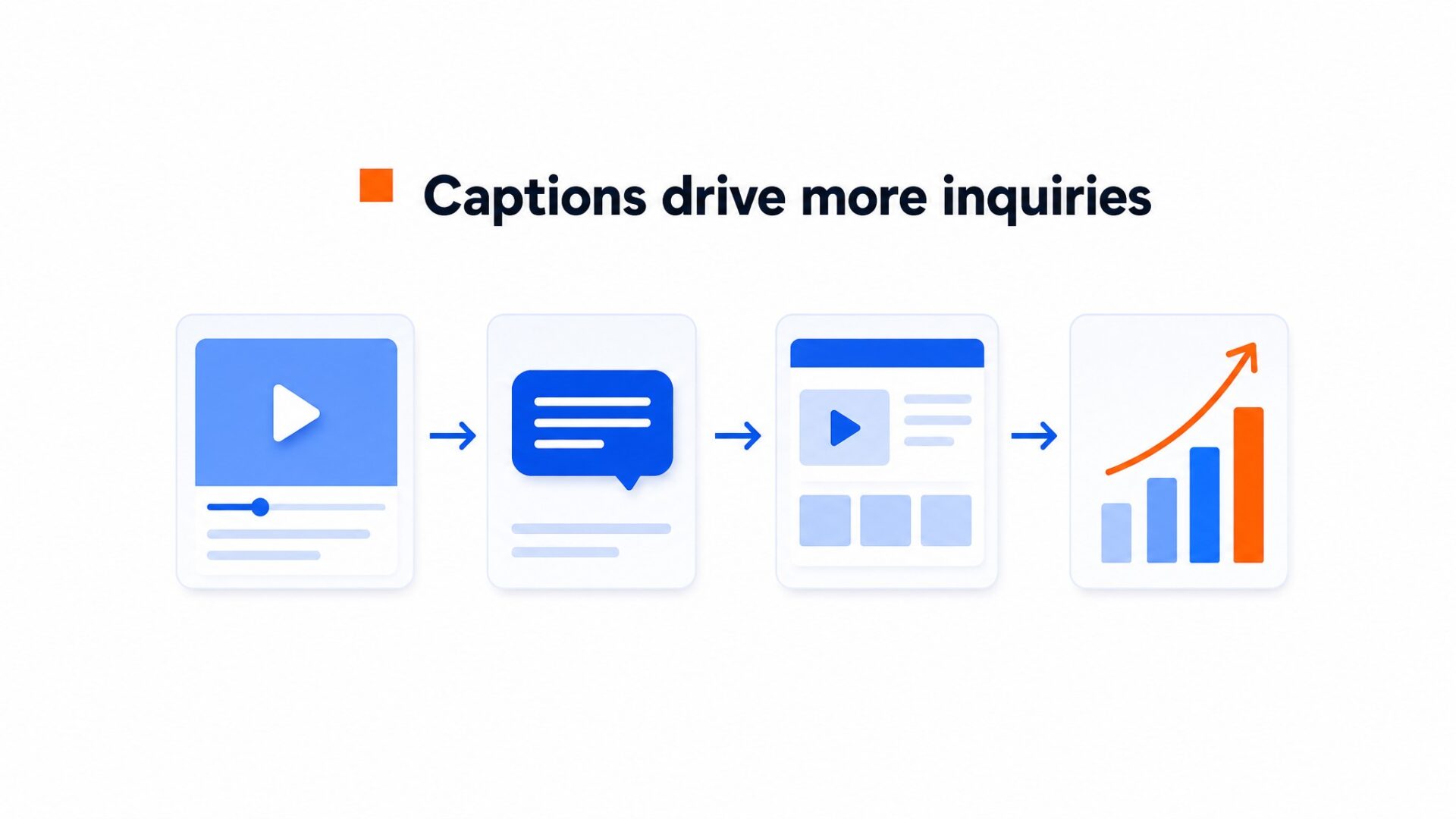
Captions matter because people do not always browse with sound.
Someone may be browsing in a quiet office, on public transport, or with their device muted. Captions let them follow the message without turning the sound on.
Captions make speech and important sounds available as text. W3C’s WCAG 2.2 guidance requires captions for prerecorded audio in synchronized media, unless the video is clearly presented as an alternative to equivalent text.
Automatic captions are a useful starting point, but review them before publishing. Names, product terms, timing, speaker changes, and important sound cues all need a human check.
Accessibility matters too. The National Institute on Deafness and Other Communication Disorders reports that about 15% of American adults, around 37.5 million people, report some trouble hearing. Captions can also help people watching in a second language or in a place where audio is not practical.
Without captions, part of your audience may miss the message.
Why do captions matter for viewers and your business?
Captions also make video content accessible to people who are deaf or hard of hearing.
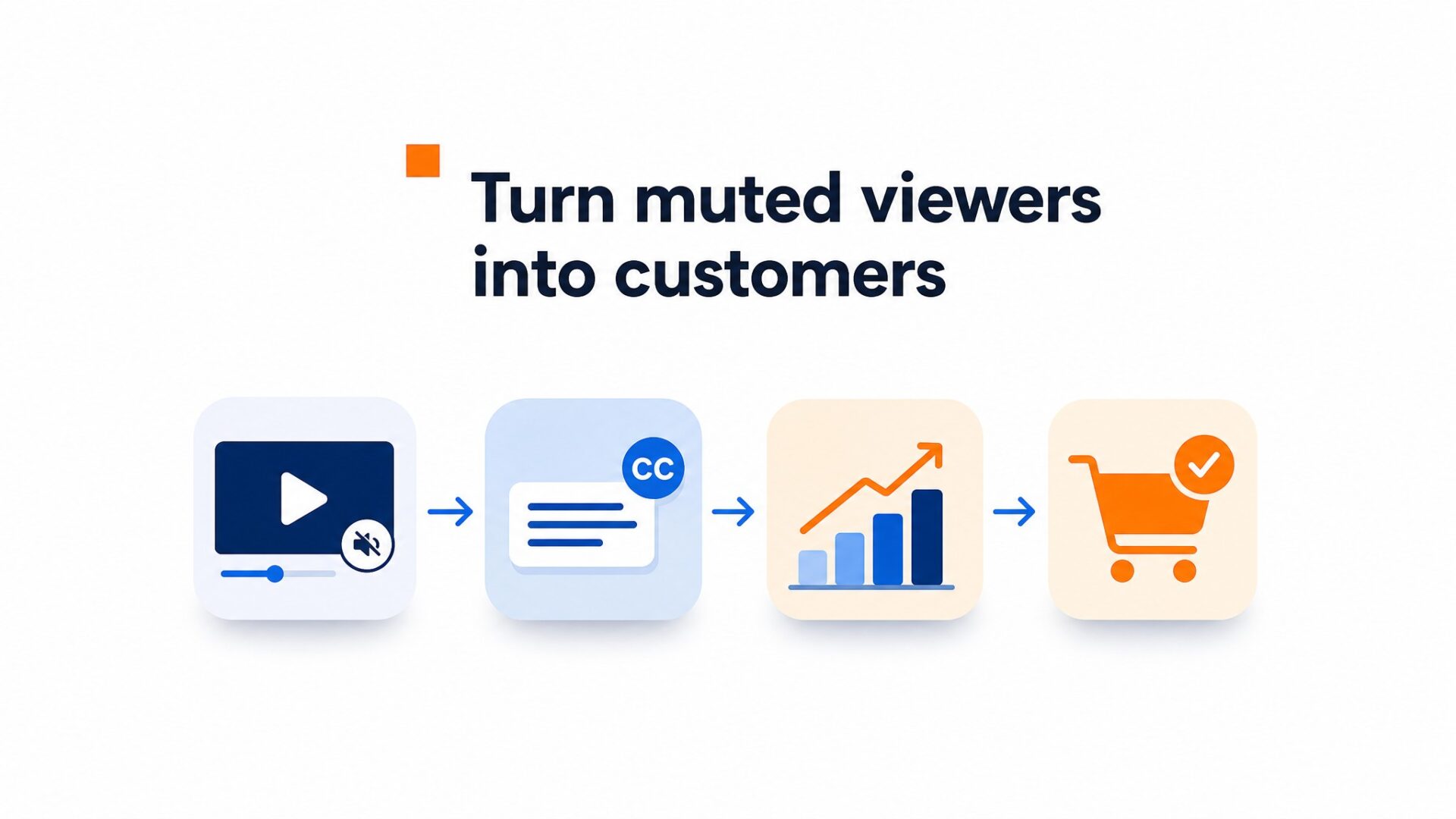
Captions can make a video easier to follow, but they do not guarantee a conversion lift. Measure the result on your own page instead of borrowing percentages from unrelated case studies.
Useful measurements include video views, bubble clicks, and the existing conversion goal for the page.
Compare the same page before and after adding captions, and wait for enough traffic before drawing a conclusion. Keep the video message, placement, and call to action unchanged during the comparison.
Published CompleteGreet case results cover the full video bubble setup, not captions on their own. Treat captions as one part of the experience alongside the message, placement, call to action, and page context.
Captions can look clean when the timing, line breaks, and placement are reviewed before export. Keep the text readable and make sure it does not cover important details in the video.
Captions alone do not guarantee search visibility. Google recommends making videos discoverable in rendered HTML and providing consistent video metadata, such as structured data or a video sitemap.
If you already have a finished video, adding accurate captions is a practical accessibility improvement.
How to add captions before you upload a video
For CompleteGreet videos, add captions to the MP4 file before you upload it. You can keep the process simple. Record the video, edit and review the captions, export an MP4, and upload the finished file.
Keep the message concise. Say your name, mention the one problem you solve for that page, and tell the visitor what to do next.
A short outline is often enough. Write down three points and speak as if you are greeting someone who just walked into your office.
Start with one page where the video has a clear job.
A pricing, booking, product, or contact page can be a sensible first test. Place the bubble where it does not cover navigation, checkout controls, cookie banners, or other important page content. Check both desktop and mobile.
Upload the finished MP4 and add CompleteGreet to your site. CompleteGreet BUILD is $29 per month when billed yearly, or $36 month to month, for 5,000 unique visitors per month, 1 website, and 2 bubbles or videos. You can see pricing and plans to compare.
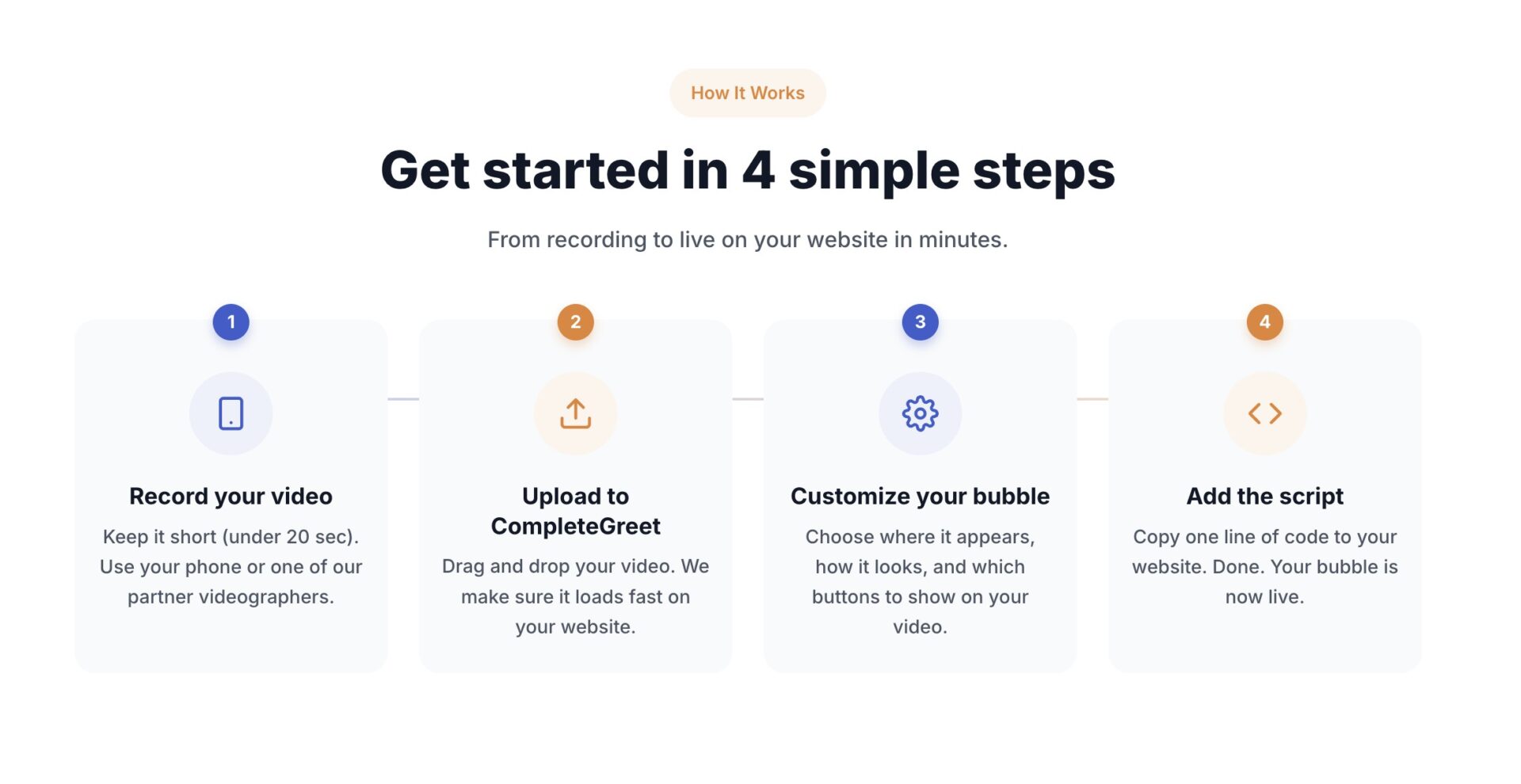
Give the test enough traffic before judging it. Use the page’s existing goal, such as form submissions, bookings, or sales, and compare it with video views and bubble clicks. If few visitors open the video, test the preview frame, page placement, or opening line before changing everything at once.
Test the audio at normal device volume. A video that sounds fine through headphones can be muddy on a phone speaker. Record in a quiet room and check that every word is clear before you add the captions.
Captions make prerecorded website videos usable for people who cannot hear the audio or who are browsing somewhere sound is not practical.
Automatic speech recognition can create a draft, but manual review is still needed for names, terminology, timing, speaker changes, and important sound cues.
Caption quality checks
WCAG does not set a numeric caption accuracy percentage. It requires captions to provide the audio information needed to understand prerecorded video. Check dialogue, speaker labels, timing, and meaningful non speech sounds.
Implementation Checklist
A practical caption workflow includes three steps: create the text, check the timing, and choose how the captions will be delivered.
Standard HTML video players can use a track element for captions. CompleteGreet’s current bubble upload accepts finished MP4 video, so add the captions before uploading. W3C explains the accessibility requirement in W3C accessibility guidance.
Check every page where a video appears. Captions should be accurate, readable, synchronized with the audio, and positioned so they do not cover important visual information.
CompleteGreet’s current upload flow accepts MP4 files up to 100 MB. Export the captioned video as MP4, then upload the finished file.
Common questions
Do captions actually increase engagement on website videos?
Captions make website videos usable without sound and accessible to people who are deaf or hard of hearing. Do not assume a fixed engagement lift. Measure views, bubble clicks, and the page’s conversion goal on your own site.
How do I add captions to a video before uploading it to my website?
Use a video editor to create and review the captions, then export them with the video as MP4. For CompleteGreet, adding the captions to the finished file makes them visible in the current video bubble upload flow.
Does CompleteGreet support captions natively on video bubbles?
CompleteGreet’s current upload flow accepts finished MP4 videos up to 100 MB rather than separate caption files. Add and review captions in your video editor before you upload the MP4.
What is the cheapest way to add captioned video to a small business website?
Record on a phone, add captions in a video editor, and export an MP4. CompleteGreet BUILD is $29 per month when billed yearly and includes 5,000 unique visitors per month, 1 website, and 2 bubbles or videos.
Can I track whether captioned videos improve my conversion rate?
Use a before and after comparison on the same page. Track the page’s conversion goal alongside CompleteGreet views and bubble clicks, and avoid changing the message, placement, and captions at the same time.
What video format works best for website widgets with captions?
CompleteGreet’s current upload flow accepts MP4 files up to 100 MB. Export the finished captioned video as MP4, then check it on desktop and mobile before publishing.
Do I need professional equipment to create effective captioned website videos?
You do not need professional equipment to make a clear website video. A phone, a quiet room, useful lighting, accurate captions, and a clear next step are enough for a first version.



