
 Profile
 Dashboard
 Logout
Table of contents
Key takeaways
- Most Duda sites get the widget live in under four minutes using the HTML embed method.
- Targeting rules let you show the bubble only where it matters.
- Open your site in Chrome, Safari, and Firefox before you announce anything.
How do you install CompleteGreet on Duda?
Most Duda sites get the widget live in under four minutes using the HTML embed method. Duda does not have a native app marketplace like Shopify, so the installation relies on a code snippet placed through the visual editor.
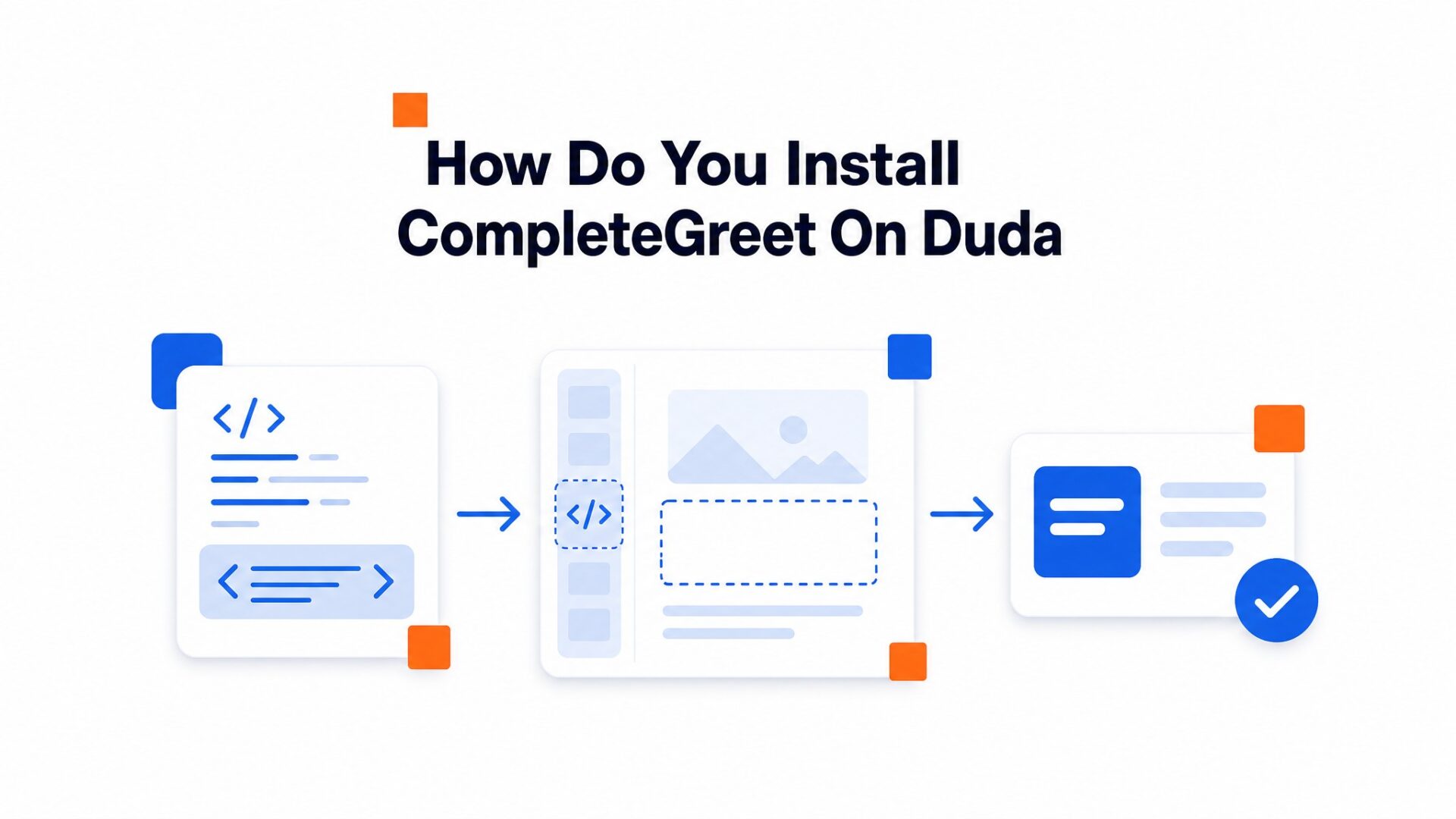
- Log into CompleteGreet and copy your unique script from the dashboard. It starts with a script tag and ends with your account ID.
- Open your Duda site editor and click the Widgets tab on the left sidebar. Scroll past the social icons and find the HTML widget near the bottom of the list.
- Drag the HTML widget onto your page. Duda will drop a gray placeholder box wherever you release it. Double, click that box to open the HTML settings panel that slides in from the left.
- Paste your CompleteGreet script into the code field. Close the settings panel by clicking the X in its top right corner.
- Click the Save button in the top right of the Duda editor, then hit Publish to push the change live.
Why does the widget not show in the editor?
The gray placeholder box stays gray. That is normal. Duda’s editor preview runs in an isolated environment that blocks external scripts for security reasons. The video bubble only renders on the published site or in preview mode after you save and refresh.
Check the live site immediately after publishing. Open an incognito window and load your homepage. The bubble should appear in the corner within two seconds of the page loading.
If you still see nothing, clear your browser cache. Duda’s CDN sometimes serves cached versions of pages for 5 to 10 minutes after a publish.
What can you customize on Duda?
Targeting rules let you show the bubble only where it matters. Set it to appear on specific URLs, hide it on checkout pages, or trigger based on scroll depth and time on page. Most teams set the delay to 3 to 5 seconds so visitors get a moment to orient before the greeting pops up.
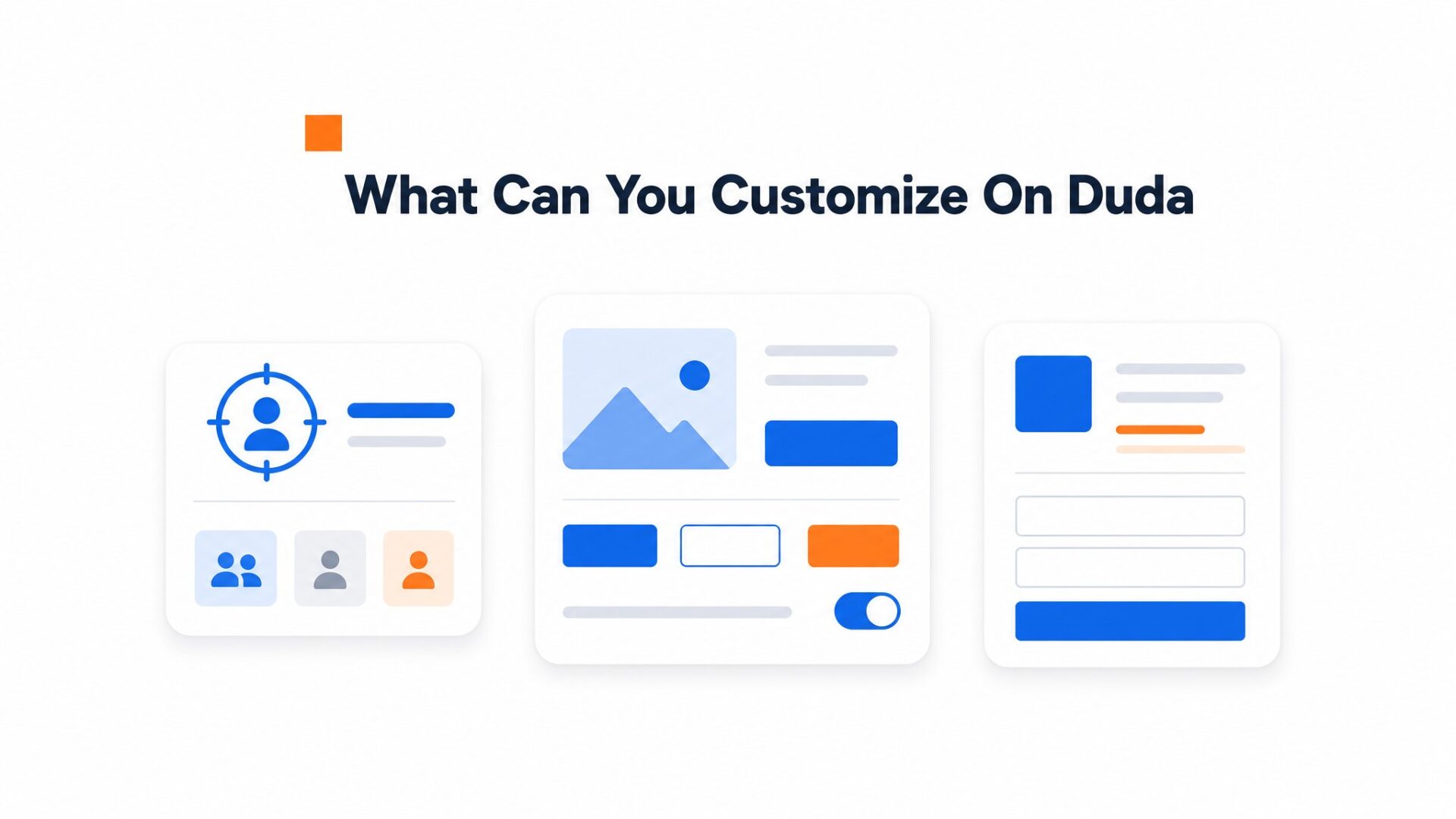
Your call to action buttons can link anywhere. Send visitors to a pricing page, a calendar booking link, or open an email compose window. The button text is fully editable, and you can run two side, by, side for split, testing different offers.
Forms inside the widget collect leads without redirecting visitors. Add name, email, phone fields, or custom questions about project scope. Submissions route to your inbox or connect through Zapier to hundreds of apps via supported integrations. One setup quirk: the form confirmation message has a 120 character limit, so keep your thank, you text brief.
Branding and appearance
The bubble color, size, and position all adjust in the dashboard. Match your hex codes exactly so the widget feels like part of your site, not a third party add, on. The avatar image crops to a circle automatically, so center faces in your thumbnail for the cleanest look.
Mobile positioning deserves extra attention.
The bubble defaults to bottom right, but on Duda sites with sticky footers or chat widgets already installed, you might need to shift it to bottom left to avoid overlap. Test on actual devices, not just browser resize modes, because thumb reach zones differ from mouse clicks.
Video quality settings matter on slower connections. The dashboard lets you cap resolution at 720p for visitors on mobile data while serving full resolution to desktop users on WiFi. This keeps load times fast without sacrificing clarity for your best prospects.
What should you check before going live?
Open your site in Chrome, Safari, and Firefox before you announce anything. The video bubble should sit in the bottom corner without overlapping your nav or footer buttons.
Mobile matters more.
Over half your visitors will see that widget on a phone. Load your site on iOS Safari and Android Chrome. The bubble should resize without forcing full screen video playback, and the close button needs to land where a thumb can actually reach it. If the widget covers your mobile menu or checkout button, adjust the position offset in your dashboard settings.
Verify your page targeting is working. Check that the widget appears only on the pages you selected and stays hidden where you excluded it. Duda sites often have dynamic sections that load conditionally, so test a few different page templates if your site uses them.
Run a speed check with Google Web Vitals guidance after installing. Video assets add weight. If your LCP score drops, check two things: is the script loading asynchronously, and is the video file under 5MB? Both fixes take about 30 seconds in the dashboard.
Test your form submissions end to end. Fill out the contact form inside the widget, submit it, and confirm the lead hits your inbox or CRM. Broken forms kill trust faster than no form at all.
Once everything checks out, you are ready to publish. Most issues surface in the first 48 hours of live traffic, so keep the dashboard open and watch your analytics during that window.
Video bubbles convert passive browsing into direct conversation by placing a human face one click away from any page visitor. On Duda, this overlay layer loads independently of the core content, which keeps site speed metrics stable while adding a personal touch.
Agency builders and site owners use these widgets to shorten the path from interest to inquiry without rebuilding entire page templates. The implementation requires only a header code injection, making it accessible to teams with limited JavaScript experience.
Data from aggregate platform studies shows that sites adding video bubbles see inquiry rates rise by an average of 53 percent. This lift occurs because the widget captures high, intent visitors during their peak interest window rather than forcing them to navigate to a separate contact page.
Bounce rates typically drop by roughly 25 percent when the bubble appears on high, exit pages such as pricing or service descriptions. The visual presence signals immediate support availability, which counters the abandonment impulse that occurs when users can’t find quick answers.
Implementation costs remain fixed regardless of traffic volume.
At approximately 2388 DKK annually for the required Duda plan tier, the break even point arrives after generating just one or two additional monthly conversions.
Before activation, verify that the widget respects reduced, motion preferences and keyboard navigation standards. Following W3C accessibility guidance ensures the bubble doesn’t block screen reader focus paths or create compliance risks in regulated markets.
The 17 percent conversion lift observed in vertical, specific deployments indicates that video bubbles deliver measurable returns even in low traffic niches.
Small Duda sites benefit disproportionately because a single additional monthly client often covers the annual software cost. Testing should prioritize mobile viewport behavior, where Duda’s responsive engine handles the bubble positioning differently than desktop layouts. Activate the widget on a test subdomain first, then push to production after confirming the bubble remains visible without obscuring navigation menus on 375 pixel, wide screens.
Common questions
How do I add CompleteGreet to a Duda site without editing code?
Copy the embed code from CompleteGreet dashboard, then open your Duda editor and add an HTML widget to any column or row. Paste the code into the HTML field and save. The video bubble appears automatically on all pages where you place the widget. No custom CSS or file uploads required.
Why is my video bubble not showing in the Duda preview?
Duda preview mode sometimes blocks external scripts for security. Publish the page to a test URL and check there instead. If it still does not appear, verify the embed code is complete and that your CompleteGreet widget status is set to active in the dashboard.
Can I show CompleteGreet only on specific Duda pages like pricing?
Yes. Add the HTML widget only to the rows or pages where you want the greeting to appear. For site, wide placement with page specific rules, use CompleteGreet page targeting settings to include or exclude URLs. This keeps the bubble off checkout or legal pages while showing it on high, intent pages.
Does CompleteGreet slow down a Duda site?
No. The widget loads asynchronously after the main page content, so Duda speed scores stay clean. The script file is under 50KB and loads from a CDN. Most Duda sites see no measurable impact on Core Web Vitals or mobile page speed.
How much does CompleteGreet cost per month?
CompleteGreet starts at $29/month when billed yearly for 5,000 unique visitors with no overage fees. Higher plans scale by visitor count, not by video plays or minutes watched. This flat rate model keeps costs predictable even if the same visitor watches your greeting ten times.
Can I customize where the video bubble appears on Duda mobile?
Yes. Inside CompleteGreet settings, choose bottom left or bottom right placement and adjust the offset distance from screen edges. The bubble respects safe areas on iOS and Android. Test the position in Duda mobile preview before publishing to avoid overlap with native browser chrome.



