Profile
 Dashboard
 Logout
Table of contents
Key takeaways
- A callback prompt lets visitors ask for a phone conversation without leaving your website.
- Offer phone contact alongside a form so visitors can choose how to get in touch.
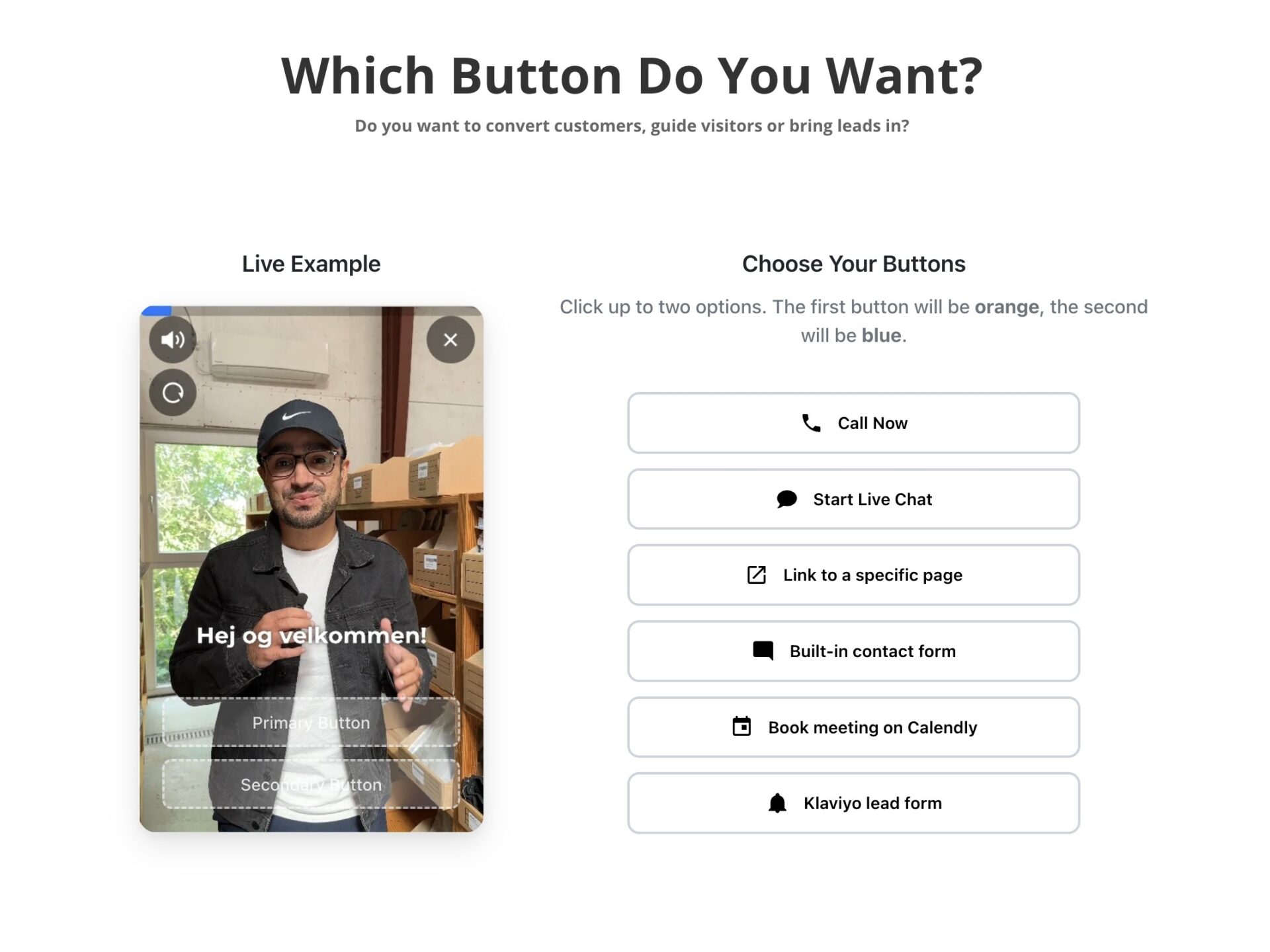
- Start by recording a short greeting, installing CompleteGreet through its plugin or embed, and adding a phone button or callback request action.
What does the data show about callback widget for website how to capture more phone leads?
A callback prompt gives visitors a way to ask for a phone conversation without leaving the page. To find out whether it brings in more leads, compare completed requests and qualified conversations with your existing contact options.
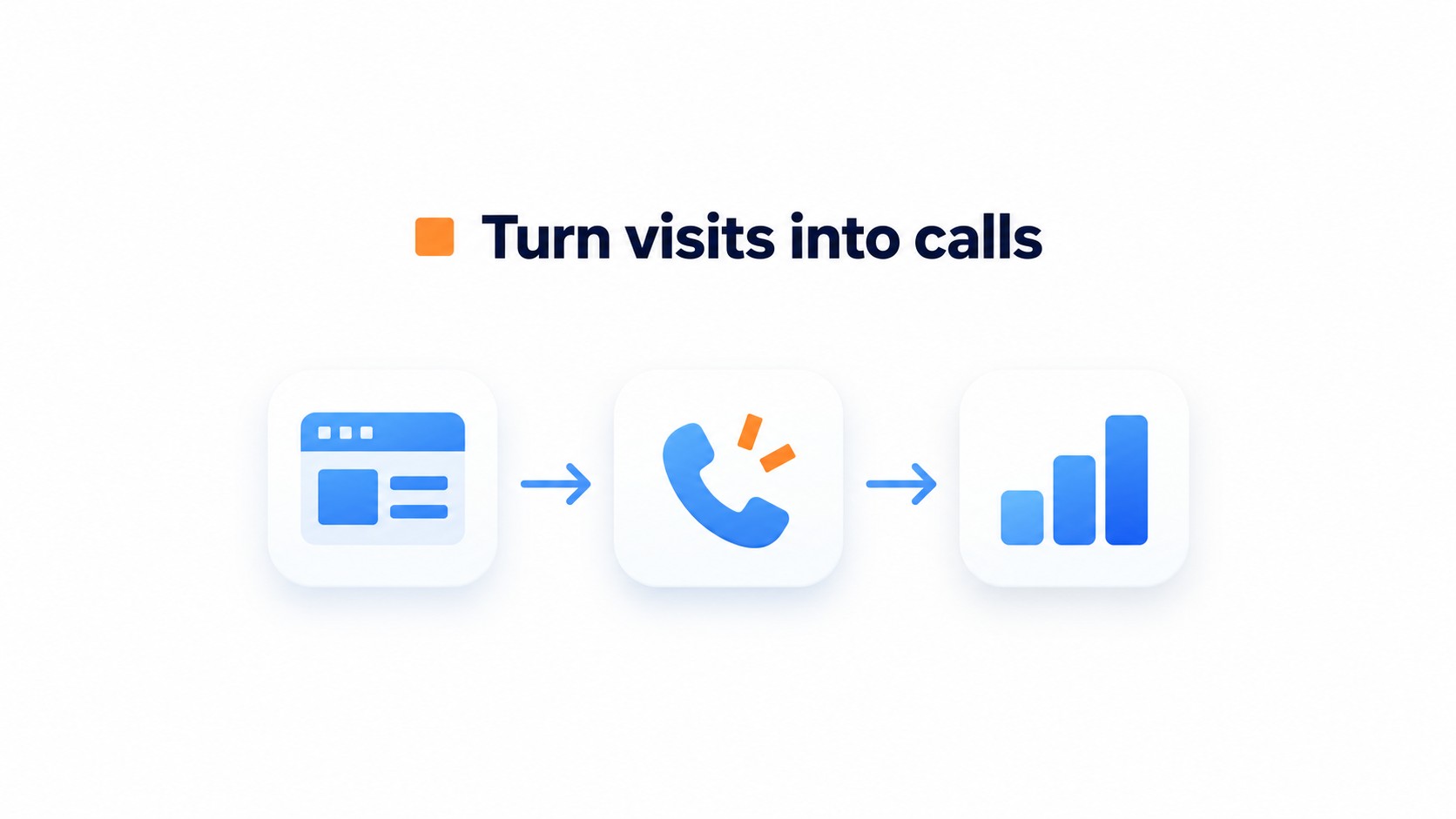
Some visitors would rather speak to someone than fill out a contact form.
A contact form works well for visitors who want to explain their needs in writing. A callback option gives those who prefer a conversation another way to contact you. Measure both options on your own site rather than assuming one will always perform better.
Where standard callback buttons fall short
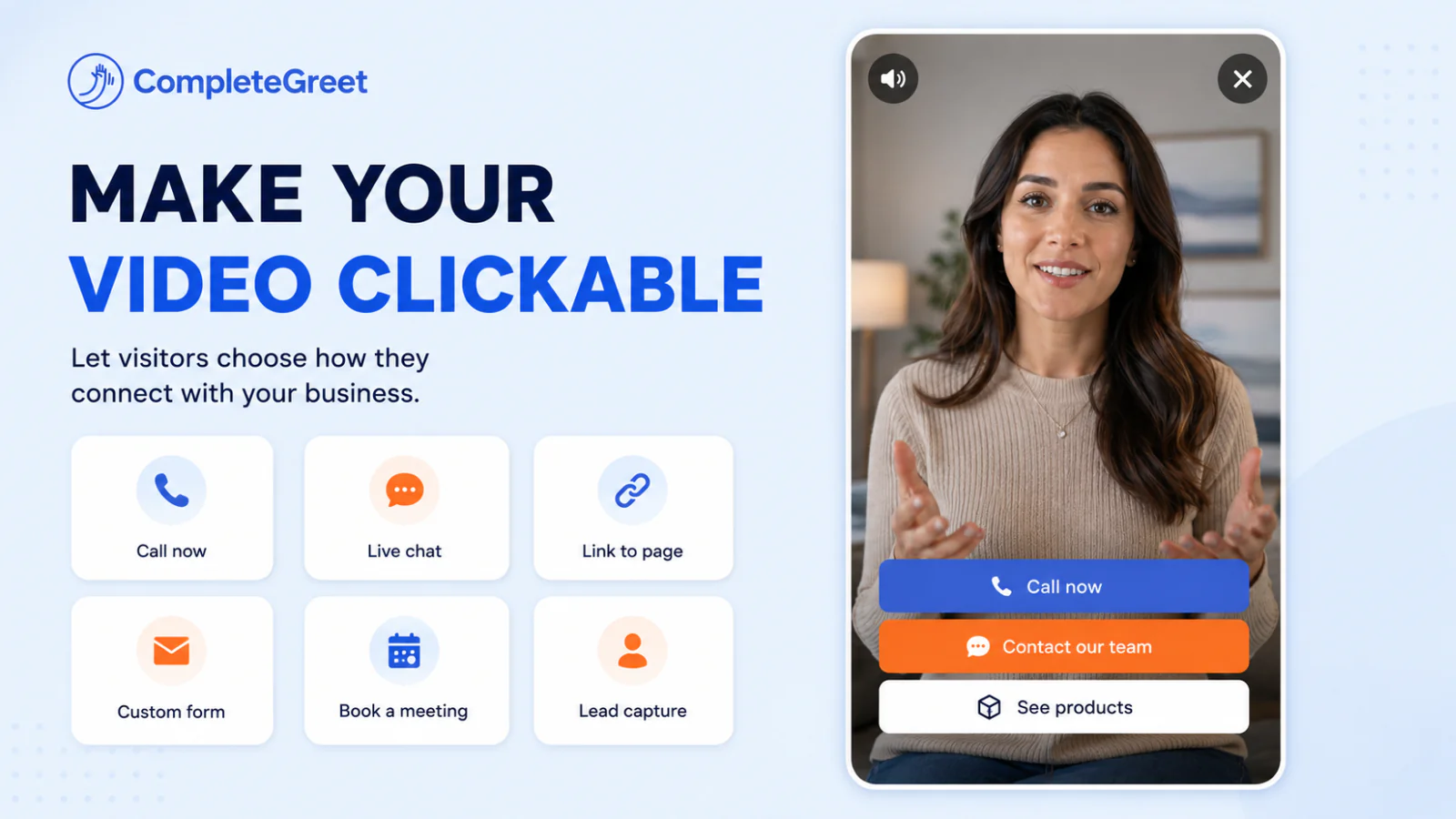
A phone icon tells visitors how to call, but it may not explain who will answer or what happens next. Use the greeting to introduce the person or team handling requests and explain when visitors can expect a response.
A short video greeting lets a team member explain what happens during the call before asking for contact details. You can see examples of businesses using CompleteGreet, but those examples do not establish a general conversion lift for callback prompts.
Avoid opening a callback prompt before visitors have had a chance to read the page. Test the timing on your site rather than treating a fixed delay as a guarantee of more leads.
Why does callback widget for website how to capture more phone leads matter for your bottom line?
A phone conversation gives visitors a chance to ask questions about your service or pricing. Offer it alongside a contact form so buyers can choose how they want to get in touch.
Track callback requests, answered calls and resulting bookings or sales separately. Our customer examples show different uses of website video, but do not substantiate a typical increase in phone inquiries or revenue.
Shortening the delay between intent and conversation
If your contact form needs several fields or your team cannot reply immediately, explain the expected response time. Visitors with urgent questions may prefer a direct phone option.
Make it clear when someone is available to answer.
When collecting phone numbers, explain how you will use them and identify the appropriate legal basis. The European Commission data protection guidance covers the relevant obligations. A consent checkbox alone does not make every use of contact details or tracking compliant.
Plan who will handle callback requests when staff are unavailable. Show realistic availability and use a follow up process your team can maintain.
How to set up your first video greeting
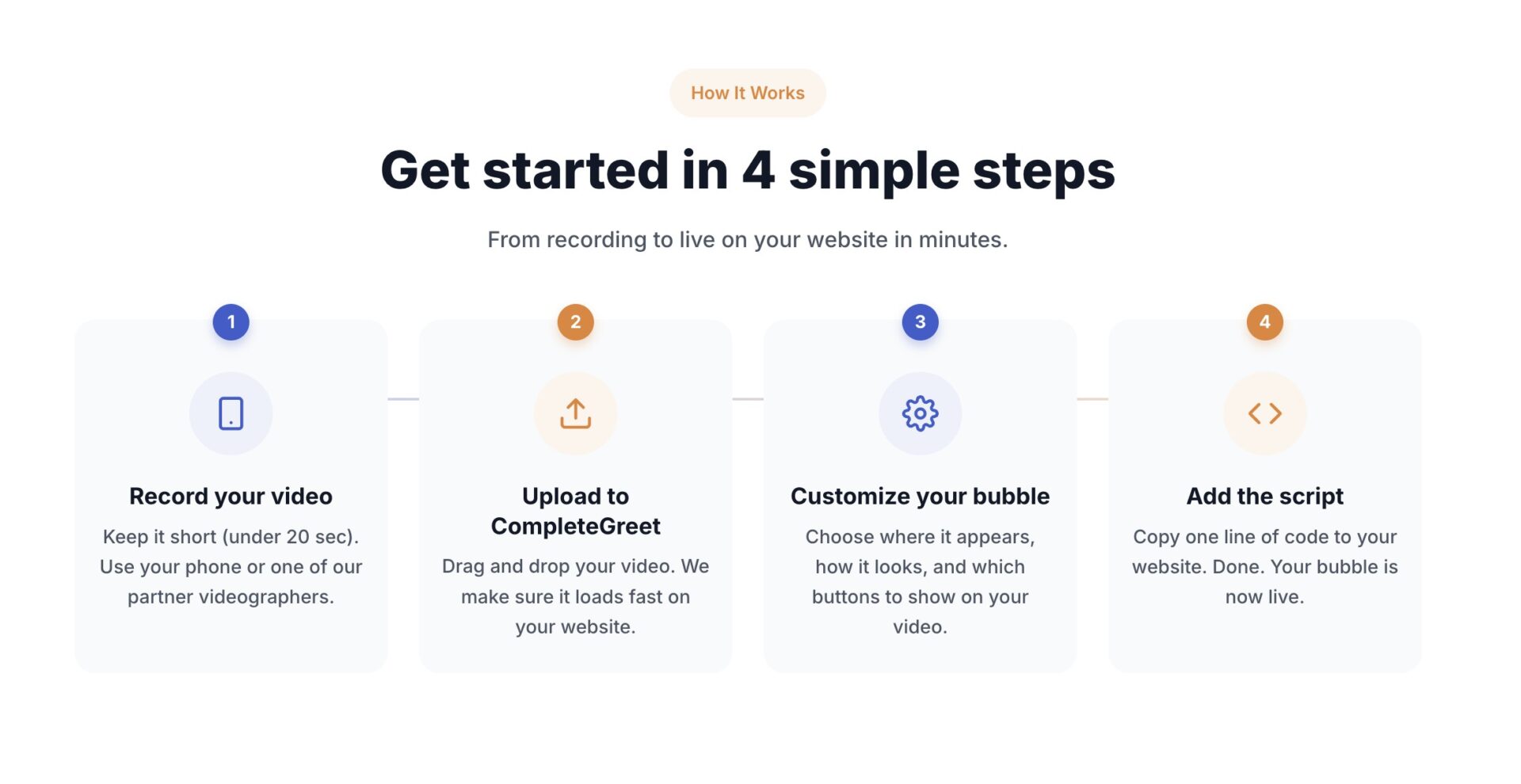
Start by recording a short greeting, installing CompleteGreet through its plugin or embed, and adding a phone button or callback request action.
Allow time to configure the action and test it on your website.
You do not need a studio to start. A clear smartphone recording at eye level can introduce your team and explain the next step.
What to say in your recording
Keep the script under twenty seconds. State your name, mention the exact issue visitors face on that specific page, and invite them to tap the phone button to talk directly. Scripting beyond forty words usually causes people to rush their speech or sound robotic.
Placement and conversion tracking
Position the bubble in the bottom right corner of desktop screens, but check the mobile display before publishing. Keep it clear of navigation bars and sticky cart buttons. NNGroup research on touch targets explains how small or closely spaced controls can cause tapping errors.
Adjust the position to leave room for any sticky mobile footer, then test it on different screen sizes. Connect the phone button to the number you want visitors to call, or use the callback action to collect a request. CompleteGreet tracks views, opens, clicks and form activity; a phone button click is not proof of a completed call.
A phone request tells you that a visitor wants a conversation. Whether it becomes a qualified lead or a sale depends on their needs and how your team handles the call.
Measure callback requests alongside response times and lead quality. These checks help you see where visitors or staff run into problems.
Measuring callback lead yield
Record how long visitors wait for a response and whether your team reaches them. Compare the results with your own service targets.
Evaluating callback performance requires measuring traffic flow against visitor dropoff points.
For a simple estimate of monthly callback requests, multiply unique visitors by the share who open the widget and then by the share of those visitors who submit a request. Use rates from the same period and keep repeated requests separate. Measure answered calls separately from submitted requests.
Load third party scripts asynchronously where appropriate, then measure the page with the widget enabled. Google Web Vitals guidance sets a good Largest Contentful Paint target of 2.5 seconds or less at the 75th percentile. Following the guidance does not guarantee that your page will meet that target.
A callback option lets visitors request a conversation instead of waiting for an email reply. Track response times alongside lead qualification to see whether your team can handle requests during busy periods.
Choose a response target your team can meet and check actual response times on your main landing pages. Tell visitors what to expect rather than promising an instant connection.
Common questions
How much does it cost to add a callback video widget to a website?
CompleteGreet BUILD is $29 per month when billed yearly, or $36 month to month, for 5,000 unique visitors per month, 1 website, and 2 bubbles or videos. CompleteGreet includes a 30 day free trial with no credit card required. The plan covers the website widget; check any separate phone service charges with your provider.
Does a callback widget capture more phone leads than a standard contact form?
A callback option may suit visitors who prefer a phone conversation, while a contact form suits those who want to write. We do not have substantiated evidence of a typical lead increase. Test both options and compare qualified leads rather than assuming callbacks always perform better.
How long does it take to install a callback widget on WordPress or Shopify?
Setup time depends on your website and the testing needed. Install CompleteGreet through its WordPress or Shopify integration, or use an embed on other platforms such as Wix, Squarespace, Webflow and custom HTML. You can manage videos and actions from the dashboard. Test the phone number or callback request before publishing.
Will adding a video callback widget slow down website loading speed?
Any added widget can affect page performance. Measure loading and interaction with the video widget enabled, particularly on mobile. Asynchronous loading can help avoid blocking page rendering, but it does not guarantee unchanged loading scores.
Can a video callback widget automatically route inbound calls to an entire call center team?
CompleteGreet provides a callback request action where visitors can enter a phone number and choose a preferred time. That is different from automatically dialing and distributing calls to a call center. Check your phone system and lead delivery setup if you need call queues or team routing.
Where should a service business place a callback widget on their website for maximum conversions?
Start with pages where visitors are likely to have specific questions, such as pricing and service pages. CompleteGreet page targeting lets you choose where the prompt appears. Compare qualified callback requests by page to find useful placements for your business.